
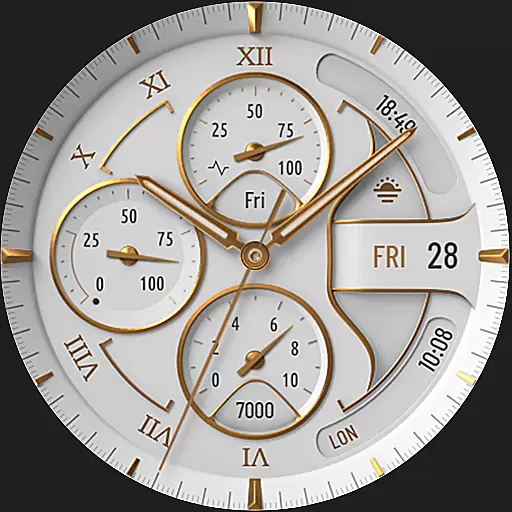
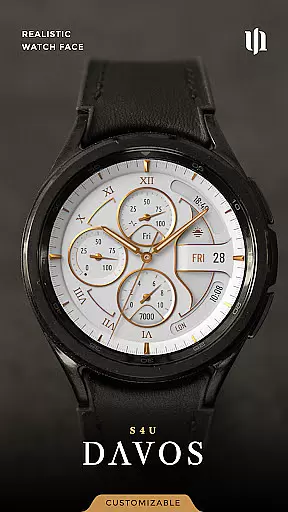
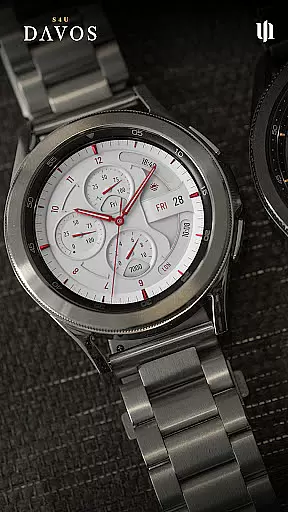
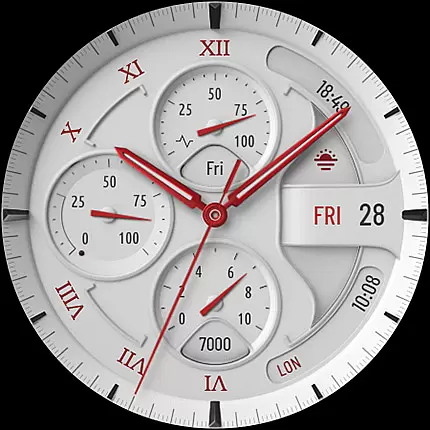
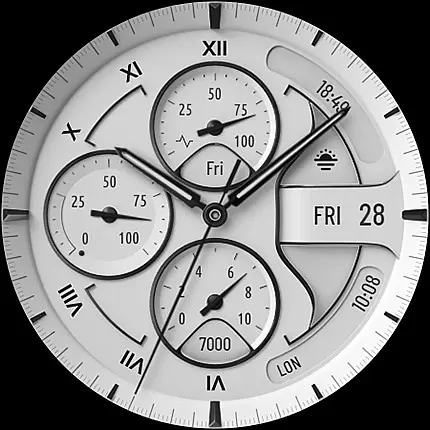
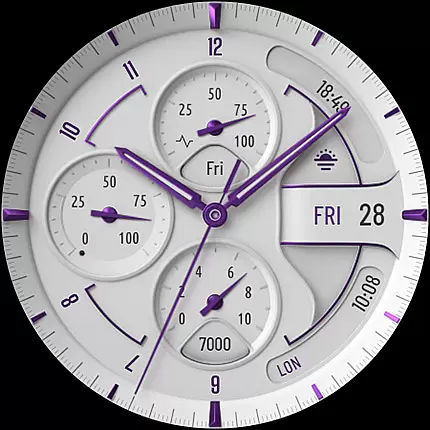
S4U Davos is a premium Wear OS watch face designed for smartwatches running Wear OS 4 or higher. It combines luxury and functionality, featuring a classic white analog dial with customizable options to suit individual preferences. Compatible devices include Samsung Galaxy Watches, Google Pixel Watches, and other Wear OS 4+ smartwatches.
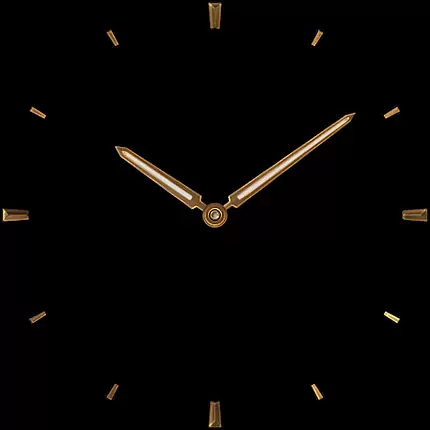
With its elegant design and advanced features, S4U Davos offers users the ability to personalize their watch faces while maintaining optimal performance. The inclusion of an Always-On Display (AOD) ensures continuous timekeeping, adapting seamlessly to ambient light conditions.
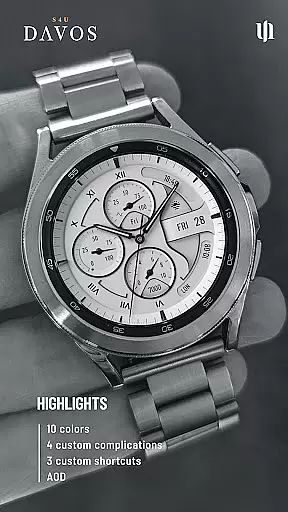
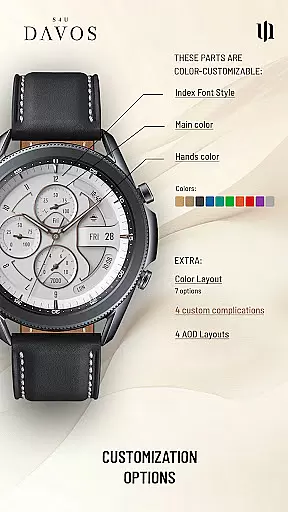
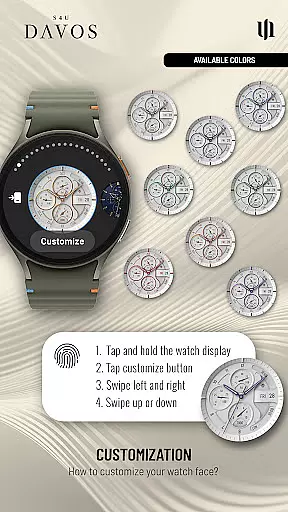
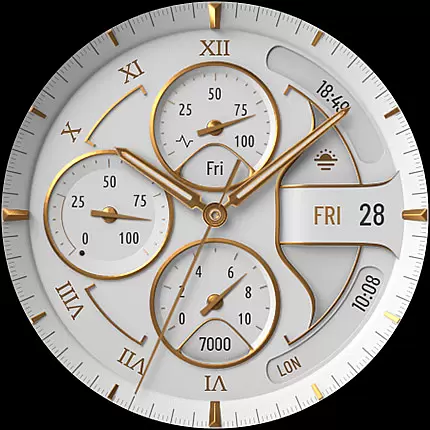
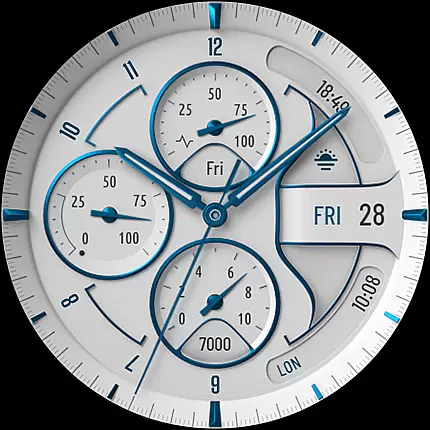
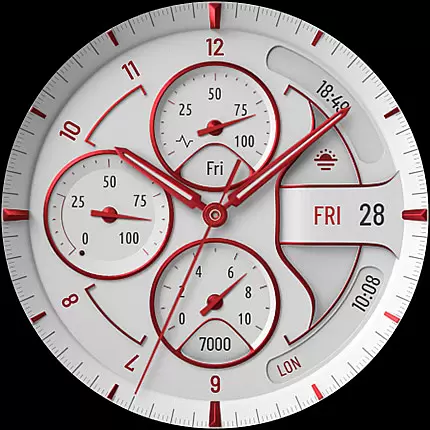
The S4U Davos watch face stands out with its beautifully realistic white analog dial and extensive customization capabilities. Users can choose from multiple dial colors, hands colors, secondary colors, color layouts, index font styles, and AOD layouts, allowing for a truly personalized experience.
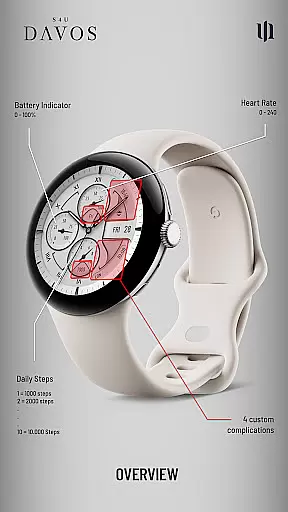
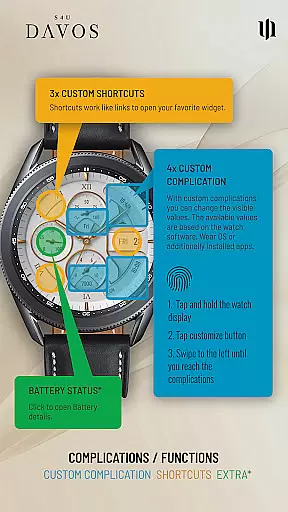
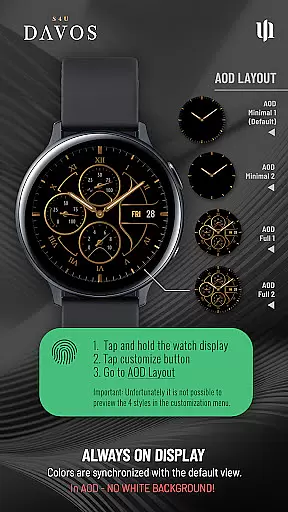
Functionality is enhanced through 4 editable complications and 3 app shortcuts, enabling quick access to favorite widgets and user-defined data display. The AOD feature includes four layout options, ensuring visibility even in low-light environments while conserving battery life based on smartwatch settings.
These features collectively provide a versatile and stylish solution for users seeking both aesthetics and practicality in their Wear OS devices.
Companion app integration is essential for a seamless Wear OS experience. S4U Davos ensures that users can easily manage their watch face settings through its dedicated companion app. This app serves as the control center where users can access all customization options, resolve installation issues, and optimize their watch's performance.
The companion app provided with S4U Davos allows users to customize various elements of the watch face with ease. By following simple steps, users can personalize their watch face by adjusting colors, complications, and shortcuts. The intuitive interface of the companion app makes it easy even for beginners to tailor their smartwatch to their preferences.
For troubleshooting, the companion app offers an Install/Issues section that guides users through common problems. If further assistance is needed, users can directly reach out via email for support. This comprehensive support system enhances user satisfaction and ensures that any compatibility or functionality issues are swiftly addressed.
Device compatibility is crucial for ensuring that the S4U Davos watch face functions optimally on supported devices. This Wear OS watch face is designed to work seamlessly on smartwatches running Wear OS 4 or higher (Wear OS API 33+), including popular models like Samsung Galaxy Watch series, Google Pixel Watch series, and other Wear OS 4+ smartwatches.
S4U Davos takes full advantage of the advanced features available in the latest Wear OS versions. Users can enjoy a wide range of customizable options, including multiple dial colors, editable complications, and always-on display settings. These features are specifically optimized for compatible devices, providing a smooth and responsive user experience.
Ensuring broad device compatibility not only expands the potential user base but also guarantees that all users receive consistent performance. Whether you own a Samsung Galaxy Watch or a Google Pixel Watch, S4U Davos delivers a premium and tailored experience that meets the high standards expected from modern smartwatches.
Highly customizable
Compatible with Wear OS 4+
Elegant design
Always-On Display
User-friendly interface
Limited to Wear OS 4+
Battery consumption
Complex setup
Premium cost
Device-specific
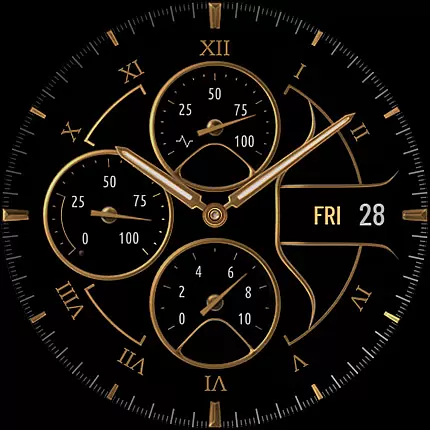

WTW M17 is a premium and luxurious hybrid watch face
 4.70
4.70
Highly customizable hybrid watch face for Wear OS, perfect for everyday use.
4.60
Wear Os Watch Face - Animated Snow - Sesonal for Christmas & Winter
4.3
Wear Os Watch Face - Animated Snow Effect & Magic Spark - 6 Scenes
4.10
The ultimate destination for kids ages 3-8 to explore the Marvel Universe!
4.30
Real-time weather radar with temperatures, warnings, hurricanes, and widgets
4.80
Stylish, Energizing and Modern Watch Face crafted by Dominus Mathias.
4.50
A modern hybrid informative watch face for Wear OS designed by BALLOZI
4.80
Back up your contacts & access them anywhere
4.30
Digital, flexibly customizable watch face. For Wear OS 5.0, API 34+ and later.
5.00
Diet tracker for weight loss - track calories, food and macros. Simple and easy!
4.70
Hybrid watch face for Wear OS with customizable complications by Matteo Dini MD
4.70
Animated video-game inspired “secret agent” simulation, right on your wrist!
4.20
The #1 source of faces for your smartwatch!
4.00
Professional weather radar and more
3.90
A watch face that fuses motorsport precision with contemporary smartwatch design
4.0
Contemporary digital watch face with five complications
4.4
3 Complications. All shadow on/off. 30 Themes color palette...
4.1
Funny animated watch face for Thanksgiving
4.3

User Reviews