

Photoroom AI Photo Editor is a powerful photography app designed to help users create professional-quality images with ease. Using advanced AI technology, the app allows you to design, edit, erase, and replace backgrounds in photos effortlessly. Whether you're an e-commerce seller, content creator, or social media manager, Photoroom provides tools that elevate your brand and boost engagement.
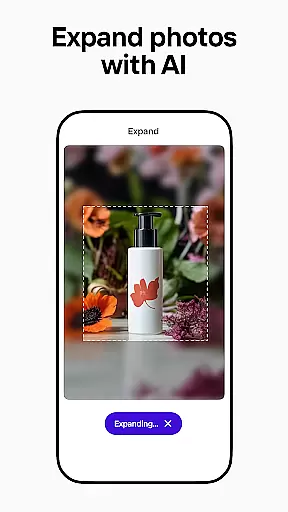
The app offers features such as AI-powered design assistance, background removal and replacement, enhanced photo editing, and batch processing for multiple images. These capabilities ensure that users can produce polished visuals optimized for platforms like Instagram, Facebook, Amazon, and more. With its intuitive interface and pro-level results, Photoroom makes high-quality photo editing accessible to everyone.
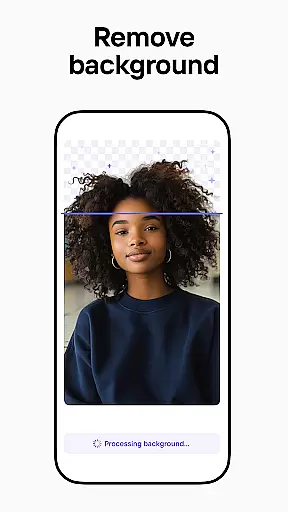
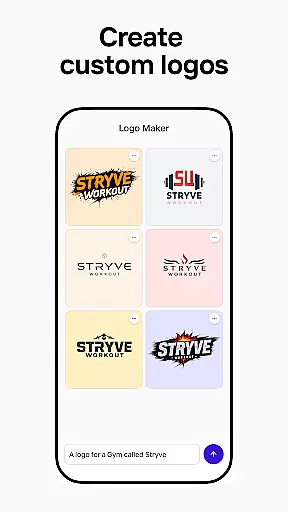
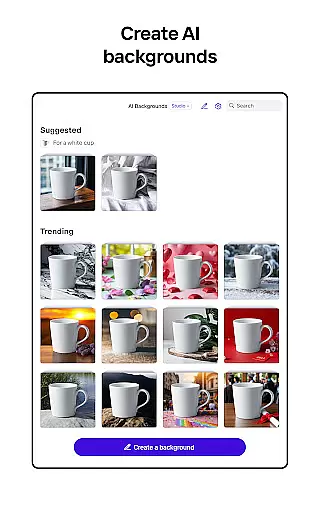
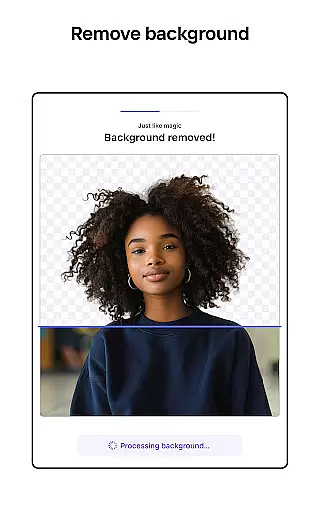
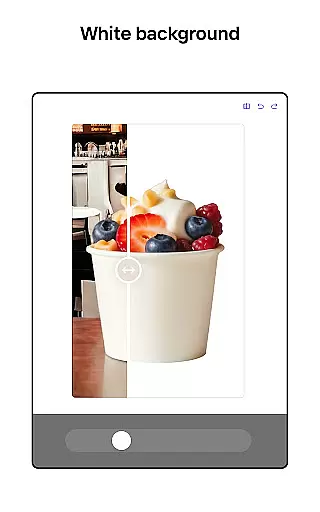
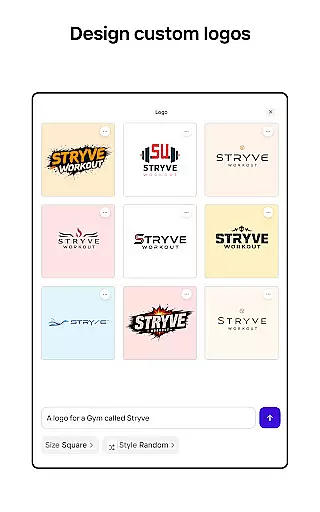
Photoroom stands out with its comprehensive suite of AI-driven photo editing tools. The app's AI-powered design feature lets users generate professional designs by simply describing their ideas, saving significant time on creating backgrounds, logos, and other visual elements. Its smart background removal and replacement tool allows users to erase unwanted objects and distractions while enhancing product photos with realistic virtual models or staged scenes.
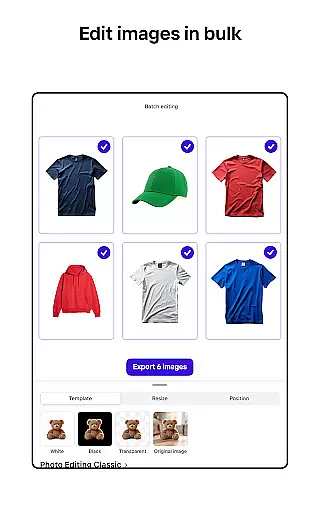
In addition to these core functionalities, Photoroom supports batch editing, making it ideal for e-commerce sellers who need to process multiple images efficiently. Users can also build custom brand kits to maintain consistency across designs. The app includes collaboration features, enabling teams to work together in real-time, and offers platform-specific templates to optimize images for various social media channels. These robust features make Photoroom an indispensable tool for anyone looking to create standout visuals.
Real-time capture and preview functionality is essential for ensuring that every photo taken meets professional standards. With Photoroom AI Photo Editor, users can instantly see the results of their edits as they make them, providing immediate feedback on changes to backgrounds or object removals.
This application leverages advanced AI technology to allow users to modify images in real time, whether it's adjusting lighting, erasing unwanted objects, or replacing backgrounds. The immediacy of these adjustments ensures that users can fine-tune their images until they achieve the desired effect without any guesswork.
The benefit of this feature is significant for e-commerce sellers and content creators who need to produce high-quality visuals quickly. Real-time previews save time by eliminating the need for trial and error, allowing users to focus on creating engaging content that drives sales and boosts engagement across platforms like Instagram, Facebook, and Amazon.
Ultimately, the real-time capture and preview capabilities of Photoroom empower users to create polished, professional images that elevate their brand. This feature not only enhances productivity but also ensures that all visual content aligns with brand standards, making it an invaluable tool for anyone looking to improve their digital presence.
AI beauty and enhancement features are revolutionizing the way we approach photo editing by offering natural-looking improvements that preserve the authenticity of the original image. Photoroom AI Photo Editor stands out in this regard, providing tools that enhance photos while maintaining their genuine appeal.
Using sophisticated algorithms, Photoroom allows users to erase imperfections, adjust lighting, and refine details in a way that looks completely natural. Unlike traditional filters that can often appear artificial, Photoroomu2019s enhancements blend seamlessly with the original photo, ensuring that edits are subtle yet impactful.
For social media managers and freelancers, this means being able to deliver images that captivate audiences without appearing overly edited. The ability to beautify images naturally helps maintain viewer trust and engagement, which is crucial for building a loyal following on platforms such as YouTube and Depop.
In summary, Photoroomu2019s AI beauty and enhancement features offer a powerful solution for anyone seeking to improve their photos while keeping them grounded in reality. By prioritizing naturalness, Photoroom ensures that every edit enhances the story behind the image, making it an indispensable asset for modern digital storytellers.
AI-powered design
Effortless background removal
Batch editing support
Real-time collaboration
Platform-specific optimization
Premium features locked
Subscription required
Limited free exports
Advanced tools costly
Occasional glitches








Gallery show photo, video, slideshow, is perfect 3D effect private photo albums.
 4.80
4.80
Cut and paste photo editor & eraser to customize photos easy and swap faces fun
4.50
Virtual makeup, hair filters & body tuner—edit from face to full body!
4.20
Cartoon and artistic effects for your photos and videos
4.70
Light-weight Media Gallery app for Android made with Jetpack Compose
4.60
Collage your moments in one tap: 1000+ layouts, filters, stickers, and texts.
4.90
Easily create custom gifts, cards, photo books & more on the Shutterfly app!
4.60
live datamoshing
4.00
PhotoSync Bundle Add-On License. Enables all features and services in PhotoSync.
4.60
Find time and duration of different sunlight phases at any location
4.90
Pro version: AR sun/moon tracker for any date. Tool for photographers & planners
4.90
1M influencer's special filter
4.60
Viewfinder, Light meter, Reciprocity failure time, DOF & Bellows Extension
4.60
Create collages easily! Nice pic collage maker & background eraser for Instagram
4.50
Future baby face generator: AI kids generator, kid face! What my baby look like?
4.40
Natural Beauty, Selfie Retouch
4.30
Luminar: Photo Editor - easy picture editing with AI
4.20
Turn photos into cartoons & avatars! - Photo Editor, Cartoon Face!
3.90
USB Storage Access for Photos, Videos, Music and Documents
3.80


User Reviews