

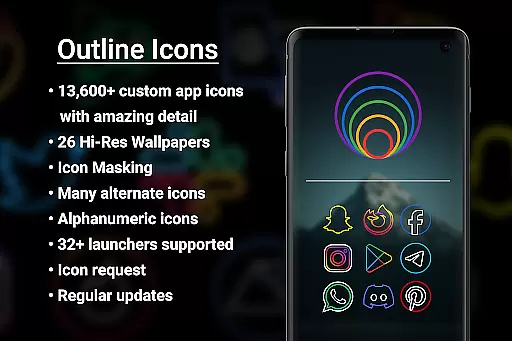
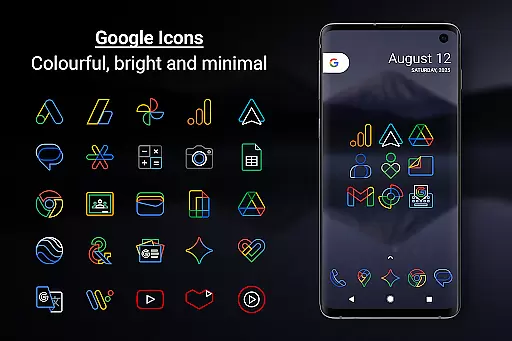
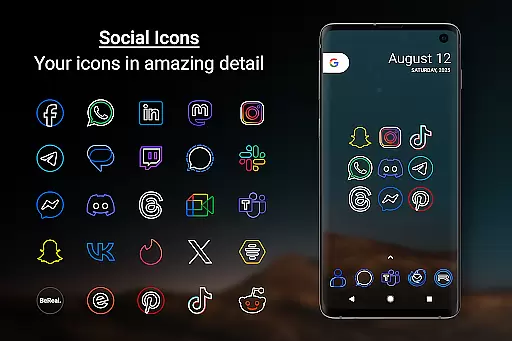
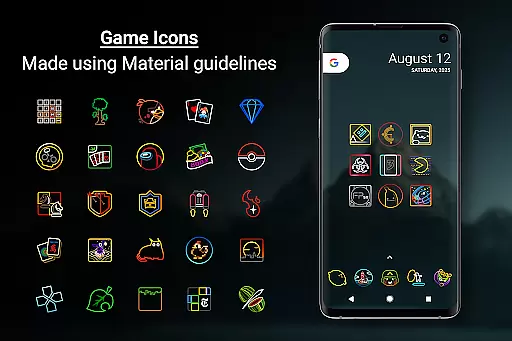
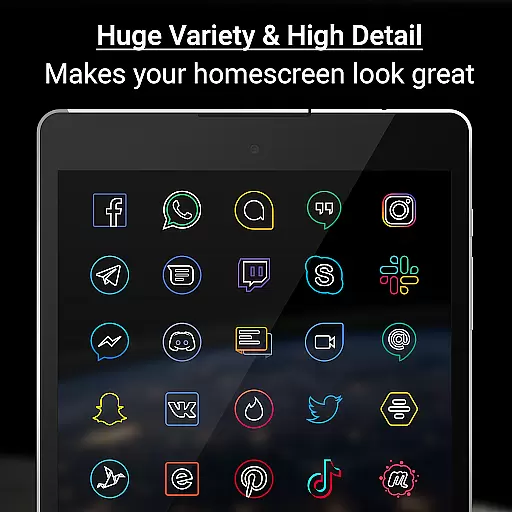
Outline Icons is a premium icon pack that transforms your home screen with an innovative outline design. Featuring over 13,600 handcrafted HD icons in bright colors and precise details, it meets material design standards while offering unique customization options.
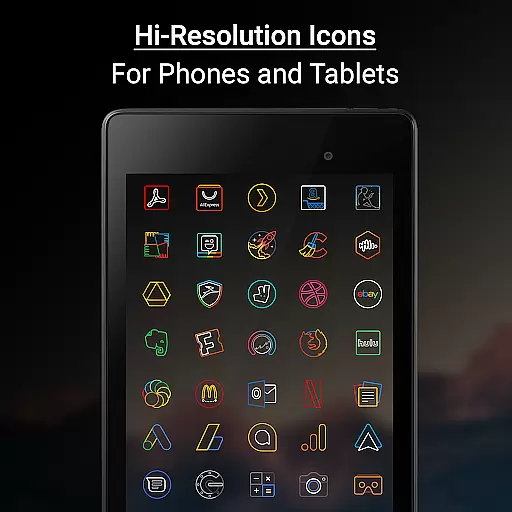
The icon pack supports 32+ launchers including Nova, Samsung, and Google launchers. It includes dynamic calendar support, category folders, alphabet icons in multiple colors, and 26 high-resolution wallpapers that complement the minimal icon style. Each icon is meticulously designed at 192x192 pixels (xxxhdpi) resolution for optimal display on both phones and tablets.
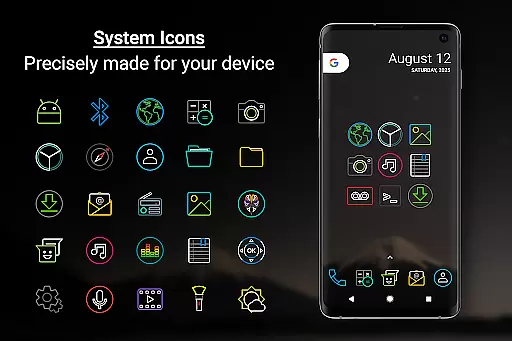
Outline Icons stands out through its commitment to quality and regular updates. The pack offers features like icon masking for unthemed icons, alternate color system icons, and a robust icon request system. Whether you're using AMOLED displays or standard screens, these clean and colorful icons will enhance your device's appearance without any ads to disrupt your experience.
Outline Icons distinguishes itself through its extensive feature set tailored for customization enthusiasts. The pack includes over 13,600 handcrafted HD icons, each created with meticulous attention to detail at 192x192 pixel resolution (xxxhdpi), ensuring sharpness across devices.
Beyond its core icon collection, Outline Icons offers advanced functionalities like dynamic calendar support for multiple calendar apps, icon masking for unthemed icons, and category folders in various colors. The inclusion of alphanumeric icons in ten different colors and 26 royalty-free high-resolution wallpapers provides users with comprehensive customization options.
What sets Outline Icons apart is its commitment to user satisfaction through regular updates and responsive support. The premium icon request feature allows users to fast-track their requests, while compatibility with 32+ launchers makes it versatile for different device configurations. Additional features like alternate color system icons and AMOLED-friendly designs demonstrate the pack's attention to modern display technologies and user preferences.
Outline Icons offers an extensive range of customization options that cater to personal preferences and device aesthetics. With over 13,600 hand-crafted HD icons, users can transform their home screens into a visually cohesive space. The icon pack supports more than 32 launchers, ensuring compatibility across various devices and operating systems.
The inclusion of features such as Icon Masking for unthemed icons and Dynamic Calendar support provides additional layers of personalization. Users can enjoy not only static but also dynamic changes in their interface, keeping it fresh and engaging. Moreover, the availability of Category Folders in different colors and Alphabet icons in ten distinct hues allows for organized yet colorful home screen setups.
For those seeking further uniqueness, Outline Icons presents Alternate Colors for system icons, offering a variety of color schemes to match individual tastes or current trends. This level of detail ensures that each user's experience is tailored specifically to their liking, enhancing both functionality and visual appeal.
Theme compatibility is a crucial aspect of any icon pack, and Outline Icons excels in this area by providing seamless integration with numerous launchers. Whether you're using popular options like Nova Launcher or niche ones such as Posidon Launcher, these icons are designed to work harmoniously within your chosen environment. For Samsung users, the Theme Park app facilitates easy application on OneUI launchers without needing third-party software.
In addition to supporting a wide array of launchers, Outline Icons includes high-resolution wallpapers that complement its minimalistic style. These wallpapers enhance the overall aesthetic when paired with the clean lines and vibrant colors of the icons themselves. Such thoughtful design guarantees a polished look regardless of which launcher or wallpaper combination you prefer.
Furthermore, regular updates ensure ongoing compatibility with new devices and launcher versions while introducing fresh content through added icons and wallpapers. By maintaining up-to-date standards and continuously expanding its library, Outline Icons remains relevant and functional across evolving digital landscapes, making it an ideal choice for tech-savvy individuals who value both form and function in their mobile interfaces.
Extensive icon library
Vibrant color palette
Precise design details
Regular updates
No advertisements
Requires compatible launcher
Premium features cost extra
Some icons may be missing
Not all launchers supported
Manual application needed



Shimeji adds cute animated characters to your screen, lively and fun.
 4.70
4.70 4.50
4.50
⭐ OneUI inspired Fluffy Icon Pack – Soft. Stylish. Standout. ⭐
4.0
Customize your home screen with stunning themes, blur, widgets & icons.
4.60
400+ Beautifully crafted widgets inspired by NOTHING.
4.70
350+ widgets with a premium glass-style finish, perfect for home & lock screens.
4.70
Create unique, fun emojis with Funny Emoji Maker! Unlimited creativity!
4.00
Customize phone with anime themes, 3D icons, aesthetic widgets & wallpapers
4.80
Cool custom fonts & keyboard themes! Symbols & font changer for Instagram
4.50
300+ Stunning and well-designed widgets inspired by NOTHING.
4.70
Icons made of colorful linear lines
4.60
Zip lock screen with magic wallpaper to decorate your phone with fun zipper lock
4.60
Choose your keyboard with RGB colors effect, themes, fonts, emojis.
4.60
Beautiful realistic hybrid watch face with numerous customization options.
4.50
Your home screen, just the way you like it.
4.30
Wear Os Watch Face - Seasonal - Animated Snow Effect - 9 Animals
4.20
Adult video chat, dating, making friends, random matching
4.20
Realistic animated snow on your wrist, with 10 images landscapes to choose from
4.00
Interactive Miniature Painting Catalogue
3.30

User Reviews