

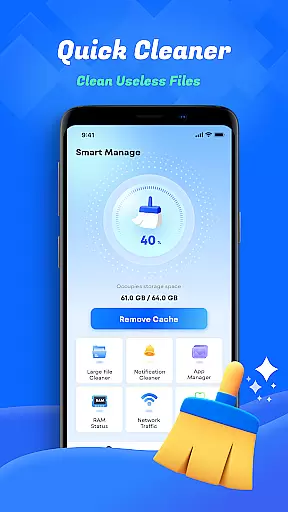
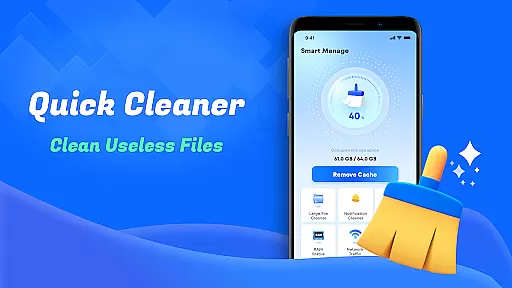
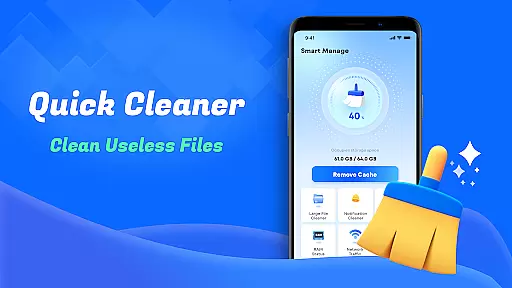
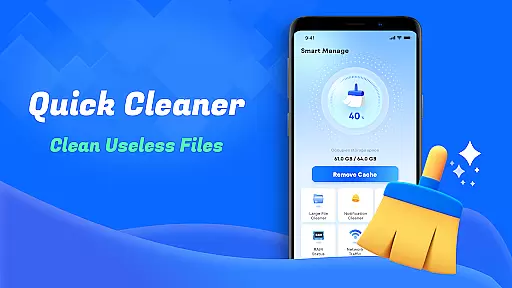
Smart Cleaner is a comprehensive phone cleaning tool designed to optimize device performance through efficient file management. The app specializes in removing unnecessary files, large files, and redundant screenshots while offering advanced features like similar photo detection and deletion.
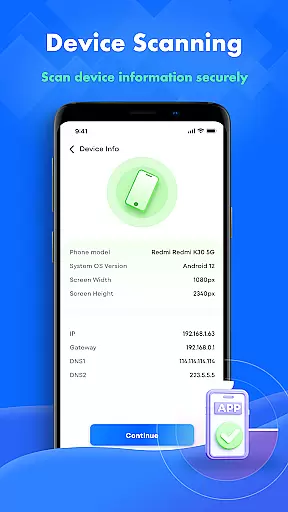
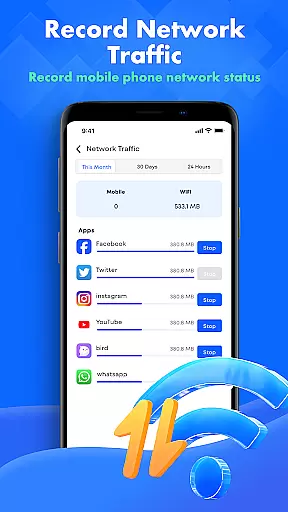
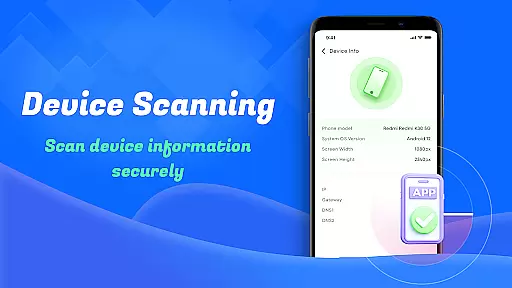
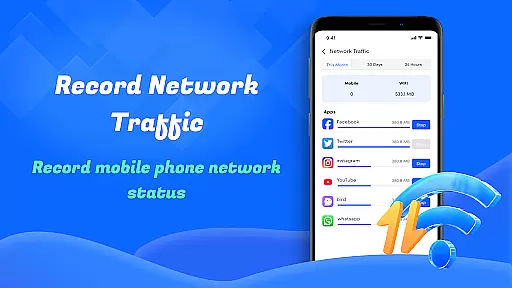
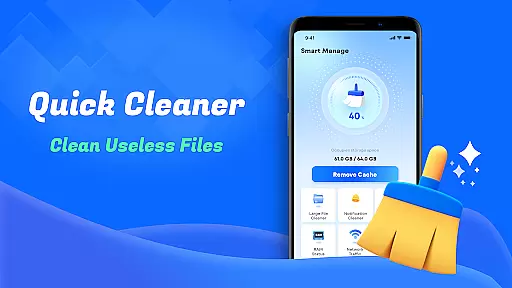
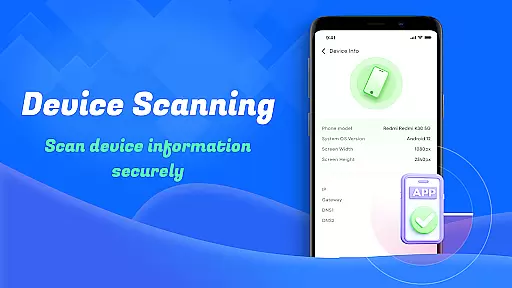
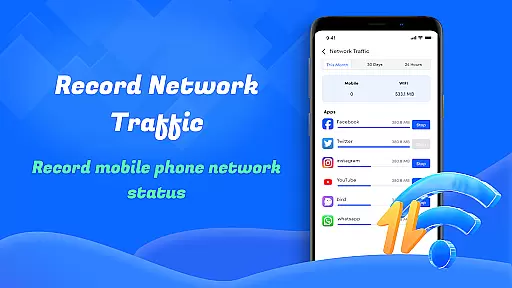
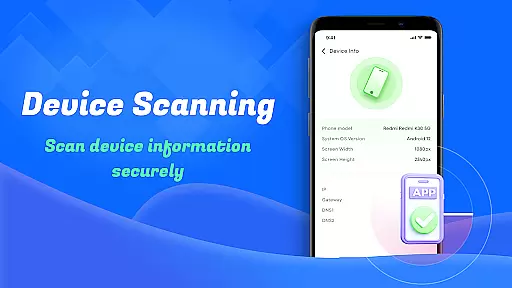
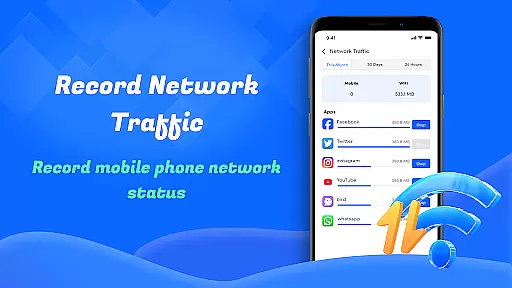
With an intuitive user interface, Smart Cleaner makes it easy for users to reclaim valuable storage space with just one click. Additionally, the app provides detailed device information, including status and performance metrics, as well as network usage analysis to help manage data traffic effectively.
Whether you're looking to declutter your device or monitor its health, Smart Cleaner offers practical tools that cater to both casual users and those seeking more control over their device's storage and performance.
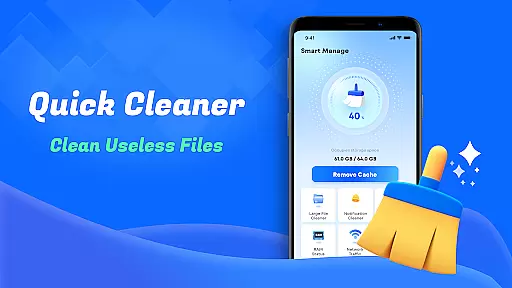
Smart Cleaner stands out with its diverse range of practical features tailored for device optimization. One key feature is the Unnecessary Files Cleanup tool, which scans and removes unwanted files, freeing up space efficiently.
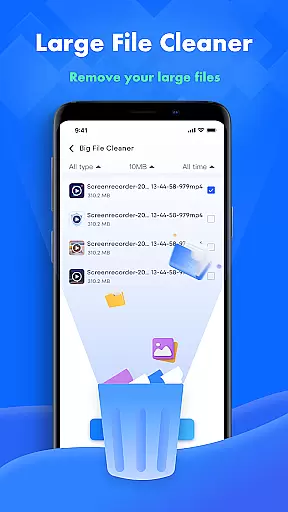
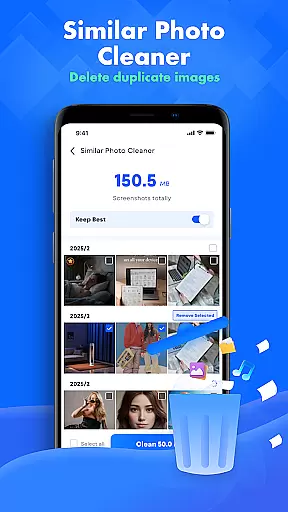
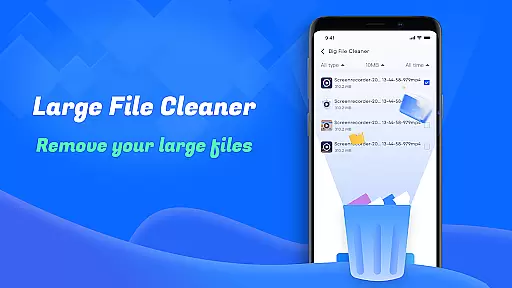
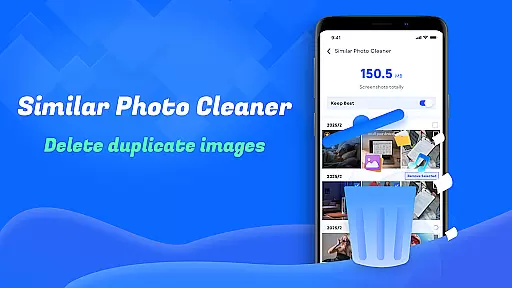
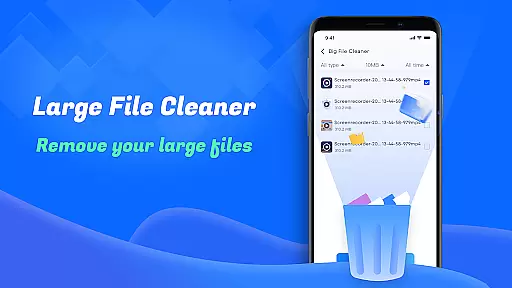
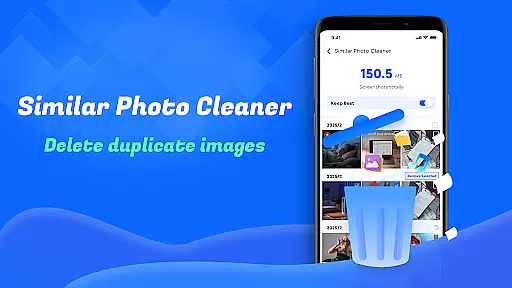
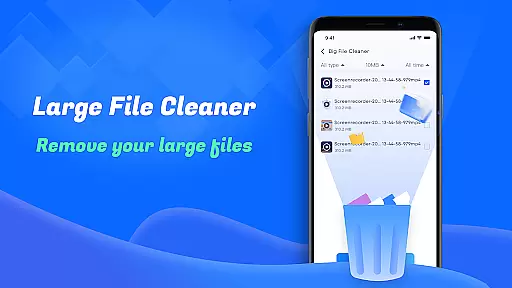
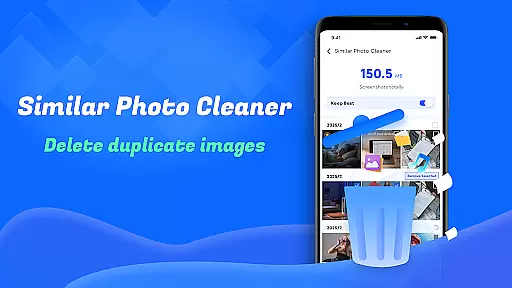
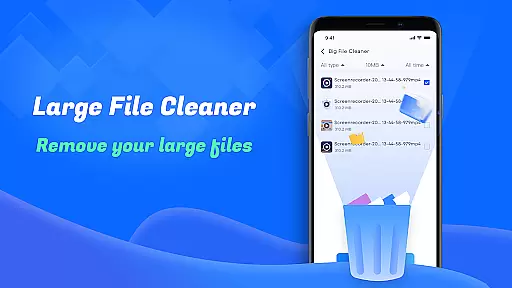
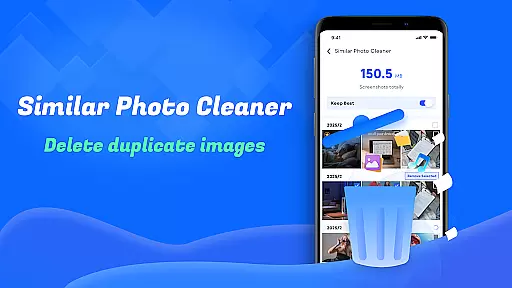
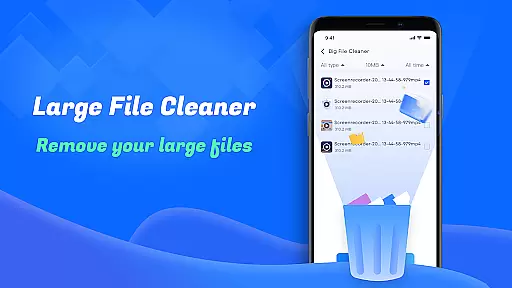
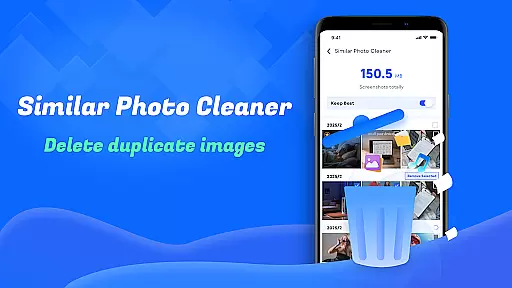
The app also includes a Large File Cleanup option, allowing users to locate and delete bulky files that consume significant storage. Another innovative feature is Similar Photos, which identifies duplicate or near-identical images, helping maintain a tidy photo library.
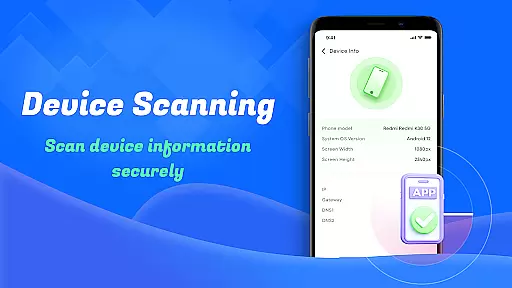
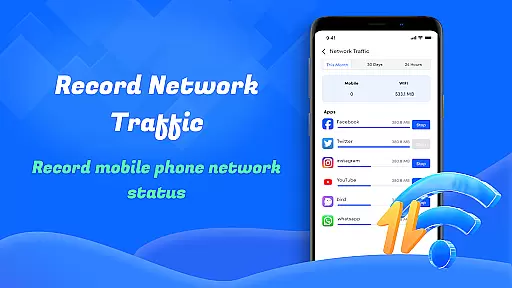
Other notable functionalities include Screenshot Cleanup, Device Info Check, and Network Usage monitoring. These features collectively ensure that users can not only clean their devices but also stay informed about their device’s performance and data consumption patterns.
Smart Cleaner stands out for its precision in identifying and removing unnecessary files from your device. The app employs advanced algorithms to scan your storage thoroughly, ensuring that only the redundant files are targeted while safeguarding important data.
The Large File Cleanup feature is particularly effective, allowing users to pinpoint sizable files that may be occupying valuable space. By presenting these files with clear options for removal, Smart Cleaner empowers users to make informed decisions about their storage management.
Additionally, the Similar Photos functionality uses intelligent recognition to detect duplicate images, enabling users to declutter their photo galleries efficiently. This not only optimizes device performance but also enhances user experience by maintaining an organized digital environment.
One of the defining characteristics of Smart Cleaner is its commitment to providing a seamless user experience through an intuitive interface. Upon launching the app, users are greeted with a clean and straightforward layout that prioritizes ease of navigation.
Each feature is represented by clear icons and labels, making it simple even for novice users to understand and utilize the app's capabilities. Whether it's cleaning up screenshots or monitoring network usage, every tool is just a tap away.
This focus on simplicity extends to the execution of tasks as well; operations such as scanning and clearing are performed in real-time with progress displayed prominently. Such transparency reassures users and contributes to a stress-free cleaning process.
User-friendly interface
One-click cleaning solution
Effective storage management
Detailed device analytics
Network usage insights
Limited advanced options
No cloud backup integration
Basic design aesthetics
Occasional slow scans
Permission requirements

 4.10
4.10
pdf merge, word to pdf, jpg to pdf, edit pdf, convert to pdf and much more!
4.20
Unit and currency converter with easy and simple UI.
4.80
Clean the junk files on your device
3.40
card-reader app
2.20
Create your own live wallpaper or check out thousands already made presets
3.90
Smart and comfortable browsing experience.
3.80
NFC Tools can read and write NFC tags.
4.70
Enhance your Beats
3.70
Monitor car performance in real time and troubleshoot malfunctions.
4.80
ADB support Android 4.X-Android 13(Support wireless pair mode).No root required!
4.70
Small and simple app to Verify Root Access and BusyBox Install!
4.70
The one-and-only remote control for PC, Mac, and Linux
4.70
Connect instantly to a fast, encrypted VPN with one tap
4.60
HD Video player and downloader for all formats, fast & smooth 4K video playback.
4.60
Planner and Tracker for Stardew Valley
4.60
An easy-to-use calculator designed to save time calculating and bending conduit
4.30
Undelete and recover your lost or deleted files with DiskDigger!
3.40
Transfer Files, APK from Phone to Watch & Install.
4.0

User Reviews