

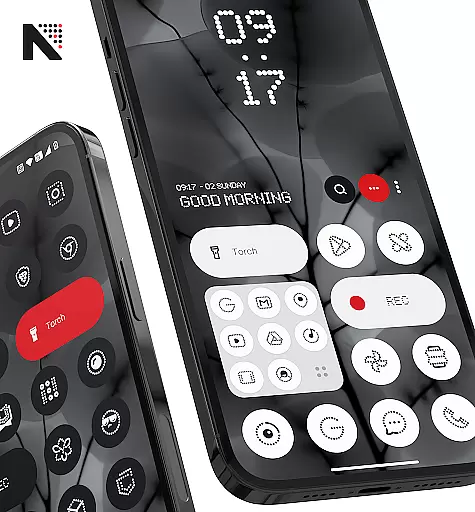
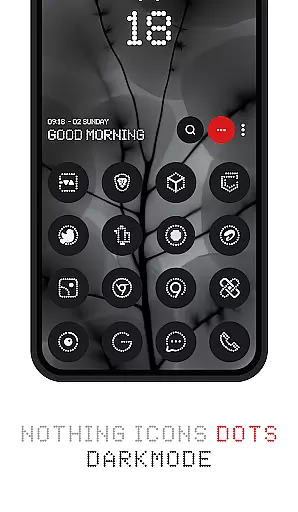
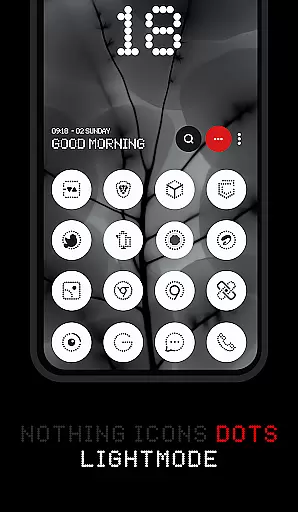
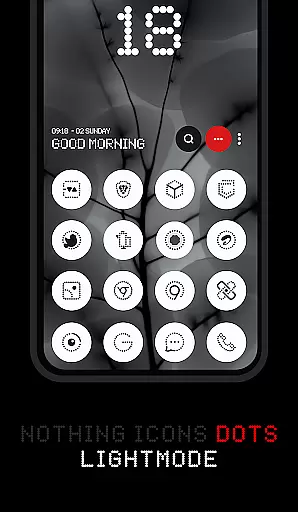
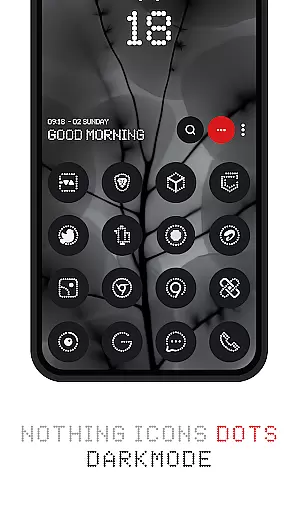
Dots : Adaptive Icon pack is a premium icon pack that combines minimalist design with adaptive functionality. The icons feature a distinctive dot design inspired by the Nothing Brand, using white color accents that adapt to the original app icons. This creates a cohesive and visually appealing home screen experience.
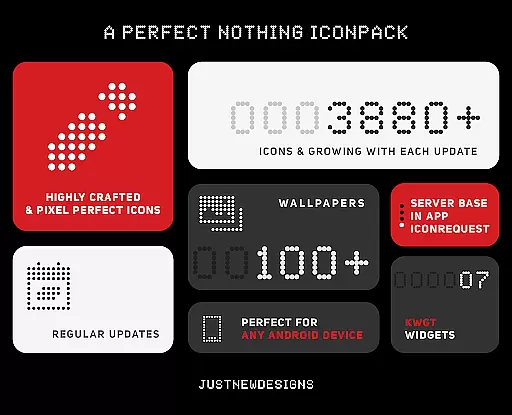
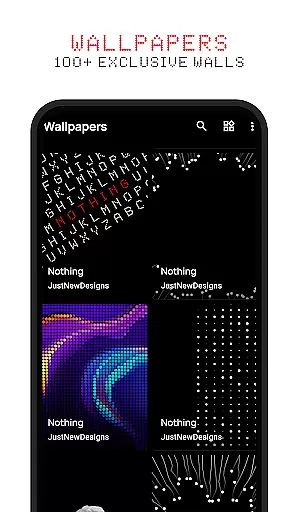
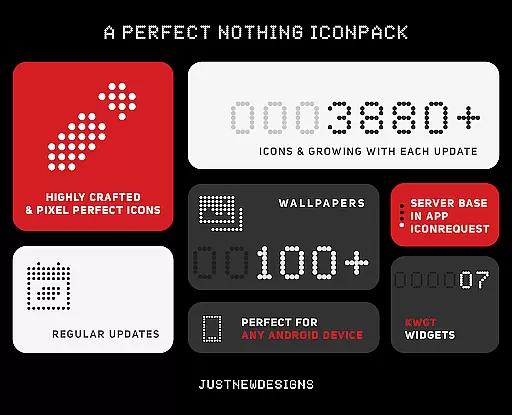
With support for both dark and light themes, the icon colors dynamically adjust based on your device's theme settings. The pack includes over 3000 meticulously designed icons that work seamlessly with various launchers supporting adaptive icon shapes. Additionally, users can choose from 100+ matching wallpapers, specially crafted to complement the icon design.
This icon pack is particularly suitable for users who appreciate dark-themed aesthetics and AMOLED display optimization. Whether you're looking to refresh your device's appearance or seeking perfect icon consistency, Dots offers a complete customization solution.
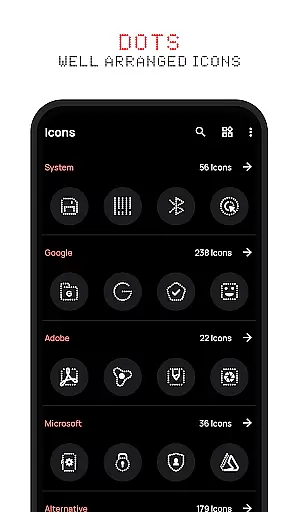
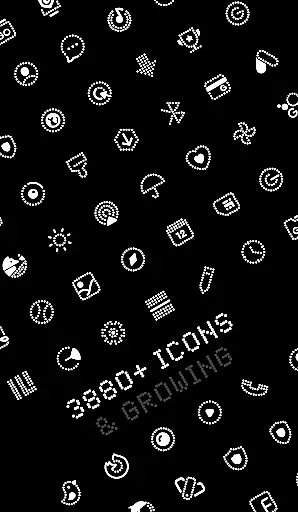
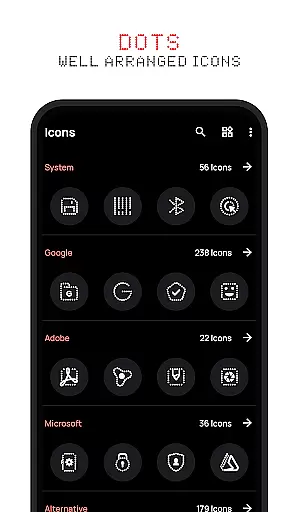
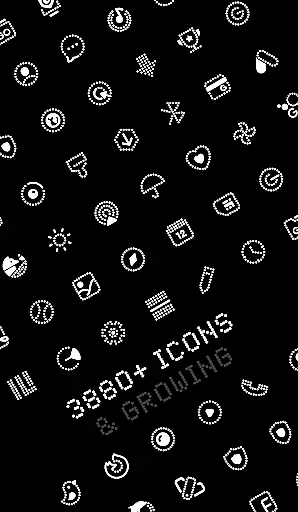
The Dots icon pack stands out through its combination of quantity and quality in icon design. With over 3000 themed icons, it provides extensive coverage for popular apps, while maintaining a consistent design language throughout the collection. Each icon is carefully crafted to ensure optimal visibility and aesthetic appeal.
A key innovation is the adaptive icon technology that automatically adjusts to different launcher requirements. The icons can transform between various shapes including circle, square, and rounded rectangle, depending on your launcher's settings. This ensures perfect integration regardless of which launcher you prefer.
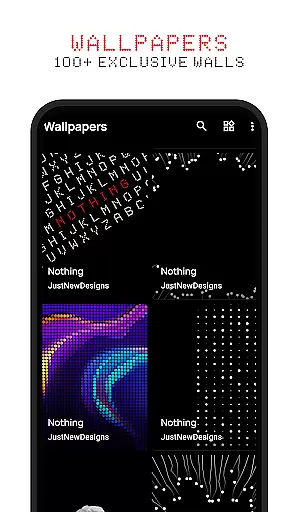
The pack also includes thoughtful extras like 100+ custom wallpapers that are specifically designed to match the icon theme. These wallpapers enhance the overall visual experience and allow users to create a perfectly coordinated home screen. The inclusion of both dark and light theme support makes this icon pack versatile for any time of day.
Customization is at the heart of Dots: Adaptive Icon Pack, offering users a versatile way to personalize their device's appearance. With over 3000 themed icons, this icon pack provides an extensive selection that caters to various tastes and preferences.
The adaptive nature of these icons means they seamlessly integrate with different launchers that support icon shape theming. This flexibility allows users to enjoy a consistent look across their devices, regardless of the launcher being used.
In addition to the vast array of icons, Dots also includes 100+ matching wallpapers, ensuring that your home screen not only feels personalized but also visually cohesive. The inclusion of both dark and light icons further enhances customization by adapting to your device's theme settings.
Dots: Adaptive Icon Pack excels in theme compatibility, ensuring that its icons look great on any device setup. Whether you prefer a dark or light theme, the icons adjust their colors accordingly, providing a harmonious visual experience.
This level of compatibility extends beyond just color schemes; it encompasses various launcher applications as well. Most popular launchers are supported, allowing for adaptive icon shapes that align with your chosen interface style.
Furthermore, the pack's design draws inspiration from the Nothing Brand, promising a sleek and modern aesthetic that complements contemporary Android devices. Users can be confident that their selected icons will maintain visual consistency throughout their deviceu2019s ecosystem.
Extensive icon coverage
Adaptive shape technology
Dynamic theme support
Custom wallpapers included
AMOLED friendly design
Limited color variation
No widget support
Third-party launcher needed
Some icons not themed
Premium price point



Customizable Glass widgets. Over 360+ stunning widgets and more!
 4.70
4.70
Wear Os Watch Face - Seasonal - Animated Snow Effect - 9 Animals
4.20 4.50
4.50
Organize and manage your photos and videos effortlessly with Photo Gallery
4.20
Vibrant Adaptive Icons with Material You and Enhanced Monet Colors.
4.50
Design your screen with unique, vibrant clocks
3.80
Struggling to find apps? Use this app to locate and open any app on your phone!
2.20
Modern Glass Icon Pack with glossy icons, clean minimal theme & aesthetic style
4.2
Emoji Maker app - Design custom emojis and effortlessly blend them with Mixer
3.80
Only for Wear OS devices!
4.90
300+ widgets inspired by Material You and Material 3 expressive design.
4.60
Ultra realistic gold analog watch face with lots of customization options.
4.50
Ninja Turtles Cowabunga SE watch face for Wear OS
4.50 4.50
4.50
200+ Material Inspired Widgets
4.50
App Icon Changer & Shortcut Creator. Customize your icons without any watermarks
4.30
Run multiple accounts of the same app on a single device
4.10
Adorable pets roam and play right on your phone screen!
3.30
⭐ OneUI inspired Fluffy Icon Pack – Soft. Stylish. Standout. ⭐
4.4

User Reviews