

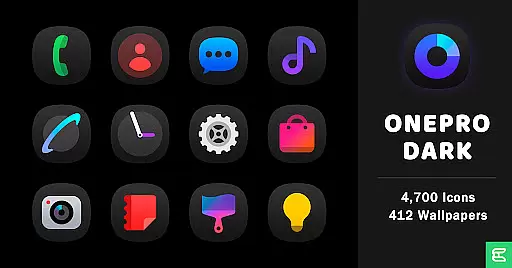
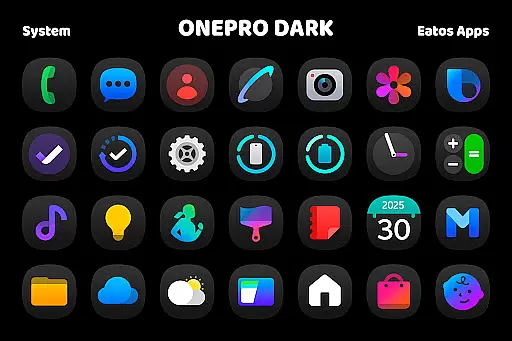
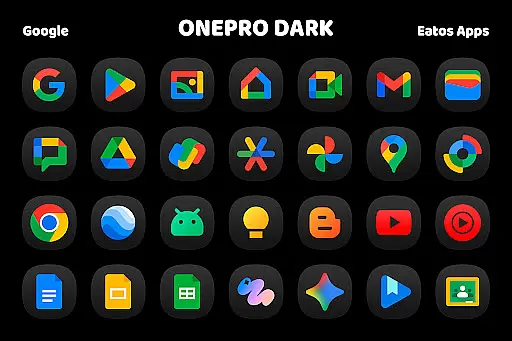
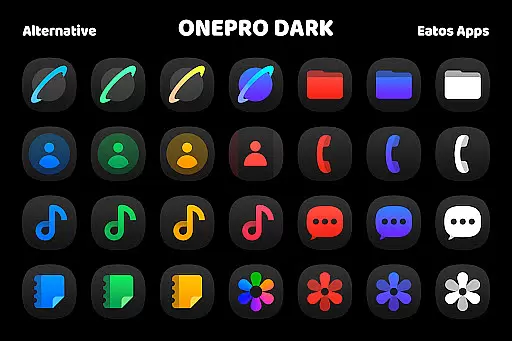
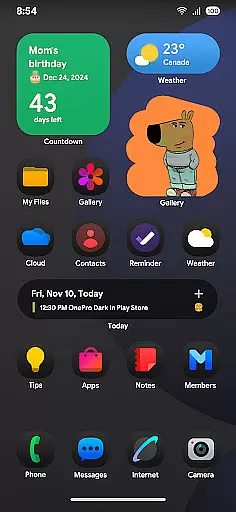
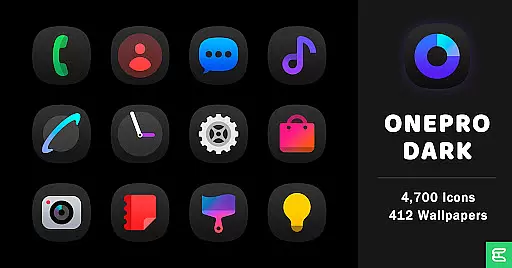
OnePro (Dark) - Icon Pack is a premium personalization solution for Android users seeking a cohesive dark-themed aesthetic. Featuring over 4,700 meticulously designed icons inspired by One 8's signature style, the pack also includes more than 412 high-quality wallpapers to complement your device's new look.
This icon pack stands out as the first of its kind to embrace this unique dark design language. To ensure compatibility, it requires a launcher that supports theme application such as Hyperion Launcher, Nova Launcher, or Evie Launcher. For Samsung's OneUI launcher users, you can apply these icons through the Good Lock and Theme Park apps.
Ideal for users who value both form and function, OnePro (Dark) transforms your smartphone's interface while maintaining intuitive navigation. The carefully crafted icons provide clear visual indicators while preserving the sophisticated dark theme that reduces eye strain and saves battery on OLED screens.
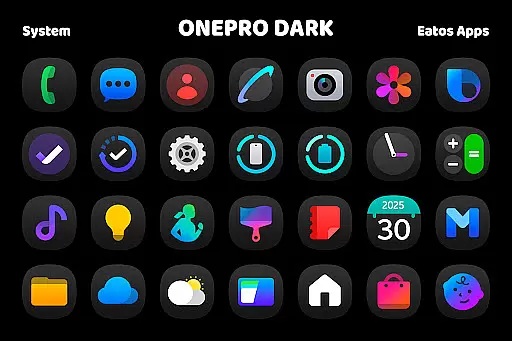
The OnePro (Dark) - Icon Pack offers several distinctive features that set it apart from other icon packs. First, its comprehensive collection includes over 4,700 icons designed with consistent styling elements, ensuring uniformity across all your applications. Each icon has been optimized for clarity and visual appeal in dark mode environments.
In addition to the extensive icon library, the pack provides more than 412 wallpapers specifically curated to match the dark theme aesthetic. These wallpapers are carefully selected to complement the icons without overwhelming your device's interface. The pack's compatibility with multiple launchers including Hyperion, Nova, and Evie makes it versatile for various Android devices.
For Samsung users, the integration with Good Lock and Theme Park apps streamlines the application process through OneUI launcher. This feature enables seamless implementation of the dark theme across Samsung devices while maintaining system stability and performance. The pack also includes regular updates to support new applications and maintain compatibility with evolving Android versions.
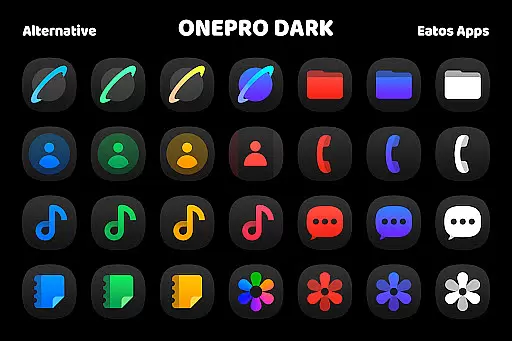
OnePro (Dark) - Icon Pack offers a vast array of customization options, ensuring that users can tailor their device's appearance to their exact preferences. With over 4,700 dark icons inspired by One 8 and more than 412 wallpapers, this icon pack provides one of the most comprehensive selections available in the dark style.
The level of variety allows users to customize their home screens with unique aesthetics, avoiding the repetitive look that often comes with default icon sets. Each icon is meticulously crafted to maintain consistency in design while offering distinct visual cues for different apps.
This extensive library of icons and wallpapers enables users to create a cohesive and personalized theme across their devices. Whether you prefer minimalistic designs or vibrant colors, the customization possibilities are nearly endless.
By supporting various launchers like Hyperion Launcher, Nova Launcher, or Evie Launcher, OnePro (Dark) ensures compatibility with multiple platforms, giving users flexibility in how they apply these customizations. This versatility makes it an ideal choice for those seeking to enhance their deviceu2019s visual appeal through diverse theming options.
Theme compatibility is a crucial aspect of OnePro (Dark) - Icon Pack, allowing seamless integration with several popular launchers such as Hyperion Launcher, Nova Launcher, and Evie Launcher. This compatibility ensures that users can apply the dark-themed icons without encountering formatting issues or inconsistencies on their home screens.
For users of Samsungu2019s OneUI launcher, additional steps are provided to ensure smooth application. By downloading 'Good Lock' and 'Theme Park' apps, users can follow detailed instructions available at https://bit.ly/OneUIThemePark to fully utilize the icon pack within the OneUI environment.
This high degree of theme compatibility extends beyond just applying icons; it includes maintaining visual harmony across different elements of the user interface. Users can expect consistent styling not only for app icons but also for widgets and other UI components supported by their chosen launcher.
With clear guidance and broad support for various launchers, OnePro (Dark) guarantees that users will enjoy a hassle-free experience when personalizing their devices. This commitment to compatibility underscores the pack's dedication to delivering a polished and professional theming solution.
Extensive icon coverage
Uniform dark aesthetic
Wallpaper variety
Regular updates
Wide launcher support
Requires compatible launcher
No iOS support
Separate Good Lock needed
Theme Park dependency
Paid application
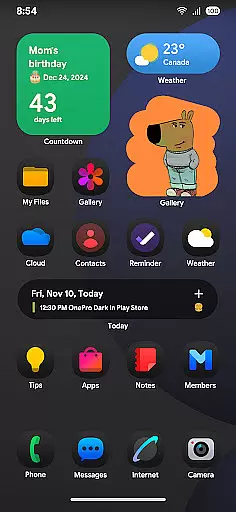
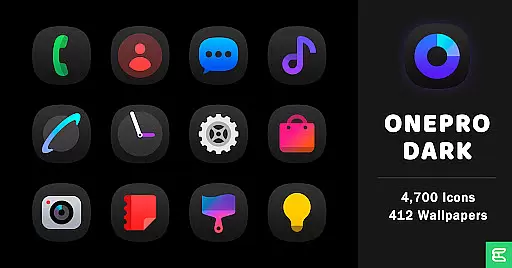
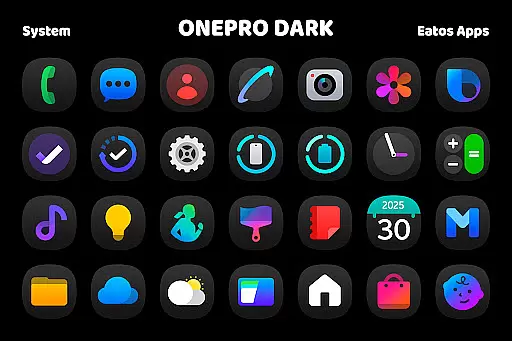
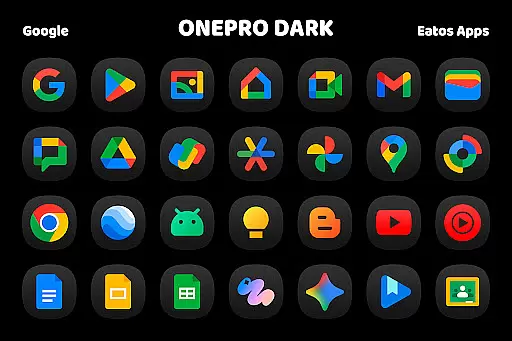
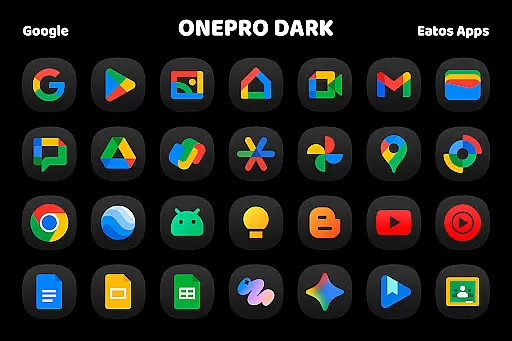
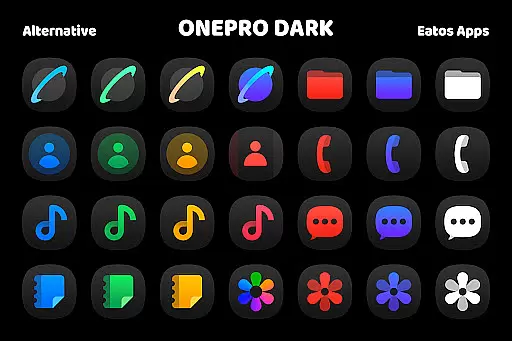
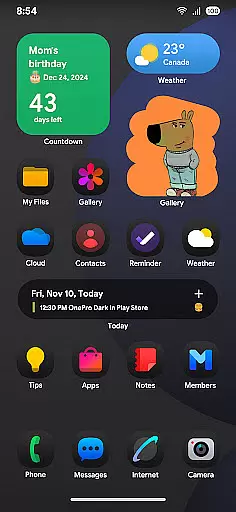

A light in the dark, a unique style and an andless cutomization!
 4.30
4.30
Adult video chat, dating, making friends, random matching
4.20
A launcher for Samsung Good Lock and Good Guardians modules without ads
4.70
AI-powered Copilot. Personalized keyboard with gifs, stickers & themes
4.40
Icons made of colorful linear lines
4.60
Choose your keyboard with RGB colors effect, themes, fonts, emojis.
4.60
300+ Beautifully crafted widgets inspired by OneUI.
4.60
400+ Beautifully crafted widgets inspired by NOTHING.
4.70
Transform your phone with stylish zipper lock themes and 4D live wallpaper
4.10
Sparkle your screen with Glitter Wallpapers For Girls and Cute Backgrounds!
4.80
Gun Chase - Let the chase begin.
4.80
Shimeji adds cute animated characters to your screen, lively and fun.
4.70
Bring adorable pets to life on your screen. Playful, interactive and full of fun
4.60
Transform your phone with Launcher iOS 26 - Smooth & elegant iOS experience
4.50
Turn text & photos into stunning AI videos, art, and creative visual stories.
4.50 4.50
4.50
Vibrant Adaptive Icons with Material You and Enhanced Monet Colors.
4.50
Transform your phone with stunning video wallpapers and a unique, personal touch
3.80
Adaptive Dot Style IconPack with Light & Dark Theme.
3.70

User Reviews