
Control Widget is a highly customizable quick settings panel for Android devices, designed to merge elegant control with unlimited personalization. Inspired by modern mobile aesthetics, this app transforms your device into a canvas for creativity, offering stylish one-tap access to essential controls.
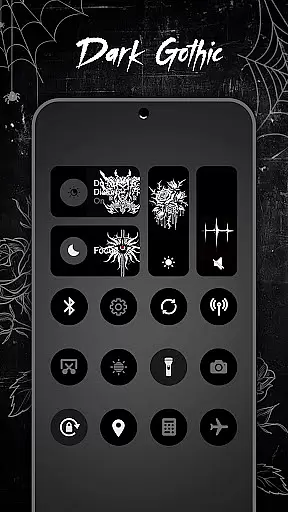
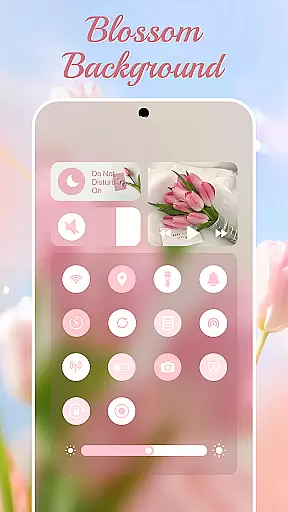
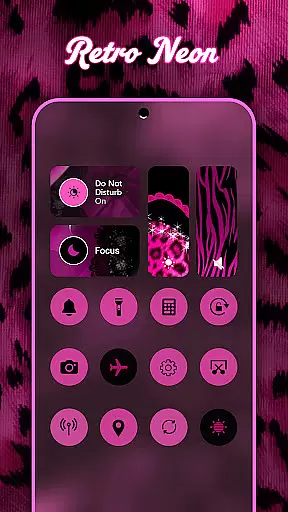
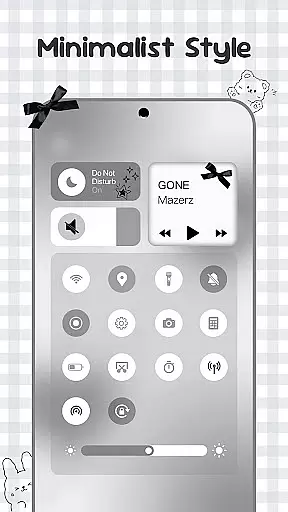
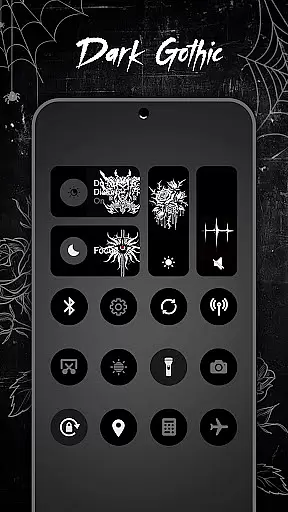
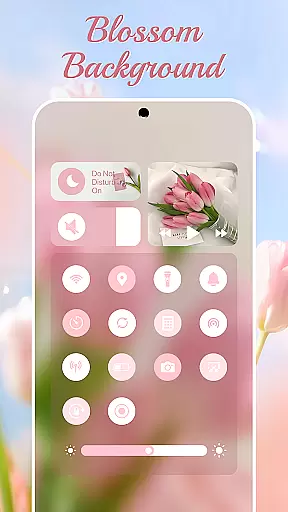
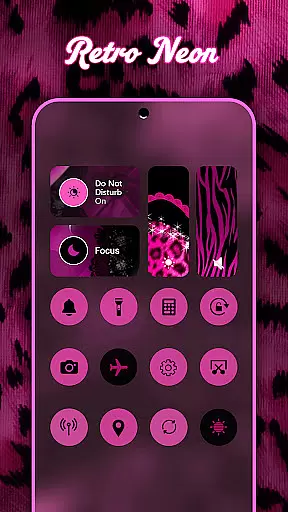
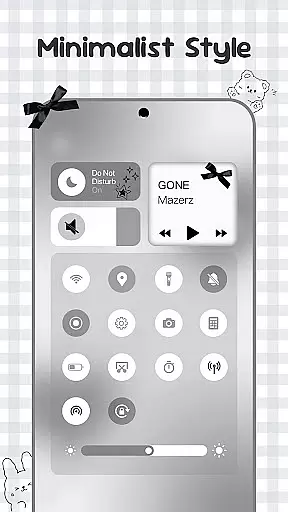
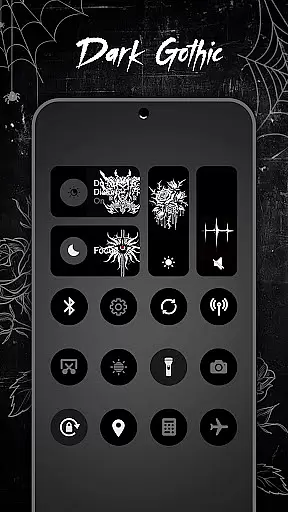
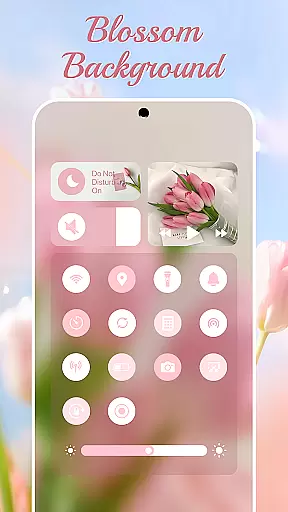
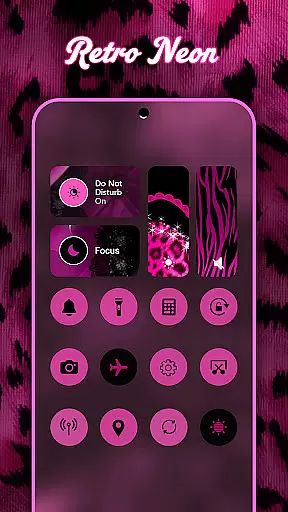
The app features thousands of aesthetic themes including Anime, K-pop, neon gradients, minimalism, and more, allowing users to curate their style and switch panels anytime to match their mood. With smooth sliders for brightness and volume, instant toggles for Wi-Fi, Bluetooth, and Airplane Mode, and handy tools like screenshot capture and flashlight, Control Widget provides both functionality and style.
Whether you want to adjust settings on the fly or personalize your device to reflect your unique taste, Control Widget offers an all-in-one solution that elevates your Android experience while maintaining sleek design compatibility with any wallpaper or icon pack.
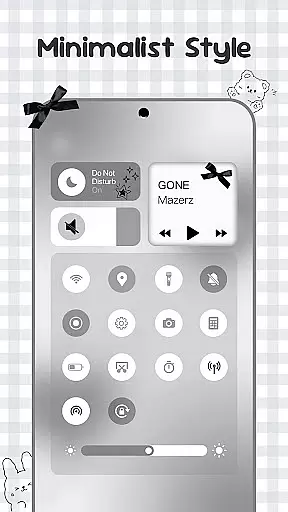
Control Widget stands out through its rich feature set tailored for both utility and personalization. The app offers themed control panels with thousands of aesthetic options such as Anime, K-pop, neon gradients, minimalism, and other curated collections, ensuring users can find a style that suits their preferences.
Functionality-wise, it includes smooth sliders for adjusting brightness and volume, instant toggles for Wi-Fi, Bluetooth, and Airplane Mode, and specialized tools like screenshot capture, screen recording, and flashlight activation. These features are seamlessly integrated into a single swipe interface, making it easy to access everything from sound settings to connectivity controls.
What sets Control Widget apart is its commitment to user-driven customization. Users can request custom themes and actively participate in designing their own layouts. This flexibility, combined with its sleek design that complements any wallpaper or icon pack, makes Control Widget a powerful tool for those looking to personalize their Android device while enjoying robust functionality.
Control Widget offers an extensive range of customization options that cater to diverse user preferences. With thousands of aesthetic themes available, including Anime, K-pop, neon gradients, minimalism, and more, users can curate their device's style to match their unique tastes.
The app allows for live style updates, enabling users to switch panels anytime to reflect their current mood or complement their home screen aesthetics. This flexibility ensures that personalization is not static but evolves with the user's changing preferences.
One of the standout features is the one-tap magic transformation of the entire control panel. This instant change capability provides users with immediate visual feedback, ensuring that what you see is truly what you get. Such dynamic personalization empowers users to express their individuality through their Android devices.
Theme compatibility in Control Widget ensures seamless integration with various design elements on Android devices. The app's themed control panels are designed to complement any wallpaper, icon pack, or widget combination, creating a cohesive and visually appealing interface.
Users can enjoy perfect synchronization between their chosen themes and existing device aesthetics. Whether it's matching color schemes or aligning with specific visual styles, Control Widget maintains consistency across all design components.
This compatibility extends beyond mere visual harmony; it enhances usability by maintaining familiar interface patterns while introducing personalized touches. The result is an enhanced user experience where form meets function, allowing for both beautiful and practical device management.
Highly customizable
Stylish design
One-tap access
Live style updates
All-in-one control
Requires accessibility
Permissions needed
May overwhelm new users
Limited default themes
Foreground service required

Customizable Glass widgets. Over 360+ stunning widgets and more!
 4.70
4.70
Sparkle your screen with Glitter Wallpapers For Girls and Cute Backgrounds!
4.80
A launcher for Samsung Good Lock and Good Guardians modules without ads
4.70
Art & Emoji Keyboard with Cool Fonts, Cute Themes and Custom Designs.
4.40
Personalize your phone with stunning HD and 4K wallpapers!
4.70
Romantic Kiss Stickers App. Start romantic messaging now!
4.30
App Icon Changer & Shortcut Creator. Customize your icons without any watermarks
4.30
400+ Beautifully crafted widgets inspired by NOTHING.
4.70
Magic fluids wallpaper 4D: Relax with stunning fluid simulation wallpaper app
4.20
Enjoy a variety of amazing live wallpapers and colorful EDGE lighting borders!
4.80
Vertically oriented rectangular icons
4.70
Unique Android Launcher
4.60
Want to make your phone more special than ever?
4.60
Customize your home screen with stunning themes, blur, widgets & icons.
4.60
Stylish Pink Cute Hippo keyboard with 10000+ customized keyboard themes!
4.60
Ultra realistic gold analog watch face with lots of customization options.
4.50
Vibrant Adaptive Icons with Material You and Enhanced Monet Colors.
4.50
Wear Os Watch Face - Seasonal - Animated Snow Effect - 9 Animals
4.20
Adorable pets roam and play right on your phone screen!
3.30

User Reviews