

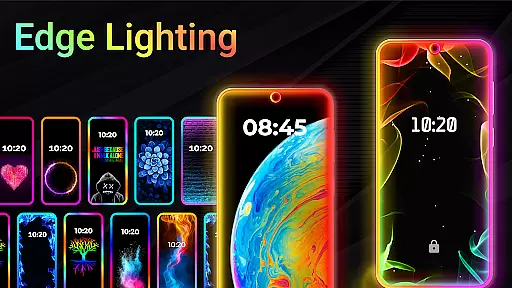
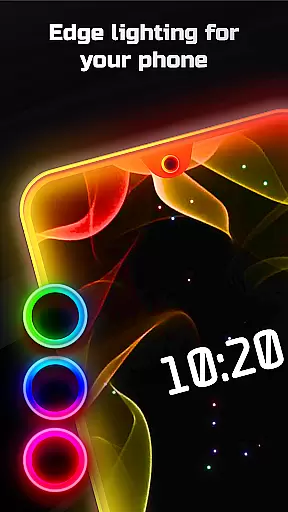
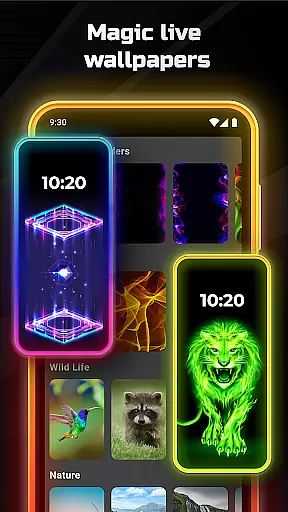
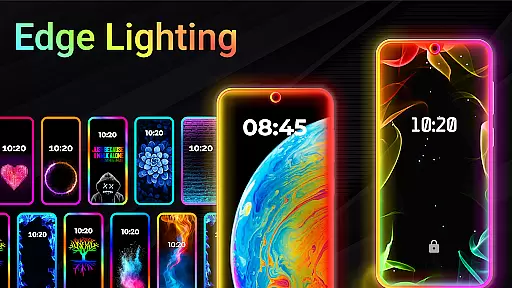
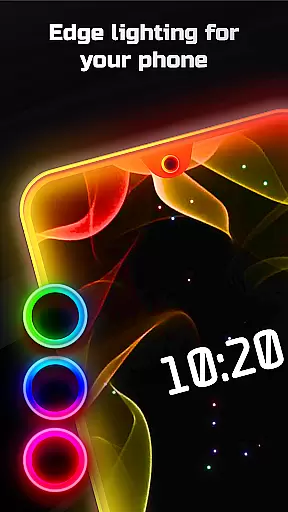
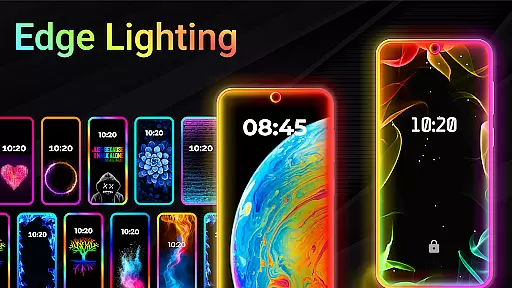
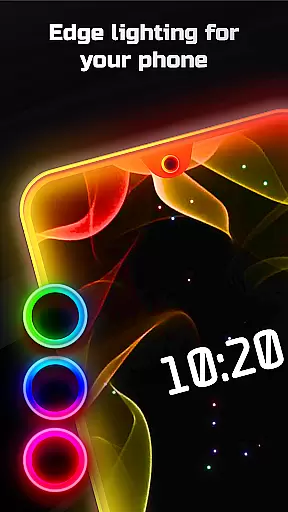
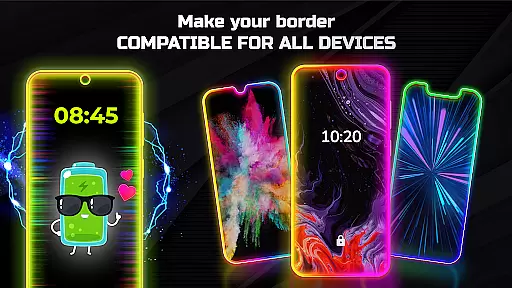
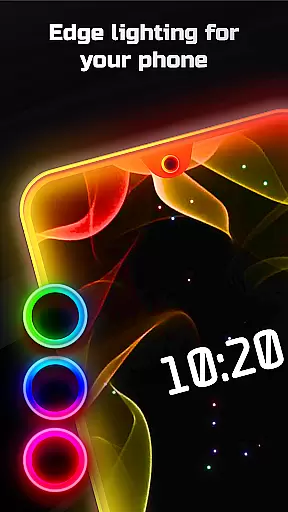
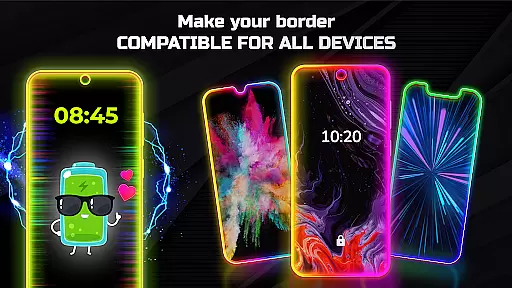
Edge Lighting is a personalization app designed to enhance the visual appeal of Android devices through customizable edge lighting effects. This application allows users to add aesthetic curved edge lighting on both the home screen and lock screen, creating a unique and eye-catching display.
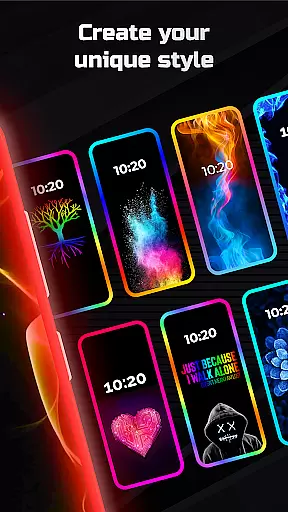
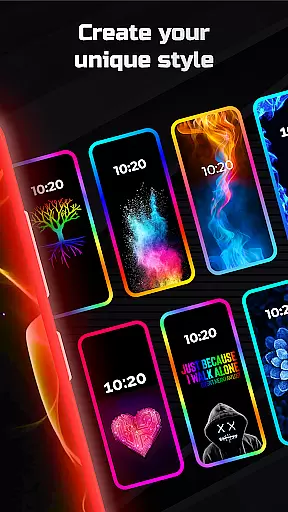
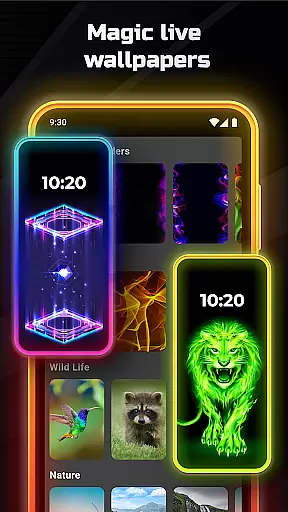
The app offers extensive customization options including color selection, width adjustment, and various border types such as Heart, Bird, Sun, and more. With support for all screen types and devices like Samsung Galaxy, OnePlus, Xiaomi, and others, Edge Lighting ensures compatibility across a wide range of Android phones. Users can also set live wallpapers and 4K backgrounds within the edge lighting frame, providing a magical and immersive experience.
This app is perfect for users looking to personalize their device's appearance with dynamic and colorful edge lighting that stands out. Whether you want to match your phone's aesthetics with your personal style or simply enjoy a more vibrant display, Edge Lighting delivers both functionality and style.
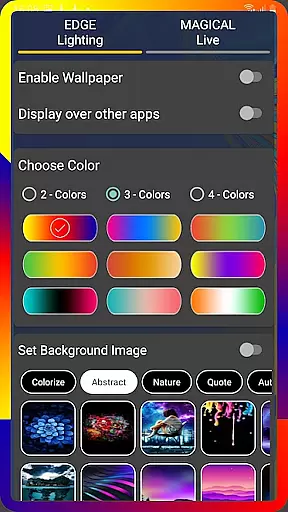
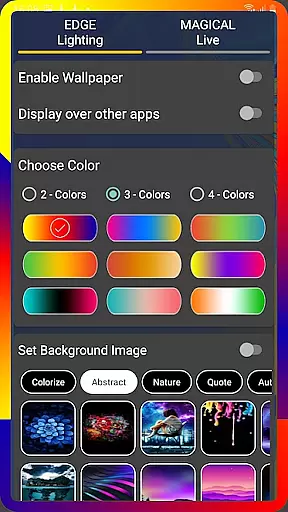
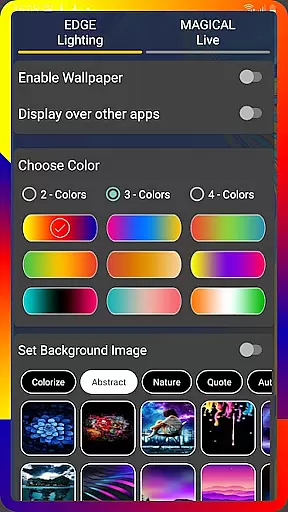
Edge Lighting stands out with its comprehensive feature set tailored for personalization enthusiasts. One of the key features is the ability to customize the edge lighting in multiple ways. Users can change colors, adjust animation speed, and modify the width and curve radius of the edges to perfectly fit their device's screen.
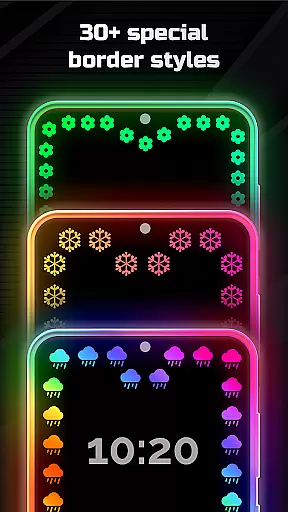
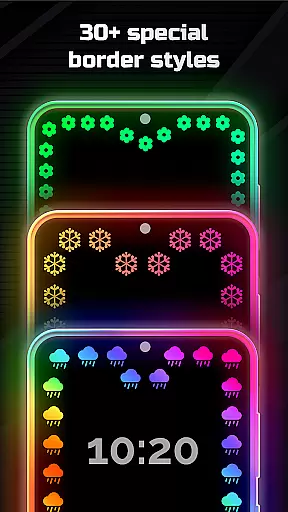
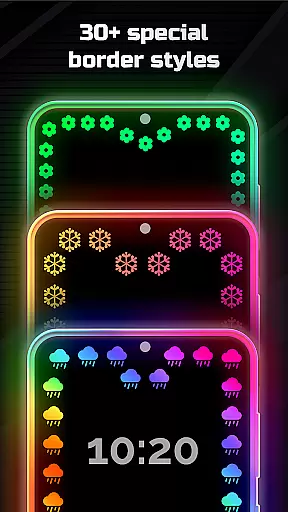
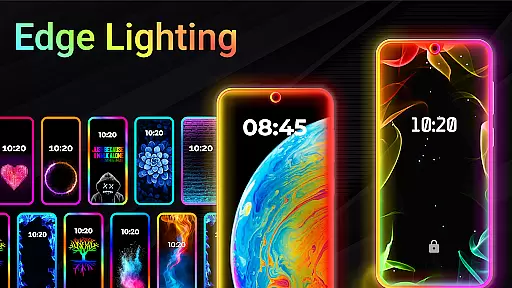
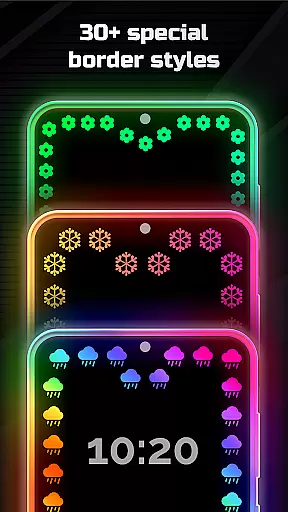
The app provides over 15 different types of edge borders including creative designs like Lotus, Dolphins, and Christmas Trees. Additionally, it supports more than 30 types of Magical Edge Lighting effects which can be set with a single click. The inclusion of Display Notch settings allows precise adjustments for various screen notches, ensuring a seamless look across different devices.
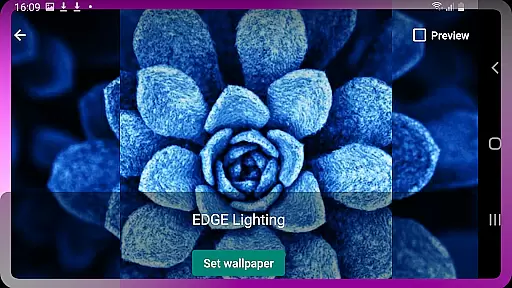
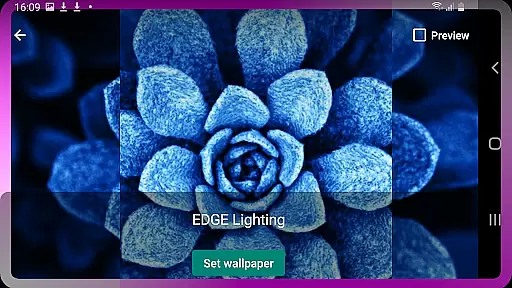
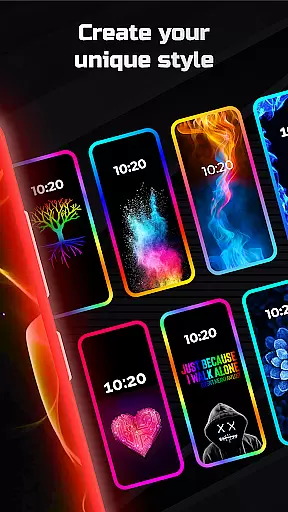
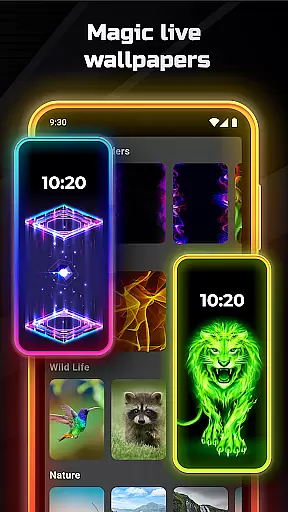
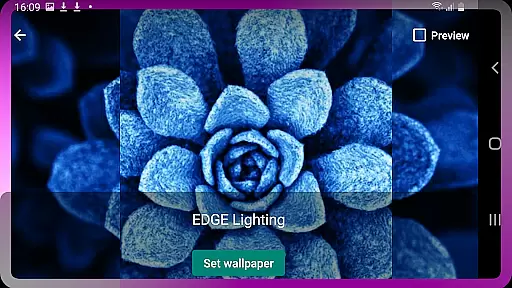
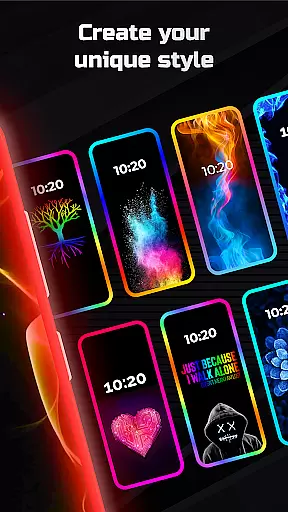
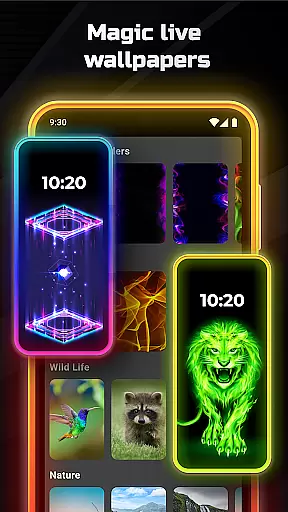
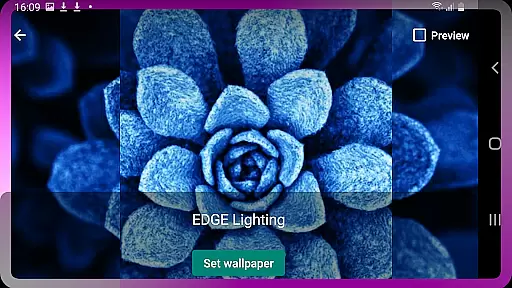
Another remarkable feature is the ability to set live wallpapers and 4K backgrounds inside the edge lighting frame. Users can even use their own photos as wallpapers, adding a personal touch to their device's appearance. The 'Display over other apps' option enhances user experience by allowing edge lighting to be visible over all applications, making every interaction visually delightful.
Edge Lighting offers an extensive range of customization options that allow users to tailor their smartphone's aesthetics with precision. The app provides over 15 types of borders, including creative designs like hearts, birds, and suns, which can be adjusted in terms of color, animation speed, and curve radius.
Users have the ability to modify display notch settings according to their device specifications, ensuring a seamless integration with their phoneu2019s existing design. This level of personalization extends to setting live wallpapers within the edge lighting frame, offering dynamic visuals that enhance screen appeal.
The inclusion of more than 30 magical edge lighting effects for both home and lock screens adds another layer of uniqueness. With just one click, users can apply these effects, choosing from multi-colored RGB options or round light patterns that suit their style preferences.
This vast array of customization not only beautifies the user interface but also allows individuals to express their personality through their device's appearance, making each user experience distinctively personal.
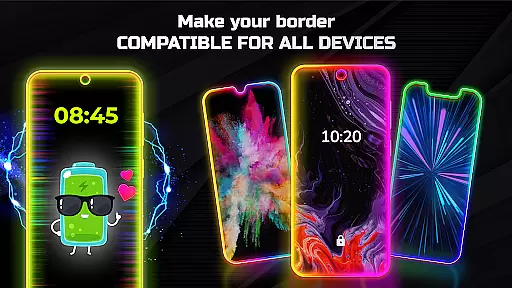
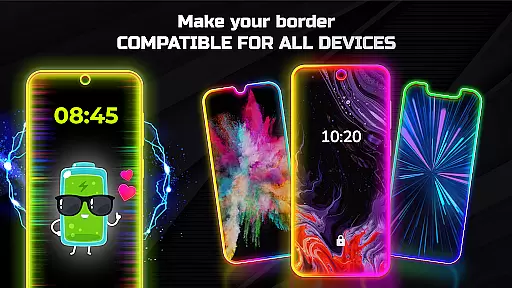
Theme compatibility is at the heart of Edge Lighting's design philosophy, ensuring that its features work harmoniously across various Android devices. Whether itu2019s Samsung Galaxy models or other brands like Xiaomi Mi or Nokia, this app maintains visual consistency without compromising performance.
Regardless of screen typeu2014be it Infinity U, Infinity V, or those with display notchesu2014the application adapts flawlessly. It adjusts edge lighting width and height while preserving theme elements such as HD wallpapers inside the frame, delivering a cohesive look on every supported device.
By enabling display over other apps, Edge Lighting ensures continuous visibility and interaction with themed elements even when using different applications. This feature enhances user engagement by maintaining thematic continuity throughout the device ecosystem.
Ultimately, Edge Lighting guarantees that whether youu2019re adjusting colors or applying magical effects, your chosen themes will remain visually compatible and functionally robust across all platforms, providing a reliable personalized experience.
Highly customizable
Variety of designs
Live wallpaper support
Device compatibility
User-friendly interface
May drain battery
Premium features cost
Complex for beginners
Occasional bugs
Limited iOS support


Ninja Turtles Cowabunga SE watch face for Wear OS
 4.50
4.50
Add cute Shimeji pets to screen, interact with them and relax with cute motions
4.60
Ultimate Gallery Lock App - Hide Pictures, Videos and Lock Apps Instantly!
4.60 4.50
4.50
Color phone with cool effects for call screen, flash alert & ringtones music
4.50
Embrace the Night. Unleash the power of darkness with Raven Dark Icon Pack
4.60
Stylish Pink Cute Hippo keyboard with 10000+ customized keyboard themes!
4.60
300+ Stunning and well-designed widgets inspired by NOTHING.
4.70
Fast SMS & group chat - use GIFs and emojis from your home screen launcher.
4.50
Shimeji adds cute animated characters to your screen, lively and fun.
4.70
350+ widgets with a premium glass-style finish, perfect for home & lock screens.
4.70
Stunningly Different look with Line Icons and Neon Colors
4.60
Ultra realistic high quality analog watch face for Wear OS.
4.60
Over 28,000 high quality icons to bring color & homogeneity to your phone.
4.60
Zip lock screen with magic wallpaper to decorate your phone with fun zipper lock
4.60
Choose your keyboard with RGB colors effect, themes, fonts, emojis.
4.60
Ultra realistic gold analog watch face with lots of customization options.
4.50 4.50
4.50
Transfer your live wallpapers from Windows to Android using Wallpaper Engine!
4.00

User Reviews