

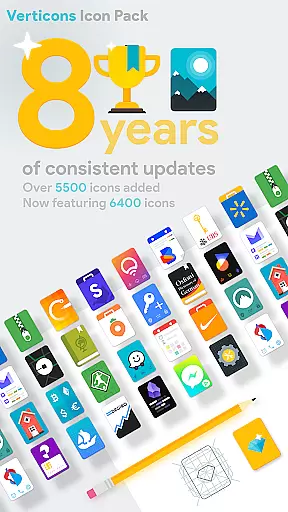
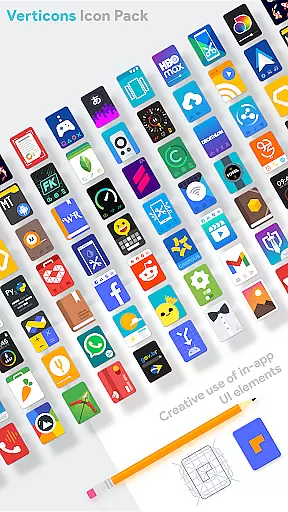
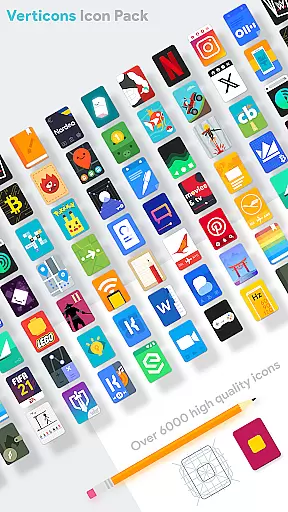
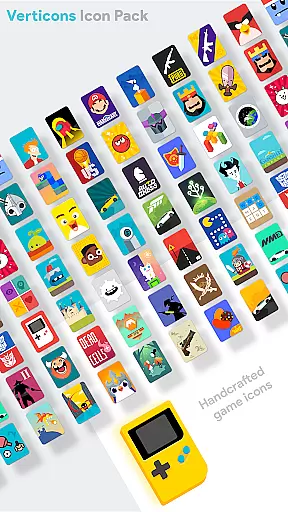
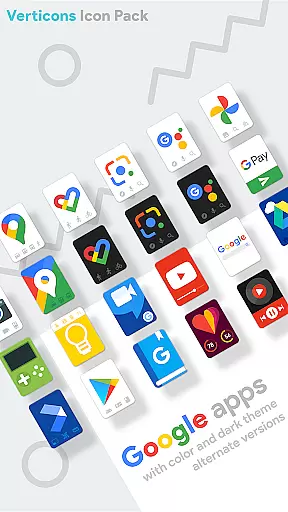
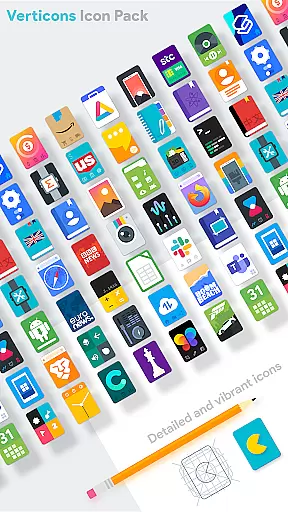
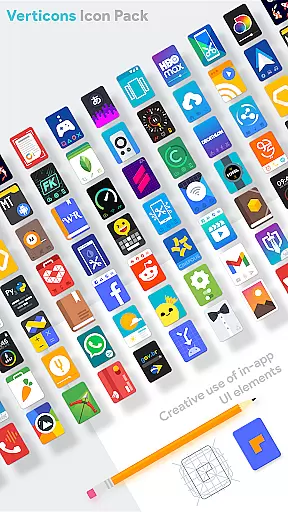
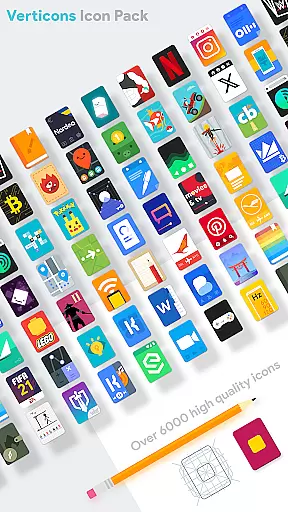
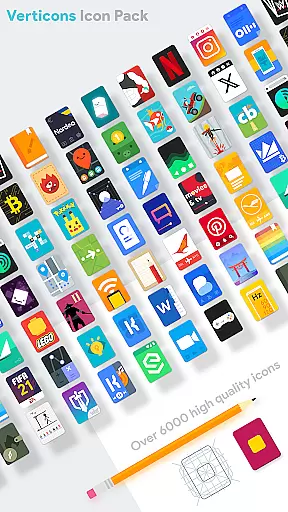
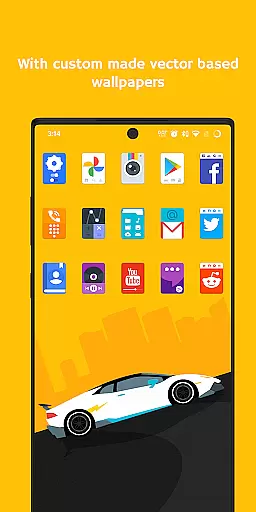
Verticons Icon Pack is a premium icon pack designed for Android users seeking a unique and creative home screen experience. With 6400 meticulously crafted icons and support for over 8000 themed apps, it offers an extensive library of rectangular card-style icons that stand out from standard adaptive icons. The pack focuses on detail-oriented design with proper icon masking, vivid colors, and dynamic calendar support, ensuring uniformity across your device.
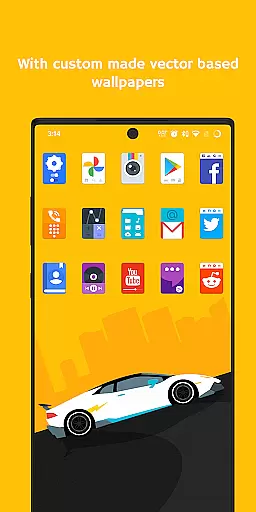
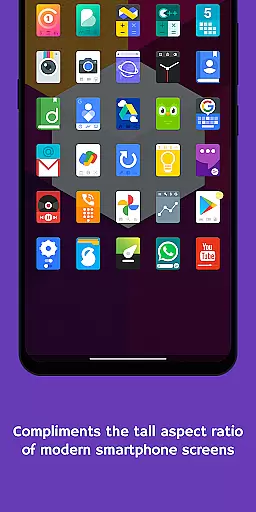
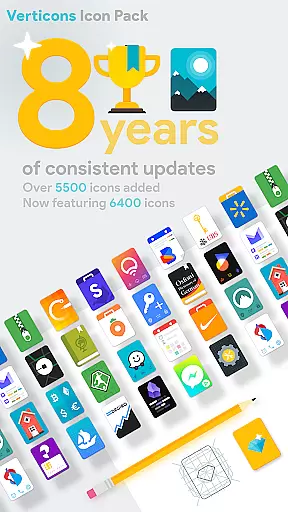
This icon pack is optimized for modern smartphones with 18:9 or higher aspect ratio screens. It supports various launchers like Nova, Smart, and Lawnchair, while recommending specific settings such as 125%-140% icon scale and square adaptive shapes for the best visual results. Additionally, Verticons provides 80+ high-resolution wallpapers and over 8 years of consistent updates, making it a reliable choice for personalization enthusiasts.
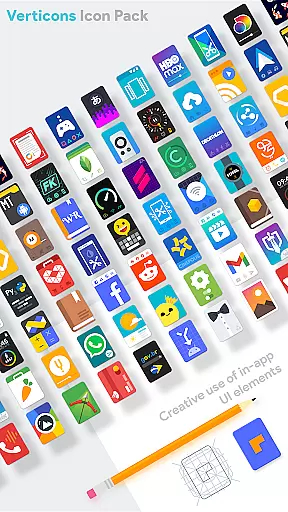
Verticons Icon Pack distinguishes itself through its innovative features tailored to enhance user customization. The pack includes 256x256 hand-crafted vector-based icons, offering sharp visuals and extensive scalability. Its unique rectangular card shape avoids long shadows, instead utilizing drop shadows and Material Palette gradients to create a fresh take on material design guidelines.
Users benefit from advanced tools like server-based icon requests and compatibility with alternate icon functionality on supported launchers (e.g., Lawnchair, Nova). The pack also supports dynamic calendars and offers categorized icons for folders, generics, and alphabets. With recommendations for optimal settings and broad launcher compatibility, Verticons ensures a seamless integration into diverse devices and user preferences.
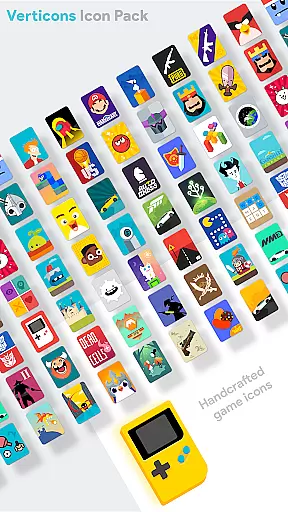
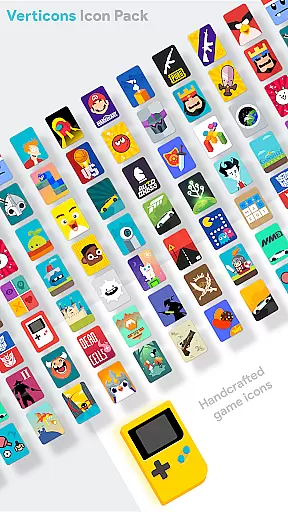
Verticons Icon Pack offers a vast array of customization options, ensuring users can tailor their smartphone experience to their exact preferences. With over 6400 quality icons and support for more than 8000 themed apps, it provides an extensive selection that caters to diverse tastes.
The pack features unique icon shapes not found in standard Android adaptive icons, allowing for a distinctive look. Users also benefit from properly implemented icon masking, which brings uniformity across different app icons on their device, enhancing visual consistency.
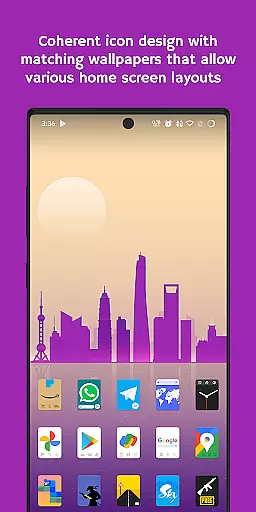
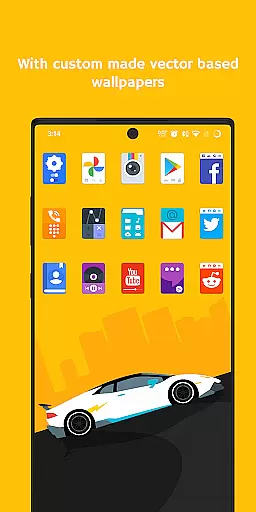
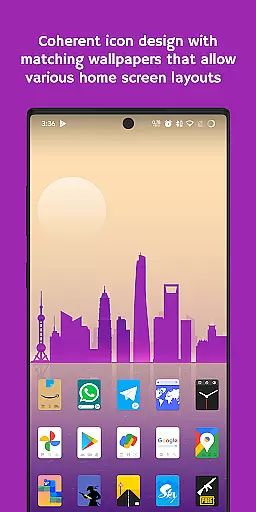
For those who appreciate creative design with attention to detail, Verticons includes custom-made high-resolution wallpapers and hand-crafted vector-based icons. These elements work together to give users the ability to create a cohesive aesthetic that stands out from typical icon packs.
Moreover, dynamic calendar support and various category icons such as Folder, Generic, and Alphabet further expand personalization possibilities. This level of variety empowers users to craft an interface that is both functional and expressive, reflecting their individual style while maintaining usability.
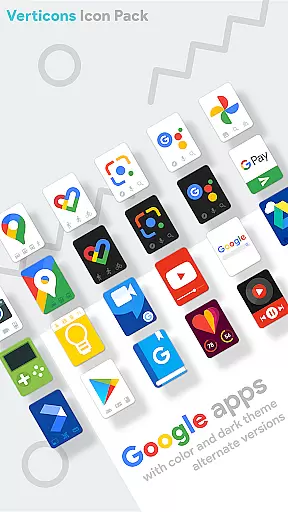
Theme compatibility is at the heart of Verticons Icon Pack's design philosophy. It ensures seamless integration with a wide range of launchers including popular choices like Nova Launcher, Smart Launcher, and Lawnchair Launcher among others. By adhering loosely to material design guidelines but tweaking them for freshness, it delivers a user experience that feels both familiar and innovative.
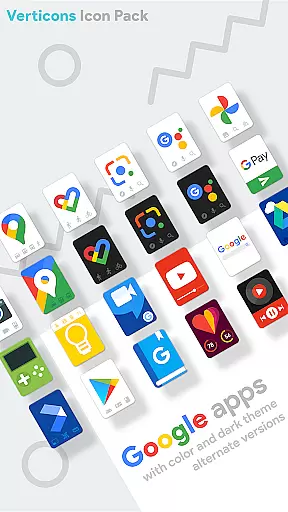
Users are encouraged to explore alternate icons by long-pressing on home screen icons if supported by their launcher. For optimal results, settings such as icon scale adjustments between 125% - 140%, disabling size normalization, and using higher column counts can enhance theme application across devices.
Verticons' use of vivid colors alongside drop shadows instead of long shadows creates visually striking themes without compromising clarity or performance. The inclusion of Material Palette colors and gradients adds another layer of sophistication, making sure each themed element looks sharp and modern.
Finally, whether through direct launcher support or system-wide theme options available in certain custom ROMs or manufacturer skins like OnePlus OxygenOS or Samsung Theme Park, Verticons guarantees broad compatibility. Such versatility allows users to enjoy its distinctive rectangular card material design regardless of their deviceu2019s specific software environment.
Extensive icon library
Vivid color palette
Unique rectangular design
Consistent updates
High-res wallpapers
Premium price point
Limited free options
Requires compatible launcher
No built-in widget support
Complex setup for beginners




Art & Emoji Keyboard with Cool Fonts, Cute Themes and Custom Designs.
 4.40
4.40
Turn your lock screen into fun with smile live wallpapers & animated wallpapers!
2.50
Shimeji adds cute animated characters to your screen, lively and fun.
4.70
Try creating your own keyboard with "Keyboard theme for android" app now!
4.50
Run multiple accounts of the same app on a single device
4.10
⭐ OneUI inspired Fluffy Icon Pack – Soft. Stylish. Standout. ⭐
4.0
Organize and manage your photos and videos effortlessly with Photo Gallery
4.20
Choose your keyboard with RGB colors effect, themes, fonts, emojis.
4.60
Transform your phone with stylish zipper lock themes and 4D live wallpaper
4.10
One 8 icons glass color version
4.80
Stunningly Different look with Line Icons and Neon Colors
4.60
300+ Beautifully crafted widgets inspired by OneUI.
4.60
300+ widgets inspired by Material You and Material 3 expressive design.
4.60
Ultra realistic gold analog watch face with lots of customization options.
4.50
Unique Fonts, typefaces and stylish text. Fonts for Instagram, Whatsapp & others
4.20
Crystal-clear, square icon provides a sleek and sophisticated visual upgrade
4.00
Interactive Miniature Painting Catalogue
3.30
Capture moments that pass like a storm, second by second.
4.3
Prank your friends with realistic broken screen and cracked HD effects!
4.1

User Reviews