
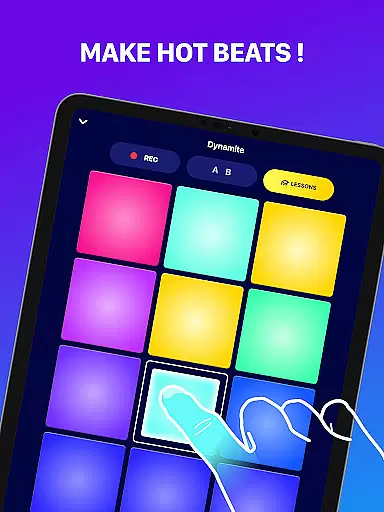
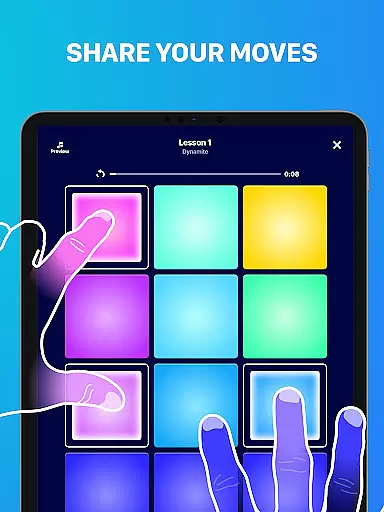
Beat Maker Pro is a comprehensive music creation tool designed for both aspiring and professional DJs. This application allows users to create beats, produce melodies, and experiment with various music genres such as dubstep, trap, EDM, and hip-hop. With an intuitive interface featuring a 24-pad drum machine, users can easily mix loops, record their compositions, and master the art of rhythm production.
The app's standout feature is its accessibility; it caters to all skill levels, from beginners learning how to make beats to seasoned producers refining their craft. Whether you're on the go or in a studio setting, Beat Maker Pro transforms your device into a portable music studio, enabling spontaneous creativity and professional-grade music production.
For those passionate about music production, this app offers a unique opportunity to delve into the world of DJing and music creation without the need for expensive equipment or extensive technical knowledge. It bridges the gap between complex music software and user-friendly mobile applications, making it an ideal choice for modern musicians.
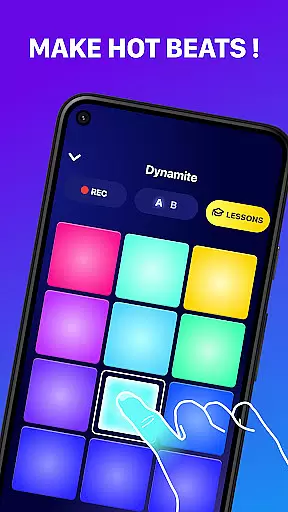
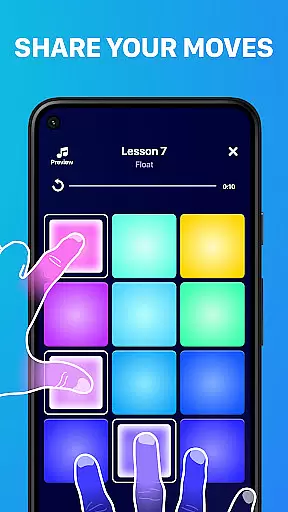
Beat Maker Pro boasts a range of features that cater to diverse music production needs. The app includes a versatile 24-pad drum machine that supports multi-touch gestures, allowing users to trigger multiple sounds simultaneously. This functionality mimics real-world DJ equipment, providing an authentic beat-making experience.
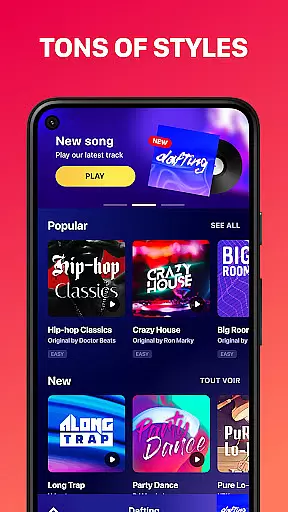
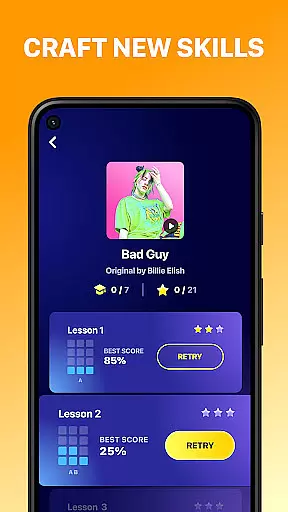
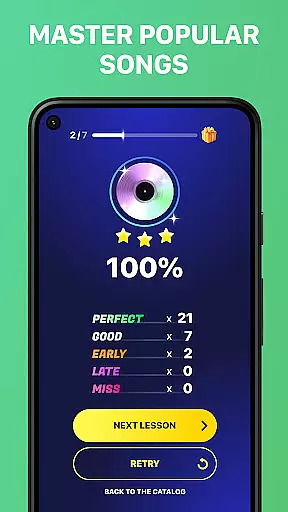
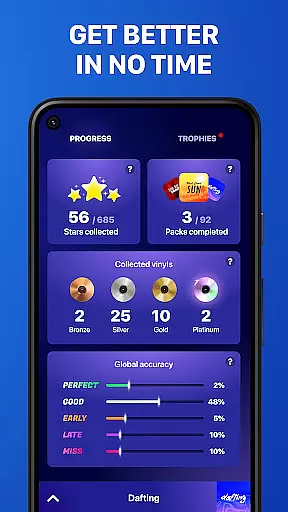
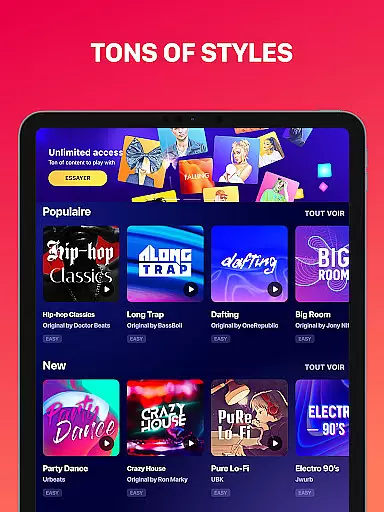
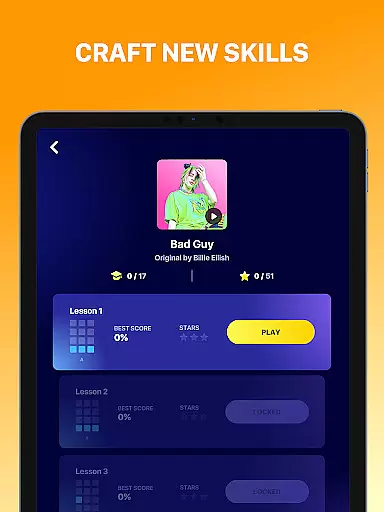
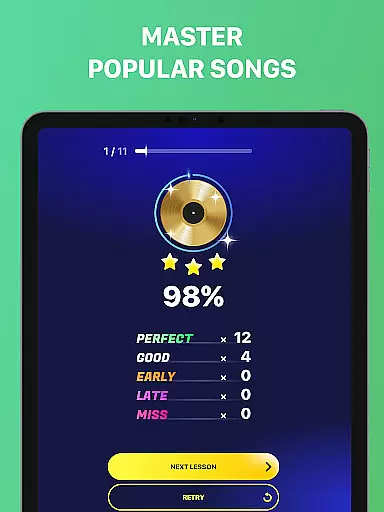
Another notable feature is the app's extensive library of pre-recorded loops and samples spanning various genres. Users can access these resources to craft unique compositions or remix existing tracks. Additionally, the app offers built-in tutorials and lessons on beat-making techniques, empowering users to enhance their skills and musical knowledge.
Furthermore, Beat Maker Pro facilitates seamless integration with social media platforms, enabling users to share their creations directly from the app. This connectivity not only promotes user engagement but also fosters a community of like-minded music enthusiasts who can collaborate and exchange ideas within the digital space.
Beat Maker Pro offers an extensive music library that caters to a wide array of genres including dubstep, trap, EDM, and hip-hop. This vast collection ensures that users have access to a diverse set of sounds and loops, which is crucial for creating unique and engaging beats.
The app emphasizes copyright authenticity by providing users with legally licensed content. This means that all the samples and loops available in the library are cleared for use, giving creators peace of mind when producing music. Users can focus on their creativity without worrying about legal issues related to sample clearance.
With Beat Maker Pro, musicians and producers can trust the integrity of the content they are using. The assurance of copyright authenticity not only protects users legally but also enhances the value of the music created within the app. This feature is particularly beneficial for those looking to distribute or monetize their tracks.
Furthermore, the app's commitment to maintaining a large and authentic music library means that it is regularly updated with new content. This keeps the music-making experience fresh and relevant, allowing users to continually explore new sounds and styles while staying compliant with copyright laws.
Audio quality is paramount when producing music, and Beat Maker Pro excels in providing superior audio quality options. The app supports high-fidelity sound output, ensuring that every beat, loop, and melody produced retains its clarity and depth, which is essential for professional-sounding tracks.
Users can choose from various audio quality settings to match their specific needs and equipment capabilities. Whether producing music for personal enjoyment or professional distribution, the ability to adjust these settings allows for optimal sound reproduction across different playback systems and environments.
In addition to standard audio formats, Beat Maker Pro offers advanced options for experienced producers who require more control over their audio files. These options include bit depth and sample rate adjustments, catering to audiophiles and professionals who demand the highest standards in sound quality.
By prioritizing audio quality, Beat Maker Pro empowers users to create music that sounds great on any device, from mobile phones to professional studio setups. This dedication to audio excellence ensures that musicians can fully realize their creative visions without being limited by technical constraints.
User-friendly interface
Extensive sound library
Multi-touch functionality
Built-in music lessons
Social sharing capabilities
Limited advanced features
In-app purchases required
Occasional performance lags
Ads may disrupt workflow
Steep learning curve for novices

Fun & Easy Voice Changer – Record, Edit & Add Hilarious Effects!
 4.50
4.50
Formerly known as Spotistats! View your top tracks, artists, albums and more!
4.40
Full-featured, High-Quality Groovebox Workstation, perfect for Live Performance!
4.80
Your song collections with lyrics and chords on Android smartphones and tablets.
4.80
Next generation modular control surface
4.10
Record, Mix & Master with all n-Track effects, 64-bit audio and Stem Separation.
4.70
No wifi music app. Mp3 offline. Tuner radio, young radio music. Music downloader
4.20
The official Sonos app
4.10
Full featured mp3 and audio player with Chromecast and Android Auto support.
4.40
Responsive piano with great sounds, graphics, and songs
4.80
Listen radio AM / FM Stations. Live AM / FM Radio App Station. Radio Com.
4.70
A complete sound package for the sound engineer or enthusiast
4.60
Equalizer, Bass Booster and Volume Booster (Eq & Bass) improve sound quality
4.30
Time Trainer: accurate metronome w tools to help you develop your internal time!
4.20
Smart piano keyboard, Classical to Pop, Real-time multiplayer connection!
4.20
Offline Tunes, Unlimited Vibes
3.90
Background pads for your band
3.80
The iconic iOS metronome app is now on Android.
3.70
Control your MIDI USB or Bluetooth devices in app and avoid some trampling
3.30


User Reviews