

Perfect Piano is a feature-rich piano simulator designed for Android devices, offering an authentic piano experience with its built-in genuine piano timbre. The app provides multiple play modes and learning tools, making it suitable both for beginners and advanced players.
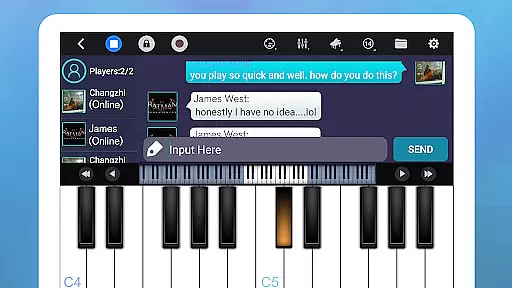
With support for USB MIDI keyboards and various sound effects, Perfect Piano delivers a versatile musical experience. Its multiplayer functionality allows users to connect and compete with other players globally, while the app's learning section helps users master popular music scores through guided practice.
The application also supports MusicXML notation and offers timbre plug-ins for expanded instrument sounds. Whether for practice, performance, or entertainment, Perfect Piano serves as a comprehensive tool for anyone interested in playing the piano on their mobile device.
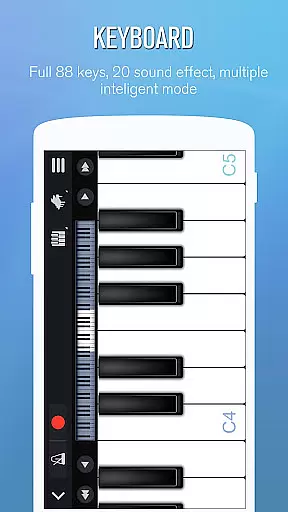
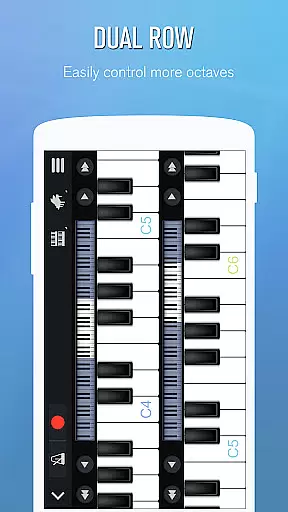
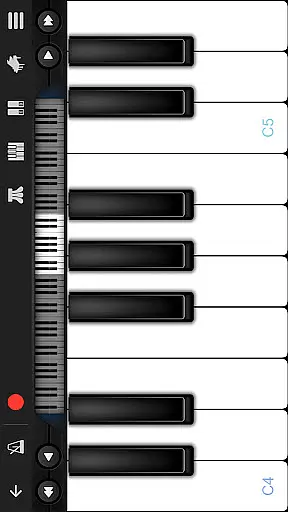
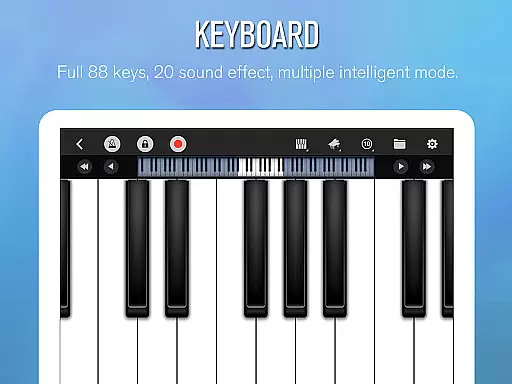
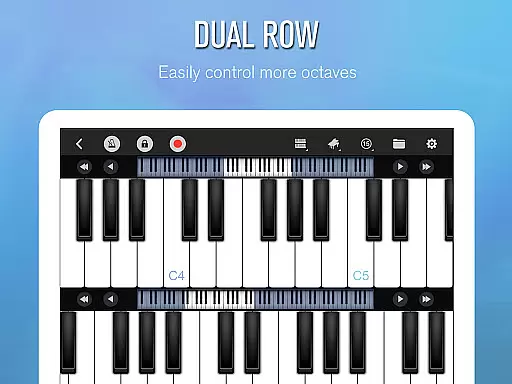
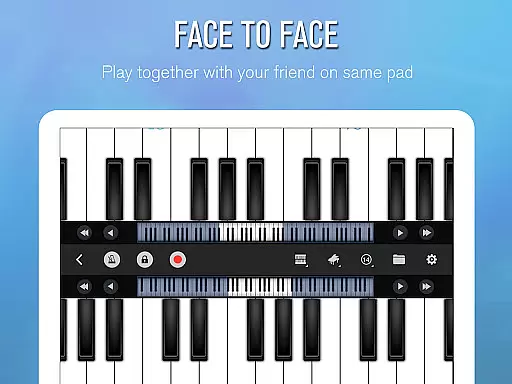
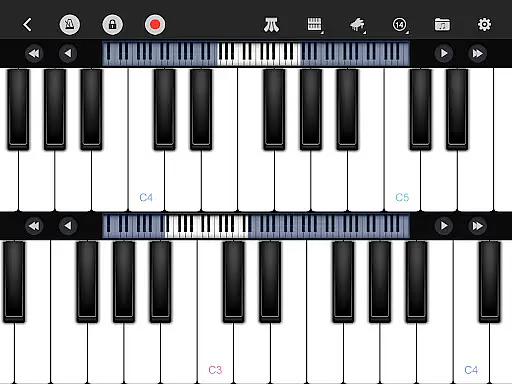
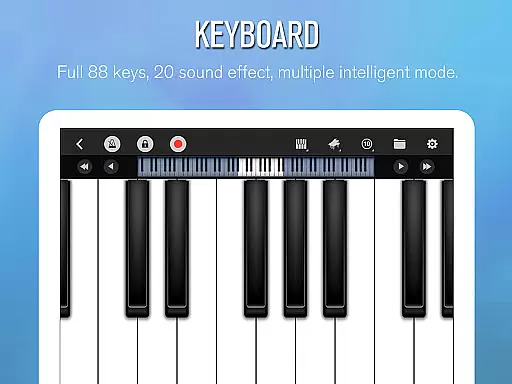
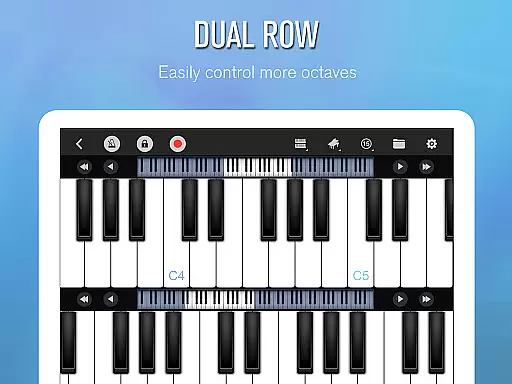
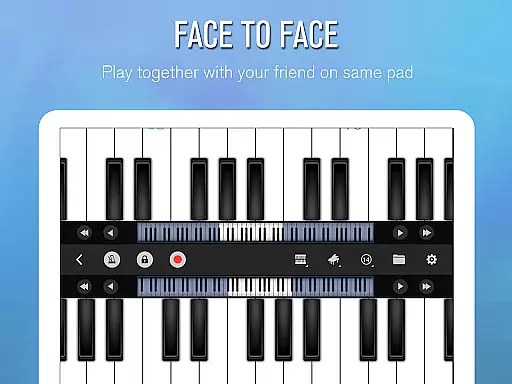
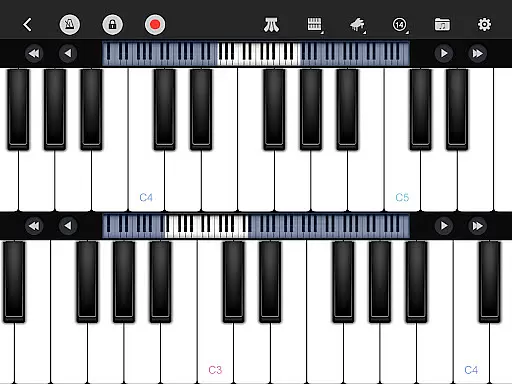
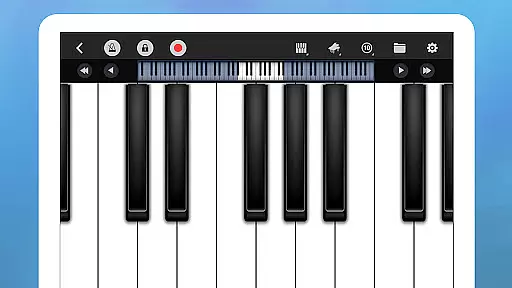
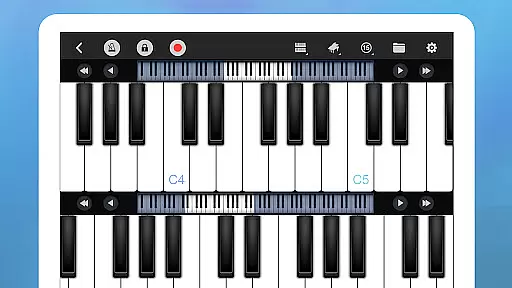
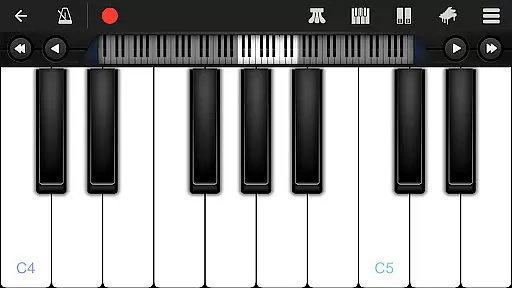
Perfect Piano stands out with its intelligent keyboard that includes 88 keys and multiple play modes such as single-row, double-row, and chords mode. The multitouch screen support and adjustable keyboard width enhance user experience, while the metronome and low latency audio support ensure precision and quality sound output.
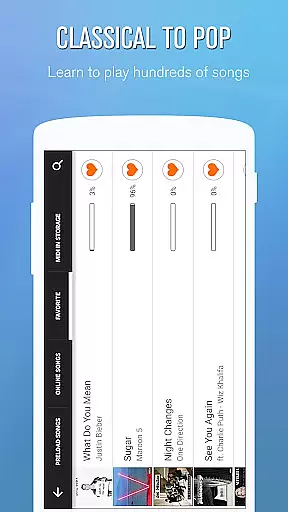
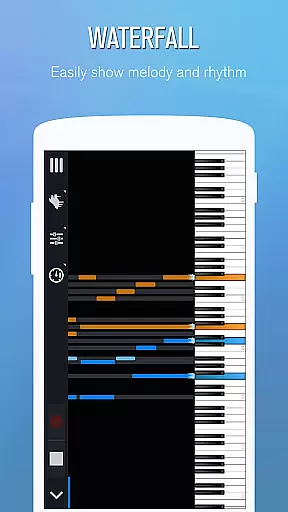
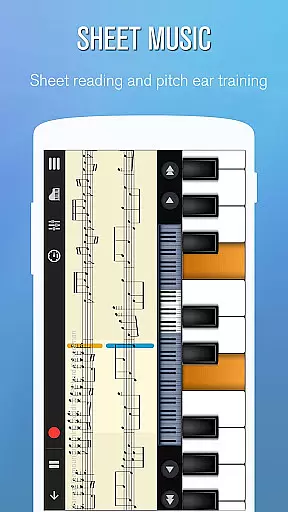
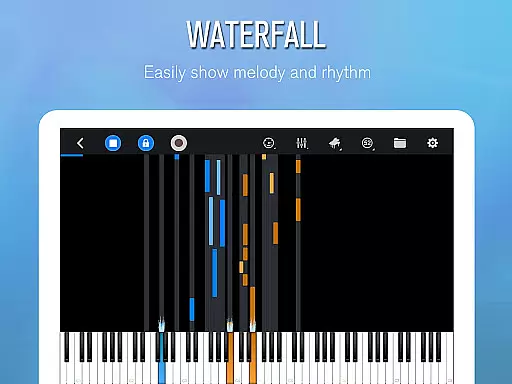
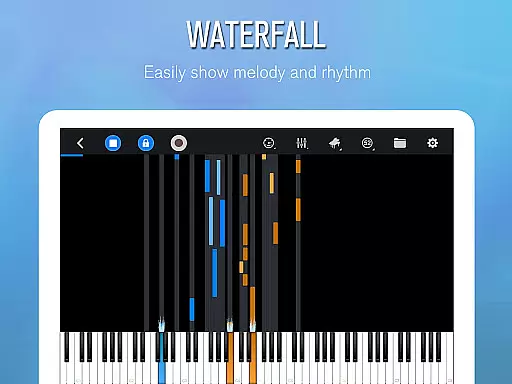
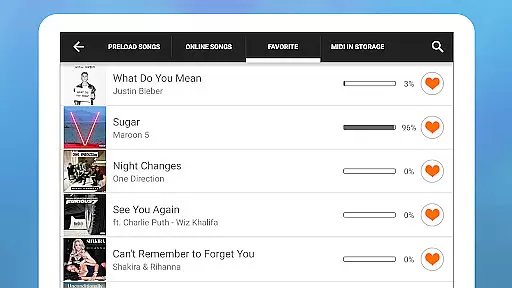
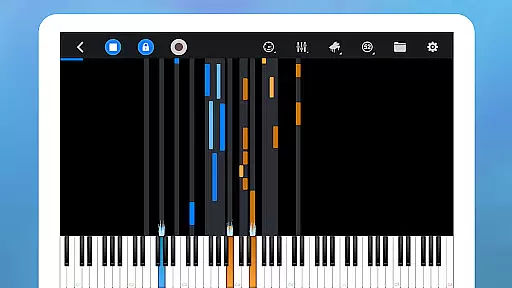
The Learn to Play feature offers thousands of music scores with three guidance patterns and play modes, including auto play and note pause. Users can adjust speed and difficulty levels, set up left and right hand configurations, and use A->B loop for focused practice.
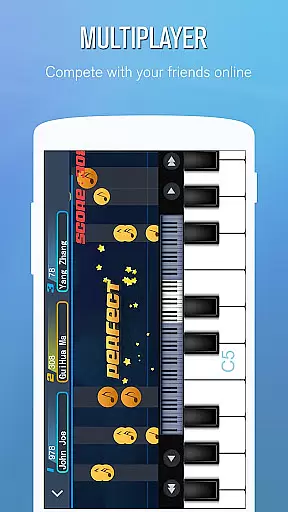
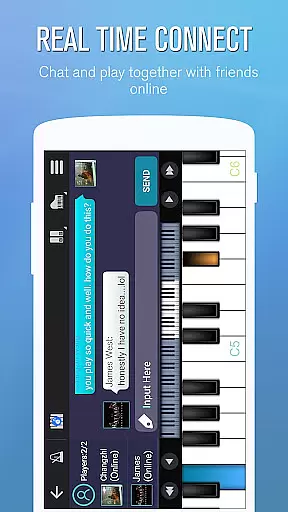
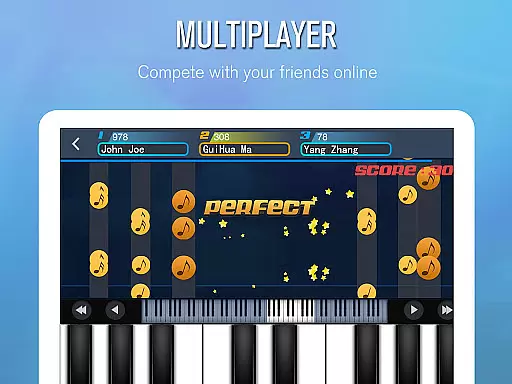
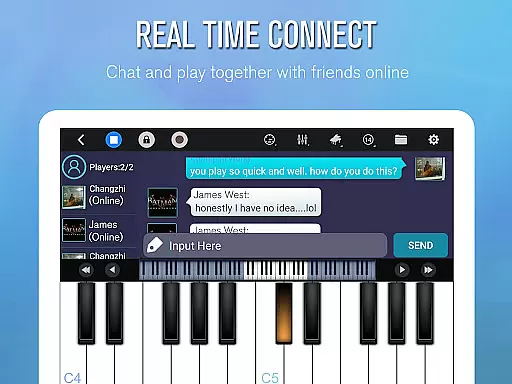
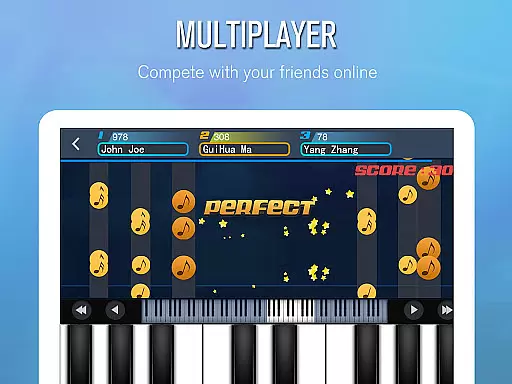
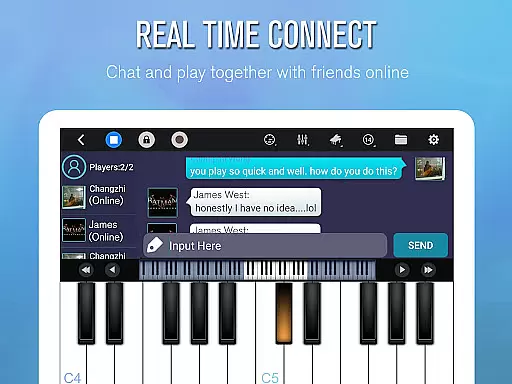
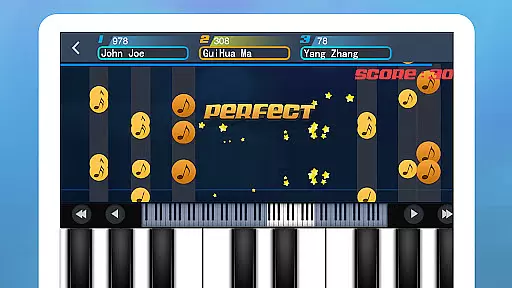
Multiplayer Connection & Competition allows real-time collaboration with global players, weekly challenges, and guild creation. Supporting USB MIDI keyboards and offering free timbre plug-ins for additional instruments, Perfect Piano combines versatility with connectivity for an enriched musical journey.
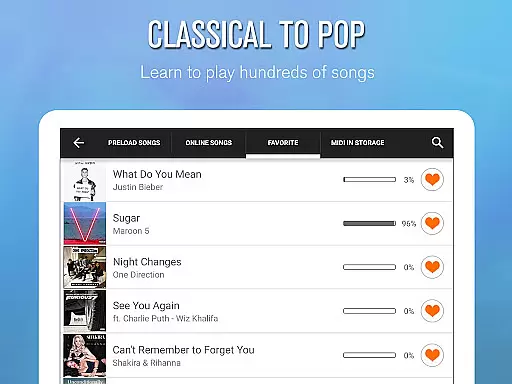
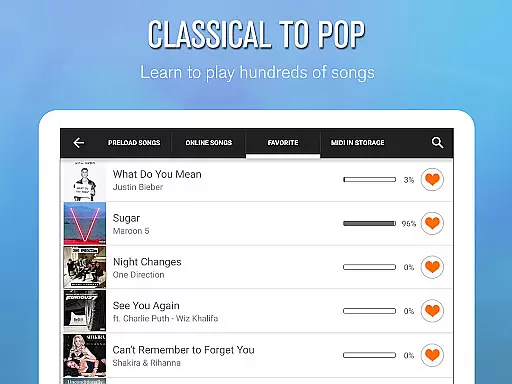
Perfect Piano offers an extensive music library that caters to users of all skill levels. With thousands of popular music scores available, players can learn and enjoy a wide variety of songs directly on their Android devices.
The app ensures copyright authenticity by providing legitimate music scores for learning. This means users can trust the integrity of the content they are engaging with, ensuring a worry-free musical experience.
By integrating MIDI and MusicXML notation support, Perfect Piano allows musicians to import and export sheet music, expanding the library even further. This feature is crucial for those who wish to work with custom compositions or practice specific pieces.
Additionally, the app's regular updates introduce new weekly song challenges, keeping the music library fresh and engaging. These updates not only expand the library but also maintain its relevance in the ever-evolving world of music.
Perfect Piano stands out with its multiple high-quality audio options. The app features several built-in sound effects, including Grand piano, Bright Piano, Music Box, Pipe Organ, Rhodes, and Synthesiser, delivering an authentic auditory experience.
For audiophiles and professionals, the support for MIDI keyboards like YAMAHA P105 and Roland F-120 through USB interface enhances the audio output. This compatibility ensures that every note played is captured with precision and depth, rivaling traditional pianos.
Moreover, Perfect Piano utilizes OpenSL ES low latency audio support, which is currently in beta. This technology provides real-time audio feedback, essential for learners and performers who demand exactness in their play.
Users can also record their performances in MIDI and ACC formats, preserving the richness of the audio quality. These recordings can be shared directly or set as ringtones, allowing users to showcase their musical achievements with confidence.
User-friendly interface
Wide range of features
Supports MIDI keyboards
Active community support
Regular updates
Some features require premium
Occasional bugs reported
Heavy app size
Learning curve for beginners
Limited offline functionality

Your HD audio recorder on the go for music, meetings, ambience, animal sounds…
 4.30
4.30
Equalizer, Bass Booster and Volume Booster (Eq & Bass) improve sound quality
4.30
DJ Music Mixer Pro is a real DJ controllers and DJ Music Studio to remix DJ.
4.40
Super Sound Editor, Song Maker & Mixer, Vocal Remover, Voice Recorder & Changer!
4.60
Manage your Sonos system directly from your home-screen!
4.40
Master Salsa Rhythm quickly and with a lot of fun!
4.30
Reverse your voice & songs instantly! Fun singing challenge with cool effects.
4.60
Travel To The Music Universe
3.40
Uninterrupted Tunes, Unmatched Vibes
3.90
Simple & Intuitive Metronome
4.70
Taal player that lets you sing any Indian & Western song with Tabla & Tanpura
4.60
Recording studio w/ 10k beats, pro vocal FX and a network of 20M rappers & fans!
4.60
Offline Music Player&MP3 Player with themes, equalizer, lyrics, music play mode
4.60
Enjoy singing any song, no matter how high or low it is
4.30
Network/Cloud Streaming, Visualization, Graphic Equalizer and Sound Effects.
4.20
No wifi music app. Mp3 offline. Tuner radio, young radio music. Music downloader
4.20
The original SP-1200 experience on your iPad
4.20
Sing, record, and create music together — enhanced by smart voice tools.
4.00
Powerful beat maker & DJ mixer to remix tracks, make music, & perform DJ mix
3.70


User Reviews