

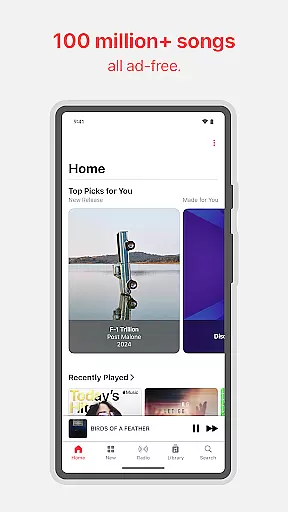
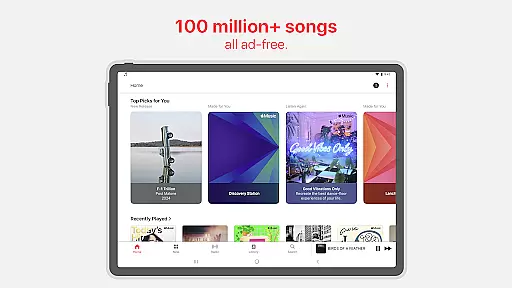
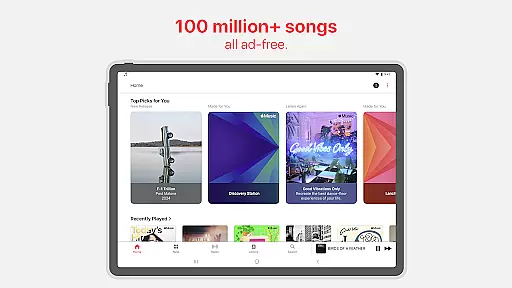
Apple Music stands as a premier music streaming service, offering users access to an extensive library of over 100 million songs. This platform is designed not just for listening but for experiencing music at its highest quality, including Spatial Audio with Dolby Atmos and Lossless Audio options. It caters to audiophiles and casual listeners alike by providing an ad-free environment rich with exclusive content.
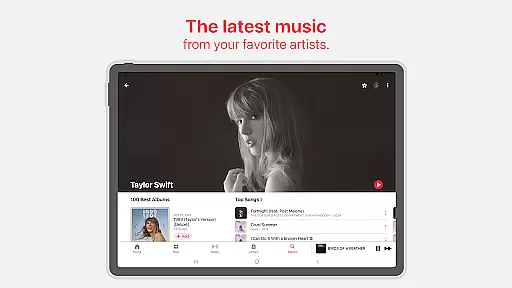
Beyond just streaming, Apple Music serves as a hub for music discovery and engagement. Users can explore personalized playlists, exclusive radio shows hosted by iconic artists, and in-depth interviews that offer unparalleled insights into the music world. The service also supports collaborative playlist creation and sharing, enhancing social connectivity among music enthusiasts.
Whether you're commuting, working out, or relaxing at home, Apple Music adapts to your lifestyle. With offline downloads, crossfade capabilities, and integration with smart devices via Chromecast, it ensures uninterrupted access to your favorite tunes. Its global reach, though varying by region, makes it a versatile choice for music lovers worldwide.
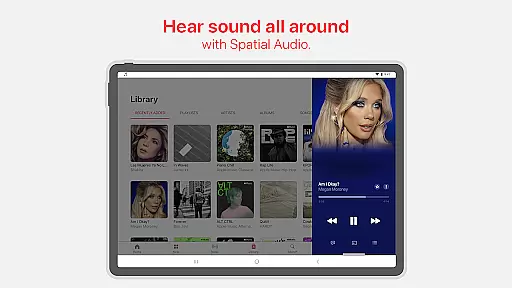
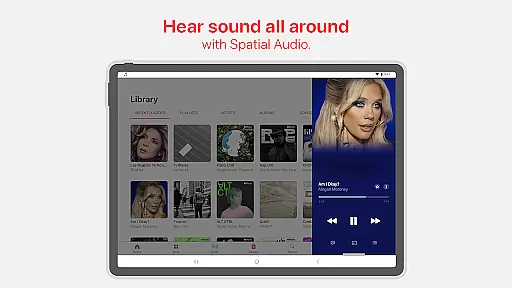
One of the standout features of Apple Music is its commitment to audio quality. Subscribers can enjoy immersive Spatial Audio with Dolby Atmos, which adds depth and dimension to tracks, alongside Lossless Audio for pristine clarity. These options set Apple Music apart from many competitors in terms of sound fidelity.
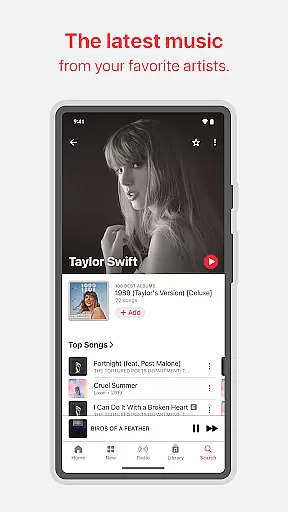
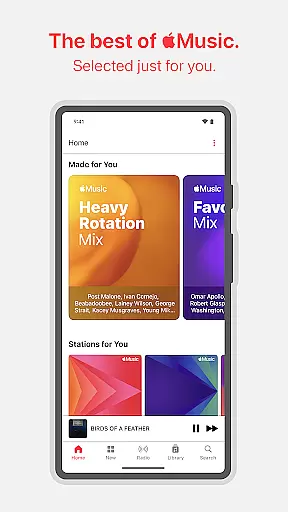
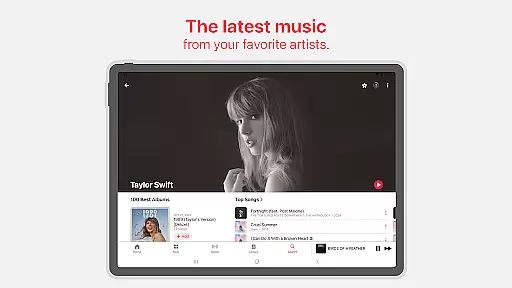
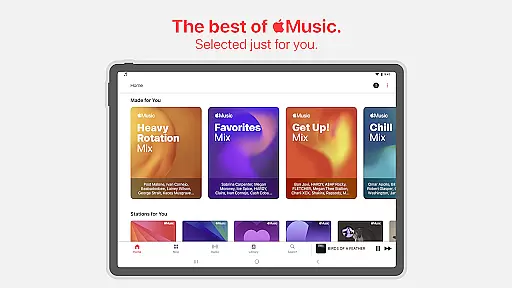
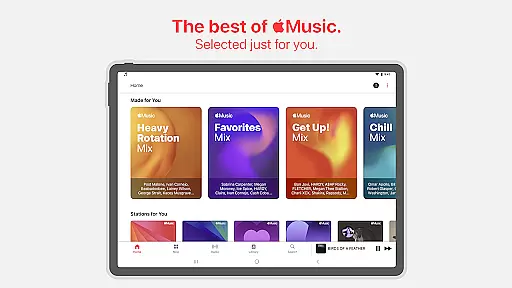
The platform excels in personalization and curation. Through its 'Listen Now' section, users receive tailored recommendations based on their listening habits. Additionally, Apple's team of editors handpicks new releases and highlights significant moments in music, ensuring users stay informed and engaged with the latest trends.
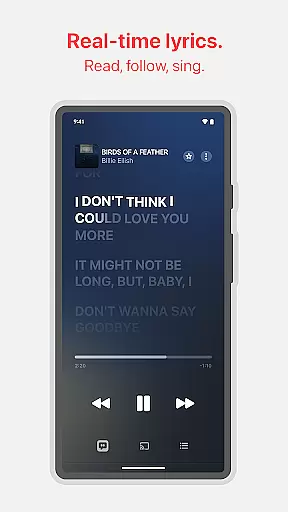
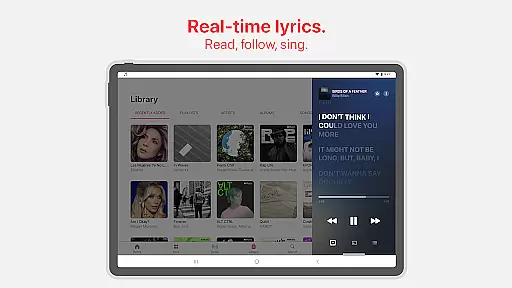
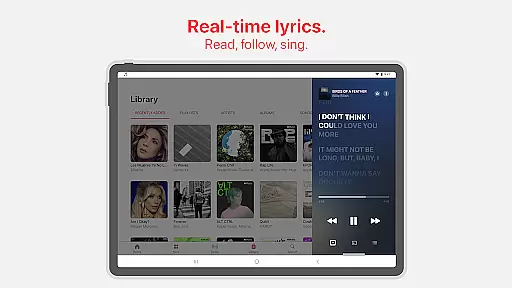
Apple Music fosters community and interaction through several innovative features. Users can follow friends, share playlists, and even collaborate on them in real-time. The inclusion of precise, beat-by-beat lyrics allows for interactive listening experiences, while AutoPlay keeps the music flowing seamlessly. These aspects combine to create a dynamic and engaging user experience.
When it comes to digital music services, the size and authenticity of the music library are crucial factors for users. Apple Music offers an impressive collection of over 100 million songs, ensuring that listeners have access to an extensive range of music genres and artists. This vast library is not just about quantity; it's also about quality and legality. Each track in the Apple Music catalog is properly licensed, guaranteeing that artists and rights holders are compensated for their work.
The service takes pride in offering exclusive content that you won't find on other platforms. These exclusives often include special releases, live sessions, and unique collaborations that are only available through Apple Music. This commitment to providing exclusive content adds significant value for subscribers who seek out distinctive musical experiences. Moreover, the platform ensures that all its offerings comply with copyright laws, giving users peace of mind knowing they are accessing a legitimate service.
For music enthusiasts, having such a comprehensive and legally sound music library means endless possibilities for exploration and enjoyment. Whether you're into mainstream hits or niche genres, Apple Music's vast array of options caters to diverse tastes. The assurance of copyright authenticity further enhances the user experience by fostering trust between the listener and the service provider.
Audio quality is a defining feature for any music streaming service, and Apple Music stands out with its superior sound options. The platform delivers music in high-definition formats, including Spatial Audio with Dolby Atmos and Lossless Audio, which provide an immersive listening experience. These advanced audio technologies ensure that every note and beat is reproduced with stunning clarity and depth, allowing listeners to hear music exactly as the artists intended.
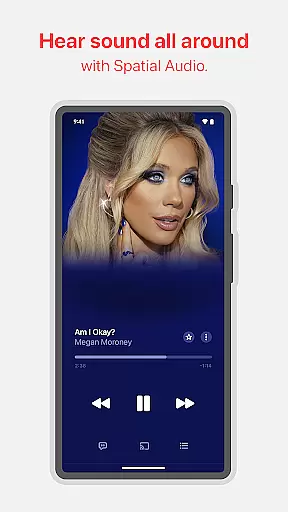
With Spatial Audio, users can enjoy a multidimensional soundscape that brings tracks to life. This feature creates a surround sound effect, making it feel like the music is coming from all around you. Meanwhile, Lossless Audio preserves the original quality of the recording without any compression artifacts, appealing to audiophiles who demand the best possible sound reproduction. Both options highlight Apple Music's dedication to delivering top-tier audio experiences.
These premium audio features set Apple Music apart from competitors, attracting discerning listeners who prioritize sound fidelity. By offering multiple audio quality settings, the service accommodates various preferences and playback devices. Whether using high-end headphones or standard speakers, users can tailor their listening experience to suit their needs while enjoying consistently excellent sound performance across different setups.
High-quality audio streaming
Extensive music library
Exclusive artist content
Personalized recommendations
Offline listening mode
Subscription fees required
Limited free version
Regional restrictions apply
No lyrics for some songs
Complex navigation for new users

Equalizer, Bass Booster and Volume Booster (Eq & Bass) improve sound quality
 4.30
4.30
Over 100 million tracks available for high quality streaming and download
4.60
Tune in to the greatest hits on UK Radio | The home of Capital, Smooth & Heart.
4.90
A synth that really lets you shape your sounds!
4.50
Permanently backup Now Playing. Maps, filters & listening stats.
4.00
Simple & Intuitive Metronome
4.70
Make songs with AI! Any genre, custom lyric, song generator for music creation!
4.80
Offline Music Player & MP3 Player.Powerful equalizer, Lyrics, Themes, Tag Editor
4.80
The original SP-1200 experience on your iPad
4.20
Full-featured, High-Quality Groovebox Workstation, perfect for Live Performance!
4.80
Your song collections with lyrics and chords on Android smartphones and tablets.
4.80
More downloads than any other metronome. Includes drum machine & tempo trainer.
4.80
Gorgeous UI, Powerful music Search and Equalizer, the great choice for you!
4.70
Most Advanced AI Song Generator and Music Creator. Rap, Pop, Rock, Gospel & more
4.70
Ultimate Sonos Controller
4.70
Learn the notes on the guitar fretboard fast with this easy and fun app
4.60
Smart piano keyboard, Classical to Pop, Real-time multiplayer connection!
4.20
USB audio recording and playback finally possible on Android 3.1 or higher!
3.90
Sheet music reader, piano & music note player. Play music score & learn to read.
3.90

User Reviews