
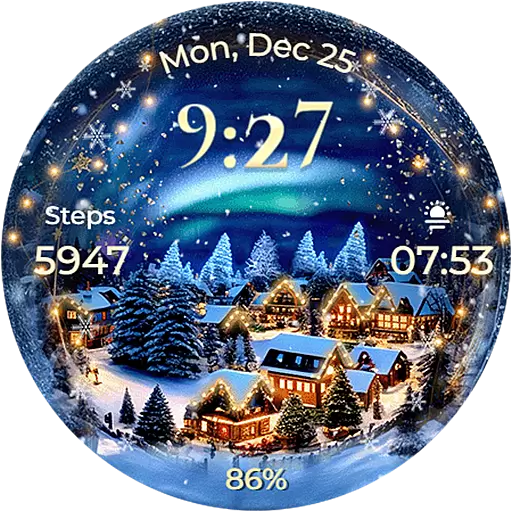
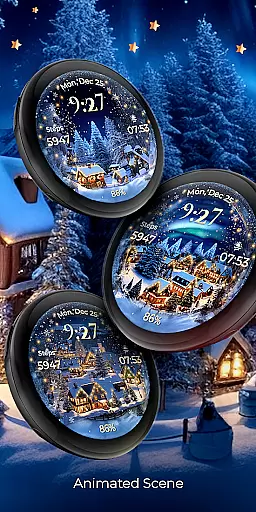
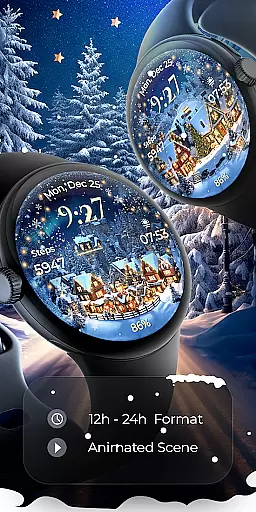
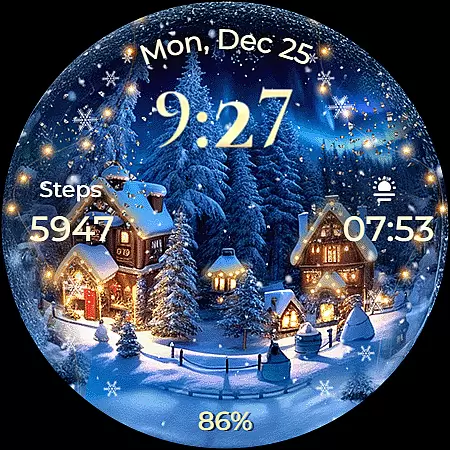
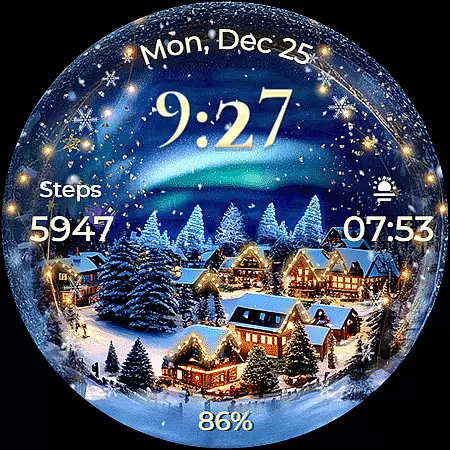
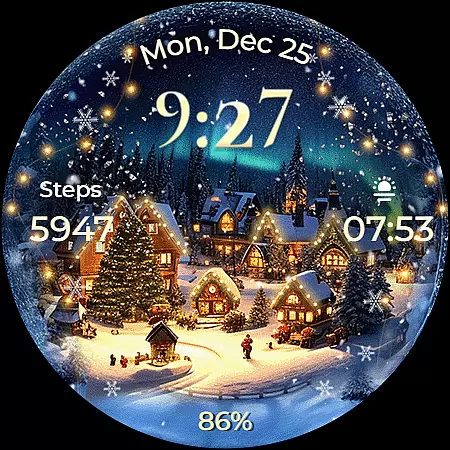
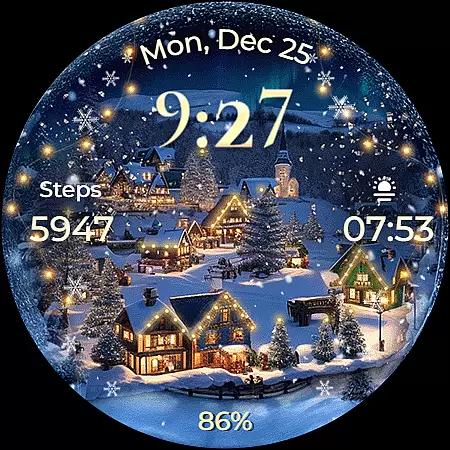
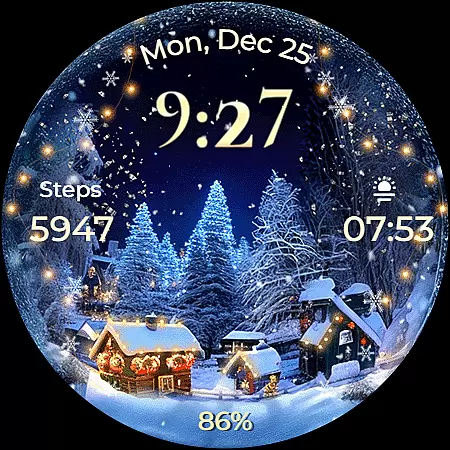
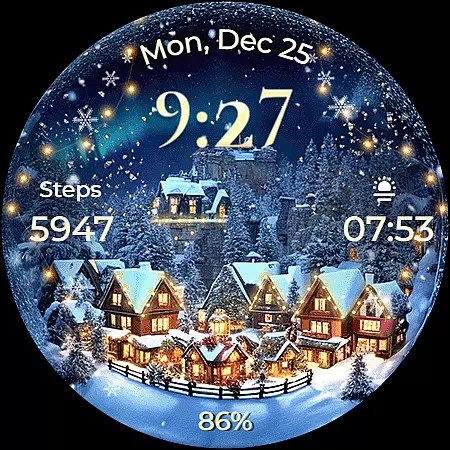
Animated North Pole Christmas is a festive Wear OS watch face that brings the magic of the holiday season to your wrist. Featuring animated snowfall and a magical sparkle, this app captures the essence of winter cheer.
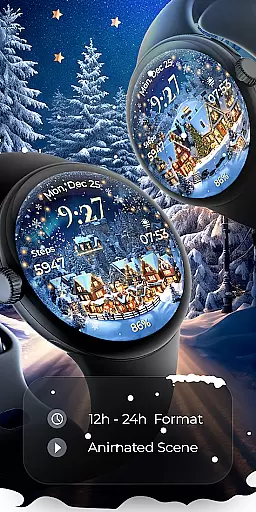
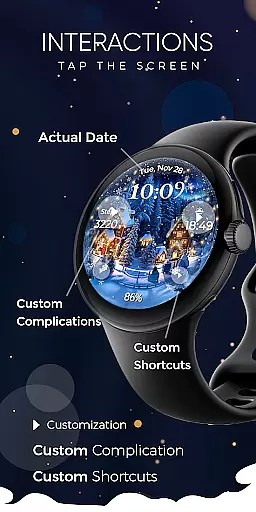
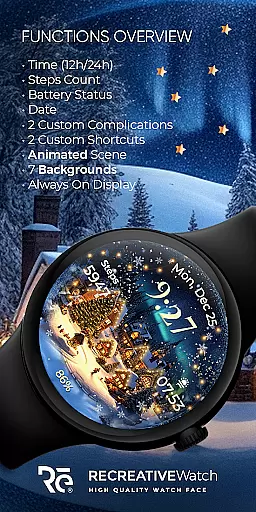
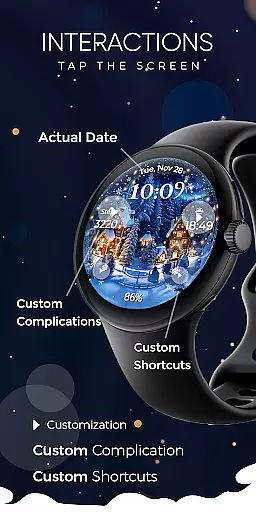
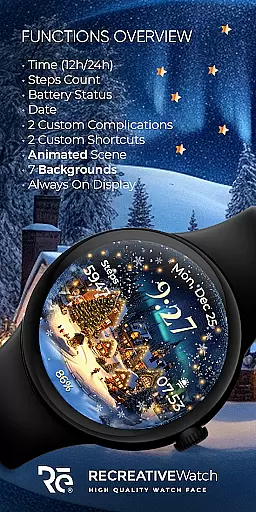
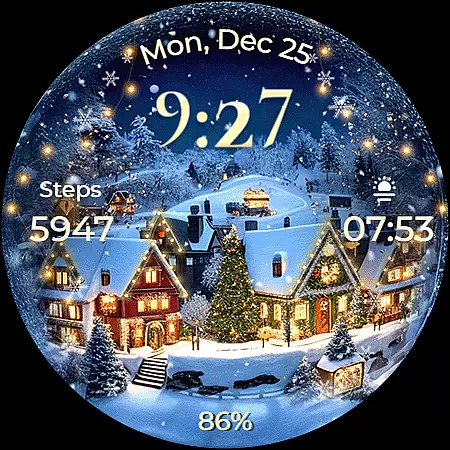
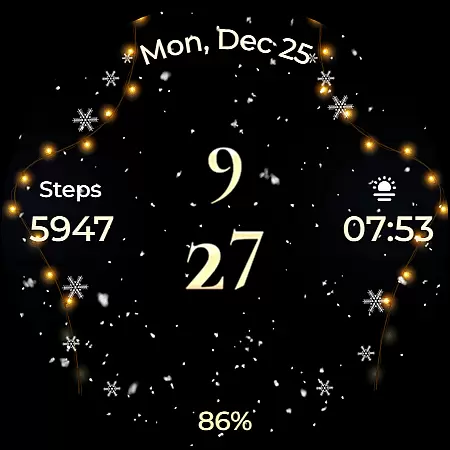
The watch face displays 12/24h digital time, date, battery status, and step count. It also supports Always ON Display with customizable colors and modes. With seven unique backgrounds and two customizable complications, users can personalize their experience while enjoying the holiday spirit.
This Wear OS watch face stands out with its vibrant holiday theme. The animated snowfall combined with magical sparkles creates an immersive winter atmosphere on your smartwatch display.
Functionality meets customization through features like 12/24h time format, date, battery indicator, and step counter. Users can choose from seven stunning backgrounds and configure two complications as well as two shortcuts. The Always ON Display feature ensures convenience without compromising battery life when managed properly.
Companion app integration is essential for ensuring seamless functionality between a smartwatch and its paired mobile device. For Animated North Pole Christmas, the companion app serves as a facilitator for installation and customization of the watch face on Wear OS devices.
This festive watch face leverages the phone app to simplify the process of locating and installing the desired features onto your smartwatch. The phone app acts as a bridge, enabling users to easily access and implement the holiday-themed display without hassle.
While the mobile app contains ads, it ensures that the watch face itself remains ad-free, preserving the immersive experience on your wrist. This distinction allows users to enjoy the magic of the North Pole with animated snowfall and sparkle without interruptions.
By streamlining the setup and personalization process, this integration enhances user satisfaction and prepares you to embrace the winter magic every time you glance at your watch.
Compatibility with Wear OS and various devices is crucial for a versatile and accessible smartwatch experience. Animated North Pole Christmas is designed to work seamlessly with API level 33+ Google Pixel, Galaxy Watch 4, 5, 6, and other Wear OS models, ensuring broad compatibility.
This compatibility enables users to enjoy an array of features such as digital time display, date, battery status, step count, customizable complications, and shortcuts. With support for Always On Display and changeable colors and modes, the watch face offers both utility and personalization.
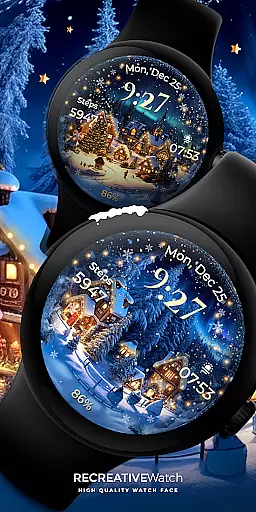
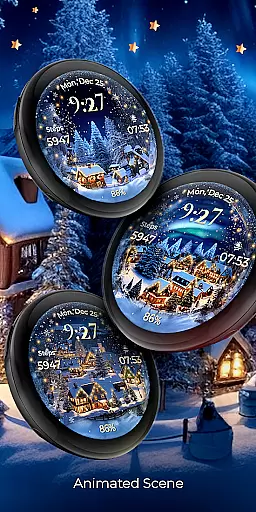
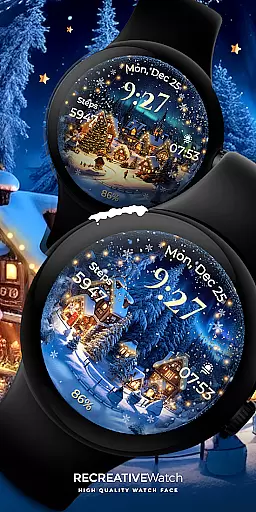
Including seven different backgrounds and animations like falling snow and magical sparkles, the watch face captures the essence of the holiday season. These features are enriched by compatibility with a wide range of devices, making it adaptable to various user preferences and styles.
For optimal battery performance, disabling the Always On Display mode is recommended. This thoughtful design ensures that users can enjoy the festive cheer while maintaining practical usability across compatible devices.
Holiday-themed design
Customizable features
Always ON Display
Animated effects
Seven background options
Battery consumption
Limited to Wear OS
Ads in phone app
No automatic application
Specific device compatibility

Snowflake Rose Gold Watch Face - Digital, modern, & sleek with GYRO effect.
 4.10
4.10
MyNISSAN® lets you remotely control your car from your phone.*
4.50
A heartwarming Christmas scene featuring a cute image of Santa and Rudolf
4.2
Authentic military-tactical design with ZULU time! Realistic and functional!
3.80
Fitness interactive virtual pet super fighter boy watch face
4.0
Connect to your Bluelink equipped Hyundai vehicle from your smartphone.
4.50
Period, ovulation & pregnancy tracker. Fertility insights & menstrual calendar.
4.90
Stylish, Energizing and Modern Watch Face crafted by Dominus Mathias.
4.50
Track your active life in one place and share the journey with friends.
4.40
Real-time weather radar with temperatures, warnings, hurricanes, and widgets
4.80
Hyperlocal rain alerts by MyRadar using patent-pending technology, radar & more
4.80
Highly customizable hybrid watch face for Wear OS, perfect for everyday use.
4.60
Fast and smart typing with Emojis, GIFs, and more
4.50
Beautiful artistic animated digital watch face, with a customizable layout!
4.40
Digital watch face. For Wear OS devices.
4.40
Find EV charging stations
4.30
an Analog Watch Face for winter season with freeze winter background for Wear OS
4.0
Precision analog watch face with 7 complications and style options
4.3
Sleek, highly customizable watch face inspired by Galaxy Watch Circle Dashboard.
4.2

User Reviews