

Pro Emulator for Game Consoles is a versatile emulator designed to bring classic gaming experiences to modern Android devices. This powerful tool supports emulation of various game consoles, ensuring high compatibility and seamless performance across multiple platforms, from smartphones to TVs.
The emulator's standout features include automatic save states, quick load/save functionality, and optimized touch controls that enhance gameplay without draining the device's battery. It also offers advanced capabilities like link cable emulation over Bluetooth or Wi-Fi, gyroscope/tilt/solar sensor simulation, and support for external controllers such as MOGA gamepads.
With its user-friendly interface and customizable screen layout editor, Pro Emulator caters to both casual gamers and enthusiasts who want to relive the nostalgia of retro gaming on their mobile devices while enjoying modern enhancements like GLSL shaders and display simulation options.
Pro Emulator for Game Consoles boasts an impressive array of features tailored to deliver an authentic yet enhanced gaming experience. One of its key strengths is the high-level BIOS emulation, which eliminates the need for additional BIOS files, streamlining setup and usage.
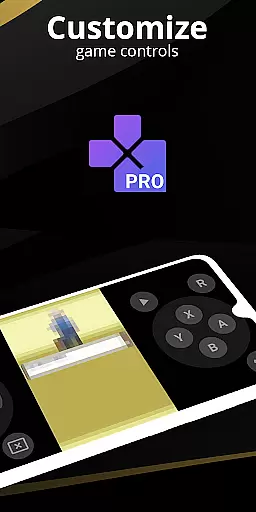
For users seeking customization, the emulator provides a robust screen layout editor, allowing precise positioning and sizing of on-screen controls. Additionally, it supports advanced functionalities such as tilt-to-stick controls, cloud save synchronization, and local multiplayer options when connecting multiple gamepads to one device.
Performance optimization is another highlight, with OpenGL rendering backends ensuring smooth visuals even on devices without dedicated GPUs. The inclusion of fast-forward and slow-motion modes further enhances gameplay flexibility, making this emulator a top choice for retro gaming aficionados looking to maximize their enjoyment on Android devices.
For an emulator app like Pro Emulator for Game Consoles, core function accuracy is crucial to ensure a seamless gaming experience. The app achieves this by offering high compatibility with nearly all game ROMs and providing advanced emulation features such as automatic save states, quick load/save slots, and link cable emulation across devices.
The effectiveness of the emulator is further enhanced through its support for various sensors including gyroscope, tilt, and solar sensors, along with rumble feedback. These features are accurately replicated to mimic the original console experience. Additionally, the emulator does not require BIOS files due to its high-level BIOS emulation, making it easier for users to get started without additional setup.
Users benefit from the app's optimization for both high-end and lower-end devices. It offers OpenGL rendering for devices with GPUs and standard rendering for those without, ensuring broad device compatibility. This allows gamers to enjoy their favorite titles on a wide range of Android devices, from smartphones to TVs.
Ultimately, the precision in emulating classic consoles gives users the ability to relive nostalgic gaming experiences with improved visuals and performance. The app's dedication to accuracy ensures that games run as they were originally intended, preserving the integrity of the gaming experience while adding modern conveniences.
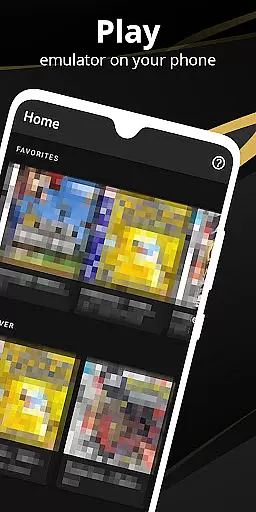
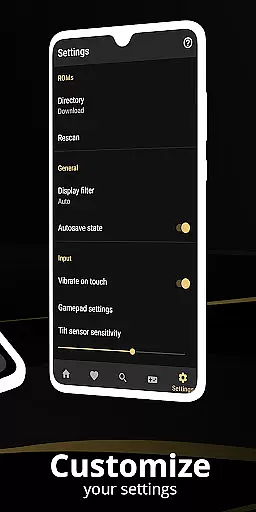
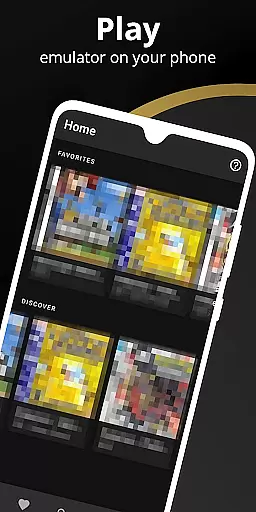
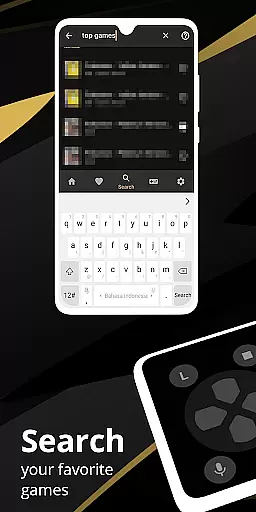
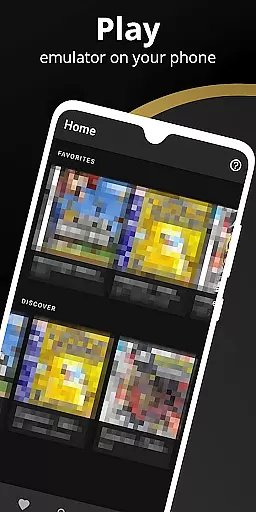
A simple and intuitive interface is vital for an emulator app, ensuring users can easily navigate and access its features. Pro Emulator for Game Consoles excels in this area by providing a clean and well-designed user interface that integrates seamlessly with the latest Android versions. This makes the app approachable even for those who may be new to emulation.
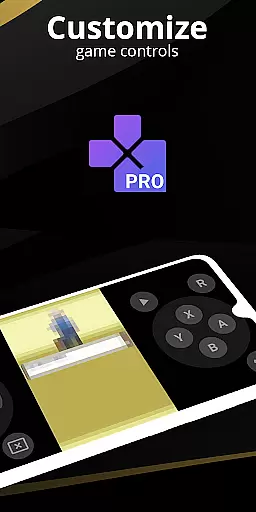
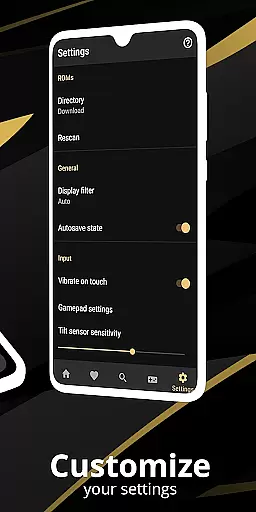
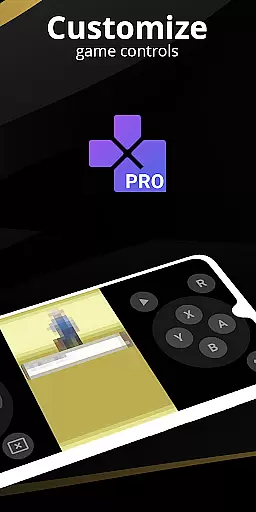
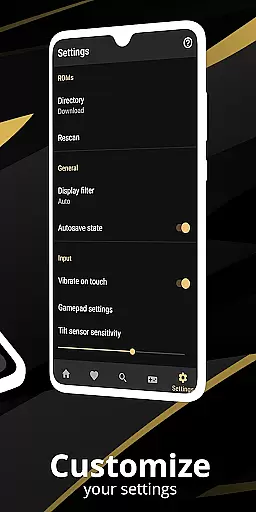
The app includes a powerful screen layout editor, allowing users to customize the position and size of on-screen controls. This level of customization ensures that each user can tailor the interface to their preferences, enhancing the overall user experience. Shortcut buttons for functions like quick save/load further simplify gameplay interactions.
Support for external controllers, such as MOGA controllers, adds another layer of intuitiveness. Gamers can connect their preferred gamepads and enjoy a console-like experience on their mobile devices. Tilt-to-stick functionality also provides an alternative control method, catering to different play styles.
By focusing on interface simplicity and intuitiveness, the app ensures that users spend less time figuring out controls and more time enjoying their games. This thoughtful design ultimately enhances user satisfaction and engagement with the app.
High game compatibility
Optimized touch controls
Battery-efficient emulation
Cloud save sync
Multiplayer support
Powerful device required
No legal ROMs included
Complex setup process
Limited console support
Paid version only


Easily install aab(Android App Bundle) files on your Android device with our app
 4.80
4.80
Transfer Files, APK from Phone to Watch & Install.
4.0
Learn the vast amount of system information about device and monitor it's state
4.70
HD Video player and downloader for all formats, fast & smooth 4K video playback.
4.60
Family Locator, Share location, StayConnect with your family in real time
3.90
Screen Mirroring for Roku Sticks, Roku TCL TV and Roku Hisense TV
4.50
NFC Tools can read and write NFC tags.
4.70
Introducing Smart Printer, your ultimate destination for printing solutions!
4.00
Mobile Security with Scam Protection | Malware & Virus Cleaner | Safe Browser
4.70
Small and simple app to Verify Root Access and BusyBox Install!
4.70
ADB support Android 4.X-Android 13(Support wireless pair mode).No root required!
4.70 4.50
4.50
Quickly switch to an encrypted DNS server on Android TV
4.50
Use your phone as a webcam on your computer over WiFi or USB.
4.40
Forza Tuning Calculator App for Forza Horizon 5, Motorsport and Earlier Titles
4.40
Mirror your screen to Fire TV - Super fast and simple
4.40
pdf merge, word to pdf, jpg to pdf, edit pdf, convert to pdf and much more!
4.20
This app unlocks the Pro features of the Central for DayZ app
3.60
Unlock your Essential Key. Create custom shortcuts to your favorite apps!
4.1

User Reviews