
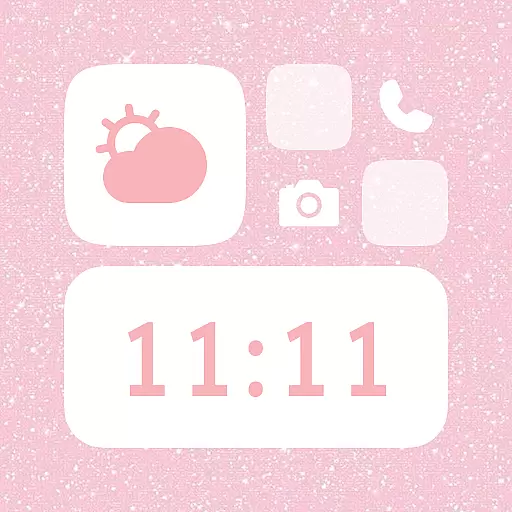
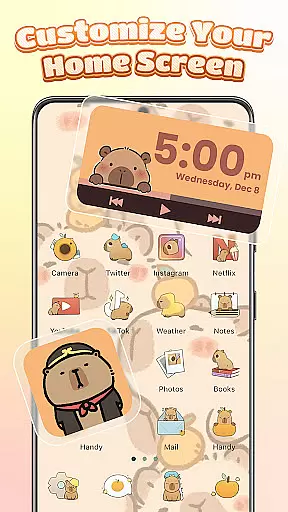
Themebox is a comprehensive personalization app designed for Android users who want to customize their home screens with unique themes, icon packs, and widgets. This app offers over 1000 beautifully crafted themes, color widgets, wallpapers, and control center options, allowing users to tailor every aspect of their phone's appearance.
The app includes an intuitive icon changer that lets users modify app icons with different styles, fonts, colors, and transparency levels. Additionally, it provides smart tools like the floating Control Center, which grants quick access to essential system settings. Whether you prefer pastel tones, dark mode, neon effects, or minimal anime aesthetics, Themebox caters to diverse tastes and preferences.
With daily theme updates and exclusive releases, Themebox ensures your device remains fresh and personalized. Its lightweight design and ease of use make it an ideal choice for those passionate about aesthetics and DIY customization.
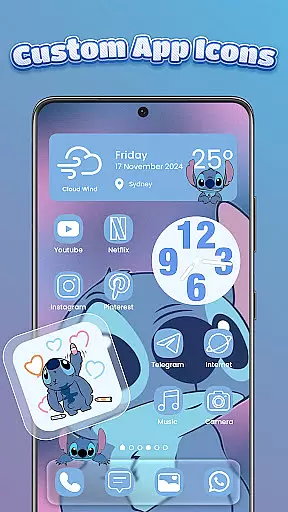
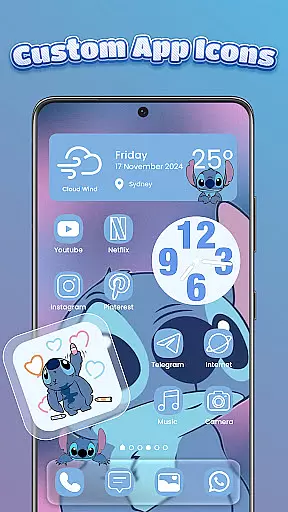
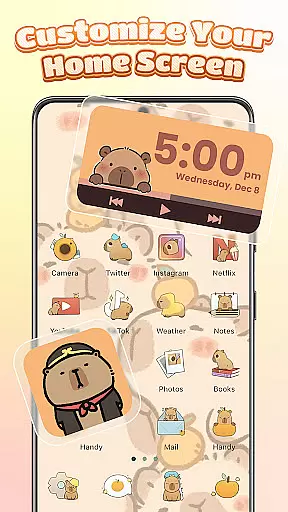
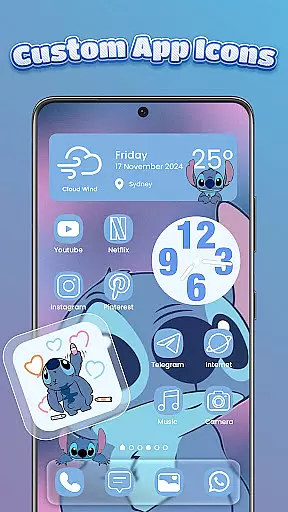
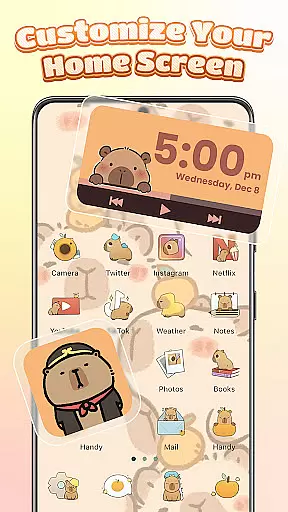
Themebox stands out with its extensive range of customization features. The app icon changer allows users to explore various icon packs, offering styles from cute and colorful to sleek and modern. Users can adjust font, color, transparency, and background settings to create a personalized look that matches their vibe.
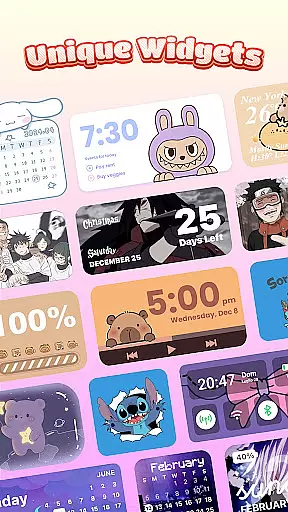
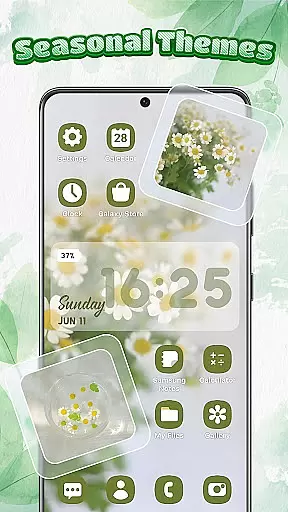
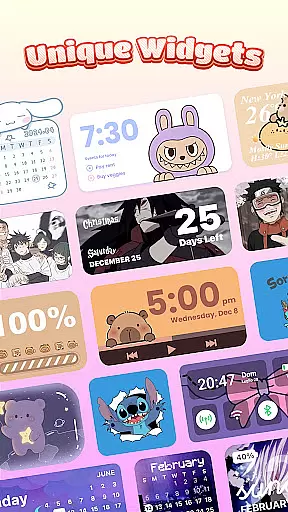
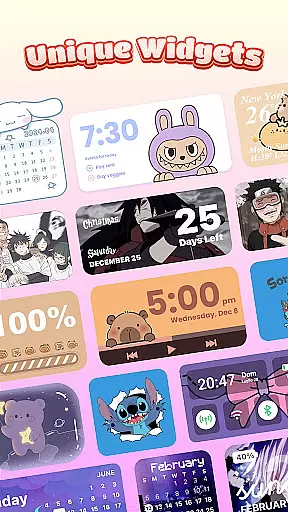
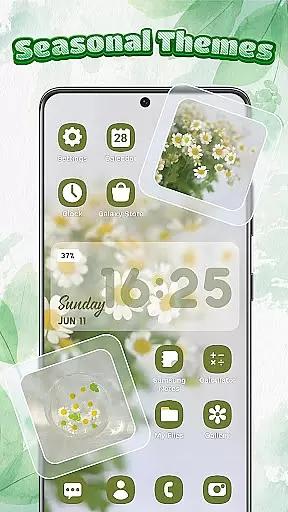
Color widgets are another highlight, providing stylish and interactive elements such as battery status, calendar, weather, and image widgets. These widgets can be customized to blend seamlessly with the home screen theme. The inclusion of a smart Control Center enhances usability by providing a floating panel for swift access to system functions.
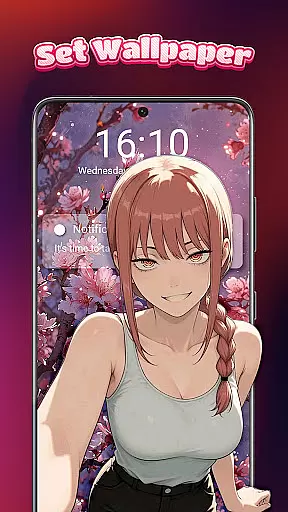
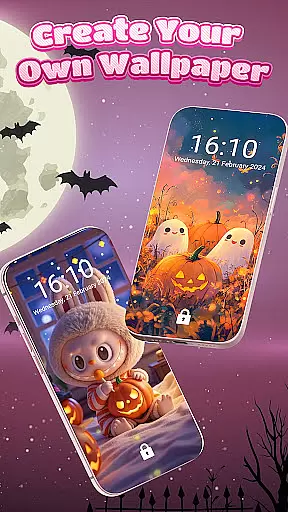
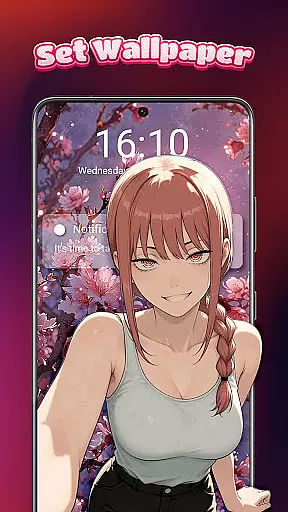
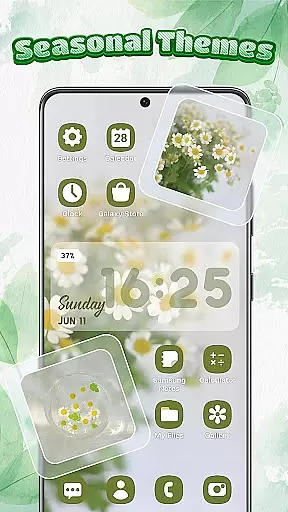
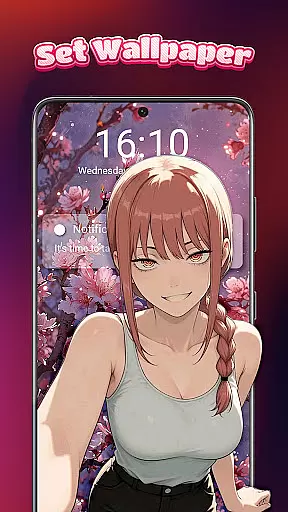
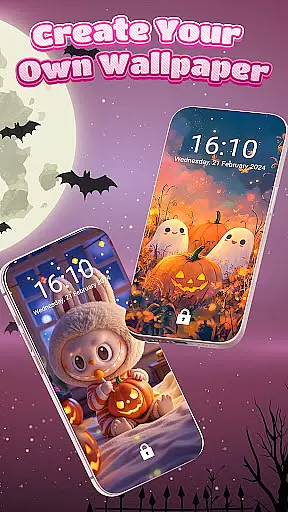
Furthermore, Themebox boasts a vast library of wallpapers and themes, including anime, neon, minimalist, pastel, and vintage styles. With daily updates and exclusive releases, users have endless opportunities to refresh their home screens. The app's focus on accessibility ensures a smooth experience while customizing, making it a top choice for aesthetic enthusiasts.
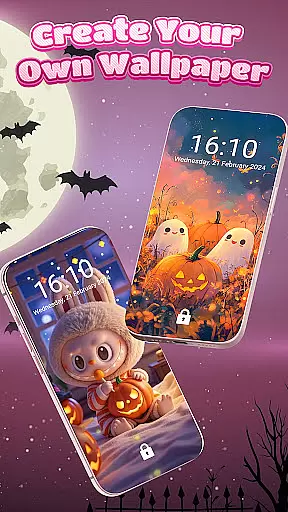
Themebox offers an extensive range of customization options that allow users to personalize their smartphone experience like never before. With over 1000 beautifully designed themes, the app caters to various aesthetic preferences including pastel, dark mode, neon, minimal anime styles, and more.
The app icon changer feature is particularly robust, providing a wide array of icon packs that vary from cute and colorful to sleek and modern designs. Users can mix and match different styles, adjust fonts, colors, transparency levels, and even change backgrounds to create unique icons that resonate with their personal vibe.
In addition to icons, Themebox also includes customizable color widgets which enhance both the style and functionality of your home screen. These include battery status, calendar, weather widgets, and smart control panel widgets, all of which can be tailored to fit seamlessly into your chosen theme.
This level of customization empowers users by giving them creative freedom over every aspect of their phone's appearance. Whether you're looking for a complete transformation or just some minor tweaks, Themebox ensures that each user finds exactly what they need to express their individuality through their deviceu2019s design.
Themebox excels in theme compatibility, ensuring that its vast library of themes works harmoniously across different devices and screen sizes. This means whether you have a flagship smartphone or a budget-friendly model, the themes will look crisp and vibrant without any distortion.
The app provides daily updates and exclusive releases of new themes, keeping the content fresh and engaging for users who love variety. From anime-inspired visuals to vintage aesthetics, thereu2019s always something new to explore within Themeboxu2019s ever-expanding collection.
Moreover, Themebox supports DIY creations where users can build their own themes from scratch using elements such as wallpapers, icons, and widgets. This not only enhances user engagement but also guarantees that no matter how specific your taste might be, you can craft a setup that perfectly aligns with it.
By focusing on both breadth and depth in theme offerings, Themebox ensures that every user can find or create a personalized environment on their device that feels truly theirs. The result is a cohesive and visually pleasing interface that reflects each user's unique personality while maintaining optimal usability.
User-friendly interface
Extensive theme library
Customizable widgets
Lightweight performance
Daily content updates
Limited iOS support
Premium themes cost extra
Occasional bugs reported
Ads in free version
Complex for beginners

Capture moments that pass like a storm, second by second.
 4.3
4.3
Gun Chase - Let the chase begin.
4.80
Art & Emoji Keyboard with Cool Fonts, Cute Themes and Custom Designs.
4.40
100+ Stylish Fonts, Emojis, Symbols keyboard for Instagram & TikTok!
4.80
Unique Fonts, typefaces and stylish text. Fonts for Instagram, Whatsapp & others
4.20
Romantic Kiss Stickers App. Start romantic messaging now!
4.30
Aesthetic Widgets, HD Wallpapers, Themes in Mico Widget for Home and Lock Screen
4.50
Struggling to find apps? Use this app to locate and open any app on your phone!
2.20
Your home screen, just the way you like it.
4.30
One 8 icons glass color version
4.80
300+ widgets inspired by Material You and Material 3 expressive design.
4.60
Ultra realistic gold analog watch face with lots of customization options.
4.50 4.50
4.50
200+ Material Inspired Widgets
4.50
A light in the dark, a unique style and an andless cutomization!
4.30
Organize and manage your photos and videos effortlessly with Photo Gallery
4.20
Adaptive Dot Style IconPack with Light & Dark Theme.
3.70
Adorable pets roam and play right on your phone screen!
3.30
Modern Glass Icon Pack with glossy icons, clean minimal theme & aesthetic style
4.0

User Reviews