

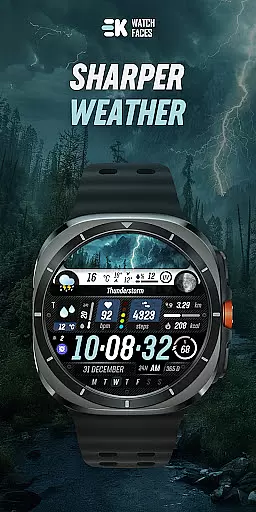
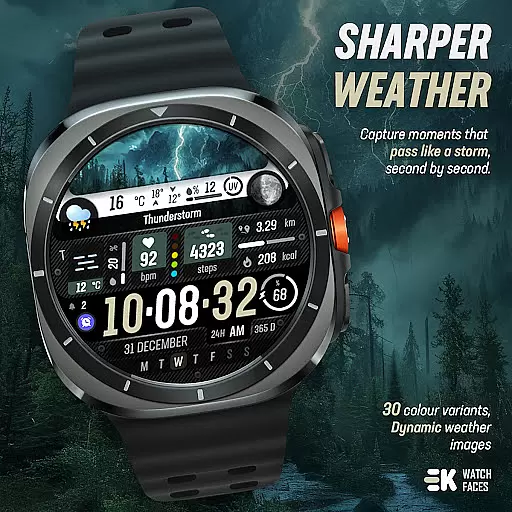
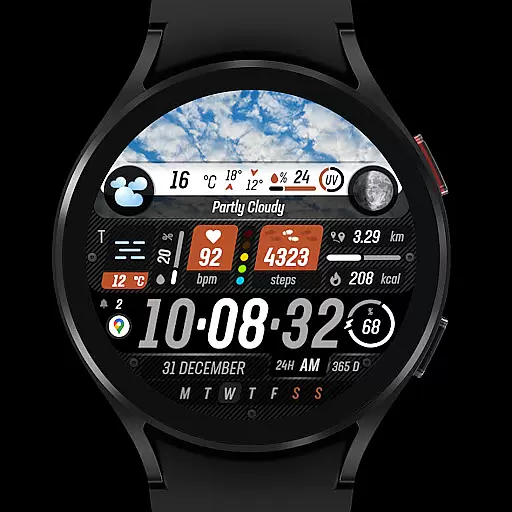
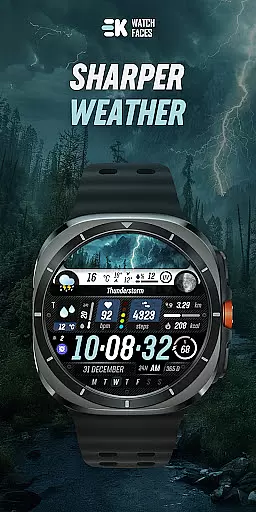
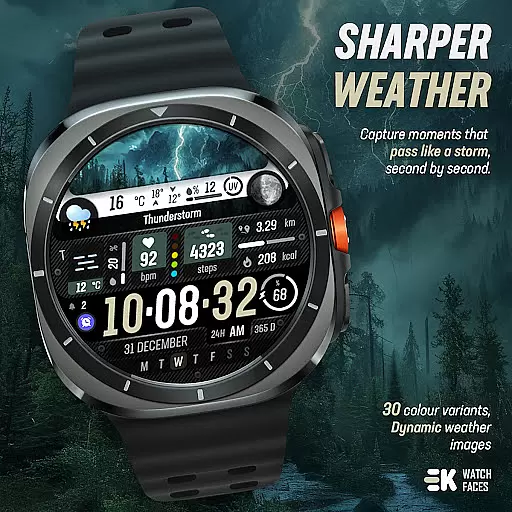
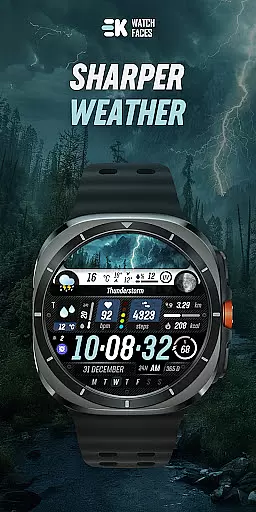
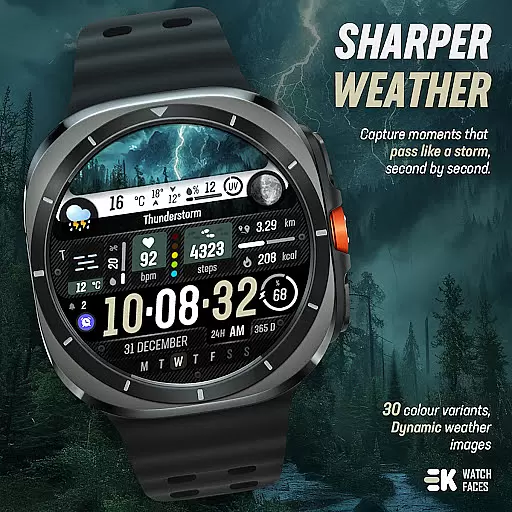
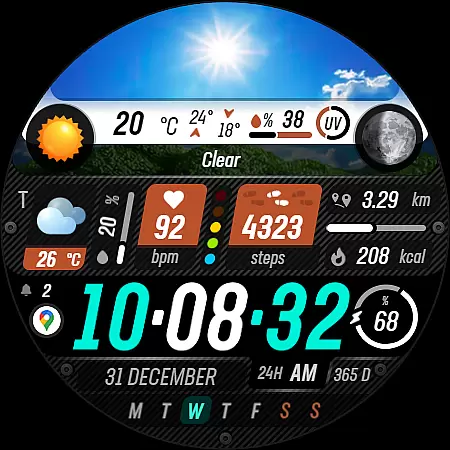
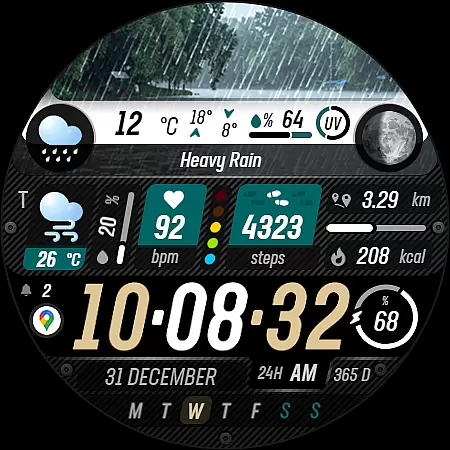
Sharper Weather is a feature-rich watch face designed exclusively for Wear OS devices, offering users an enhanced and personalized timekeeping experience. This application transforms your smartwatch into a dynamic weather station, providing real-time meteorological updates directly on your wrist.
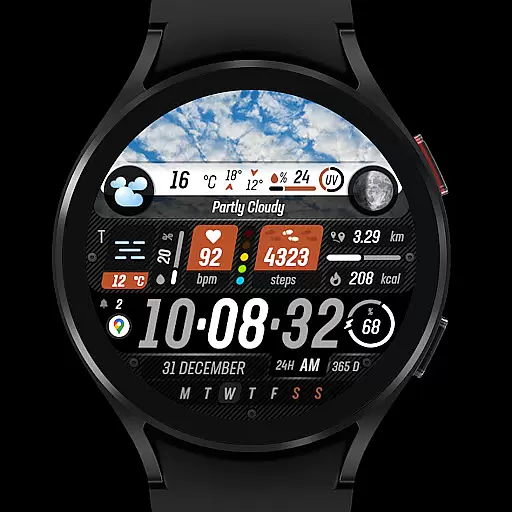
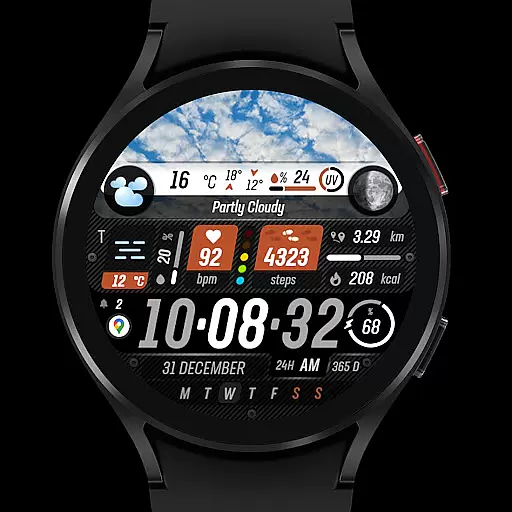
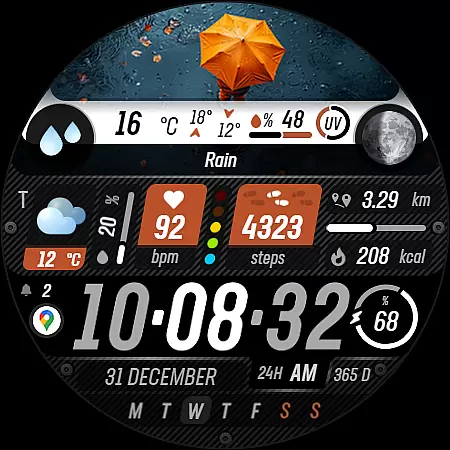
The app stands out with its ability to display weather conditions through animated icons and images that change based on the time of day. It also offers comprehensive health tracking features such as step counting, distance measurement, calorie tracking, heart rate monitoring, and more. With support for always-on display and customizable complications, Sharper Weather ensures both functionality and personalization.
Ideal for tech-savvy individuals who value both aesthetics and utility in their wearable technology, this app is particularly useful for outdoor enthusiasts and professionals who need quick access to weather forecasts and personal health metrics throughout the day.
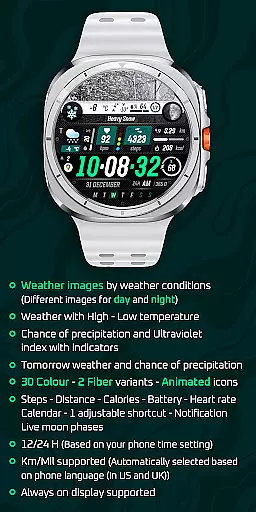
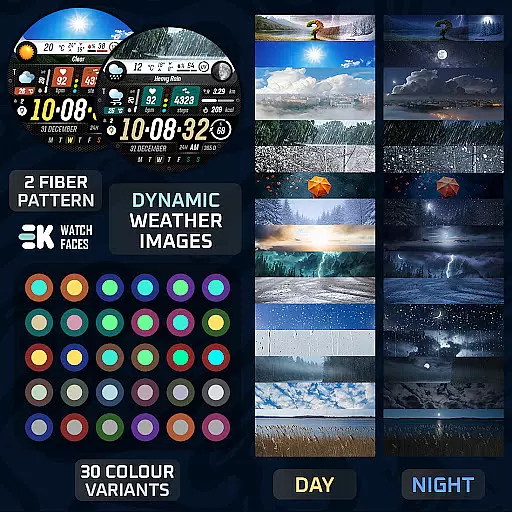
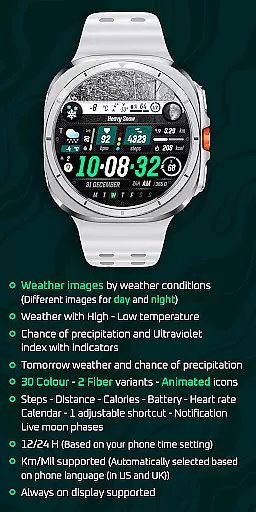
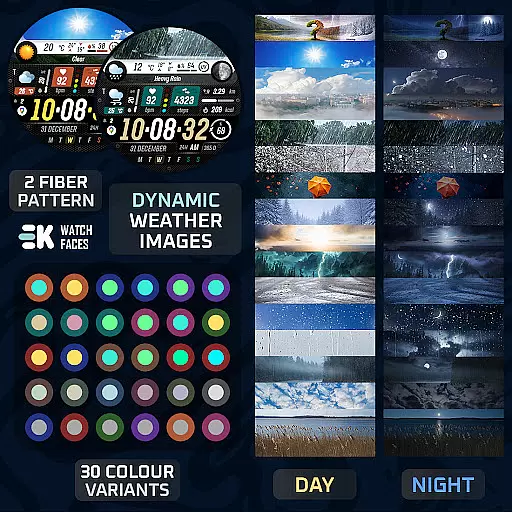
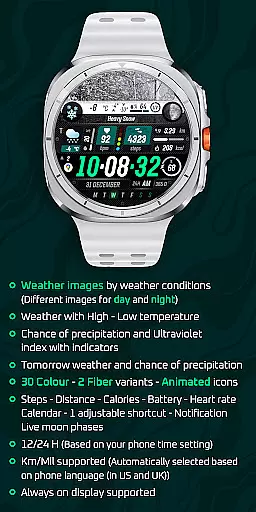
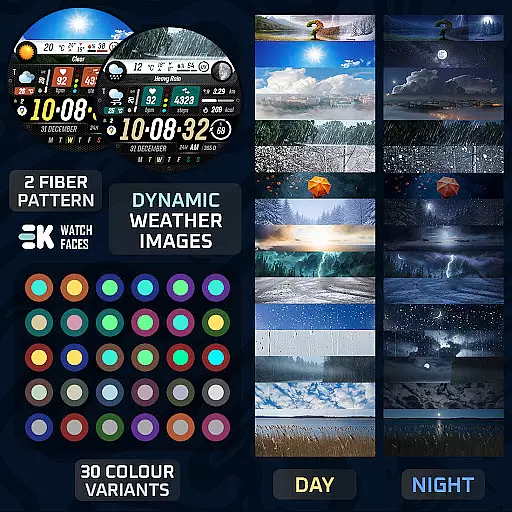
Sharper Weather boasts an impressive array of features tailored to enhance user interaction and provide valuable information at a glance. One of its standout capabilities is the dynamic weather visualization, which uses different images for day and night conditions, alongside displaying high and low temperatures.
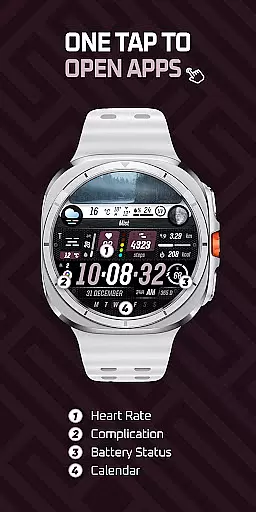
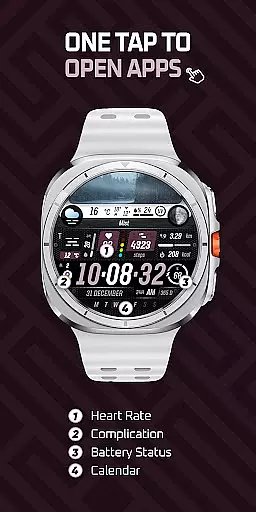
In addition to weather data, the app provides health and fitness tracking functionalities including steps, distance, calories burned, heart rate, and even calendar notifications. The inclusion of adjustable shortcuts and live moon phases further enriches the user experience by allowing quick access to frequently used functions and adding another layer of environmental awareness.
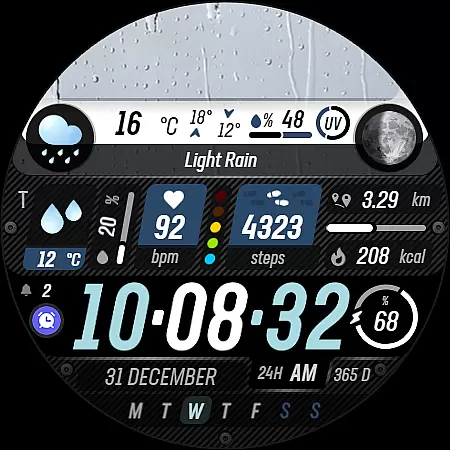
Moreover, Sharper Weather supports 30 color options and two fiber variants, ensuring that users can customize their watch faces to match their personal style. With compatibility for both 12-hour and 24-hour formats, as well as automatic selection between kilometers and miles based on phone language settings, this app caters to a global audience seeking both form and function in their smartwatch accessories.
Sharper Weather - Watch Face offers a wide array of customization options that cater to individual preferences and needs. With 30 color choices and 2 fiber variants, users can personalize their watch face to match their style or mood. The animated icons add a dynamic element to the display, making it not only functional but also visually appealing.
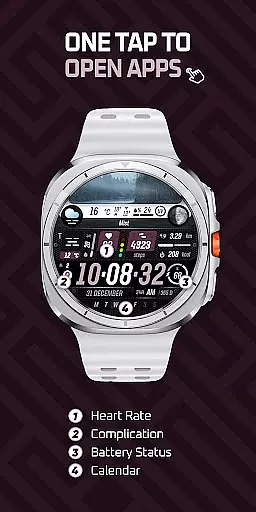
In addition to aesthetic customization, the watch face provides practical features such as an adjustable shortcut, allowing quick access to frequently used apps or functions. Whether you want to check the weather, view your calendar, or monitor your heart rate, this level of personalization ensures that the most important information is always at your fingertips.
The inclusion of live moon phases and notifications enhances the user experience by delivering real-time data and updates. These options allow users to tailor their watch face not just for looks, but also for maximum utility, ensuring that each glance at their wrist provides valuable information tailored specifically to them.
Theme compatibility is a crucial aspect of any wearable device's software, and Sharper Weather - Watch Face excels in this area. Designed exclusively for Wear OS 5+ devices (API 34+), it ensures seamless integration with the operating systemu2019s themes and settings. This compatibility allows users to enjoy a cohesive visual experience across their device ecosystem.
Moreover, the application supports both 12-hour and 24-hour time formats based on the phone's time setting, which means it adapts effortlessly to different regional standards without requiring manual adjustments. Similarly, distance measurements are automatically displayed in kilometers or miles depending on the phoneu2019s language settings, providing further convenience for international users.
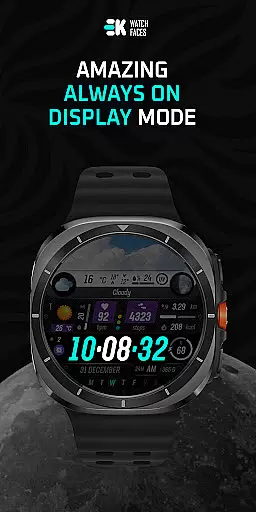
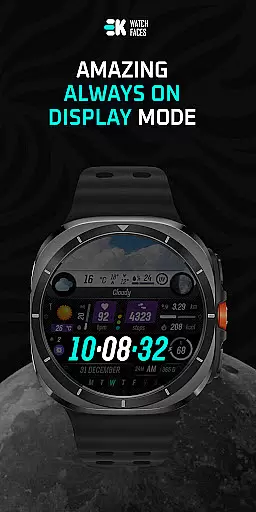
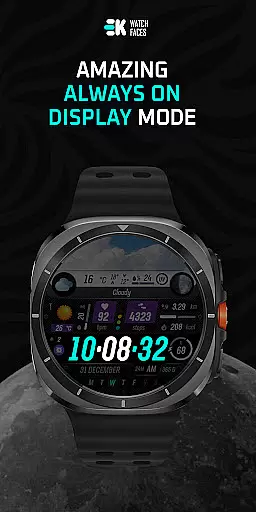
Always-on display support is another feature highlighting the app's commitment to theme compatibility. By respecting the deviceu2019s power-saving features while maintaining functionality, Sharper Weather - Watch Face guarantees that users have constant access to essential information without compromising battery life or visual consistency.
User-friendly interface
Comprehensive weather data
Customizable design options
Health and fitness tracking
Always-on display support
Limited to Wear OS
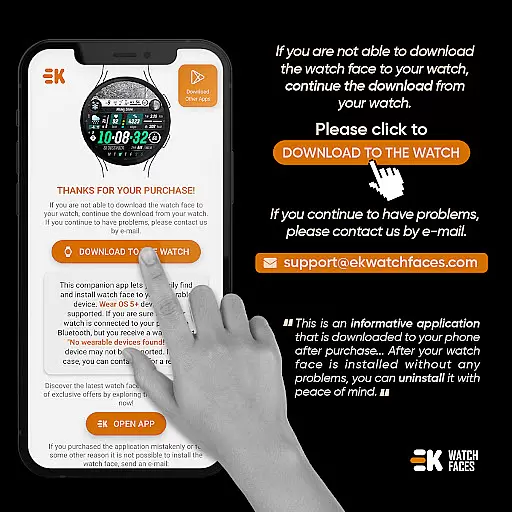
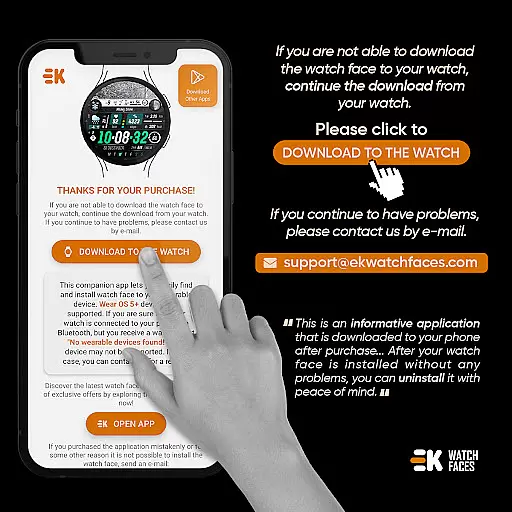
Installation complexity
Potential payment issues
Dependent on phone settings
Requires manual permissions
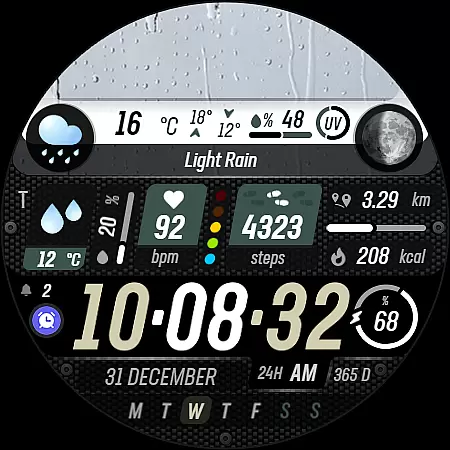
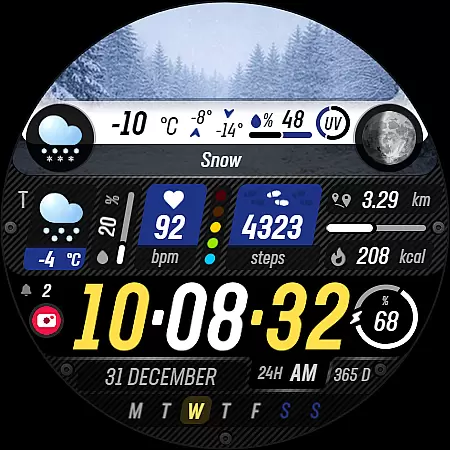
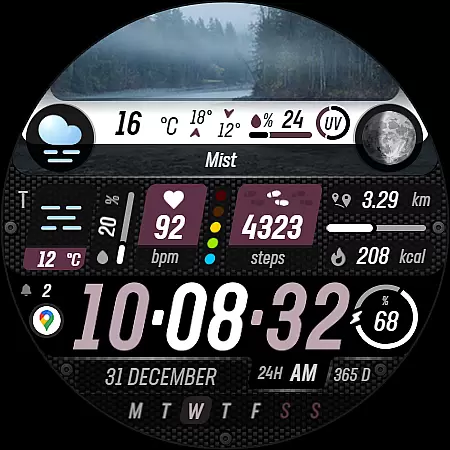
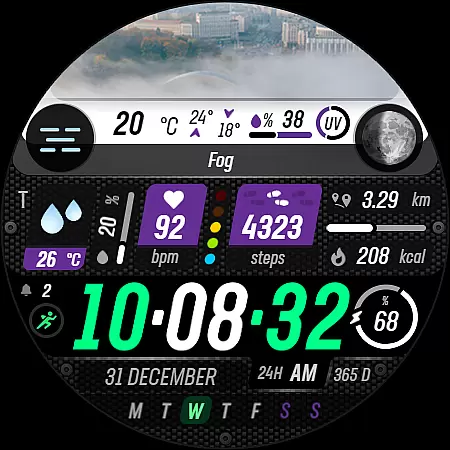

Stunningly Different look with Line Icons and Neon Colors
 4.60
4.60
Customizable Glass widgets. Over 360+ stunning widgets and more!
4.70
Shimeji adds cute animated characters to your screen, lively and fun.
4.70
100+ Stylish Fonts, Emojis, Symbols keyboard for Instagram & TikTok!
4.80 4.50
4.50
Nothing Icon pack with more than 3750+ highly crafted icons.
4.70
Yandex Browser — stylish and secure, with voice search and data compression
4.40
Transform your device in a game console
4.40
set a new experience for the Android mobile phone
4.20
Make your phone look simple & luxury, like iDevice
4.60
Want to make your phone more special than ever?
4.60
Zip lock screen with magic wallpaper to decorate your phone with fun zipper lock
4.60
300+ widgets inspired by Material You and Material 3 expressive design.
4.60 4.50
4.50
200+ Material Inspired Widgets
4.50
Fingerprint Lock Screen & Live Animations with 4K Wallpapers as Live Wallpaper
4.40
Themes - Widget & Wallpaper: Customize home screen, icon changer w unique themes
4.30
Your home screen, just the way you like it.
4.30
Transform your phone with stunning video wallpapers and a unique, personal touch
3.80

User Reviews