

Spotify is a leading music and podcast streaming service that offers users access to millions of songs, albums, playlists, and original podcasts. Available on Android Wear devices, it allows you to enjoy your favorite music and audiobooks seamlessly across multiple platforms.
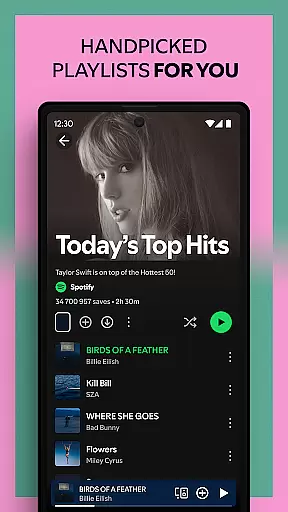
The app's core functionality includes the ability to stream music and podcasts for free, with the option to subscribe to Spotify Premium for an ad-free experience. With curated playlists, daily mixes, and personalized recommendations, Spotify caters to every mood and activity. Whether you're discovering new artists or revisiting classic tracks, this app provides an immersive audio experience tailored to your preferences.
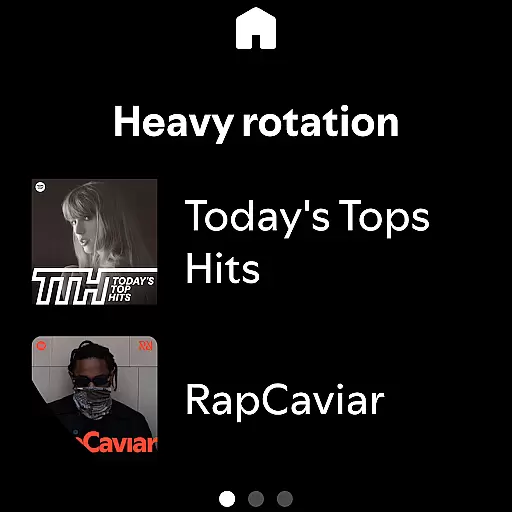
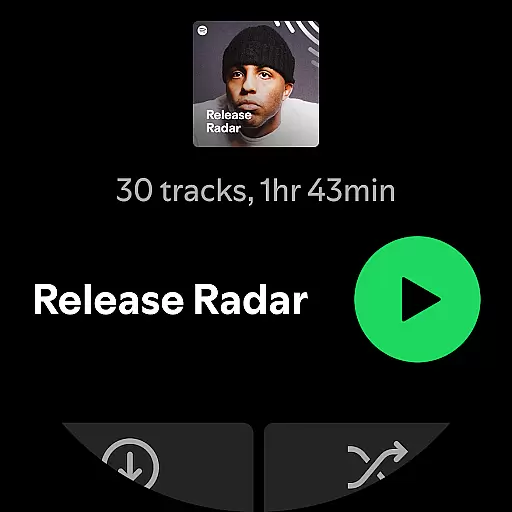
One standout feature is its compatibility with Wear OS, enabling users to control playback directly from their smartwatch. This makes Spotify particularly useful during workouts or when you need hands-free control, ensuring uninterrupted access to your favorite content wherever you go.
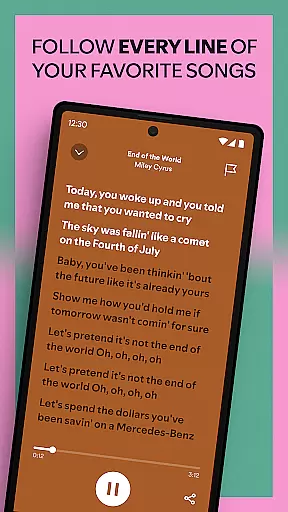
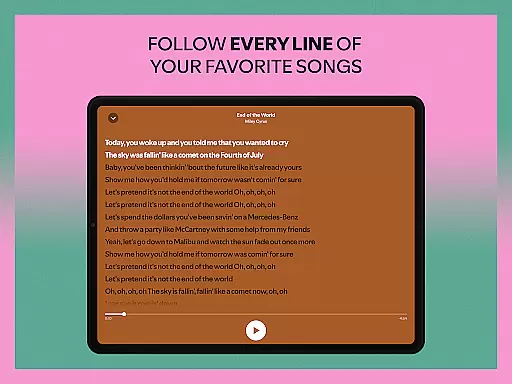
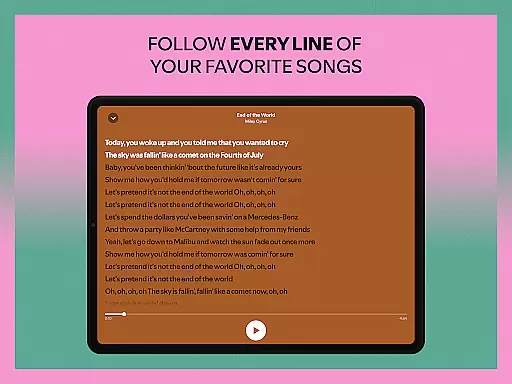
Spotify stands out with its vast library of over 80 million tracks and 4 million podcast episodes, complemented by more than 300,000 audiobook titles. The app supports high-quality audio streaming and offers unique features such as lyric-based song searches and personalized daily mixes crafted specifically for each user.
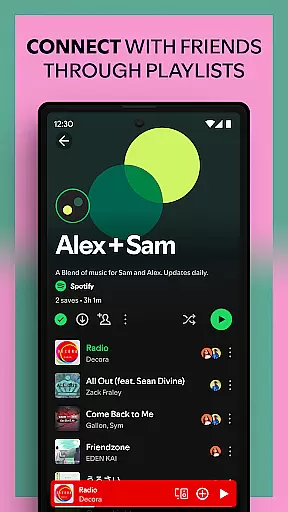
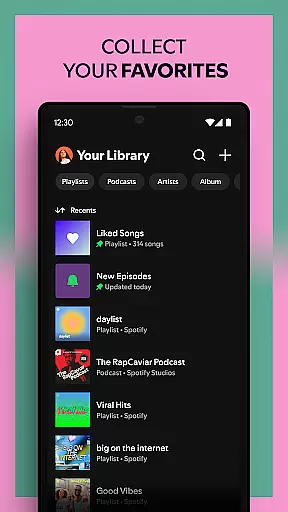
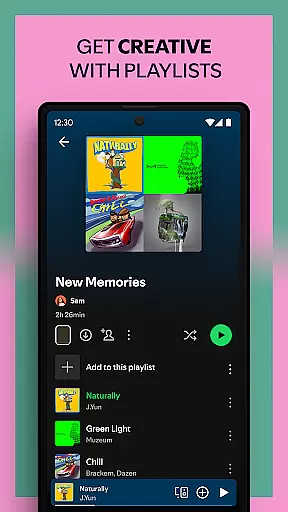
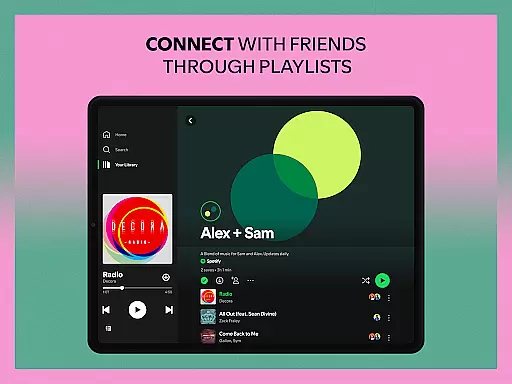
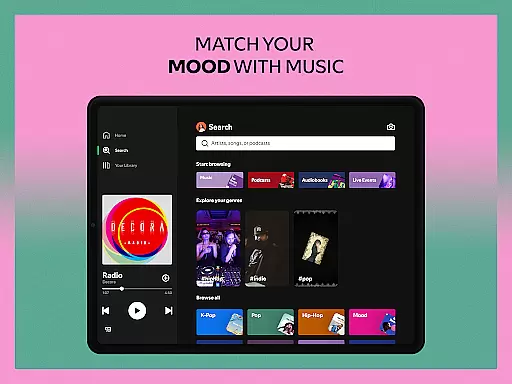
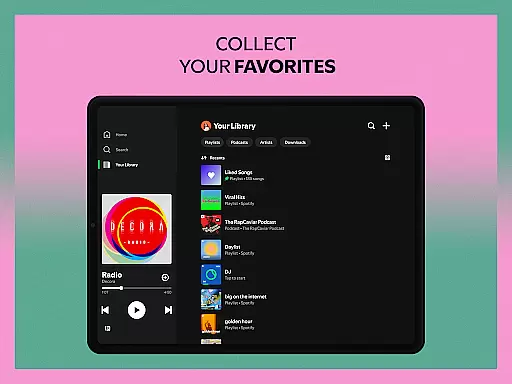
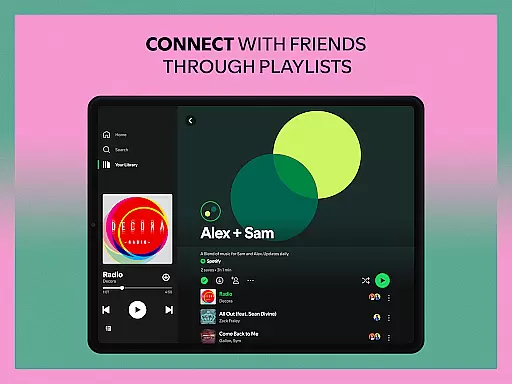
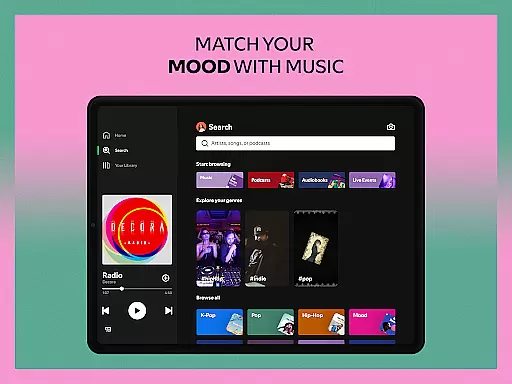
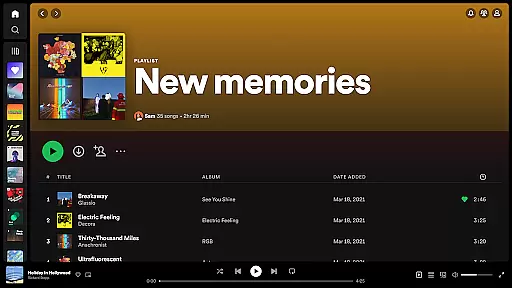
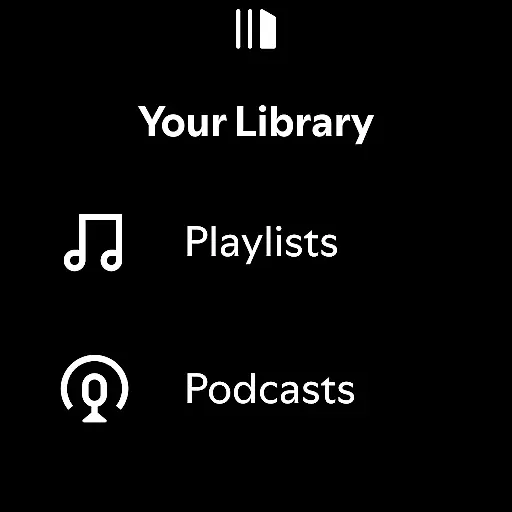
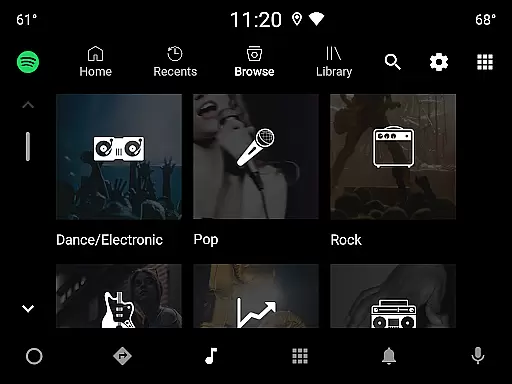
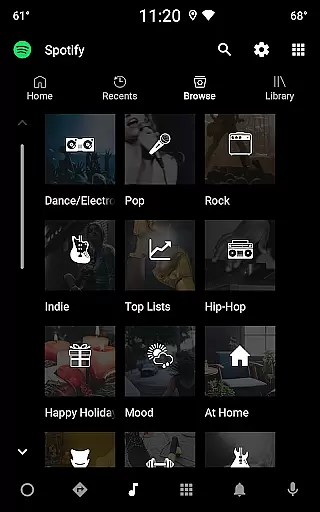
For those who love customization, Spotify lets you create and share playlists, bookmark individual podcasts, and explore genre-specific categories like Pop, Hip-Hop, and Chill. Its integration with Android Wear enhances usability by allowing offline downloads (Premium only) and instant playback controls right from your wrist.
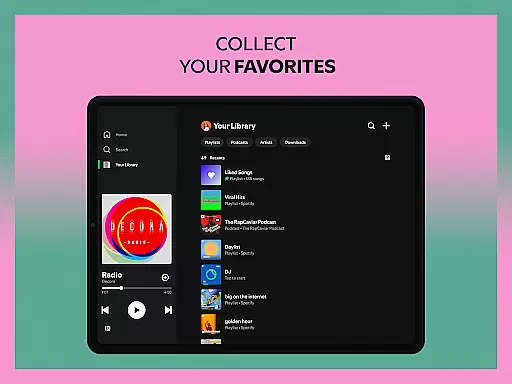
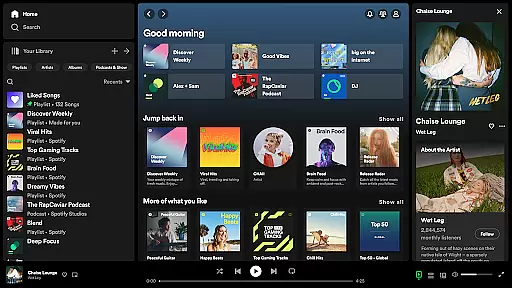
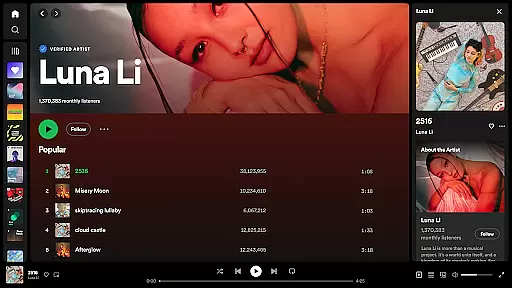
Another notable aspect is its multi-device support, including smartphones, tablets, desktops, TVs, and even gaming consoles. Subscribing to Spotify Premium unlocks additional perks such as ad-free listening, offline mode, and higher sound quality, making it a versatile choice for both casual listeners and dedicated audiophiles.
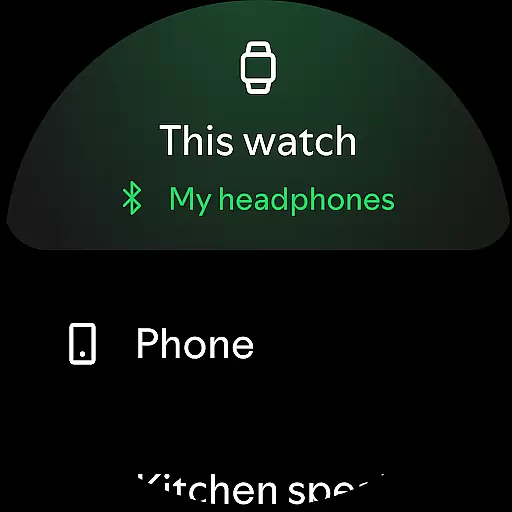
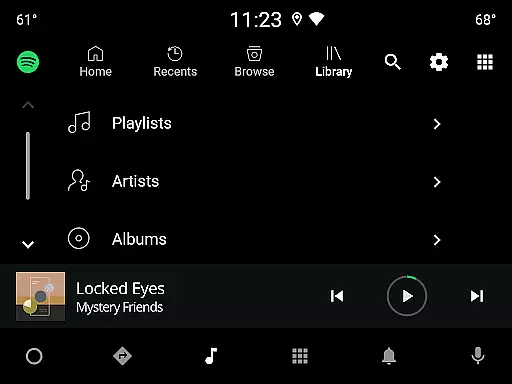
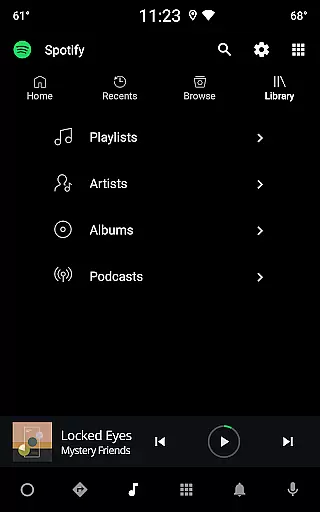
Companion app integration is essential for users who want seamless connectivity between their mobile devices and wearable technology. Spotify excels in this area by ensuring that its Android Wear application works harmoniously with the main mobile app. This integration allows users to control music playback, browse playlists, and manage podcasts directly from their smartwatch.
The implementation of this feature involves real-time data synchronization between devices. When a user makes changes on one device, such as skipping a track or adjusting volume, these actions are instantly mirrored across all linked devices. This ensures an uninterrupted listening experience whether at home, in the gym, or on the go.
For users, this means unparalleled convenience. They can leave their phones behind while going for a run yet still have full control over their audio content through their smartwatch. The ability to use voice commands further enhances accessibility and ease of use, making it simple to navigate vast libraries of music and podcasts without needing to touch the device.
This level of integration not only improves user satisfaction but also encourages more frequent engagement with the platform. By providing multiple touchpoints for interaction, Spotify increases its utility and becomes an indispensable part of daily life for many listeners.
Device compatibility is crucial when evaluating any wearable application's effectiveness. For Spotify's Android Wear app, extensive testing has been conducted to ensure broad compatibility with various Wear OS devices. Whether you own a Fossil Gen 5 Smartwatch or a Samsung Galaxy Watch running Wear OS, you can expect consistent performance and functionality.
This compatibility extends beyond mere operational capability; it encompasses optimized user interfaces tailored for different screen sizes and resolutions. Users benefit from intuitive navigation designed specifically for smaller displays, ensuring that interactions remain smooth and enjoyable regardless of the specific hardware being used.
Moreover, Spotify leverages the unique capabilities offered by each device type. For instance, some watches may support advanced health tracking features which could be integrated into personalized workout playlists. Others might offer enhanced battery life, allowing extended offline listening sessionsu2014a key advantage for Premium subscribers who download content for offline access.
By prioritizing wide-ranging device compatibility, Spotify ensures that no matter what Wear OS device you choose, you'll enjoy a high-quality listening experience. This commitment to inclusivity helps maintain Spotifyu2019s position as a leader in the streaming industry, catering to diverse consumer needs and preferences effectively.
Extensive music library
Personalized playlists
Offline listening
High-quality audio
Cross-device sync
Limited free version
Occasional ads
Premium subscription cost
Regional restrictions
Complex navigation














an Analog Watch Face for winter season with freeze winter background for Wear OS
 4.1
4.1
Current temperature, weather hourly, weather radar by the weather forecast app
4.40
Wear Os Watch Face - Animated Snow Effect & Magic Spark - 6 Scenes
4.10
Simple Analog-Digital Watchface For Wear OS 3.0 and Up Smartwatches
4.4
Watch face for Wear OS.
4.20
The ultimate destination for kids ages 3-8 to explore the Marvel Universe!
4.30
Premium hybrid watch face with many customizations for Wear OS devices.
4.40
A realistic hybrid watch face with many customization options.
4.60
Track airplanes and follow flights with our real-time flight tracker
4.50
Real-time weather radar with temperatures, warnings, hurricanes, and widgets
4.80
Hyperlocal rain alerts by MyRadar using patent-pending technology, radar & more
4.80
Be an elegant and classy secret agent, with this carefully detailed watch face
4.70
Hybrid watch face for Wear OS with customizable complications by Matteo Dini MD
4.70
To-Do List: daily schedule planner, task organizer, to do reminder app, calendar
4.60
sleep, alarm, snoring, stress, healing, focus, sound therapy, circadian rhythm
4.10
A digital watch face that celebrates Christmas.
4.00
Stay in touch with your friends and family using LINE!
3.40
Your local weather forecast, storm tracker, radar maps & live weather news
3.40
Precision analog watch face with 7 complications and style options
4.0


User Reviews