

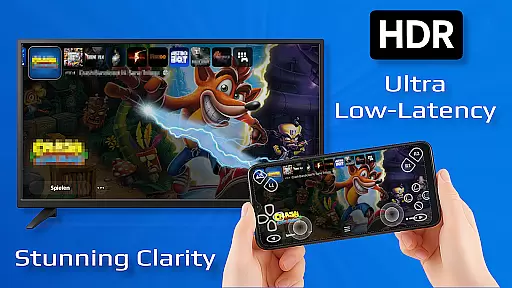
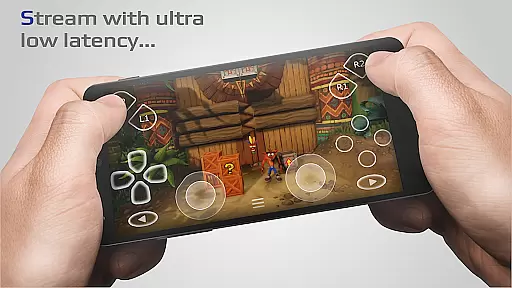
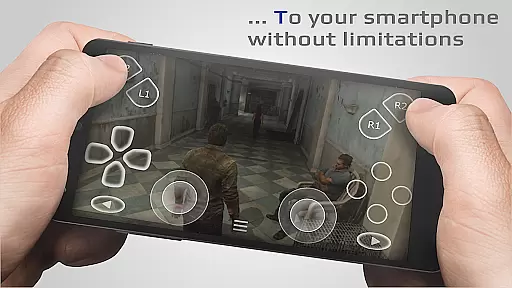
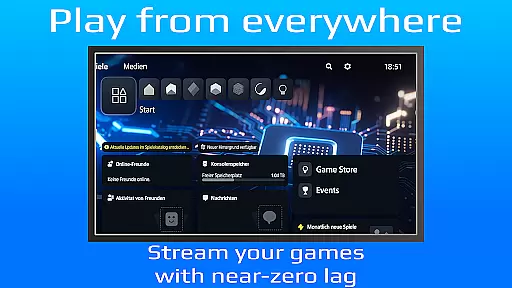
PXPlay is a powerful remote control application designed for gaming enthusiasts who want to access their gaming devices from anywhere. The app offers an optimized streaming experience with minimal latency, making it possible to play games remotely without limitations. PXPlay supports third-party controllers and works seamlessly over mobile data connections, ensuring flexibility in how and where you use it.
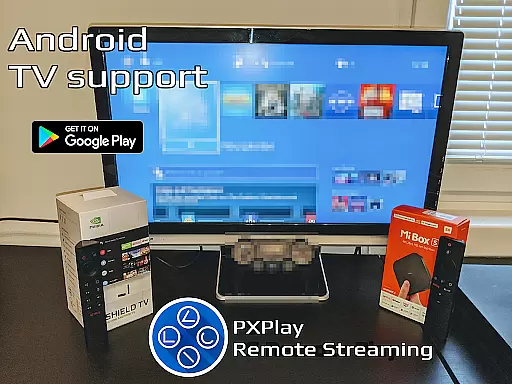
One of the standout features of PXPlay is its compatibility with Android TV devices and support for gamepad button mapping, allowing users to customize their gaming experience. Whether you're using a rooted device or require Picture-In-Picture mode, PXPlay has been tailored to meet diverse user needs. With support for older firmware versions starting from 5.05 and newer, this tool ensures broad compatibility while delivering high-quality video upscaling through FSR technology.
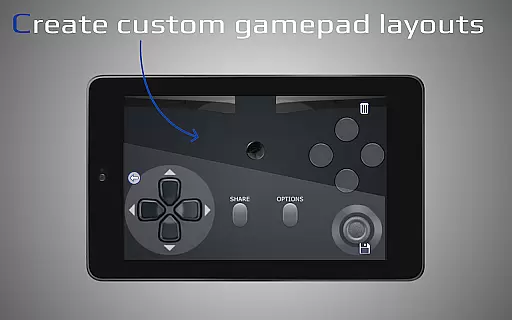
The app's ability to function as a virtual controller adds another layer of versatility, enabling gamers to enjoy their favorite titles without being tied down by hardware constraints. PXPlay also allows multiple profile registrations and customization options for onscreen gamepad layouts, catering to individual preferences. For those seeking uninterrupted gameplay sessions even when multitasking, Multi-Window support enhances productivity and convenience.
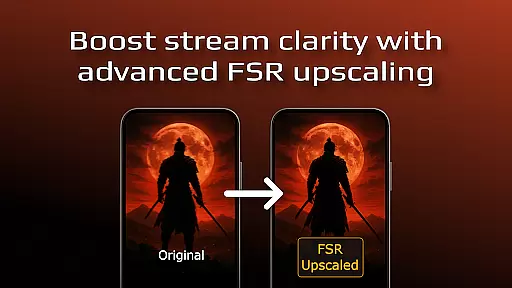
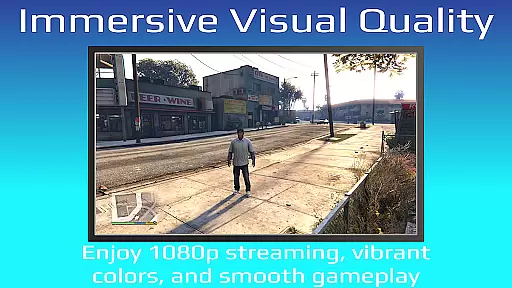
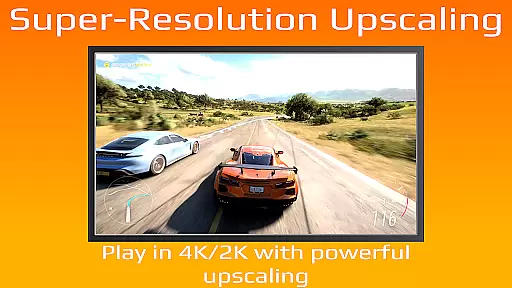
PXPlay stands out due to its comprehensive feature set that caters specifically to gamers looking for flexibility and performance. One key aspect is the integration of FSR upscaling and sharpening technologies which enhance video quality during streaming sessions. This ensures that users can enjoy crisp visuals even when playing demanding games remotely.
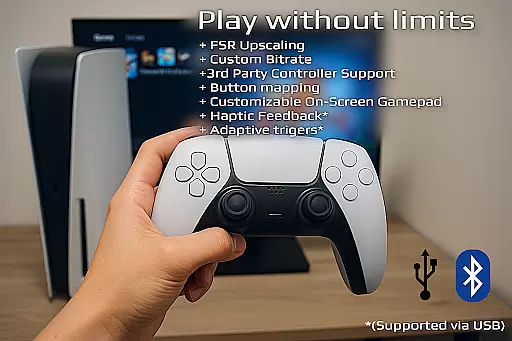
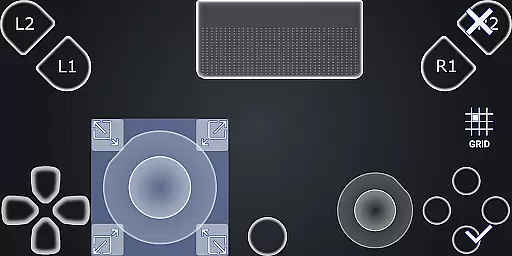
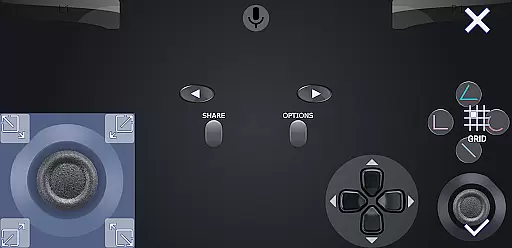
Another notable feature is the extensive controller support provided by PXPlay. It not only accommodates third-party controllers across all Android devices but also includes advanced functionalities like gamepad button mapping and customizable onscreen layouts. These capabilities allow players to tailor their controls according to personal preferences, enhancing overall gameplay comfort and efficiency.
Furthermore, PXPlay excels in connectivity options by supporting both wired internet connections for stability and 5GHz WiFi networks for reduced latency. The inclusion of Picture-In-Picture mode alongside Multi-Window functionality makes multitasking effortless while maintaining focus on gaming activities. Additionally, the app's provision for recording gameplay via third-party applications adds value for content creators looking to capture their experiences effortlessly.
PXPlay excels in delivering core functionalities that are both accurate and effective, ensuring users can remotely control their gaming devices without limitations. The app supports third-party controllers and provides optimized streaming with minimal latency, making it a reliable tool for gamers on the go.
One of the standout features is the support for FSR upscaling and sharpening, which enhances video quality during streaming sessions. This ensures that users enjoy a high-quality visual experience, even when playing graphics-intensive games. Additionally, PXPlay's compatibility with various Android devices, including Android TV, broadens its usability and appeal.
The application also allows for customization of the onscreen gamepad layout and supports gamepad button mapping. These features contribute to an intuitive and personalized user interface, enabling gamers to tailor the controls to their preferences. Such flexibility not only improves the overall gaming experience but also caters to individual play styles.
By supporting older firmware from version 5.05 and newer, PXPlay ensures that a wide range of devices remain compatible with its features. This backward compatibility is crucial for users who may not have the latest hardware but still wish to benefit from the app's advanced functionalities. Overall, PXPlay delivers a robust set of tools designed to enhance remote gaming experiences effectively.
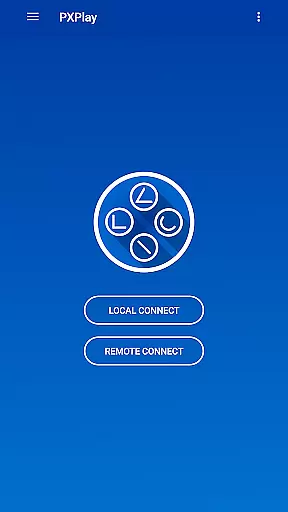
PXPlay offers an interface that balances simplicity with intuitiveness, allowing users to easily navigate through its features without a steep learning curve. The app's design focuses on providing quick access to essential functions, such as setting up connections and adjusting controller settings, ensuring that users can start gaming with minimal hassle.
A key aspect of PXPlay's interface is its support for Picture-In-Picture mode and Multi-Window functionality, available on devices running Android 8.0 or newer and Android 7.0 or newer, respectively. These features enable users to multitask efficiently, whether they need to monitor other apps while gaming or adjust settings without interrupting their gameplay.
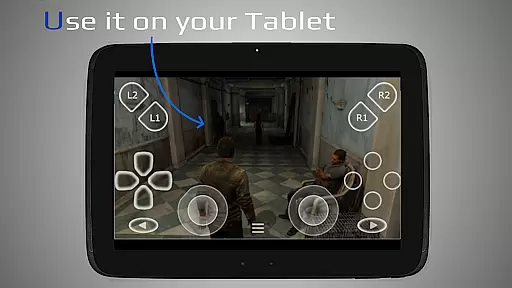
The inclusion of third-party controller support across all Android devices further simplifies the user experience by offering familiar controls. Gamers can use their preferred controllers without worrying about compatibility issues, streamlining the setup process and enhancing the overall usability of the app.
Moreover, PXPlay's ability to function as a virtual controller adds another layer of convenience. Users can interact directly with their gaming device using the app, eliminating the need for additional hardware. This versatility, combined with clear instructions and community support, makes PXPlay an accessible and user-friendly tool for remote gaming enthusiasts.
Low-latency streaming
Customizable controls
Wide device compatibility
Supports mobile data usage
Advanced video enhancements
Requires stable internet
Limited offline features
Complex setup process
Firmware version dependency
Premium features may cost extra

 4.50
4.50 4.50
4.50
Complete kernel toolbox with features to manage and tweak your rooted device
4.30
Unleash gamepad precision for ultimate mobile gaming dominance.
3.90
Connect wirelessly to your computer to watch movies, browse the web, play games
5.00
A simple app to back up and restore SMS & MMS messages and call logs.
4.10
Pro Emulator is an easy to use game console emulator for a range of consoles.
4.40
Clean up your phone, find files, play media, and share files offline
4.50
Enjoy a smooth mobile reading experience!
3.60
Powerful collection of electronics tools and reference.A must for any enthusiast
4.90
Easily install aab(Android App Bundle) files on your Android device with our app
4.80
NFC Tools can read and write NFC tags.
4.70
FV File Manager Pro, Fast and powerful file manager for Android
4.60 4.50
4.50
Fluid navigation gestures for all of us!
4.30
Quickly & easily calculate the spacing of handrail balusters
4.20
A convenient photo, video, and file recovery tool.
4.00
Introducing Smart Printer, your ultimate destination for printing solutions!
4.00
Fun lie-detection pranks for friends and parties.
3.80

User Reviews