

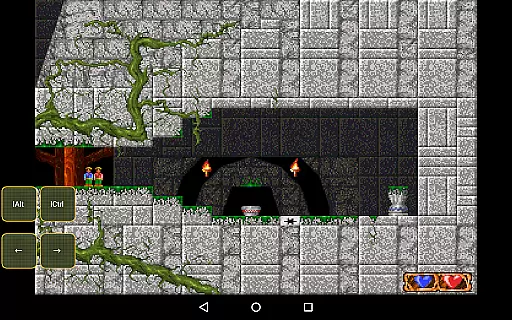
Magic DosBox is a highly optimized and fast DOSBox emulator for Android, designed to bring your favorite DOS and Windows games to your mobile device. With full support for mouse, keyboard, sound, and gamepads, it allows you to play classic games anywhere without the need for external hardware. The app features an innovative control system tailored for touch devices, making gaming on the go seamless and enjoyable.
This donated version offers unlimited game collections and customizable widgets, empowering users to create personalized gaming experiences. Whether you're revisiting nostalgic DOS titles or exploring new ones, Magic DosBox provides all the tools necessary to emulate, customize, and enjoy your games with ease. Its advanced networking capabilities even enable multiplayer gaming through IPX networks.
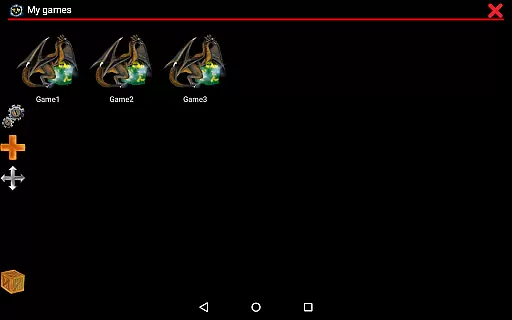
Magic DosBox stands out with its extensive customization options and user-friendly interface. The app supports a game collection where each profile can be individually customized, allowing users to tailor controls and settings to their specific preferences. It also enables the creation of desktop shortcuts for quick access to your favorite games.
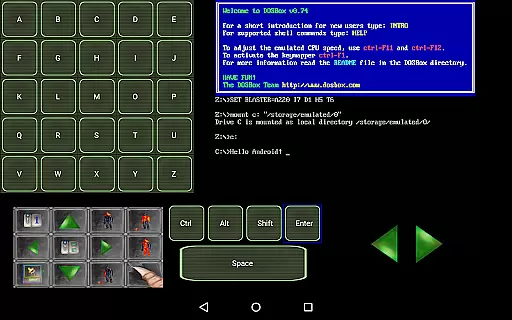
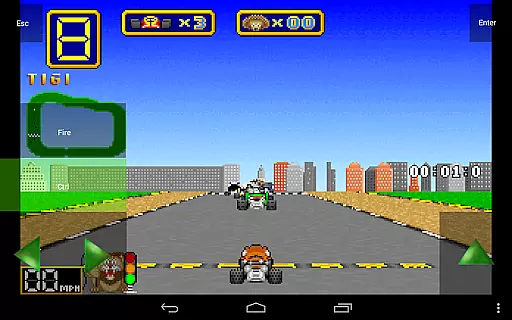
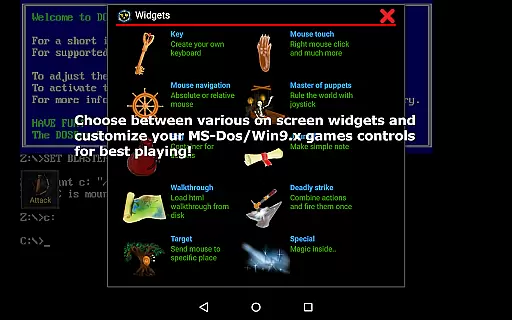
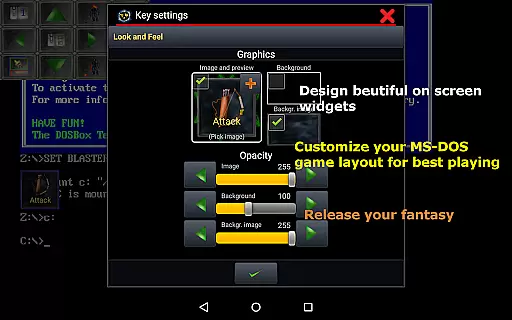
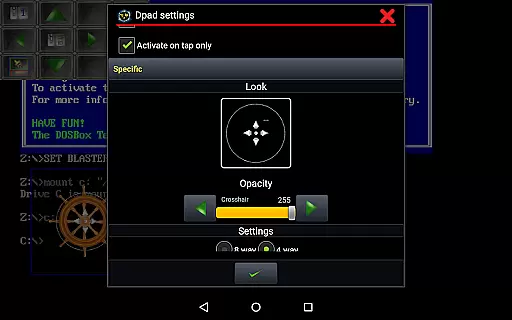
The emulator includes ten types of on-screen widgets, ranging from virtual keyboards to customizable D-pads, enhancing gameplay flexibility. These widgets are highly adjustable, with options to modify images, text, and positioning. Additionally, Magic DosBox supports various external controllers, including Xbox 360 joysticks and NVIDIA Shield controllers, ensuring compatibility with modern gaming peripherals.
Other notable features include multi-language support, gesture mapping, and in-game screenshot functionality. The app's active development ensures regular updates and improvements, maintaining its status as a top-tier emulation solution for Android users.
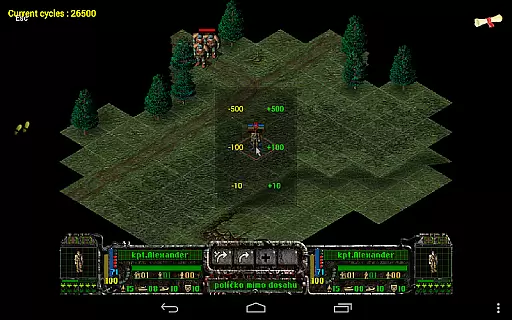
Magic DosBox is a highly optimized and fast DOSBox port for Android, designed to emulate the experience of playing classic DOS and Windows games on mobile devices. The core function of this application lies in its ability to accurately emulate the original DOS environment while providing modern touch controls and support for various input methods.
The app achieves this through several key features. It supports full mouse, keyboard, gamepad, and even Samsung stylus input, ensuring that users can interact with their favorite games as intended. Additionally, Magic DosBox includes advanced networking capabilities through IPX, allowing multiplayer gaming experiences that were previously impossible on mobile platforms.
For users, this level of accuracy and effectiveness means they can enjoy their cherished DOS games anywhere without needing external hardware. The emulator's optimization ensures smooth performance even on older devices, while customizable controls and widget support provide a personalized and comfortable gaming experience.
This combination of precise emulation and thoughtful feature implementation demonstrates Magic DosBox's commitment to delivering an authentic and enjoyable retro gaming experience on modern Android devices.
Magic DosBox stands out in the realm of emulation software by offering an interface that balances powerful functionality with user-friendly design. While maintaining the complexity needed for accurate DOS emulation, the developers have crafted an intuitive system that makes it accessible even for less technically inclined users.
The application provides various modes, including design mode and play mode, which streamline the user experience. In design mode, users can create and customize on-screen widgets with remarkable flexibility - from virtual buttons to complex control schemes. These customizations can be saved and shared, promoting community-driven improvements.
Despite its technical sophistication, Magic DosBox maintains simplicity through clear organization of its features. The game collection system allows easy management of multiple game profiles, each with its own customized settings and control layouts. This organizational structure helps prevent confusion when managing extensive game libraries.
The inclusion of multi-language support and comprehensive documentation further enhances the interface's accessibility. Users can easily find information about adding games, creating shortcuts, and designing control schemes through the provided resources, making the learning curve manageable while preserving access to advanced features for experienced users.
Highly optimized performance
Extensive customization options
Supports multiple external controllers
Regular updates and improvements
User-friendly interface
No included games
Complex setup for beginners
Limited free version features
Requires technical knowledge
Occasional bugs in emulation

 4.50
4.50
Change your GPS location instantly. Simulate routes anywhere in the world.
4.90
Complete kernel toolbox with features to manage and tweak your rooted device
4.30
Optimize your WiFi network, turn your phone into Wifi Analyzer
4.70
card-reader app
2.20
An open-source APK explorer for Android!
4.10
Connect wirelessly to your computer to watch movies, browse the web, play games
5.00
Create your own custom widget with endless possibilities
3.90
Your personal health butler
3.60
HD Video player and downloader for all formats, fast & smooth 4K video playback.
4.60
eXtended Permission Manager - a small app to manage permissions and AppOps
4.50
With videos, electrical calculators, and built-in ebook, Ugly’s has your answer.
4.50
Clean up large files and similar photos, fast and easy to use
4.40
App that Recover your pictures, videos or files after you delete them.
4.20
Carry a FTP server in your pocket and avoid USB cables for file transfer
4.20
Family Locator, Share location, StayConnect with your family in real time
3.90
A powerful, easy-to-use flight computer on your phone or tablet!
3.80
Fun lie-detection pranks for friends and parties.
3.80
Unlock your Essential Key. Create custom shortcuts to your favorite apps!
4.3

User Reviews