

KWGT Kustom Widget Pro Key is a powerful tool designed to enhance the functionality of the Kustom Widget app, allowing users to create unique and customized widgets for their Android devices. This pro key unlocks advanced features such as ADS removal, import capabilities from SD cards, Buzz Launcher support, and more, providing limitless customization options.
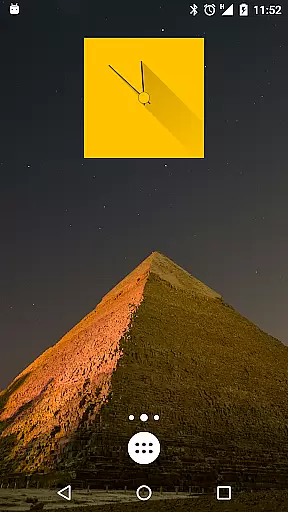
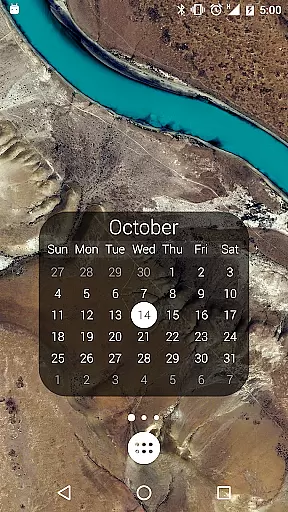
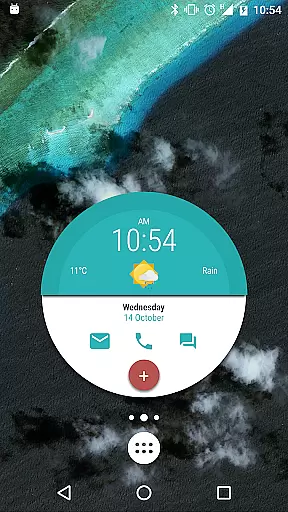
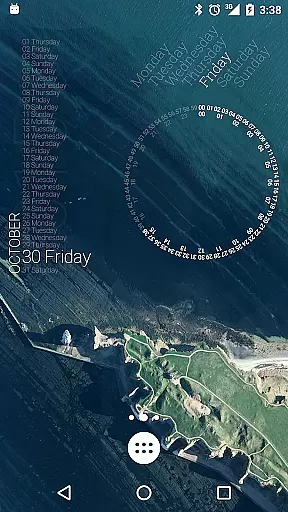
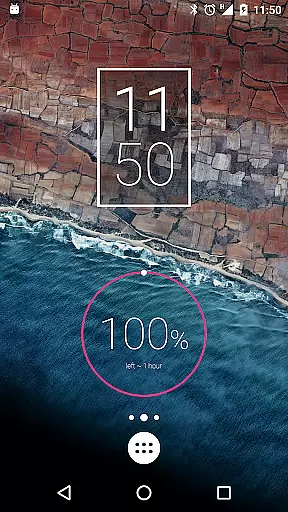
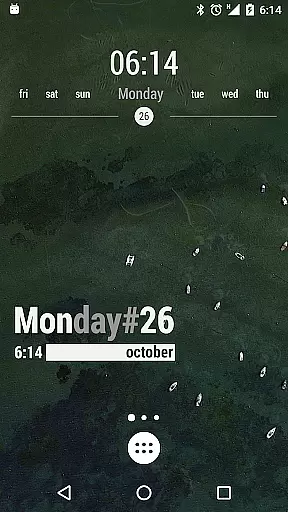
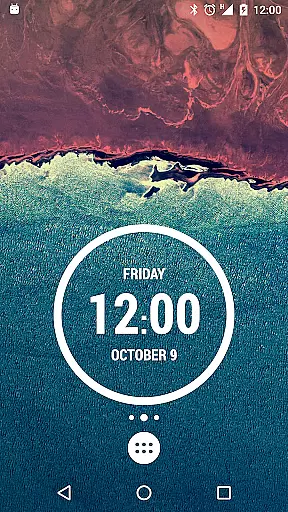
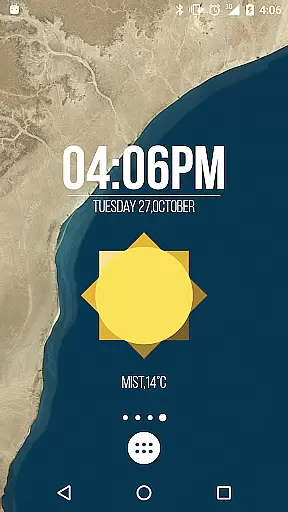
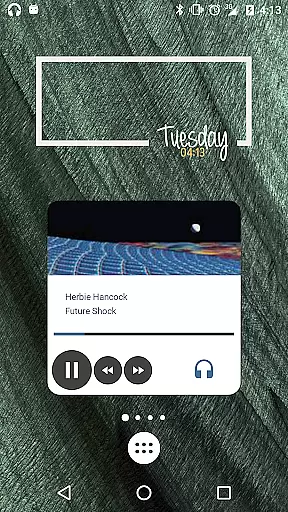
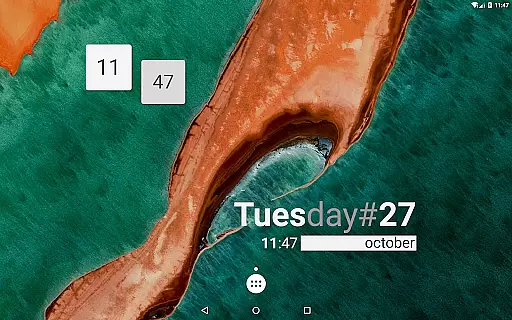
With this tool, users can design sophisticated digital and analog clocks, weather widgets, battery meters, music players, and even astronomy widgets. KWGT supports custom fonts, shapes, 3D transformations, gradients, and touch actions, making it an indispensable utility for personalizing your device's interface with rich functionalities and visual appeal.
Whether you're looking to optimize your home screen with live data displays or simply want to add a personal touch to your device's appearance, KWGT Kustom Widget Pro Key offers the tools necessary to bring your creative visions to life while ensuring optimal performance and battery efficiency.
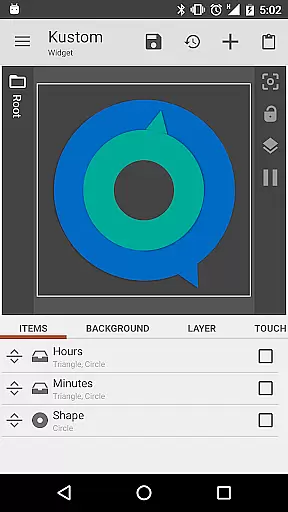
The KWGT Kustom Widget Pro Key stands out due to its extensive range of features tailored for widget customization. It provides users with a WYSIWYG editor, enabling them to craft designs that display any required data without compromising on battery life. The ability to import external skins and recover presets adds another layer of flexibility.
This application supports complex functionalities like Zooper-like progress bars, layers with overlay effects similar to professional image editors, dynamic content downloading via HTTP, and native music utilities. Additionally, it integrates Google Fitness support, weather details, RSS feeds, Tasker compatibility, and an array of data display options ranging from date and time to network information.
By unlocking these premium features, KWGT empowers users to push the boundaries of customization, transforming their Android launcher or lock screen into a personalized hub of information and creativity. Its versatility makes it ideal for tech enthusiasts who demand both aesthetics and functionality in their mobile experience.
KWGT Kustom Widget Pro Key is designed to enhance the functionality of the Kustom Widget app by unlocking advanced features that ensure precision and efficiency in widget creation. The tool provides users with a powerful WYSIWYG editor, enabling them to design unique widgets that display necessary data without compromising device performance.
With this pro key, users can import external skins and presets from SD cards, supporting a seamless creative process. This feature not only broadens the customization possibilities but also ensures that users have access to a diverse range of design options, thus improving the overall effectiveness of their widgets.
The removal of ads and additional support for developers contribute to an uninterrupted design experience. Users can focus on creating sophisticated battery or memory meters, live map widgets, and astronomy widgets among others, knowing that their creations are built on a stable and developer-supported platform.
Ultimately, KWGT Kustom Widget Pro Key empowers users to execute their creative visions accurately and effectively, offering tools like 3D flip transformations, curved text, and complex programming language support. These capabilities ensure that imagination remains the only limit to what users can achieve with their Android launchers or lock screens.
The hallmark of KWGT Kustom Widget Pro Key lies in its ability to offer an intuitive and user-friendly interface despite the complexity of tasks it enables. By integrating directly with the Kustom Widget app, it simplifies the design process through an accessible WYSIWYG editor, making advanced widget creation approachable for users of all skill levels.
This pro key introduces features such as Buzz Launcher import support and Google Fitness support, which are seamlessly woven into the existing interface. Such integrations ensure that users can access a wide array of functionalities without navigating away from the main design environment, thus maintaining an uncluttered and straightforward workspace.
Moreover, touch actions and hotspots can be assigned to any object within the widget, providing an interactive element that enhances user engagement without complicating the interface. This interaction model aligns with user expectations for modern applications, delivering simplicity without sacrificing capability.
In summary, KWGT Kustom Widget Pro Key combines powerful customization options with an emphasis on interface simplicity and intuitiveness. Users benefit from an efficient workflow that supports creativity while minimizing the learning curve typically associated with professional-grade design tools.
Unlimited Customization
Battery Efficient
Advanced Features
Comprehensive Data Display
Professional Design Tools
Requires Separate App
Complex for Beginners
Premium Price
Limited Use Without Pro Key
Occasional Bugs

A convenient photo, video, and file recovery tool.
 4.00
4.00
HD Video player and downloader for all formats, fast & smooth 4K video playback.
4.60
Effortlessly run ADB commands directly on your device without a PC.
4.20
PC precision for mobile gaming: dominate with keyboard and mouse!
4.30
The Ultimate Flex Drivers Utility App - Convenient Tapping & Block Filters
4.70
Game Booster, GFX Tool is now compatible with newer game update
4.50
Clean up large files and similar photos, fast and easy to use
4.40
Screen recorder with audio to record high-quality videos and take screenshots.
4.40
Enhance your Beats
3.70
Unit and currency converter with easy and simple UI.
4.80
HD Camera captures every special moment.
4.60
The Ultimate Bluetooth Keyboard & Mouse. Securely control your PC, Mac, and more
4.50
Screen Mirroring for Roku Sticks, Roku TCL TV and Roku Hisense TV
4.50
Use your phone as a webcam on your computer over WiFi or USB.
4.40
Forza Tuning Calculator App for Forza Horizon 5, Motorsport and Earlier Titles
4.40
Pro Emulator is an easy to use game console emulator for a range of consoles.
4.40
Fluid navigation gestures for all of us!
4.30
An easy-to-use calculator designed to save time calculating and bending conduit
4.30
Download any file easily and quickly with Downloader
4.3

User Reviews