

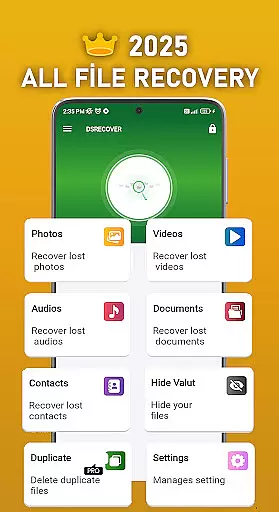
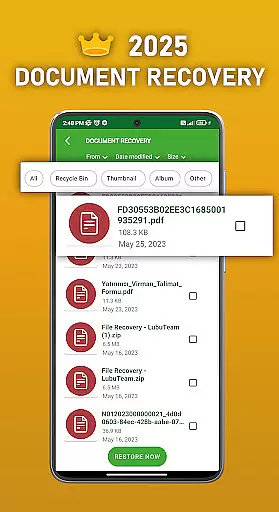
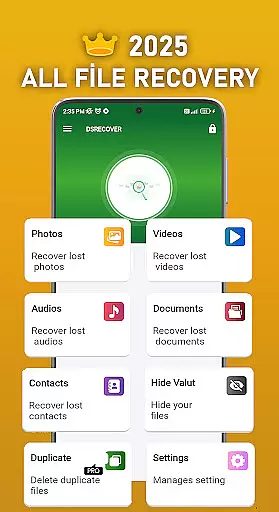
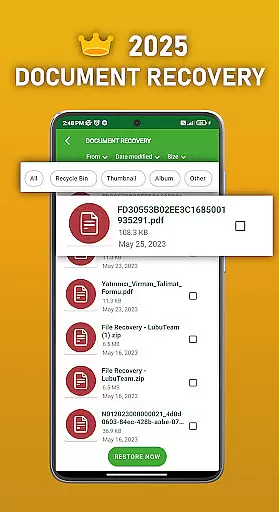
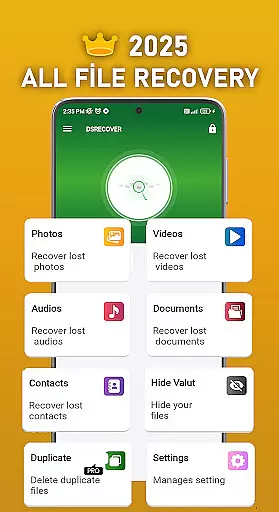
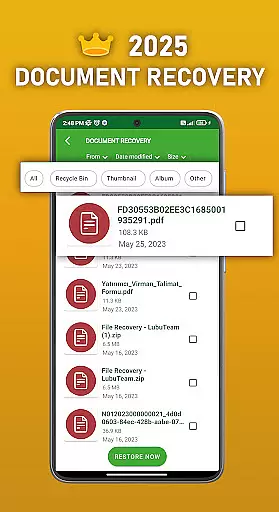
DS PRO is a comprehensive recovery tool designed to retrieve deleted files across various categories on Android devices. The app specializes in recovering lost photos, videos, audio files, contacts, and documents without requiring root access. Its powerful scanning technology ensures deep searches within internal memory and SD cards, while its user-friendly interface makes file restoration quick and straightforward.
A key feature of DS PRO is its ability to handle multiple file types, including images, videos, audio formats like MP3, and even similar or duplicate files. Additionally, the app offers a unique File Hide functionality, allowing users to password-protect sensitive media from appearing in public galleries. With instant recovery capabilities and an integrated recycle bin system, this productivity tool ensures that your important data can be restored with minimal effort.
Whether you accidentally delete crucial work documents or lose precious memories captured in photos and videos, DS PRO provides reliable solutions for both casual users and professionals who need efficient recovery tools at their fingertips.
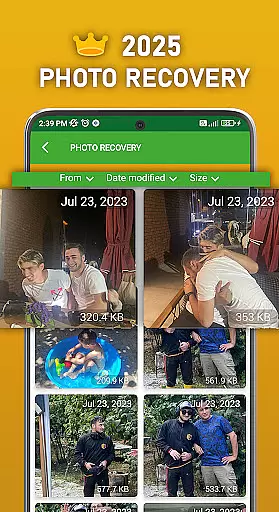
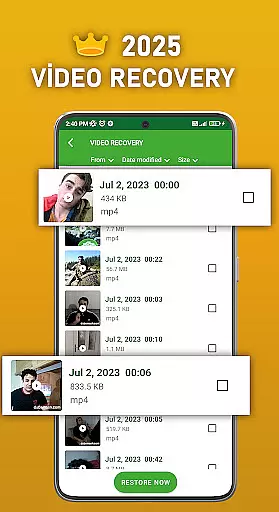
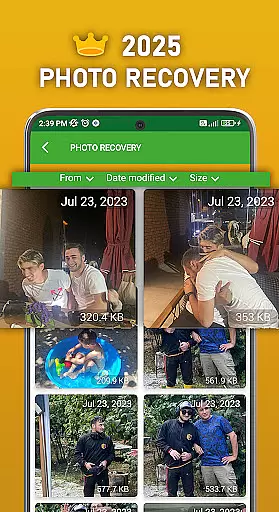
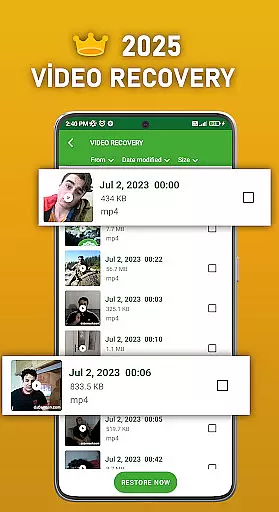
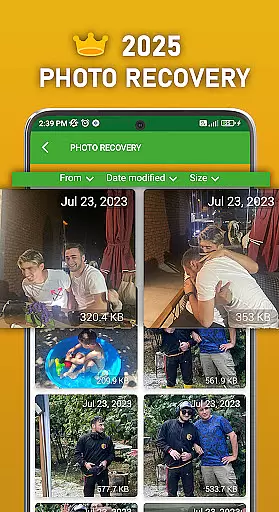
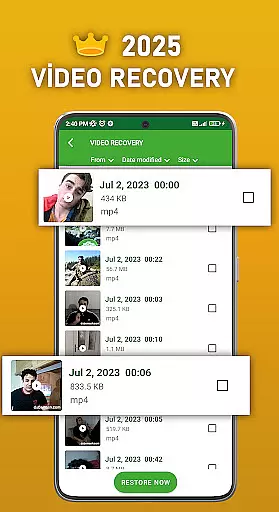
DS PRO stands out through its diverse range of features tailored to meet different recovery needs. One prominent feature is its advanced Photo Recovery capability, which not only restores deleted images but also works efficiently with supported formats such as JPEG and PNG. Similarly, the Video Recovery function retrieves lost video files in formats like MP4, ensuring high compatibility across devices.
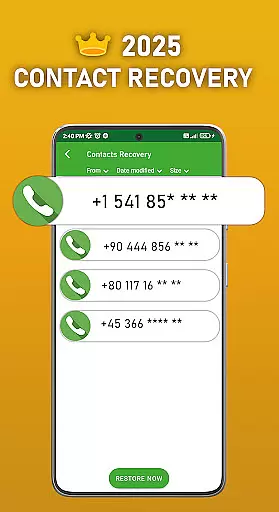
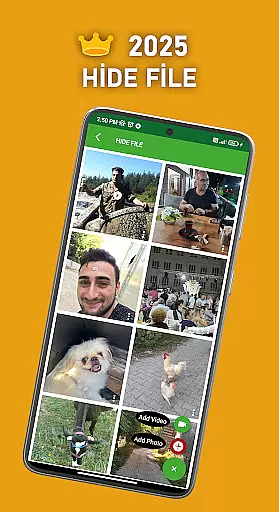
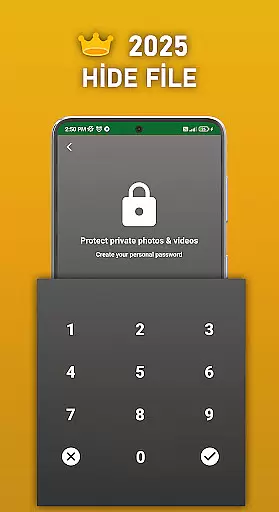
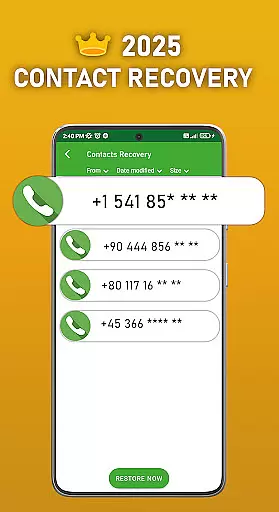
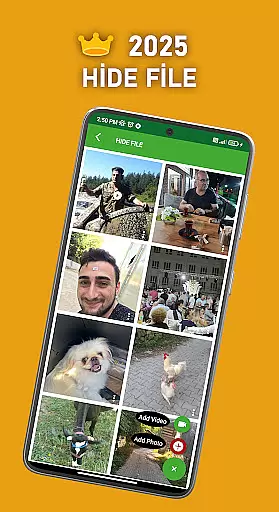
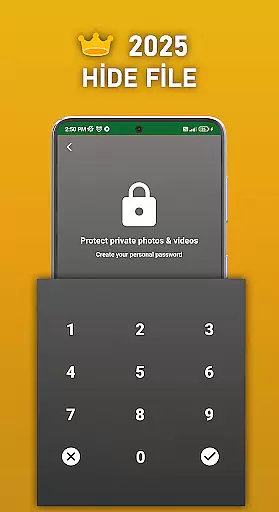
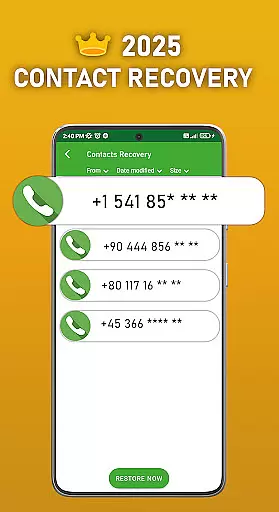
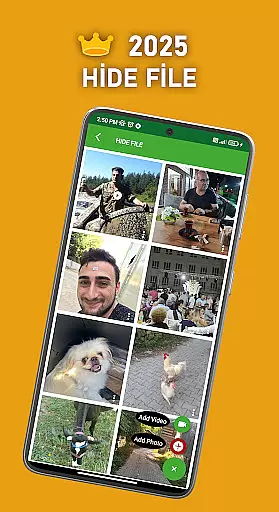
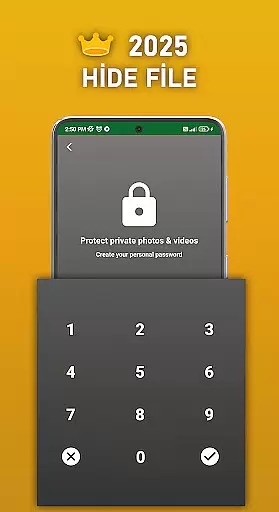
Beyond multimedia recovery, DS PRO includes practical utilities such as Deleted Contacts Recovery, which helps restore critical contact numbers instantly. Another innovative addition is the File Hide option, enabling users to conceal personal pictures or videos behind a secure password layer. This ensures privacy protection when sharing devices with others.
The application's strength lies in its simplicity and speed; it operates directly on-device without needing external programs or PCs for execution. Furthermore, DS PRO’s permission-based search mechanism allows it to scan all storage locations thoroughly, making it one of the most effective recovery apps available today.
DS PRO positions itself as a powerful recovery tool designed to retrieve deleted files across multiple categories, including photos, videos, audio, contacts, and documents. The core functionality revolves around its ability to perform these recoveries without requiring root access, making it accessible for most Android users. This app's effectiveness is evident in its comprehensive scanning process that searches internal memory and SD cards for lost data.
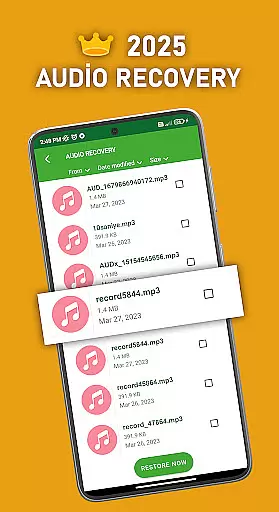
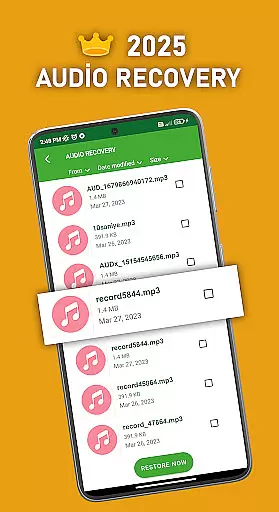
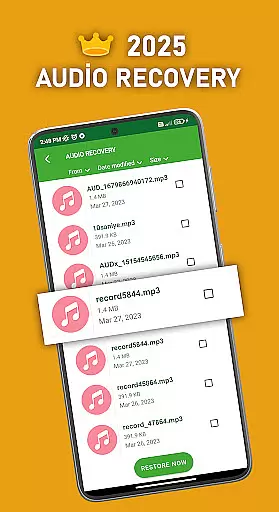
The application employs advanced algorithms to ensure accurate recovery of various file formats, such as MP4 for videos and MP3 for audio files. Its capability to handle different media types with precision demonstrates the app's commitment to delivering reliable results. Additionally, DS PRO offers instant restoration of deleted apps through an intuitive recycle bin feature, further enhancing its practicality.
For users, this means peace of mind knowing that accidental deletions can be quickly rectified. Whether it's recovering precious memories captured in photos or important contact information, DS PRO provides a safety net that ensures digital content isn't permanently lost. This level of accuracy and effectiveness significantly enhances user confidence in managing their digital assets.
DS PRO excels in providing an interface that balances simplicity with powerful functionality. The app's design focuses on user-friendly navigation, allowing even those unfamiliar with recovery tools to easily operate it. Upon launching DS PRO, users are greeted with clear options for different recovery types, eliminating any guesswork about where to begin the restoration process.
A standout feature is the integrated file hide option, which adds an extra layer of privacy protection. This function is presented in an easily understandable manner, enabling users to secure sensitive media behind password protection without navigating complex settings. Furthermore, the app's recommendations for video and audio recovery are displayed prominently, guiding users toward successful outcomes.
The straightforward approach extends to its operation - from initiating deep scans to restoring files, each step is clearly defined and simple to follow. This intuitive design ensures that users spend less time figuring out how to use the app and more time recovering their valuable data. By maintaining this balance between powerful features and ease of use, DS PRO delivers an exceptional user experience that makes data recovery accessible to everyone.
User-friendly interface
Instant file recovery
No root required
Supports multiple file formats
File hiding feature for privacy
Premium version needed
Limited free features
Requires storage permissions
Occasional slow scans
In-app ads in basic version

Just one-tap to easy translate in any language after calls within seconds.
 4.20
4.20
eXtended Permission Manager - a small app to manage permissions and AppOps
4.50
An open-source APK explorer for Android!
4.10
An easy-to-use calculator designed to save time calculating and bending conduit
4.30
Small and simple app to Verify Root Access and BusyBox Install!
4.70
Signal Strength, Mobile, Wifi, Speed Test, Bad Signals, Cellular, 5G, LTE, 4G
4.20
Powerful collection of electronics tools and reference.A must for any enthusiast
4.90
Screen Mirroring with sound for Samsung TV, LG TV, Sony TV, Smart TV and Browser
4.20
Game Booster, GFX Tool is now compatible with newer game update
4.50
Enjoy smooth gameplay with Game Booster
4.90
Easily install aab(Android App Bundle) files on your Android device with our app
4.80
Learn the vast amount of system information about device and monitor it's state
4.70
Canon PRINT is a companion app for your Canon printer.
4.60 4.50
4.50
PC precision for mobile gaming: dominate with keyboard and mouse!
4.30
Quickly check the frequency of the Earth
4.30
Carry a FTP server in your pocket and avoid USB cables for file transfer
4.20
Introducing Smart Printer, your ultimate destination for printing solutions!
4.00
Create your own custom widget with endless possibilities
3.90

User Reviews