

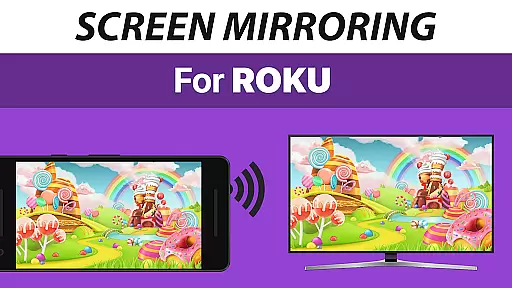
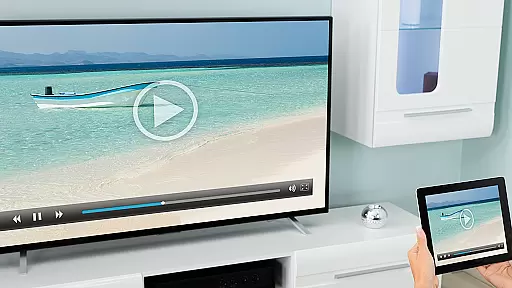
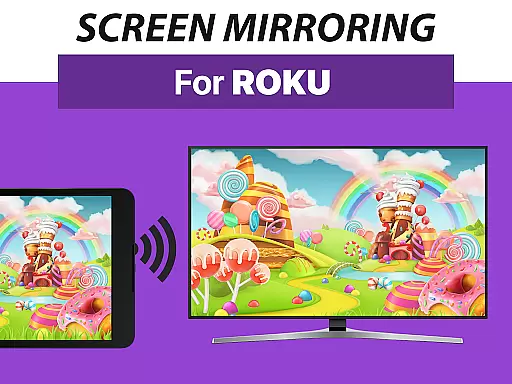
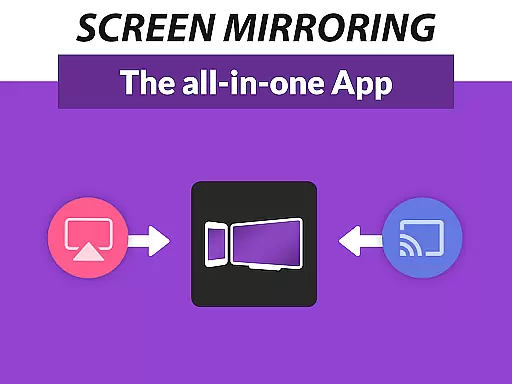
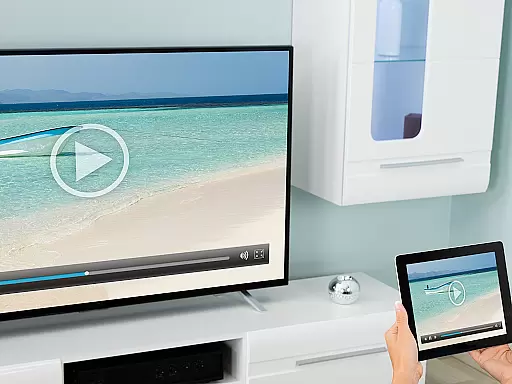
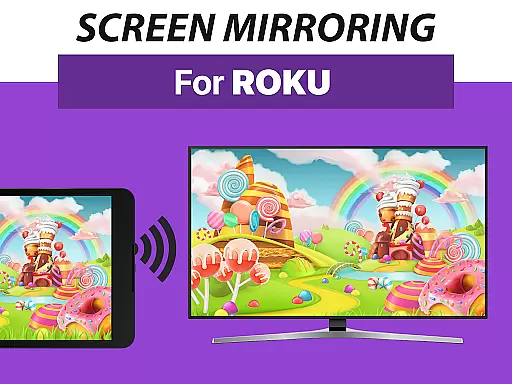
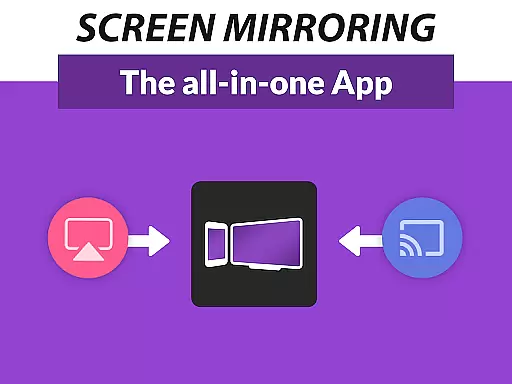
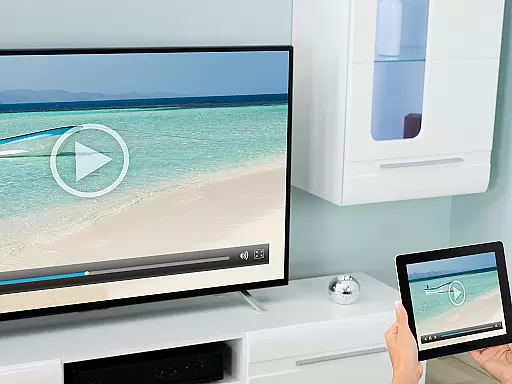
Screen Mirroring Pro for Roku is a powerful tool designed to mirror your Android device's screen to any Roku-enabled display. This includes Roku Sticks, Boxes, and TVs from brands like TCL and Hisense. The app offers an easy setup process and delivers content in HD quality without the need for wires.
With support for all Android devices running version 5.0 and above, this application provides a seamless experience for sharing photos, videos, games, websites, apps, presentations, and documents. Its performance surpasses the built-in Roku Screen Mirroring using Miracast, ensuring a smooth and high-quality streaming experience.
Whether you're looking to share content with friends and family or conduct professional presentations, Screen Mirroring Pro for Roku ensures that your content is displayed with clarity and ease. By connecting to the same Wi-Fi network, users can enjoy a lag-free mirroring experience, making it ideal for both personal and business use.
Screen Mirroring Pro for Roku stands out with its broad device compatibility, supporting all Android devices with Android 5.0+ and all Roku models, including Sticks, Boxes, TVs, and Roku Express 3700 / 3710. This ensures that no matter what device you own, you can easily connect and mirror your screen.
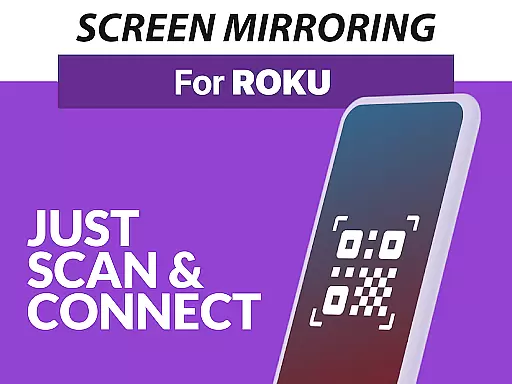
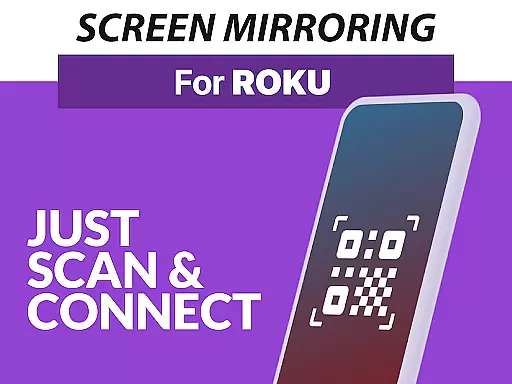
The app simplifies the setup process by eliminating the need to adjust Android settings or Wi-Fi options, offering a user-friendly interface that makes screen mirroring accessible to everyone. It also recommends using a 5GHz Wi-Fi network for optimal performance, which reduces latency and enhances video quality during screen sharing sessions.
For those seeking support or wishing to provide feedback, the developers offer direct contact via email at info@screenmirroring.app. As part of the VIDEO & TV CAST series, this app benefits from the expertise of creators behind one of the world's leading video casting applications, trusted by millions of users globally.
Screen Mirroring Pro for Roku delivers exceptional core functionality by enabling seamless screen mirroring from Android devices to any Roku device. This includes Roku Sticks, Boxes, and TVs, ensuring that users can share content effortlessly in high-definition quality.
The app supports all Android devices running version 5.0 and above, providing broad compatibility. Its standout feature is the simplified setup process, which eliminates the need for complex settings adjustments on your Android device or Wi-Fi network. This ease of use enhances its effectiveness, making it accessible even to non-technical users.
Performance is optimized under good Wi-Fi conditions, particularly when using a 5GHz network. By maintaining both devices on the same Wi-Fi without interference from VPNs or proxies, users experience minimal latency and high-quality streaming. These features ensure reliable performance for sharing photos, videos, games, and presentations.
Ultimately, Screen Mirroring Pro offers significant advantages over Roku's built-in Miracast-based screen mirroring, delivering superior speed, stability, and user satisfaction. This makes it an ideal choice for anyone looking to enhance their screen-sharing capabilities with Roku devices.
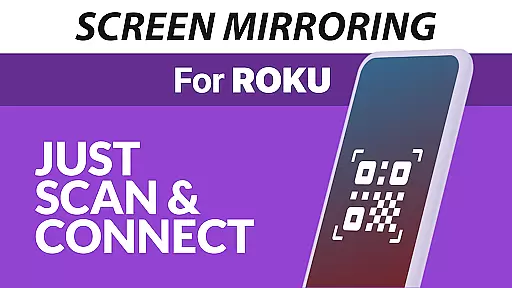
Screen Mirroring Pro for Roku excels in offering an interface that prioritizes simplicity and intuitiveness, ensuring users can navigate and utilize its features without hassle. The design focuses on delivering a streamlined experience, allowing users to initiate screen mirroring with just a few taps.
One key aspect is the unified setup process across all supported Android devices. Unlike other solutions requiring changes to device settings or Wi-Fi configurations, this app simplifies the connection process. Users only need to ensure both their Android device and Roku are connected to the same Wi-Fi network, avoiding unnecessary complications.
The app's user-friendly interface also contributes to faster adoption and usage. Clear instructions and intuitive controls enable users to mirror their screens quickly, whether they're sharing personal media or conducting professional presentations. This ease of use enhances overall satisfaction and encourages regular use.
By removing technical barriers and focusing on accessibility, Screen Mirroring Pro ensures that users of all skill levels can take full advantage of its powerful features. This commitment to simplicity and intuitiveness sets it apart as a top choice for efficient screen sharing with Roku devices.
User-friendly interface
Wide device compatibility
High-definition streaming
Seamless connectivity
Reliable customer support
Requires same Wi-Fi network
No VPN or proxy support
Performance varies with Wi-Fi
Premium features may cost extra
Limited to Roku devices

Easily install aab(Android App Bundle) files on your Android device with our app
 4.80
4.80
Unit and currency converter with easy and simple UI.
4.80
HD Video player and downloader for all formats, fast & smooth 4K video playback.
4.60
An open-source APK explorer for Android!
4.10
Best leveling tool for your Android device. Hang paintings like a pro.
4.90
Effortlessly run ADB commands directly on your device without a PC.
4.20
Smart and comfortable browsing experience.
3.80
With videos, electrical calculators, and built-in ebook, Ugly’s has your answer.
4.50
Support Fossify apps with a warm thank you!
5.00
Powerful collection of electronics tools and reference.A must for any enthusiast
4.90
Navigate with Ease and Style
4.90
Extremely fast, secure, and protects your privacy
4.80
Excellent scientific calculator with symbolic algebra, integrals, derivatives
4.80
Small and simple app to Verify Root Access and BusyBox Install!
4.70
Protect your device with antivirus, storage cleanup, and system monitoring
4.70
Carry a FTP server in your pocket and avoid USB cables for file transfer
4.20
View detailed information about your Nissan Leaf the dealer never shows you.
4.10
Detect hidden spy camera with advanced scanning {{ Premium version }}
4.00
Undelete and recover your lost or deleted files with DiskDigger!
3.40

User Reviews