
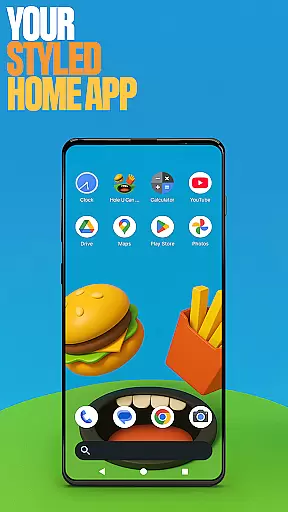
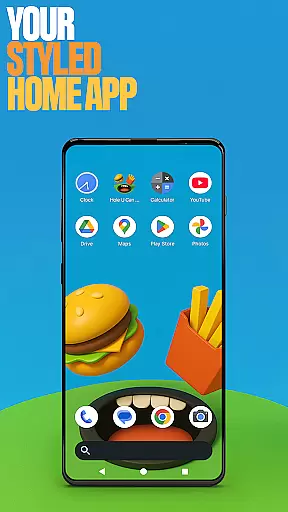
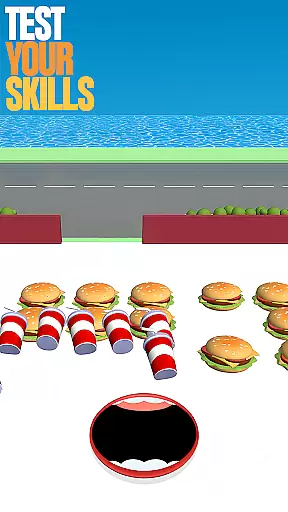
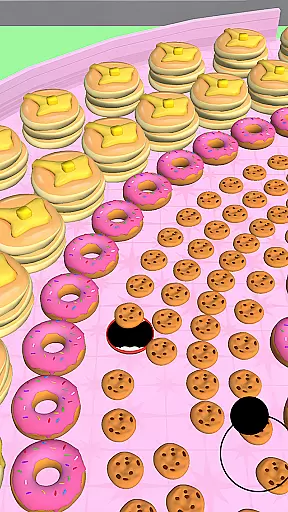
Hole U Can Eat Home App is a personalization app that transforms your device's home screen with customizable features. It offers flexible layouts, custom icon shapes, and game-style wallpapers inspired by the Hole U Can Eat game. Users can personalize their experience through unique gestures, hidden apps, and accent color options.
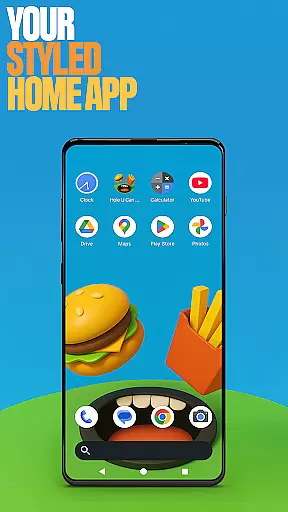
This app serves as a fully functional launcher, allowing users to switch from their default home app while maintaining the ability to revert anytime. Its intuitive design makes daily navigation exciting and visually appealing, providing both aesthetic and functional value for those looking to enhance their device's interface.
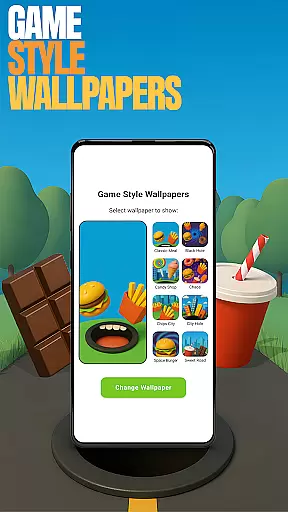
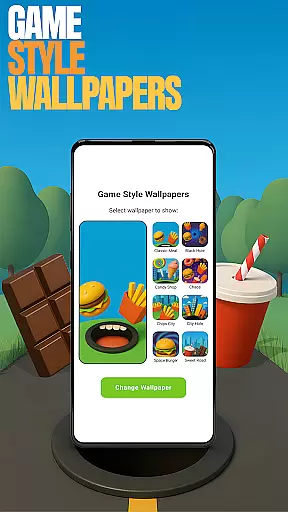
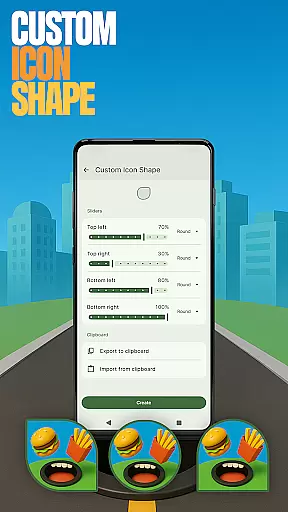
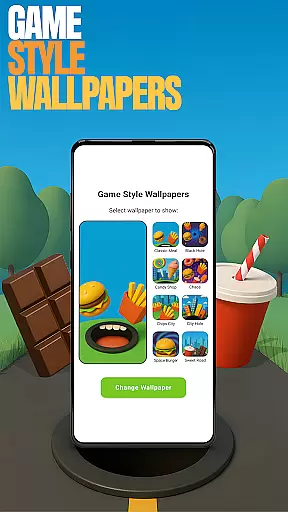
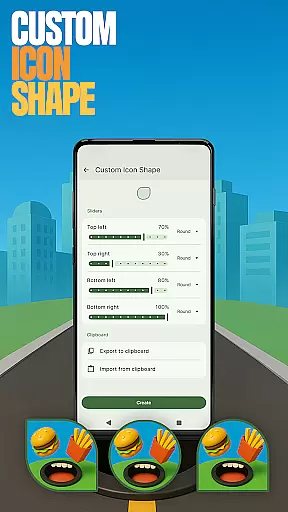
The app provides an array of advanced customization features designed to give users control over their device’s appearance and functionality. With game-style wallpapers, users can add a playful touch to their home screens. Custom icon shapes allow for personalized aesthetics, while custom gestures enable quick access to frequently used apps or settings.
Additional features include the ability to hide private apps, giving users discretion over their installed applications. The accent color setting lets you tailor your home screen's color scheme, either through presets or custom designs. These tools collectively offer a highly tailored user experience, making it easy to create a personalized and efficient mobile environment.
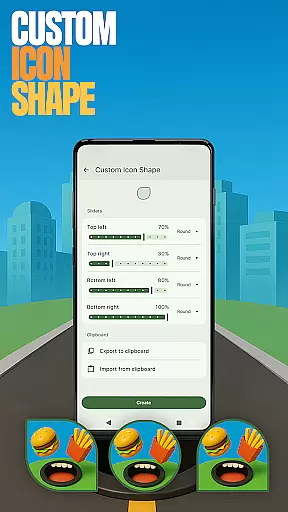
Customization is at the heart of Hole U Can Eat Home App, offering users a wide array of options to personalize their device's appearance and functionality. With features like Custom Icon Shapes, users can choose from various fun shapes to give their icons a unique look, enhancing both aesthetics and usability.
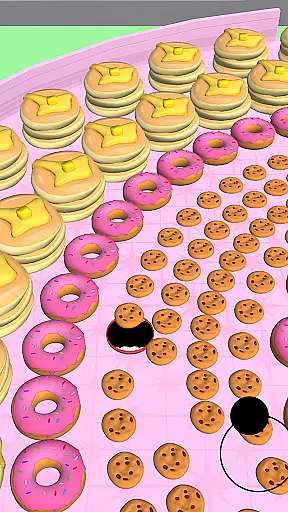
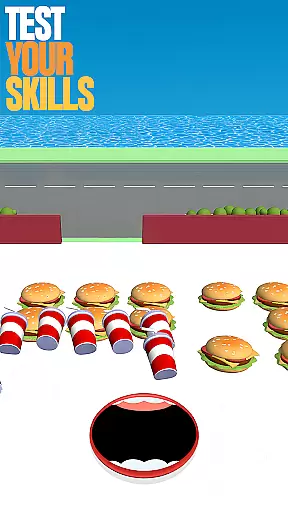
The app also provides Game Style Wallpapers, inspired by the popular game Hole U Can Eat, allowing users to set dynamic and engaging backgrounds on their home screens. This feature not only adds visual appeal but also immerses users in the gaming theme they love.
For those who value convenience and efficiency, Custom Gestures enable quick access to frequently used apps or settings through simple swipes or taps. This intuitive interaction reduces navigation time and streamlines the user experience.
Additionally, the Accent Color feature lets users tailor the color scheme of their home app, either by selecting from preset options or creating a custom palette. This level of personalization ensures that each user's device reflects their individual style and preferences.
Hole U Can Eat Home App excels in theme compatibility, ensuring that all customization options work seamlessly together to create a cohesive and visually pleasing interface. Whether you're applying a new icon shape or setting a game-style wallpaper, the app maintains consistency across your home screen.
This compatibility extends to the appu2019s ability to integrate with various Android devices and versions, providing a stable and reliable performance regardless of the hardware. Users can switch to this launcher without worrying about losing functionality or encountering display issues.
Moreover, the Hide Apps feature works harmoniously with other customization tools, allowing users to maintain privacy while enjoying the full benefits of the app's personalization capabilities. This ensures that sensitive information remains secure without compromising the overall user experience.
By prioritizing theme compatibility, Hole U Can Eat Home App delivers a smooth and enjoyable customization process, empowering users to design a home screen that truly feels like their own while maintaining optimal performance and visual harmony.
Highly customizable
Unique game-style wallpapers
Intuitive gesture controls
Private app hiding feature
Vibrant accent color options
May overwhelm new users
Limited default layout options
Potential performance issues
No cloud sync for settings
Occasional UI glitches

Vertically oriented rectangular icons
 4.70
4.70
Unique Android Launcher
4.60
Dark icon pack based on One 8
4.80
Try creating your own keyboard with "Keyboard theme for android" app now!
4.50
Customize your home screen with stunning themes, blur, widgets & icons.
4.60
Organize and manage your photos and videos effortlessly with Photo Gallery
4.20
Your go to Weather App & Home Screen. Get your weather at a swipe of a finger!
3.80
Adorable pets roam and play right on your phone screen!
3.30
300+ widgets inspired by Material You and Material 3 expressive design.
4.60
Only for Wear OS devices!
4.90
Enjoy a variety of amazing live wallpapers and colorful EDGE lighting borders!
4.80
A minimalist productivity launcher. One-hand-friendly. Zero ads.
4.70
Color phone with cool effects for call screen, flash alert & ringtones music
4.50
Transform your device in a game console
4.40
Run multiple accounts of the same app on a single device
4.10 4.10
4.10
Transform your phone with stunning video wallpapers and a unique, personal touch
3.80
Struggling to find apps? Use this app to locate and open any app on your phone!
2.20
Custom edge gestures for volume control, brightness, apps, and shortcuts.
4.0

User Reviews