

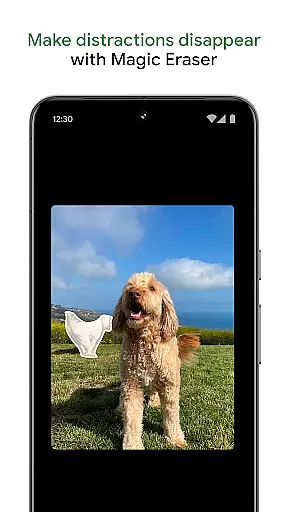
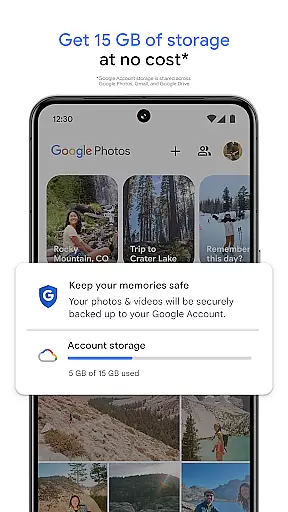
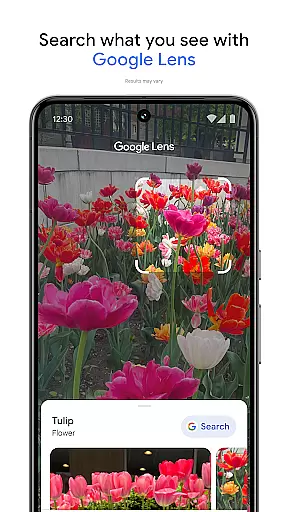
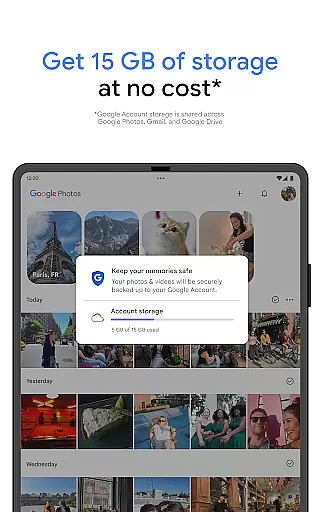
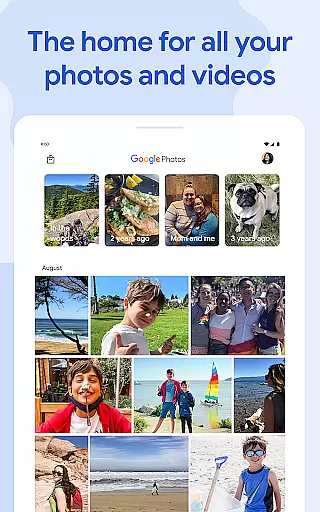
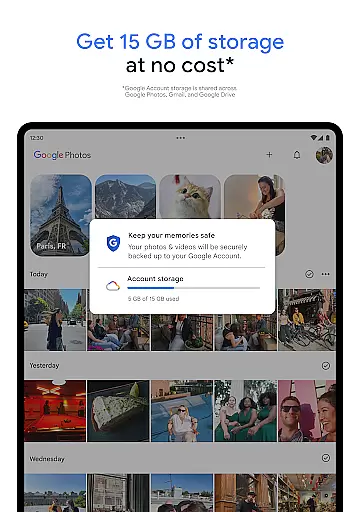
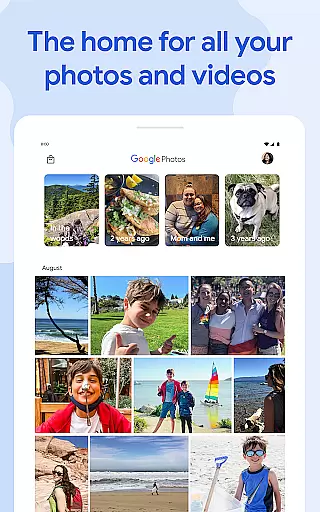
Google Photos is a comprehensive photo and video management application that leverages Google AI to help users back up, edit, organize, and search their memories. The app provides 15 GB of free cloud storage for every Google account, ensuring automatic backup across all devices. With features like AI-powered editing tools, users can make complex edits easily, such as removing distractions with Magic Eraser or enhancing lighting with Portrait Light.
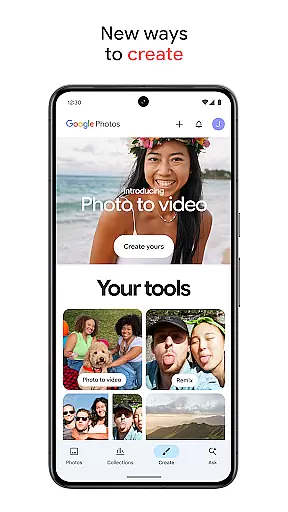
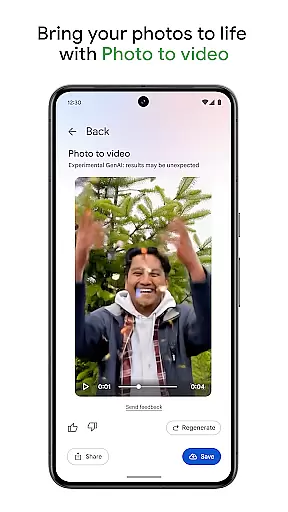
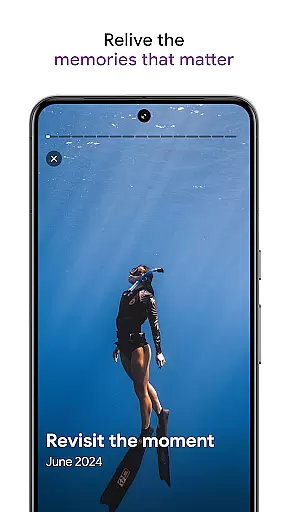
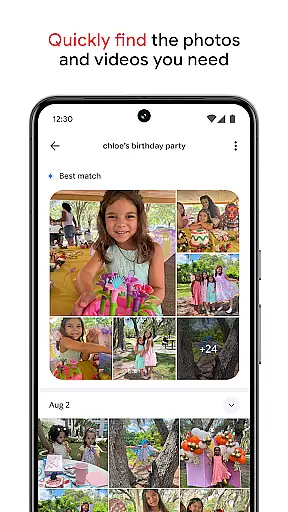
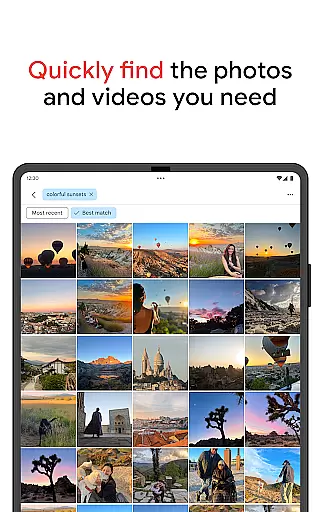
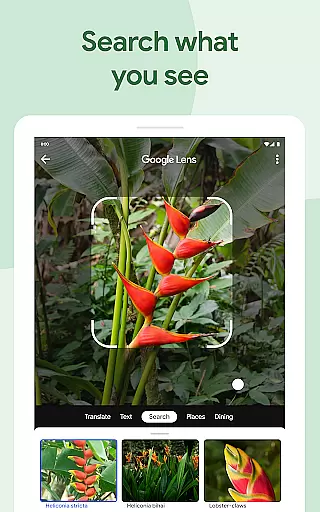
Beyond basic functionality, Google Photos offers creative tools like Remix and Photo to video, which transform static images into dynamic content. The app simplifies searching through intuitive AI, allowing users to find specific memories quickly. Organization is effortless with automatic grouping of duplicates and smart folders for different types of content. Additionally, users can relive and share favorite moments securely, knowing their data is protected by advanced security infrastructure.
One of the standout features of Google Photos is its AI-powered editing tools. Users can enhance their photos with just a few taps using features like Magic Eraser, Unblur, and Portrait Light. These tools allow for professional-quality edits without requiring extensive technical knowledge. Furthermore, the app's Create feature lets users experiment with AI to produce unique content styles, while Photo to video animates still images into videos, adding life to cherished memories.
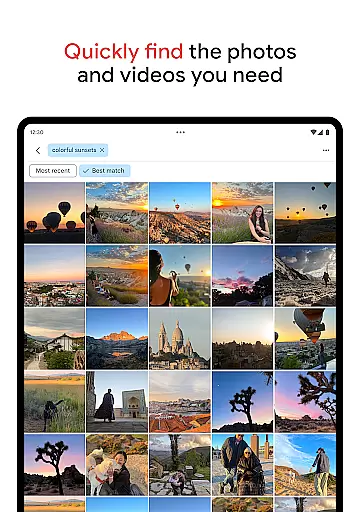
Organization and search capabilities are significantly enhanced through Google's AI technology. The app automatically declutters galleries by organizing duplicates and similar photos into stacks. Smart folders categorize screenshots, documents, and daily camera rolls efficiently. Searching is simplified with natural language queries, making it easy to locate specific items or themes within your collection. Security is prioritized, ensuring that all stored media remains safe and private, accessible only via device screen locks when saved in locked folders.
Companion app integration is crucial for wearable devices as it ensures seamless synchronization between the main application and its wearable counterpart. Google Photos excels in this aspect by providing a cohesive experience across multiple devices.
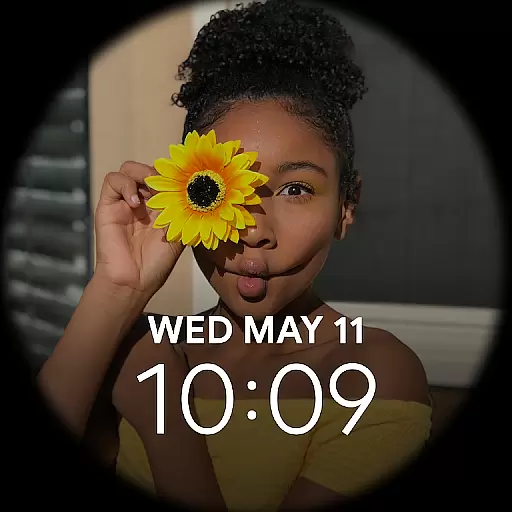
The app allows users to automatically back up photos from their mobile devices and access them on any linked device, including Android Wear smartwatches. This means you can view your favorite memories or even take quick actions like capturing images directly from your wearable device.
Furthermore, the integration extends to real-time notifications and updates. When you receive photo sharing invitations or comments on your shared albums, these notifications are mirrored on your wearable device, ensuring you never miss important interactions.
This level of companion app integration not only enhances convenience but also enriches the user experience by maintaining consistency and connectivity across different platforms, making it easier than ever to manage and enjoy your digital memories.
Device compatibility is a key factor when evaluating applications designed for wearable technology. For an app like Google Photos, ensuring smooth operation across various Wear OS devices significantly boosts its utility and accessibility.
Google Photos supports a wide range of Wear OS devices, allowing users to interact with their photo library directly from their smartwatch. Whether it's viewing recent photos, starting a backup, or receiving notifications about shared albums, the app delivers a consistent experience regardless of the specific Wear OS device being used.
In addition to basic compatibility, Google Photos leverages the unique capabilities of each device. For instance, if a smartwatch has a built-in camera, Google Photos can utilize it for capturing images that are instantly synced with the useru2019s broader photo ecosystem.
By prioritizing extensive device compatibility, Google Photos ensures that users can enjoy its full suite of features without worrying about hardware limitations, thus enhancing overall satisfaction and engagement with the platform.
User-friendly interface
Advanced AI features
Secure cloud storage
Comprehensive organization tools
Creative content options
Limited free storage
Paid subscription required
Occasional sync issues
Privacy concerns
Feature complexity

Diet tracker for weight loss - track calories, food and macros. Simple and easy!
 4.70
4.70
Precision analog watch face with 7 complications and style options
4.2
Beautiful, colorful and practical watch face. For Wear OS devices.
5.00
Simple Analog-Digital Watchface For Wear OS 3.0 and Up Smartwatches
4.3
The ultimate destination for kids ages 3-8 to explore the Marvel Universe!
4.30
Real-time results, stats, schedules and player profiles for all leagues
4.60
A white realistic classic analog watch face with many customization options.
4.40
Simple, helpful messaging by Google
4.60
Track your active life in one place and share the journey with friends.
4.40
Christmas - Festive - Christmas Village - Winter - Christmas lights
5.00
Hyperlocal rain alerts by MyRadar using patent-pending technology, radar & more
4.80
A modern premium sporty hybrid watch face for Wear OS by Ballozi
4.70
Kia Access makes getting your vehicle information easier than ever
4.60
Deck out your Wear OS Watch face with a beautifully decorated pine wreath!
4.50
Let's celebrate Thanksgiving - Wear Os watch face
4.20
Watch the sharpness of the sky on your wrist..
3.70
Christmas is near, let's count together the days left until Santa comes
4.1
A Wintery Snow Globe on Your Wrist; now celebrating Christmas!
4.0
A watch face that fuses motorsport precision with contemporary smartwatch design
4.0


User Reviews