

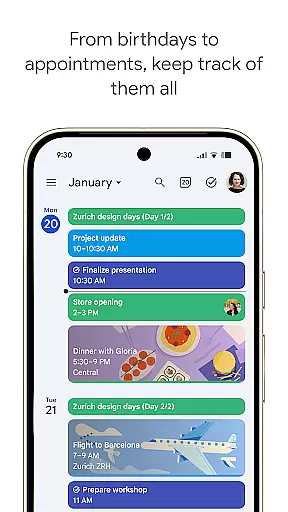
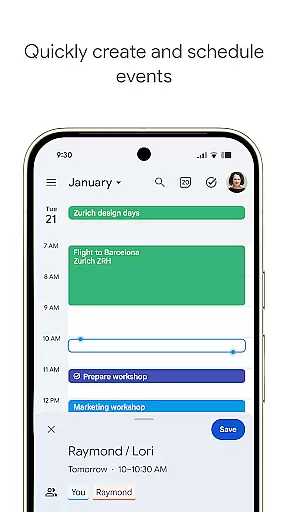
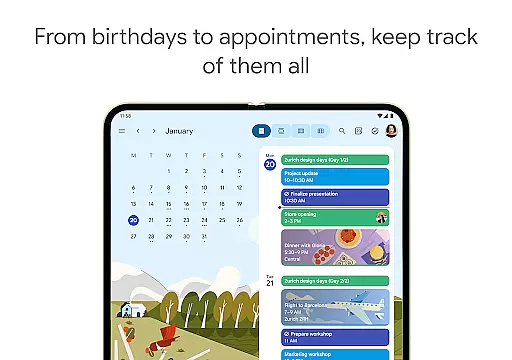
Google Calendar is the official calendar app designed for Android phones, tablets, and Wear OS devices. It helps users stay organized and plan their day efficiently. With features like automatic event addition from Gmail, multiple calendar views, task management, and seamless integration with Google Workspace, it ensures you never miss an important event or meeting.
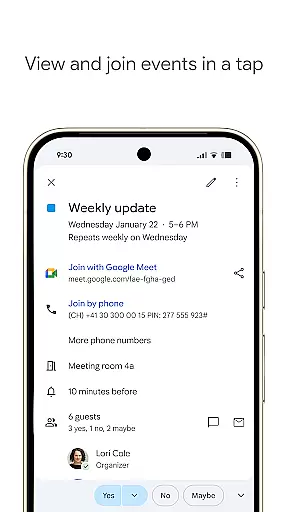
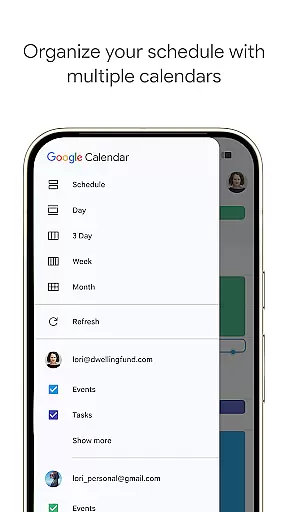
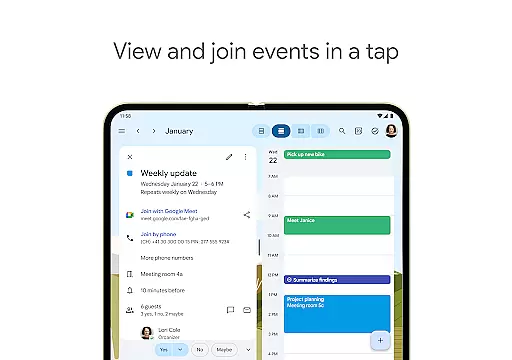
The app supports hybrid work environments by integrating Google Meet video calls into calendar events. It also allows users to create professional booking pages, check teammate availability, and attach relevant documents to meetings. Whether you're managing personal schedules or coordinating team activities, Google Calendar provides a comprehensive solution that works across all your devices.
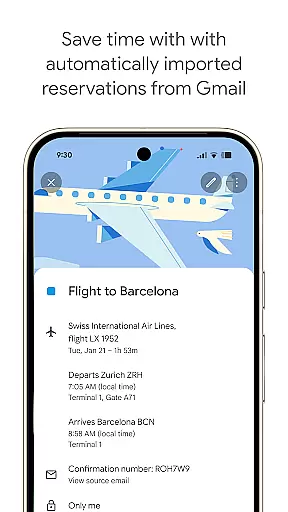
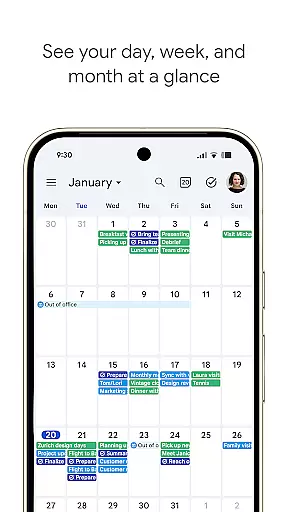
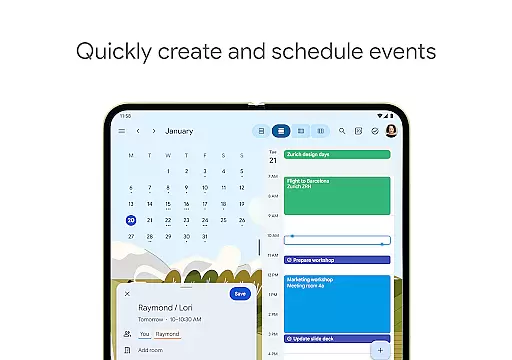
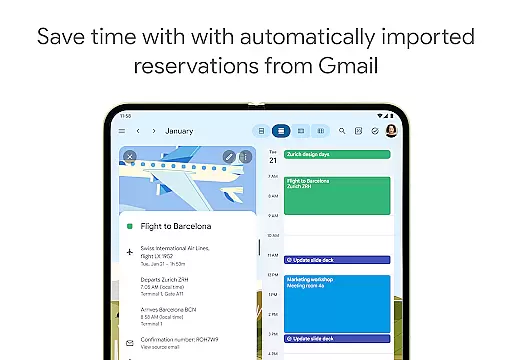
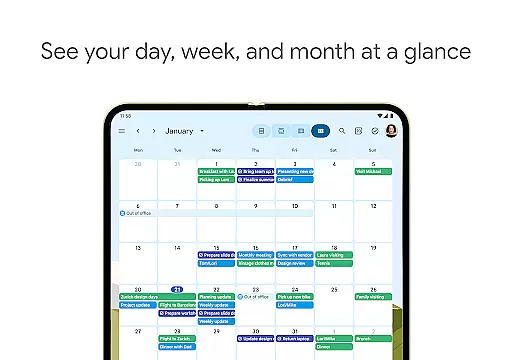
Google Calendar offers a robust set of features tailored for productivity. The app automatically adds events from Gmail such as flights, hotel reservations, and restaurant bookings, ensuring your calendar stays up-to-date without manual input. Users can easily switch between month, week, and day views, and manage tasks alongside their events, keeping them on top of their to-do lists.
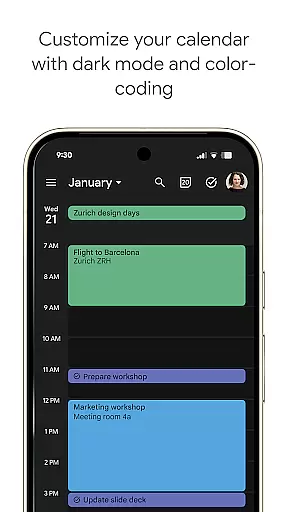
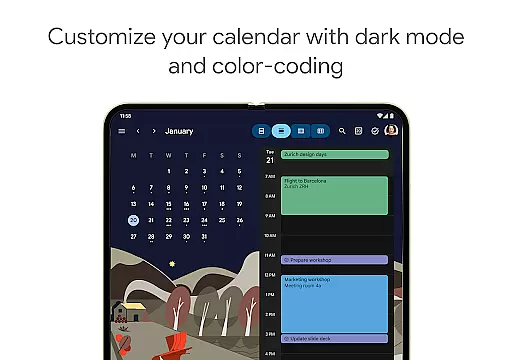
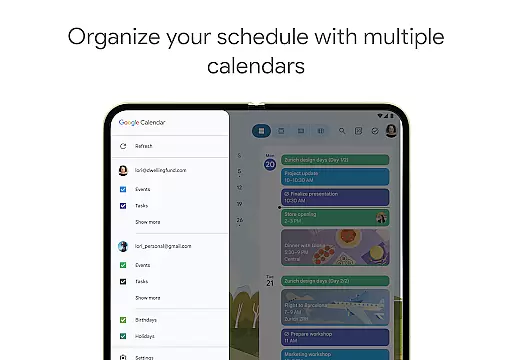
Customization options include light or dark mode and color-coded events, allowing users to personalize their experience. The app also supports shared calendars, enabling collaboration with family, friends, and colleagues. Integration with Google Workspace enhances teamwork by providing access to professional booking pages, layering team calendars, and attaching documents directly to events. These features make Google Calendar a versatile tool for both personal and professional use.
Google Calendar offers seamless companion app integration, ensuring that your schedule stays consistent across all your devices. Whether you're using an Android phone, tablet, or Wear OS device, the synchronization is automatic and real-time when logged into the same Google account.
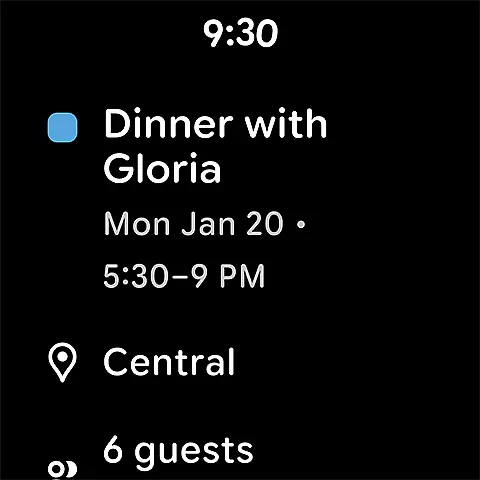
This synchronization allows users to transition effortlessly between devices without missing any updates or events. For instance, an event added from Gmail on your computer will automatically appear on your Wear OS device, keeping you informed at all times.
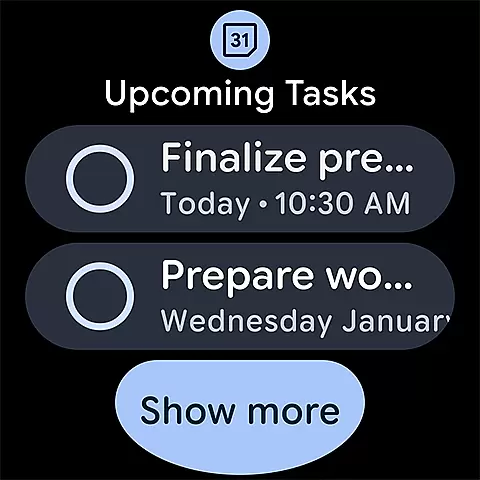
The ability to view and manage tasks alongside events in Calendar enhances productivity. This unified experience ensures that whether you're at your desk or on the go, your calendar remains an accurate reflection of your commitments and responsibilities.
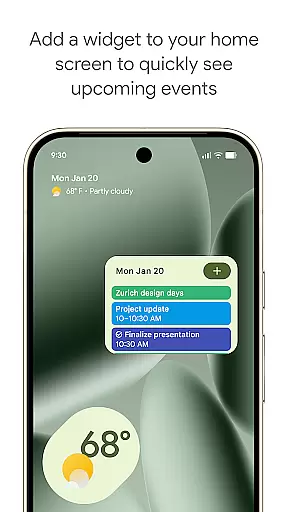
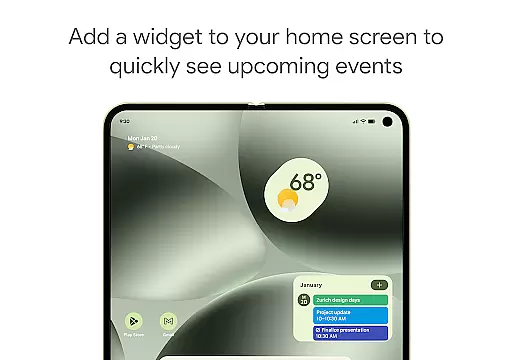
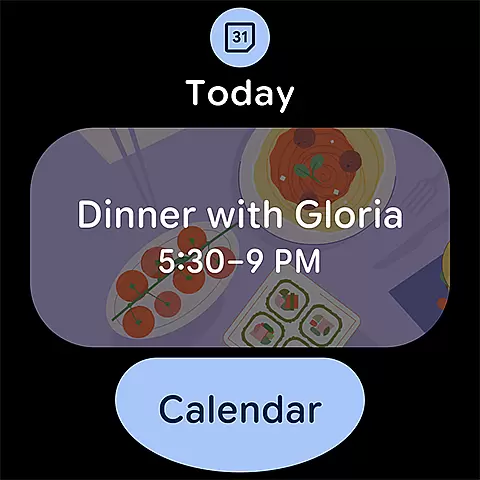
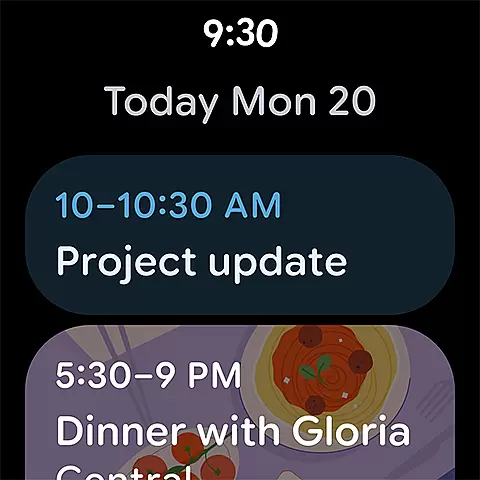
With its robust Wear OS and device compatibility, Google Calendar provides a versatile solution for managing your schedule on the go. The app supports tiles and complications on Wear OS devices, allowing quick access to essential calendar information directly from your watch face.
This compatibility extends beyond just Wear OS; it consolidates views with other calendars on your device, including Exchange. This means you can see all your important dates in one place, regardless of their origin, ensuring comprehensive oversight of your schedule.
Additionally, features like light or dark mode personalization and color-coded events enhance usability on smaller screens. These thoughtful design elements ensure that even on a smartwatch, interacting with Google Calendar remains intuitive and visually appealing.
User-friendly interface
Seamless Google integration
Robust task management
Customizable views
Secure enterprise-level privacy
Limited offline functionality
Occasional sync issues
Basic reminders only
No advanced analytics
Heavy on battery

Wear Os Watch Face - Animated Snow Effect & Christmas Lights
 4.2
4.2
Watch the sharpness of the sky on your wrist..
3.70
Wear Os Watch Face - Animated Snow - Sesonal for Christmas & Winter
4.1
MyNISSAN® lets you remotely control your car from your phone.*
4.50
A watch face that fuses motorsport precision with contemporary smartwatch design
4.0
Digital watch face. For Wear OS devices.
4.40
Fitness interactive virtual pet super fighter boy watch face
4.3
Professional weather radar and more
3.90
Simple, helpful messaging by Google
4.60
Hybrid watch face for Wear OS with customizable complications by Matteo Dini MD
4.70
The most customizable hybrid watch face. For Wear OS 5.0, API 34+ and later
4.70
Highly customizable hybrid watch face for Wear OS, perfect for everyday use.
4.60
Premium hybrid watch face with many customizations for Wear OS devices.
4.40
Bold, Modern Hybrid Watch Face for Wear OS. 10 Colors, Rich Info Display.
4.30
Find EV charging stations
4.30
Your local weather forecast, storm tracker, radar maps & live weather news
3.40
Christmas is near, let's count together the days left until Santa comes
4.4
A heartwarming Christmas scene featuring a cute image of Santa and Rudolf
4.1
Funny animated watch face for Thanksgiving
4.2


User Reviews