
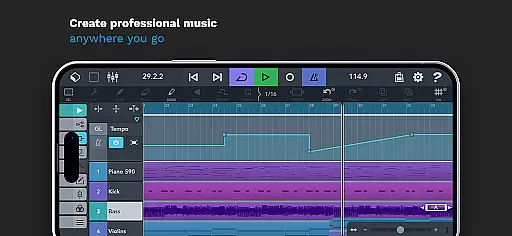
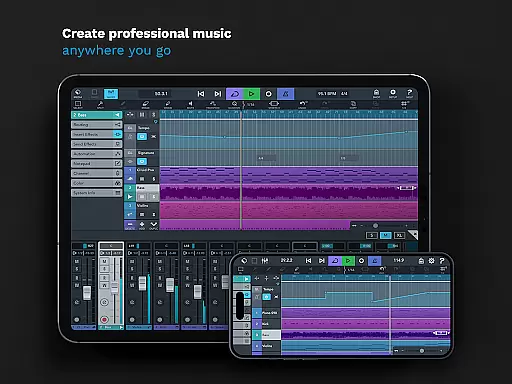
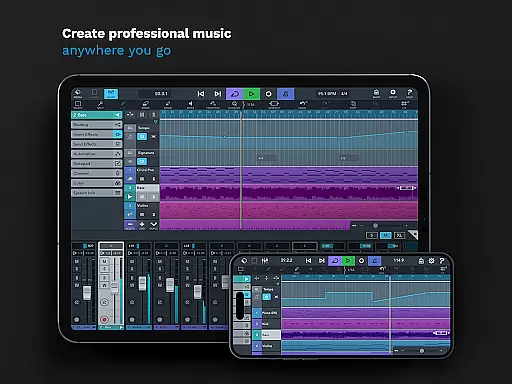
Cubasis 3 is a multi-award winning mobile DAW and full music production studio that allows musicians to capture ideas and create professional-sounding songs. The app offers an intuitive interface for audio and MIDI editing, real-time time-stretching, pitch-shifting, and includes virtual instruments like Micrologue synthesizer and MicroSonic. With support for high-quality audio resolution and various external gear connections, Cubasis 3 stands as one of the most complete music production solutions available on Android and Chrome OS.
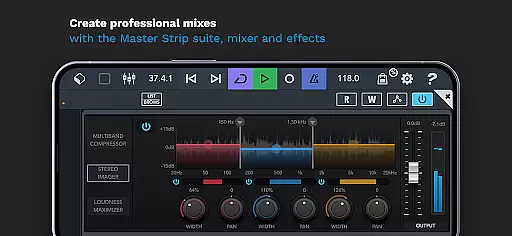
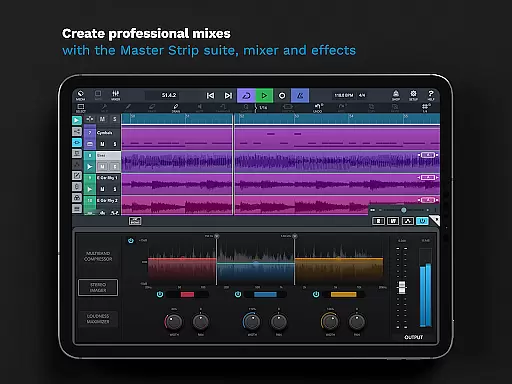
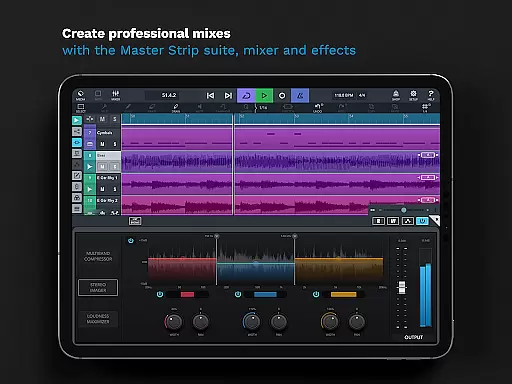
Designed for both amateur and professional use, this Digital Audio Workstation (DAW) supports unlimited audio and MIDI tracks, features a 32-bit floating-point audio engine, and provides users with advanced mixing capabilities through its Master Strip Suite and studio-grade effects. Whether you're sketching song ideas or producing full records, Cubasis 3 delivers the tools necessary to make beats, edit audio, and mix tracks at a professional level directly from your smartphone or tablet.
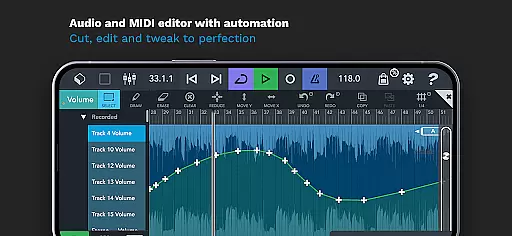
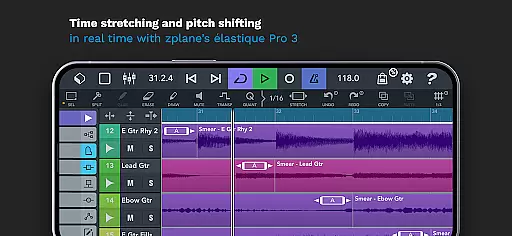
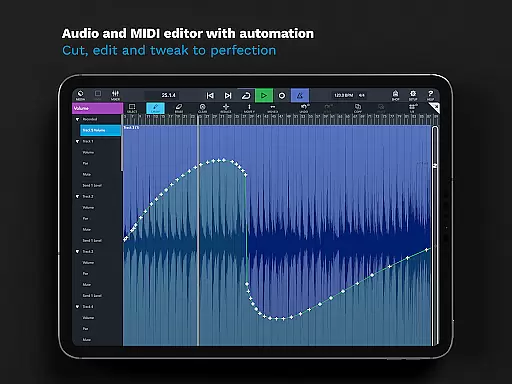
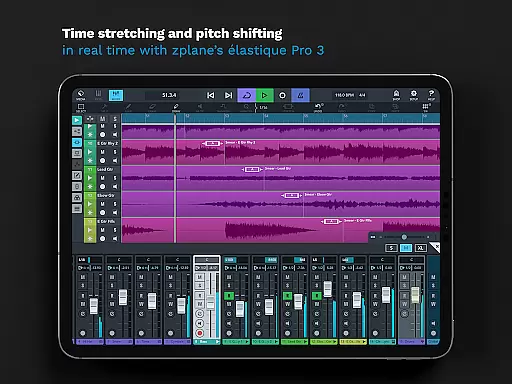
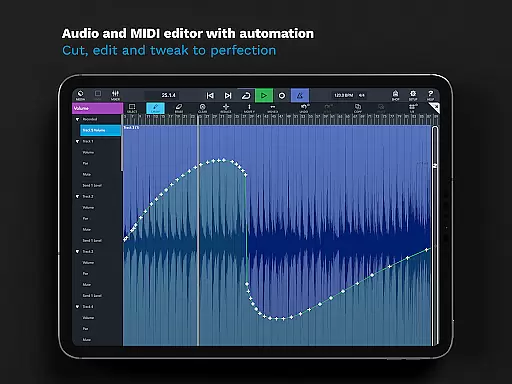
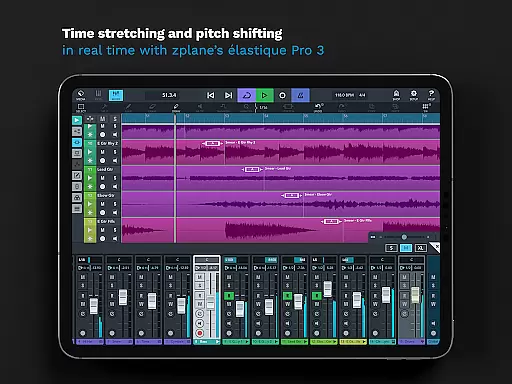
Cubasis 3 shines with its comprehensive feature set tailored for music production enthusiasts. It boasts an impressive array of capabilities including an audio and MIDI editor with automation support, allowing detailed tweaking of musical elements. The app's powerful audio engine supports resolutions up to 24-bit/48 kHz, ensuring pristine sound quality. Real-time time-stretching and pitch-shifting are handled by zplane’s élastique 3 technology, making it easy to adjust tempo and key without affecting audio fidelity.
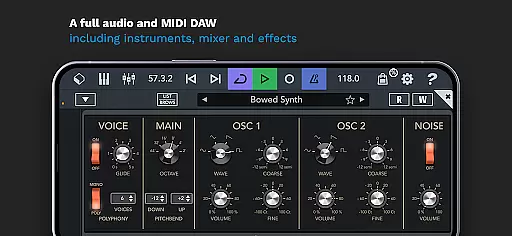
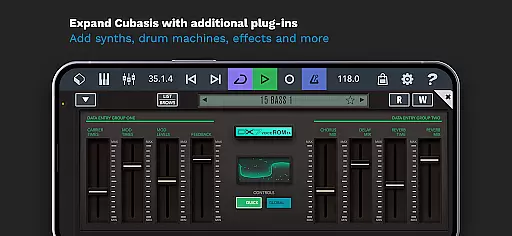
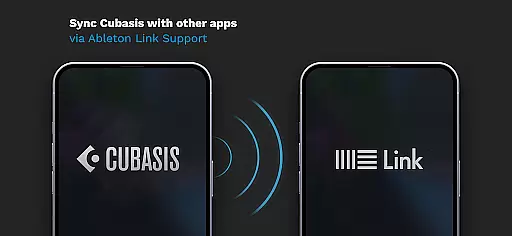
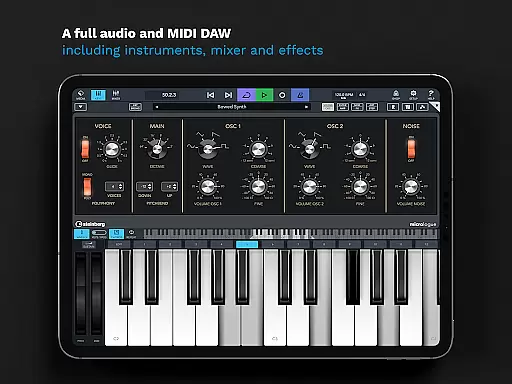
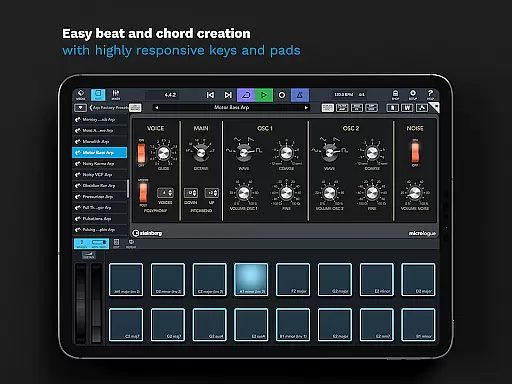
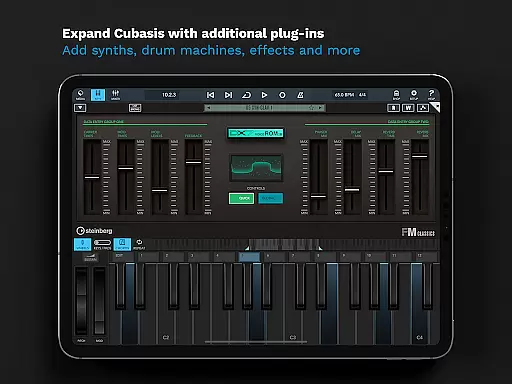
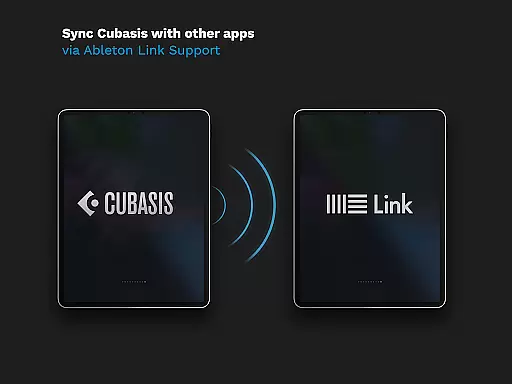
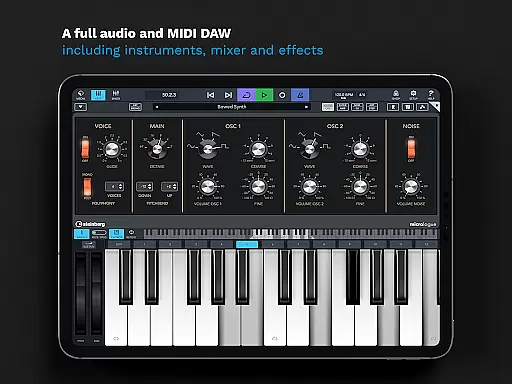
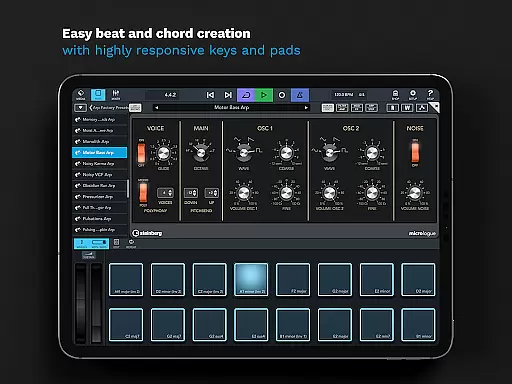
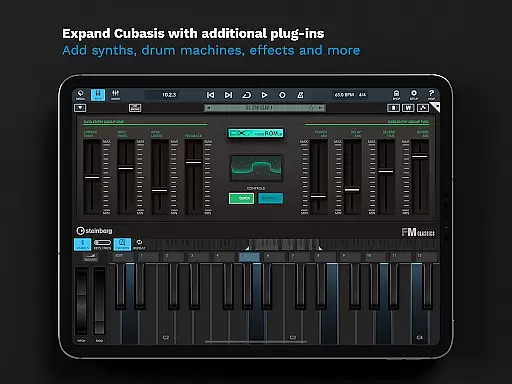
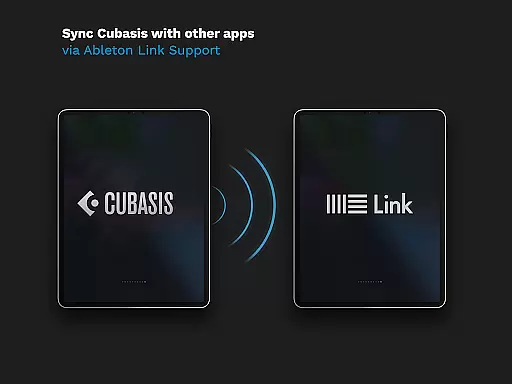
Among its standout features is the inclusion of virtual instruments such as the Micrologue synthesizer with 126 presets and MicroSonic offering over 120 instrument sounds. Additionally, the mixer provides studio-grade channel strips and 17 effect processors per track, enabling users to craft polished mixes. Integration with external hardware and third-party apps expands creative possibilities, while Ableton Link support ensures seamless synchronization with other devices. These robust functionalities empower creators to produce complex compositions entirely on mobile platforms.
When evaluating a music production app like Cubasis 3, the size and authenticity of its music library are crucial factors. This app offers an extensive library with over 120 virtual instrument sounds, including acoustic pianos and various drum kits. These sounds are not only diverse but also fully licensed, ensuring users can create music without worrying about copyright issues.
Cubasis 3 further enhances its offering with the Micrologue virtual analog synthesizer, which comes with 126 ready-to-go presets. This vast array of high-quality sounds allows musicians to experiment with different genres and styles. The app's commitment to copyright authenticity means that all included instruments and loops are royalty-free, providing peace of mind for creators who wish to share or monetize their work.
The availability of more than 550 MIDI and time-stretch capable audio loops adds another layer of depth to the music-making process. These loops cover a wide range of musical elements, from basslines to percussion, enabling users to quickly build complex arrangements. With such comprehensive resources at their disposal, musicians can focus on creativity rather than sourcing or licensing content.
Audio quality is paramount in music production, and Cubasis 3 excels in this area by offering advanced audio processing capabilities. The app features a 32-bit floating-point audio engine, which ensures pristine sound quality throughout the production process. This level of precision allows for detailed editing and mixing, resulting in professional-grade audio output.
In addition to its robust audio engine, Cubasis 3 supports audio I/O resolutions of up to 24-bit/48 kHz. This high-resolution capability captures every nuance of recorded performances, making it ideal for critical listening and mastering tasks. Users can be confident that their final mixes will translate well across various playback systems, from headphones to studio monitors.
The inclusion of real-time time-stretching and pitch-shifting powered by zplaneu2019s u00e9lastique 3 technology further enhances the app's audio manipulation capabilities. Musicians can seamlessly adjust tempo and key without compromising audio fidelity. Such powerful tools empower creators to refine their tracks with surgical precision, ensuring that every element sits perfectly in the mix.
Intuitive user interface
High-quality audio processing
Extensive plugin compatibility
Real-time audio manipulation
Versatile connectivity options
Limited hardware support
Advanced features may overwhelm beginners
Additional in-app purchases necessary
Resource-intensive operation
Steep learning curve for novices
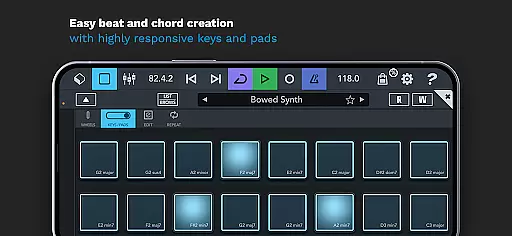

Turn your phone into a musical instrument from the future!
 3.90
3.90
Make music anywhere. Turn your device into an instrument.
4.5
The Skullcandy App Experience
3.20
Pay Once, no monthly payment
4.60
A synth that really lets you shape your sounds!
4.50
The ultimate media player for Android devices
3.90
Let your Android device with the sound effects you want
4.50
Slow music down without changing pitch.
3.70
Sheet music reader, piano & music note player. Play music score & learn to read.
3.90
Brian Eno and Peter Chilvers’ acclaimed music app Bloom, radically reinvented.
4.80
Performance-Synthesizer & Multi-Track-Sequencer, polyphonic + multi timbral!
4.70
Ultimate Sonos Controller
4.70
Unleash your creativity! Turn simple prompts into full fledged songs.
4.70
Over 100 million tracks available for high quality streaming and download
4.60
Reverse your voice & songs instantly! Fun singing challenge with cool effects.
4.60
Time Guru will strengthen your internal sense of musical time via random muting.
4.30
Simply convert wav to mp3. Clear. Reliable. Safe.
4.0
Remove ads permanently from Music Visualizer
4.3
Music Streaming suite for Ampache, Nextcloud Music and compatible backends.
4.5


User Reviews