

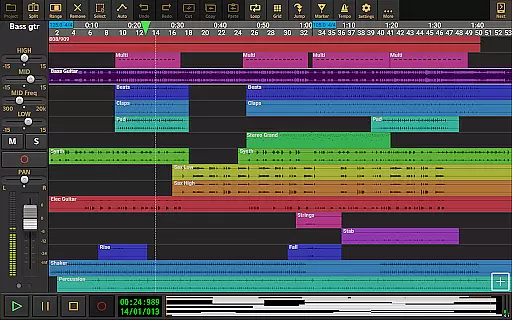
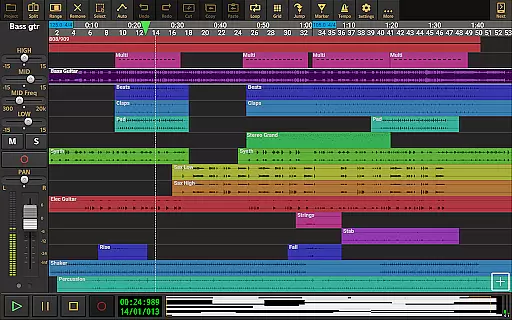
Audio Evolution Mobile Studio is a comprehensive digital audio workstation (DAW) designed for Android users. It offers professional-grade music creation, mixing, and editing tools that rival desktop DAWs. The app supports multitrack audio and MIDI recording, real-time effects, mixer automation, and more.
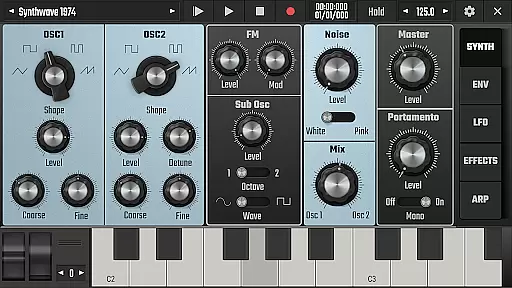
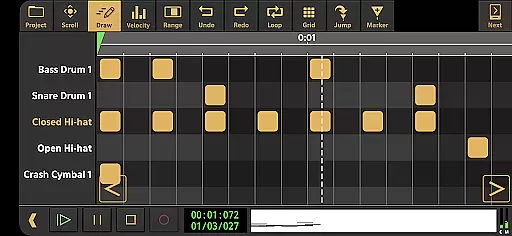
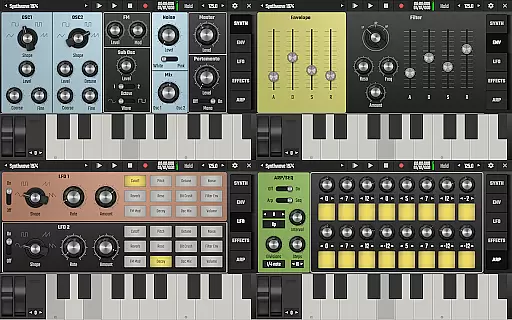
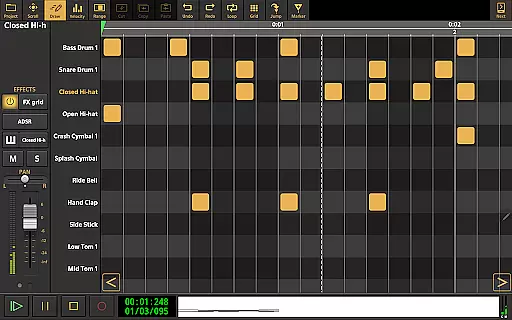
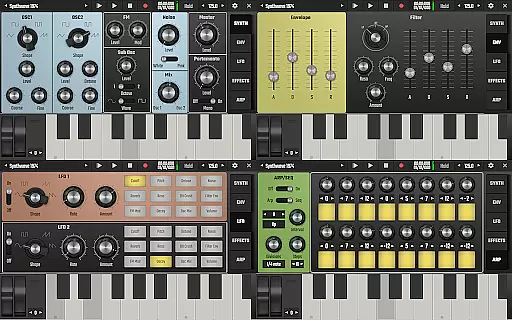
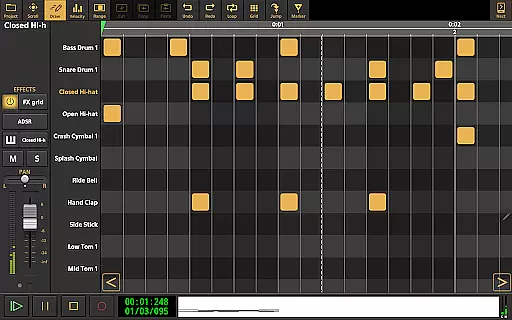
With features like Vocal Tune Studio, virtual analog synthesizer 'Evolution One', and drum pattern editing, this app empowers musicians to create high-quality productions on the go. Whether you're recording song ideas or producing full tracks, Audio Evolution Mobile Studio provides the tools needed to unleash your creativity.
Ideal for both beginners and experienced producers, the app facilitates learning through tutorial videos and supports various in-app purchases to expand its capabilities. This makes it a versatile choice for anyone looking to produce music on an Android device.
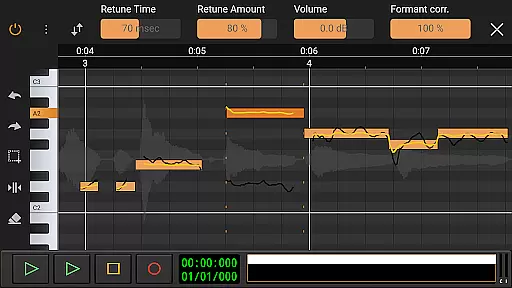
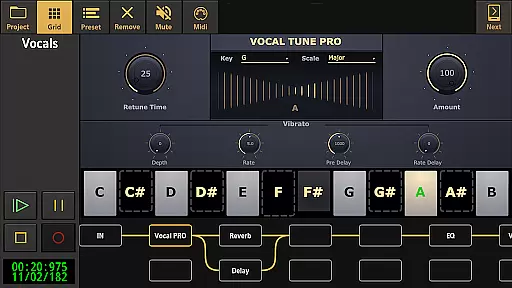
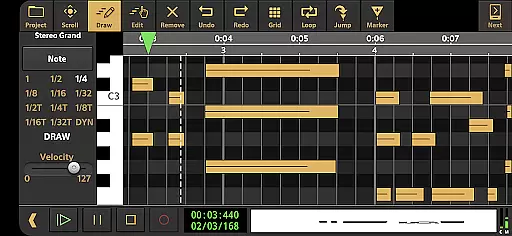
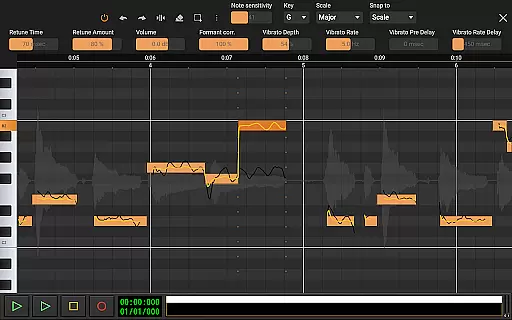
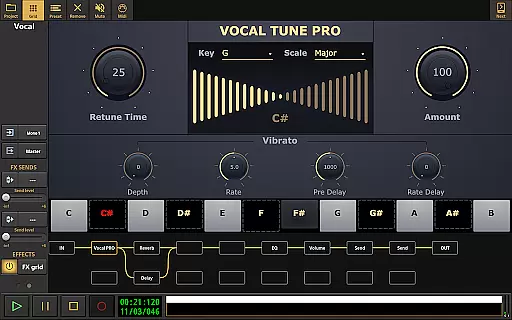
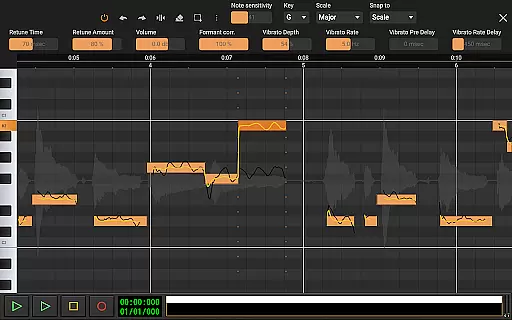
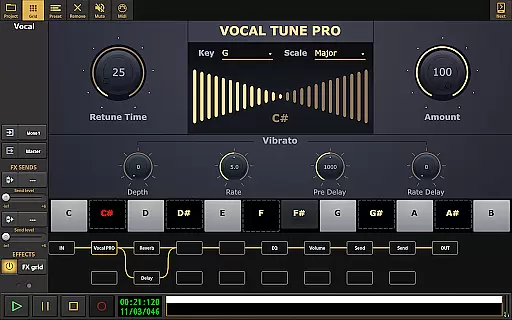
Audio Evolution Mobile Studio stands out with its extensive feature set tailored for music production. The app includes Vocal Tune Studio for pitch and time correction, a virtual analog synthesizer based on Synth One, and sample-based Soundfont instruments.
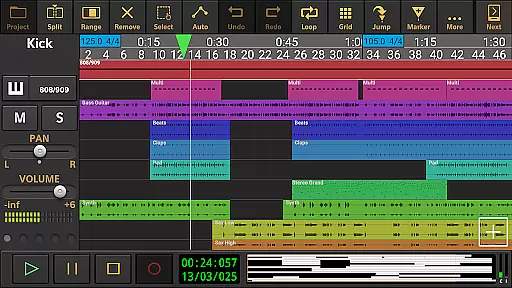
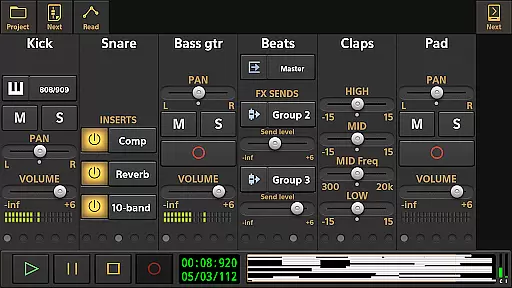
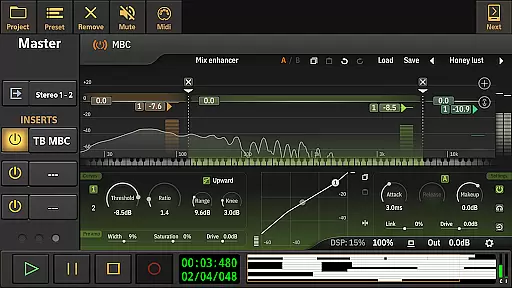
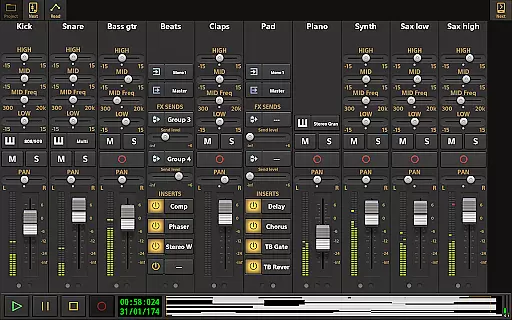
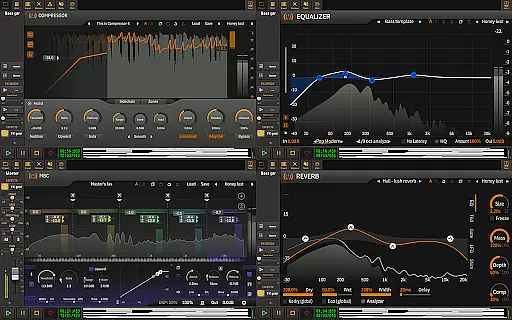
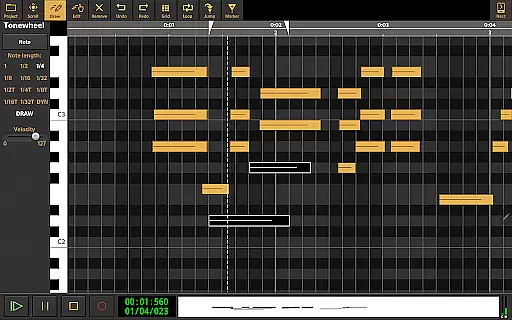
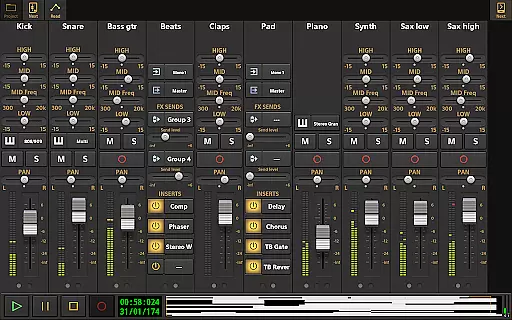
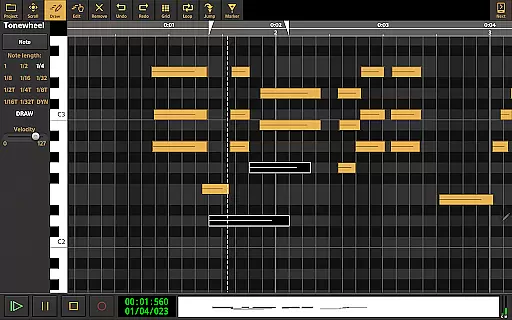
Users can take advantage of low latency recording, unlimited undo/redo during audio and MIDI clip editing, and flexible effect routing. Real-time effects such as chorus, reverb, and EQ enhance the audio quality, while automation of mixer and effect parameters allows precise control over the sound.
Additional functionalities include tempo changes, punch in/out, MIDI remote control, and project interchangeability with iOS. With mastering options and cloud sync to Google Drive, this app ensures seamless music production and collaboration across devices.
Audio Evolution Mobile Studio offers an extensive music library that caters to a wide range of musical genres and styles. The app includes various virtual instruments, sample-based Soundfont instruments, and drum pattern editors, which collectively contribute to its vast sound library. This ensures that users have access to a plethora of audio resources for their music production needs.
In terms of copyright authenticity, the app provides assurance by offering legitimately licensed content. Users can employ these sounds in their projects without concern for copyright infringement, as the app's developers have taken care to include only those samples and loops that are legally permissible for use. This is particularly important for creators who wish to publish or monetize their music.
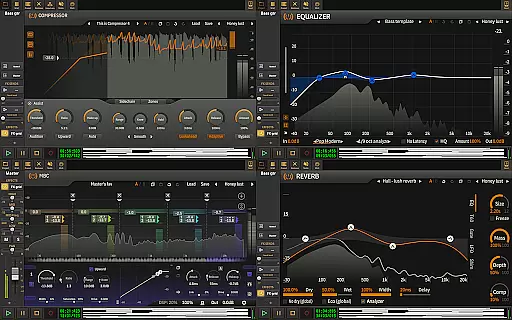
The inclusion of ToneBoosters effects and instruments as optional in-app purchases further expands the available music library. These additions not only enhance the sonic palette but also maintain the integrity of copyright compliance. With these tools, users can be confident in the authenticity of the sounds they are using in their compositions.
Moreover, Audio Evolution Mobile Studio allows for the import of additional formats such as WAV, MP3, AIFF, FLAC, OGG, and MIDI files, enabling musicians to incorporate their own copyrighted material or expand their library with legally acquired tracks. This flexibility supports a personalized and law-abiding approach to music creation within the app.
When it comes to audio quality options, Audio Evolution Mobile Studio stands out by providing high-fidelity sound processing capabilities. The app supports recording and playback at various sample rates and resolutions, accommodating up to 24-bit/96kHz when used with a compatible USB audio interface. This level of detail ensures that the nuances of sound are captured accurately, delivering professional-grade audio quality.
The availability of real-time effects such as EQs, compressors, reverbs, and more allows users to refine their audio with precision. These effects are crucial for achieving the desired sound character and maintaining clarity and depth in the mix. Furthermore, the ability to automate effect parameters means that changes can be executed smoothly over time, preserving the integrity of the audio throughout the project.
For those seeking even greater control over their sound, the app offers advanced features like Vocal Tune Studio and sidechain compression. These tools enable detailed manipulation of vocal pitches and dynamic range, respectively, allowing producers to craft polished and radio-ready tracks. Such sophisticated options are typically found in desktop DAWs, making Audio Evolution Mobile Studio a powerful mobile alternative.
Additionally, the mastering process benefits from the app's support for exporting mixes to WAV, MP3, AIFF, FLAC, or OGG files. Each format has its own advantages regarding compression and quality, giving artists the choice to optimize their final product for different platforms or purposes while retaining the best possible audio fidelity.
User-friendly interface
Extensive feature set
High-quality audio processing
Versatile compatibility
Active community support
Steep learning curve
Some features require in-app purchases
Resource-intensive
Limited free version
Occasional bugs reported

Fun & Easy Voice Changer – Record, Edit & Add Hilarious Effects!
 4.50
4.50
Equalizer, Bass Booster and Volume Booster (Eq & Bass) improve sound quality
4.30
Background pads for your band
3.80
Next generation modular control surface
4.10
USB audio recording and playback finally possible on Android 3.1 or higher!
3.90
Learn to play the piano using falling notes!
3.80
Music, News & Sports Radio Tuner App. Tune in Live FM & AM Radio Stations.
4.80
Let your Android device with the sound effects you want
4.50
Customize Your Favorite Songs and Videos with booster.
4.70
JBL PartyBox APP works with 110/310/710/120/320/520/Encore/Encore 2/Encore Ess 2
4.80
Listen radio AM / FM Stations. Live AM / FM Radio App Station. Radio Com.
4.70
A complete sound package for the sound engineer or enthusiast
4.60
Visualize the guitar fretboard, master scales & play through changes like a pro!
4.50
Time Guru will strengthen your internal sense of musical time via random muting.
4.30
Enjoy singing any song, no matter how high or low it is
4.30
A sleek, no-frills player designed for true music lovers.
4.20
The ultimate media player for Android devices
3.90
Offline Tunes, Unlimited Vibes
3.90
Music Streaming suite for Ampache, Nextcloud Music and compatible backends.
4.3

User Reviews