

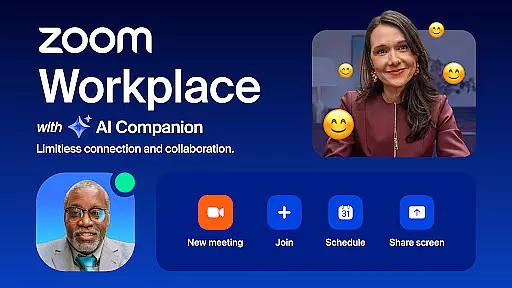
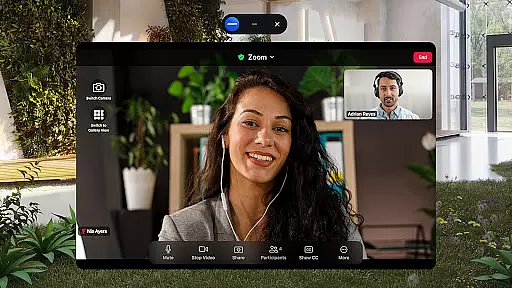
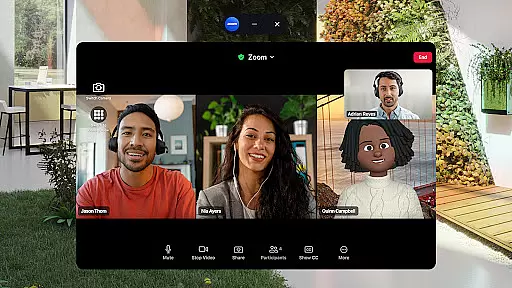
Zoom Workplace is an AI-first collaboration platform that integrates team chat, meetings, phone, whiteboard, calendar, mail, and docs. It enables seamless teamwork for both free and paid users, with advanced AI Companion features available for Pro or Business license holders.
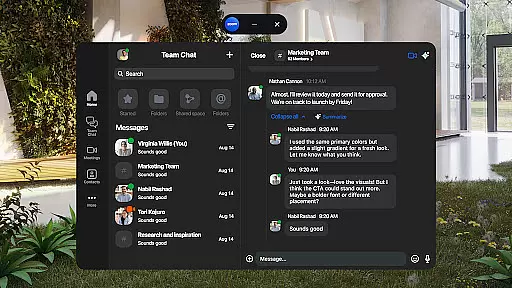
The app enhances mobile productivity through AI-powered meeting preparation, content drafting, and message summarization. Its unified interface streamlines communication by allowing one-tap video meetings, cross-platform messaging, and SMS functionality.
Designed for professionals on the go, Zoom Workplace ensures enterprise-grade security while offering innovative tools like virtual whiteboards and automated meeting summaries. The ability to transition meetings between devices makes it an ideal solution for dynamic work environments.
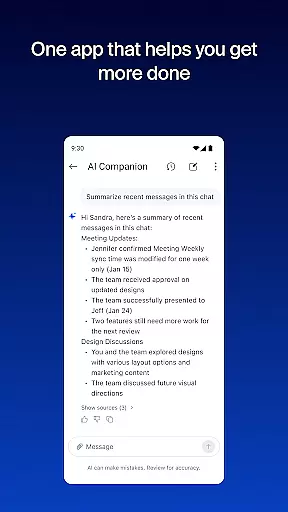
Zoom Workplace offers a comprehensive suite of business tools including AI Companion, which provides meeting summaries, content drafting, and unread message insights. These AI capabilities help users stay productive and engaged without information overload.
The platform supports multi-format communication through video conferencing, voice calls, SMS, and team chat. Advanced productivity features include Zoom Docs for information sharing, virtual whiteboards for brainstorming sessions, and Picture-in-Picture functionality for multitasking on mobile devices.
Enterprise security measures are built into the application, featuring SSO integration and hands-free "Hey Google" voice commands. Paid subscribers can access additional benefits like cloud recording, extended meeting durations, and co-host assignments.
Zoom Workplace revolutionizes collaborative work by integrating essential communication tools into a single platform. The application combines team chat, video meetings, phone capabilities, and collaborative whiteboards, all accessible from mobile devices.
One of the standout features is the seamless integration of AI Companion, which helps users quickly catch up on unread messages, draft new content, and maintain focused conversations. This personal assistant functionality is available with Pro or Business licenses, enhancing productivity without additional cost.
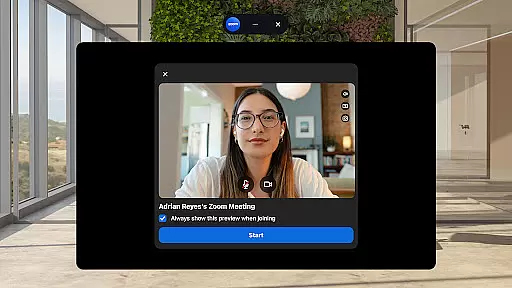
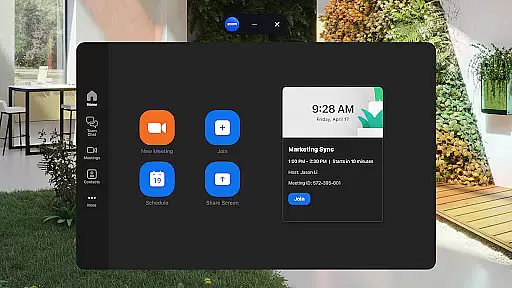
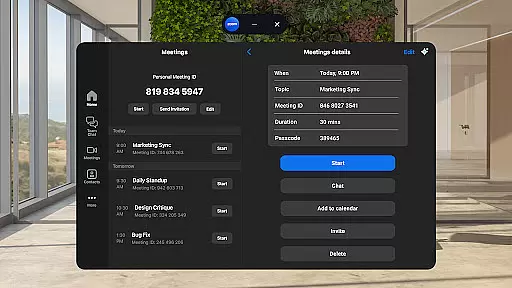
The app enables streamlined communications through one-tap meeting scheduling and joining, alongside the ability to chat with both colleagues and external contacts. Users can also place and receive phone calls or send SMS text messages, making it a versatile tool for businesses.
With enterprise-grade security measures, including SSO and hands-free voice commands, Zoom Workplace ensures that collaboration remains safe and efficient. These features collectively empower teams to work more effectively, regardless of their physical location.
Task management within Zoom Workplace is designed to improve overall productivity through organized information sharing and automated processes. The platform offers Zoom Docs for scalable information organization and sharing, ensuring that important data is easily accessible to team members.
AI Companion plays a crucial role in task management by providing automated meeting summaries, allowing users to stay informed without manually reviewing lengthy discussions. This feature helps keep projects on track and ensures that key points are not overlooked.
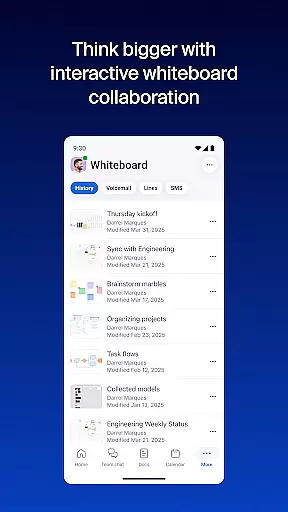
Additionally, the virtual whiteboard feature facilitates brainstorming sessions, enabling teams to visually map out ideas and strategies. This interactive approach enhances creativity and problem-solving during collaborative tasks.
For users who frequently switch between devices, Zoom Workplace supports moving live meetings or calls seamlessly across devices with just one tap. This flexibility ensures that task management is uninterrupted, regardless of where the user is located or what device they are using.
Comprehensive collaboration tools
AI-powered productivity features
Seamless cross-device functionality
Enterprise-grade security protocols
Unified communication platform
Paid features require subscription
AI Companion has regional limits
Free version has limitations
Some features still in development
Requires internet connection






viewing and sharing of PDFs
 3.60
3.60
Quickly open and manage PDF files on your device.
3.80
VSD Viewer - Visio Drawings Viewer for Android Preview VSD, VDX, VSDX drawings
4.10
TurboScan turns your phone into a full-featured PDF document scanner.
4.80
viewing and sharing PDFs and other files—anytime, anywhere!
4.0
Finance, Investing, Stocks, Trading and Stock news
4.60
A secure, all-in-one team collaboration app
4.30
We are a dynamic team of creatives people of design, marketing, web & apps
3.00
We help people get jobs
4.70
BuildCalc - the easiest AND the most advanced construction calculator app.
4.80
The MyWalmart App is available for all associates in stores.
4.70
Use Generative Summary to understand your rental or insurance docs in seconds.
4.70
AI-powered document scanner with auto enhance for perfect PDFs.
4.60
Your employer must have UKG Ready software configured for Mobile.
4.60
Paychex Flex - Save Time and Stay Connected
4.60
Mobile POS for any business: sales, invoices, retail, restaurants & appointments
4.60
Measure distances, surfaces and draw plans in seconds with CamToPlan!
4.40
Shop, deliver, and earn with the Spark Driver™ App
4.10
enjoy effortless PDF reading anytime, anywhere
3.90

User Reviews