

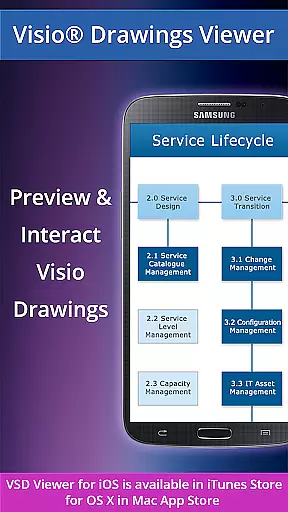
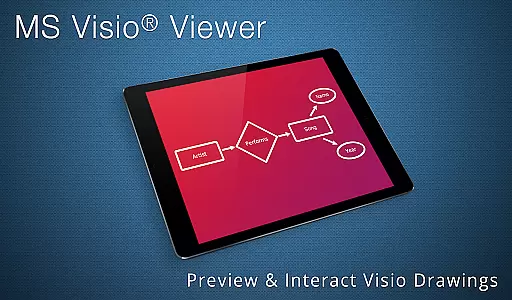
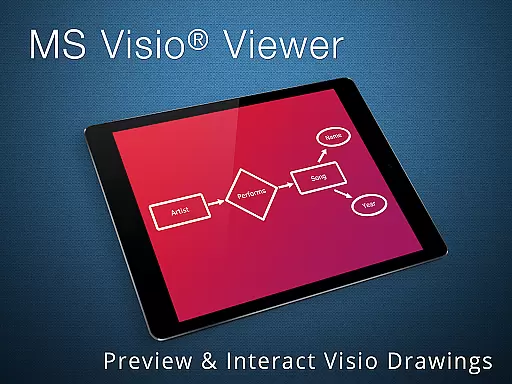
VSD Viewer is a professional Visio drawings viewer for Android devices, allowing users to open and preview any MS Visio 2000-2013 VSD drawing. It supports multiple file formats including VSD, VDX, and VSDX, making it versatile for business professionals who need to view complex formatted objects and technical diagrams on the go.
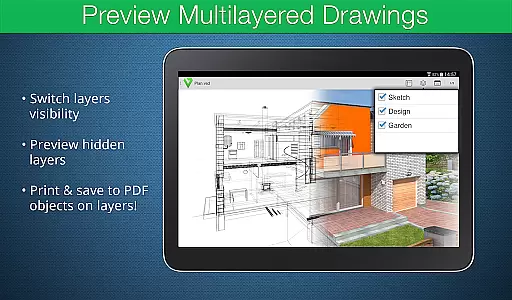
With features like scroll, zoom, and navigate multipage documents, users can easily interact with their Visio files. The app also allows copying of drawing texts and viewing of objects placed outside page boundaries, ensuring no detail is missed. Its support for MS VISIO 2013 THEMES and advanced options such as previewing hidden layers and switching layer visibility make it an indispensable tool for those working with intricate multilayered drawings.
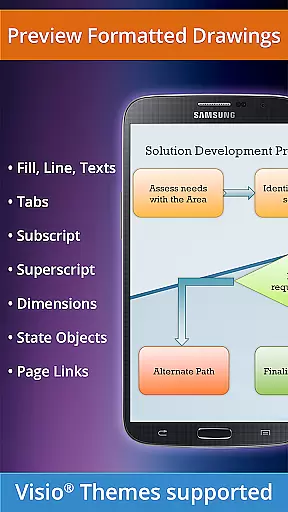
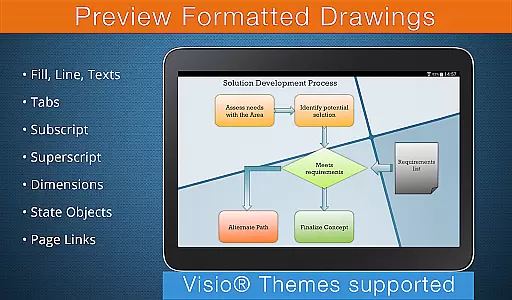
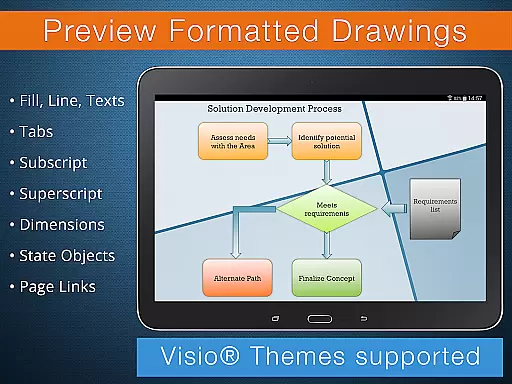
VSD Viewer offers a comprehensive set of features tailored for business professionals. One standout feature is its ability to render complex formatted objects, including lines, fill, color, gradients, text formatting, subscript, and superscript. This ensures that even the most detailed Visio drawings are displayed accurately.
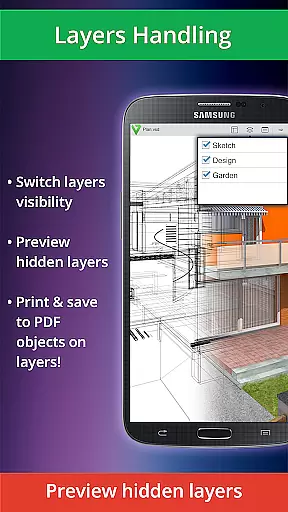
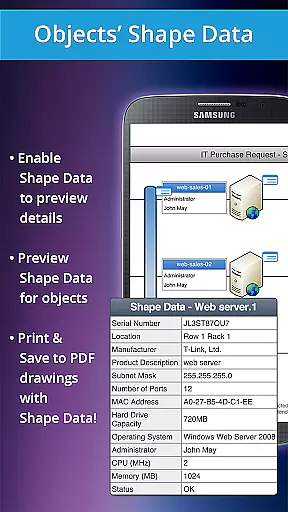
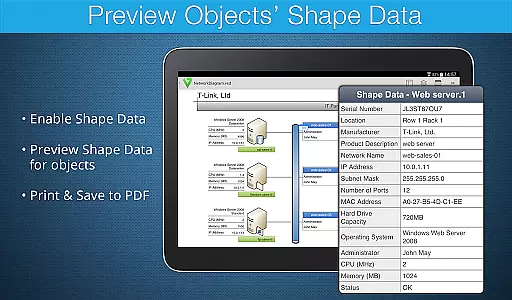
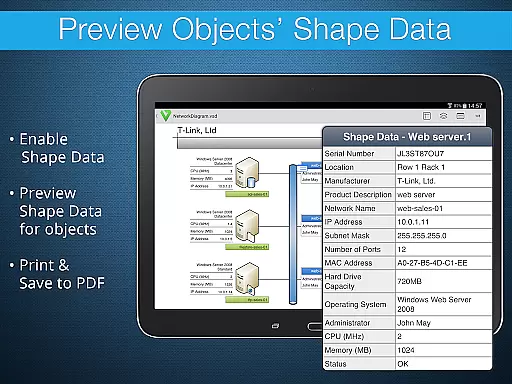
In addition to basic functionalities like opening and previewing VSD, VDX, and VSDX files, the app provides advanced options such as previewing hidden layers and switching layer visibility. Users can also view objects' shape data and switch document guides' visibility, enhancing their ability to analyze and understand complex diagrams efficiently.
In the realm of collaborative work, VSD Viewer for Visio Drawings offers a range of capabilities that enhance team productivity. The application allows users to open and preview any MS Visio 2000-2013 VSD drawing, as well as preview drawings in VDX/VSDX file formats, ensuring compatibility across different versions.
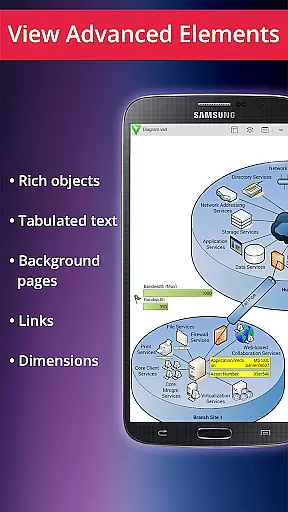
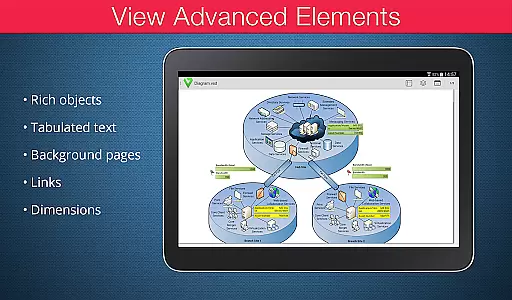
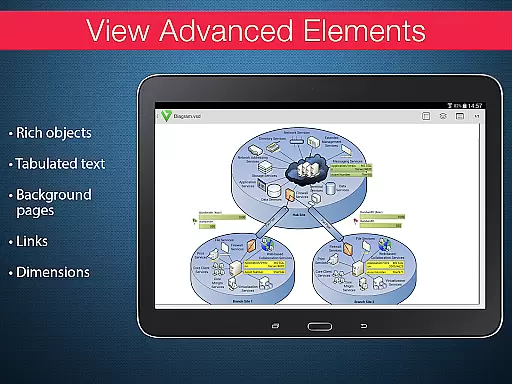
One of the key collaborative features is the ability to view complex formatted objects with precision. This includes lines, fill, color, gradients, text formatting, text subscript and superscript, and tabulated text, which are essential for technical diagrams. These features ensure that all team members can access detailed information without discrepancies.
VSD Viewer also supports switching document guides visibility and viewing documents with hidden objects, providing flexibility in how information is presented and accessed within a team setting. Additionally, the viewer's support for MS VISIO 2013 THEMES ensures that teams working on projects with specific theme requirements can maintain consistency across their documents.
Task management within VSD Viewer is streamlined through its intuitive interface and robust feature set. Users can scroll, zoom, and navigate multipage documents effortlessly, making it easier to manage tasks that involve extensive Visio drawings. This functionality is crucial for efficiently handling large projects with numerous components.
The ability to copy drawings' texts adds another layer of task management efficiency. Team members can extract necessary information quickly, facilitating better communication and documentation processes. Moreover, the viewer's support for page numbering helps keep track of various sections within a document, enhancing organization and task tracking.
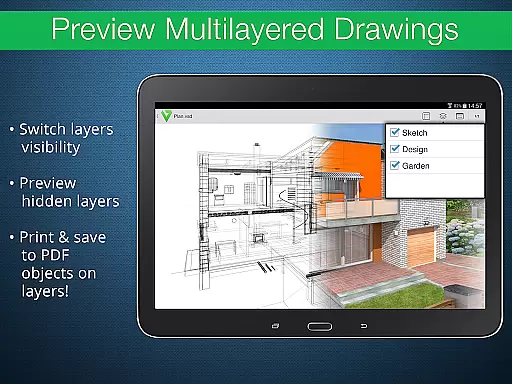
For advanced task management, VSD Viewer provides options to preview hidden layers and switch layers visibility. This feature is particularly useful when dealing with complex multilayered drawings, allowing users to focus on specific aspects of a project without being overwhelmed by unnecessary details. Such capabilities ensure that task management remains efficient and effective.
User-friendly interface
Supports multiple file formats
Advanced layer management
Accurate rendering of complex objects
Efficient navigation tools
Requires internet for metafile rendering
Processing large files may take time
Limited editing capabilities
No offline support for all features
Some features restricted in current version

AI-powered document scanner with auto enhance for perfect PDFs.
 4.60
4.60
Ask Accio anything about business. Alibaba-backed, built by experts, not just AI
4.60
Earn crypto with secure cloud mining. Monitor, track & withdraw easily
4.40
Get your benefits on-the-go.
3.80
Windows App allows you to connect to remote PCs and virtual apps.
3.70
Finance, Investing, Stocks, Trading and Stock news
4.60
We are a dynamic team of creatives people of design, marketing, web & apps
3.00
Start earning fast. Apply Today.
4.80
Make money as a delivery driver with DoorDash and work when you want as a Dasher
4.30
Employee Management Made Easy
4.80
Permission Guard is a security app that helps you manage app permissions.
4.80
Ship, Track, Find a Location or Get a Quote with UPS. Anytime. Anywhere.
4.60
Chat, meet, and collaborate to achieve more together, all in one place on Teams
4.60
Drive and earn extra money
4.50
Collaborate seamlessly with Google Chat, part of Google Workspace
4.50
All Your Gig Work. One App.
4.30
Formerly Facebook Ads Manager. Manage and create ads on the go.
4.20
Build a store in minutes with our full suite of AI tools. Start for free!
4.20
Zoom built for Chrome OS
3.90


User Reviews