

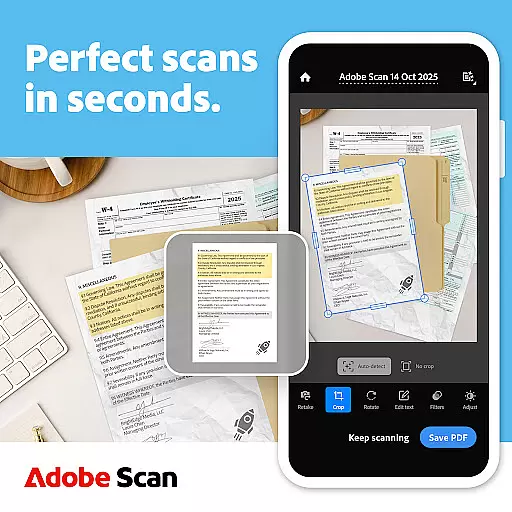
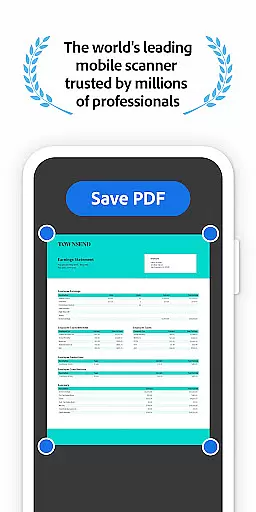
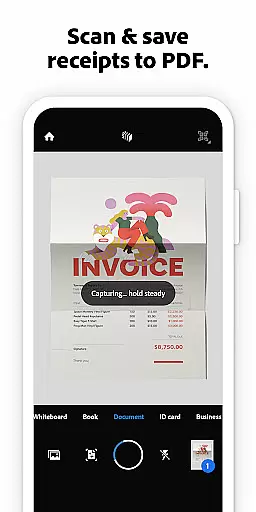
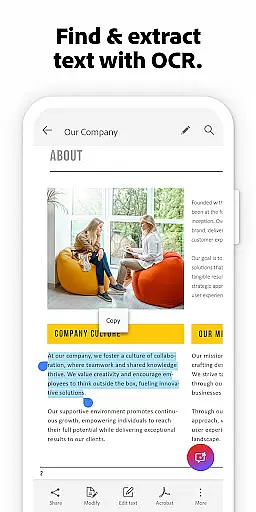
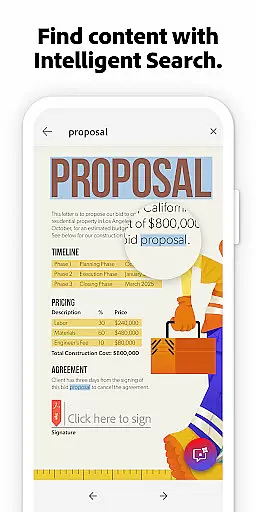
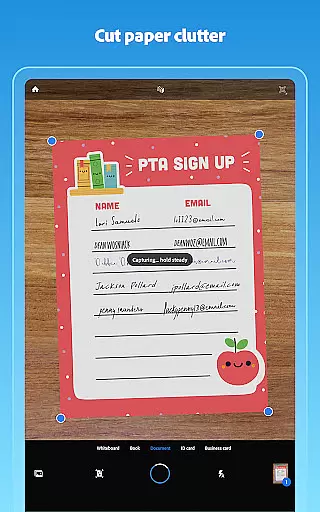
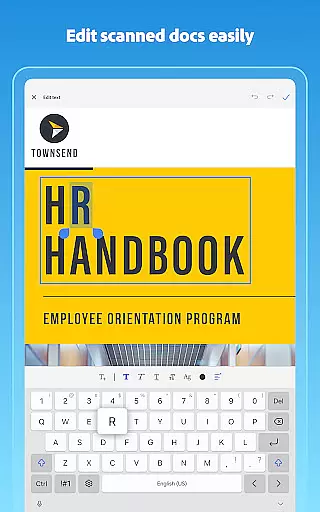
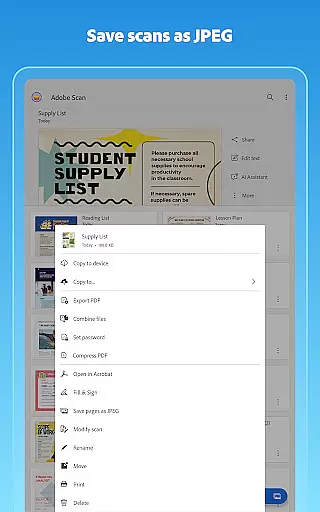
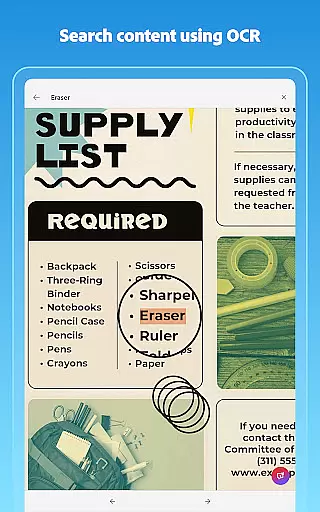
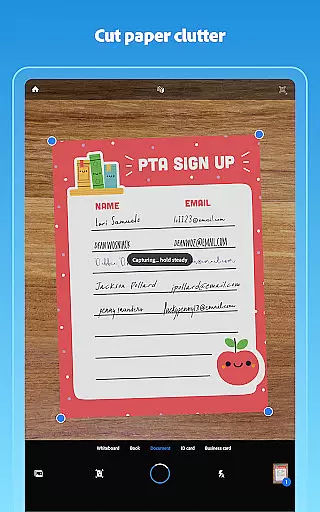
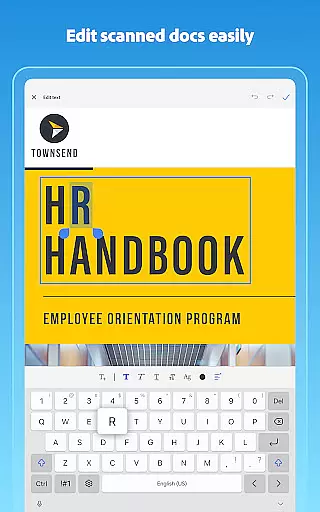
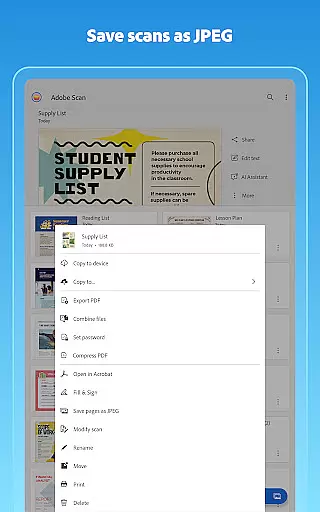
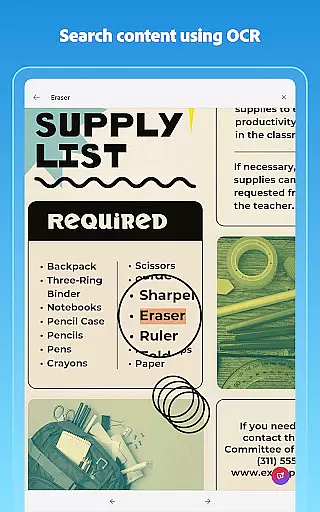
Adobe Scan AI PDF Scanner is a versatile mobile application that transforms your device into a powerful document scanner. It allows users to scan various types of documents, including receipts, notes, and business cards, converting them into high-quality PDFs or JPEGs. The app's advanced OCR technology makes scanned text searchable and editable, enhancing productivity.
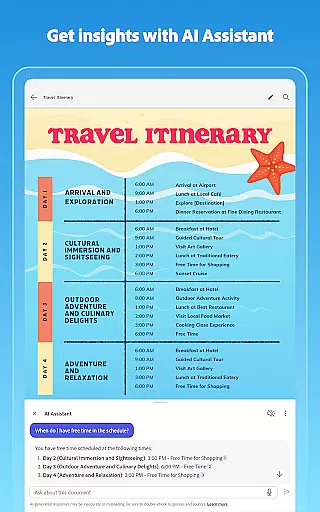
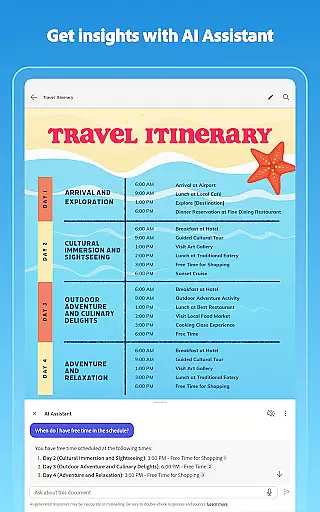
The app offers unique features such as the AI Assistant, which can extract key points from scans and help draft emails or reports. Its Generative Summary tool provides one-tap summaries of scanned documents. With capabilities like automatic straightening and image enhancement, Adobe Scan ensures professional-looking scans every time.
Whether you're managing work documents or personal files, Adobe Scan AI PDF Scanner proves invaluable. It seamlessly integrates with Adobe Document Cloud for easy access and sharing, making it an essential tool for anyone needing to digitize and organize paper documents efficiently.
Adobe Scan AI PDF Scanner stands out with its comprehensive feature set tailored for document management. One of its core functionalities is the High-speed scan, enabling users to quickly convert stacks of paper into PDFs. The app's OCR technology not only converts images to text but also enhances the quality of scans by sharpening content and correcting distortions.
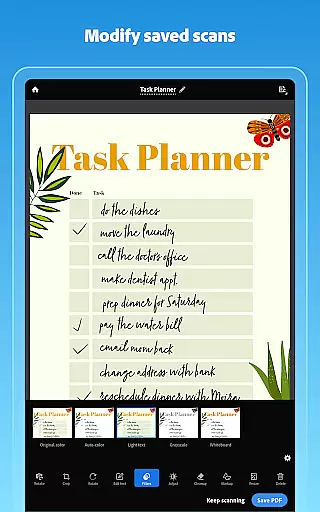
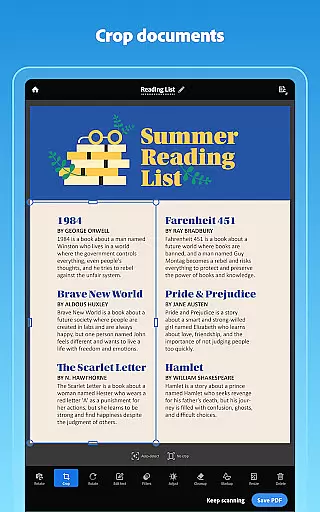
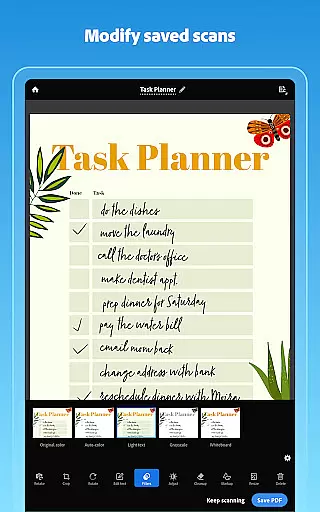
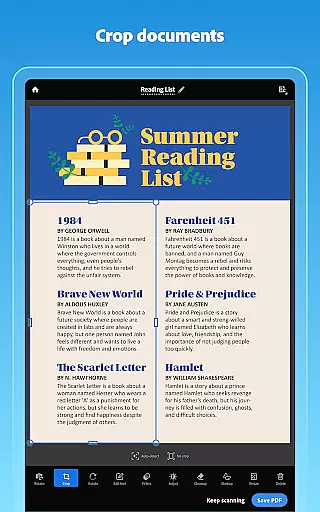
Another remarkable feature is the AI Assistant, which leverages artificial intelligence to pull key insights from any scan. This functionality extends to drafting follow-up emails or summarizing documents, streamlining workflows significantly. Additionally, the Modify tool offers precise editing options, allowing users to crop, rotate, and adjust colors effortlessly.
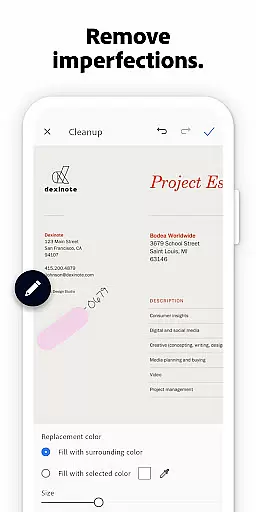
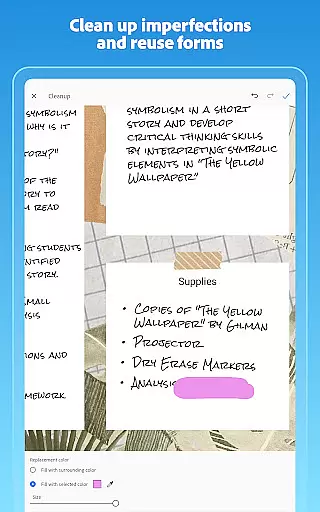
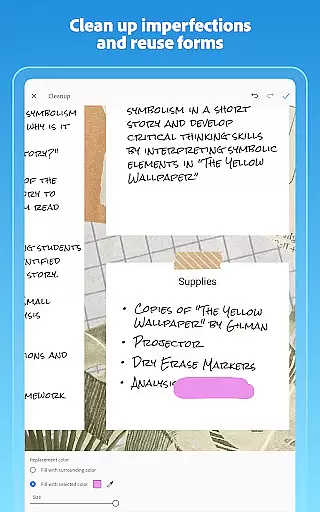
For those who require organized digital archives, Adobe Scan provides customizable folders and seamless integration with Adobe Document Cloud. Users can reorder pages, preview edits, and even clean up imperfections in scans. These robust features collectively ensure that Adobe Scan AI PDF Scanner caters to both individual and enterprise-level document management needs.
In today's fast-paced business environment, collaborative work features are essential for maximizing productivity and ensuring seamless communication across teams. Adobe Scan AI PDF Scanner, OCR offers a robust platform that supports collaborative efforts by enabling users to create, share, and manage digital documents effortlessly.
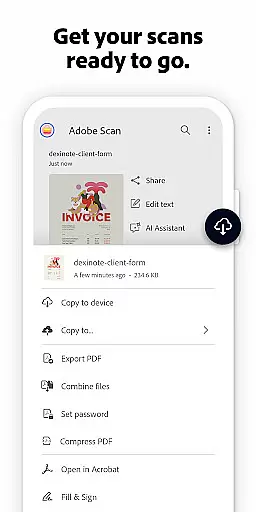
With Adobe Scan, team members can quickly convert physical documents into digital formats using their mobile devices. This functionality not only streamlines document management but also facilitates easy sharing via cloud services. The app automatically saves scans to Adobe Document Cloud, allowing instant access and collaboration from any device.
Moreover, the ability to export scans into various formats such as Word, Excel, or PowerPoint enhances teamwork by providing flexibility in how documents are utilized and presented. Team members can annotate, highlight, and fill forms directly within the PDFs, ensuring that everyone is on the same page and can contribute effectively.
The integration with Acrobat Reader further extends these collaborative capabilities by offering advanced tools for commenting, signing documents, and filling out forms. These features ensure that all team members, regardless of location, can securely access, edit, and share important files, thus fostering a cohesive and efficient working environment.
Effective task management is crucial for maintaining organization and ensuring timely completion of projects. Adobe Scan AI PDF Scanner, OCR provides comprehensive task management features that help users stay on top of their responsibilities by digitizing and organizing paper documents efficiently.
One of the standout features of Adobe Scan is its ability to transform stacks of paper into neatly organized digital files. With the High-speed scan option, users can bulk scan documents and convert them into PDFs in seconds, significantly reducing the time spent on manual data entry and document sorting.
The app's smart organizational tools allow users to create custom folders for different types of documents, such as work files, personal documents, or school forms. This categorization ensures that all relevant information is easily accessible when needed, aiding in better task prioritization and management.
Additionally, the AI-powered functionalities like Generative summary and AI Assistant enhance task management by extracting key points from scans and providing actionable insights. Users can draft emails, reports, and next steps directly from their scans, streamlining workflows and ensuring that no critical detail is overlooked. This holistic approach to task management empowers users to handle their responsibilities more effectively and with greater precision.
User-friendly interface
Advanced OCR capabilities
AI-powered document analysis
Seamless cloud integration
Comprehensive editing tools
Limited free OCR pages
Premium features require subscription
Occasional scanning inaccuracies
High storage usage for large files
Some features are complex for beginners


GoTo Mobile is a simple & secure calling, messaging & meetings solution
 4.80
4.80
All Your Gig Work. One App.
4.30
Find flexible, hourly jobs hiring near you in restaurant, retail & hospitality!
4.00
FaxCover - Create fax cover pages. Works with any app or fax machine.
4.90
Windows App allows you to connect to remote PCs and virtual apps.
3.70
Earn free swag, G-Cards & food • Enter sweepstakes • Find stores • So much more.
4.70
Simple, Fast & Lightweight
3.90
A secure, all-in-one team collaboration app
4.30
Job search app that finds jobs for you! Takes the work out of looking for a job!
4.90
Permission Guard is a security app that helps you manage app permissions.
4.80 4.70
4.70
Find the right fit, faster.
4.70
All your team communication in one place
4.70
Collaborate seamlessly with Google Chat, part of Google Workspace
4.50
ADP Mobile Solutions is an employee self service app
4.50
Find work, shifts and gigs near you. Jobs lasting a few hours to a few months.
4.30
All-in-one Mobile solutions for employees & managers to succeed at work
4.30
On the go? Take FedEx with you.
4.00
enjoy effortless PDF reading anytime, anywhere
3.90


User Reviews