

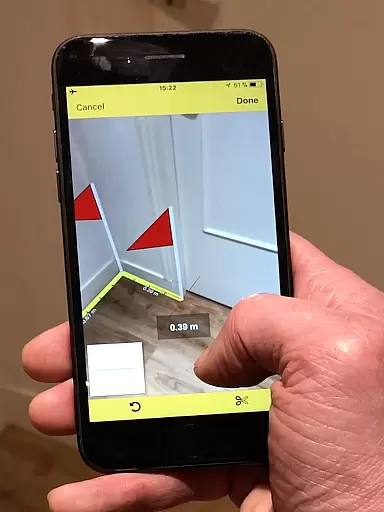
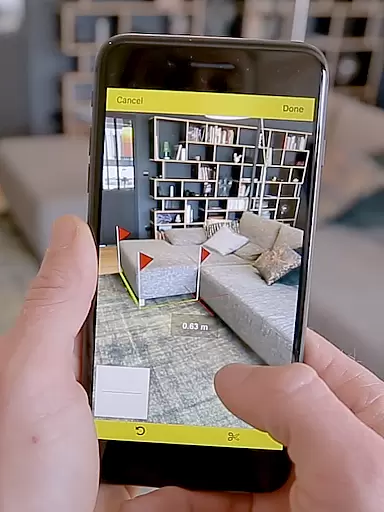
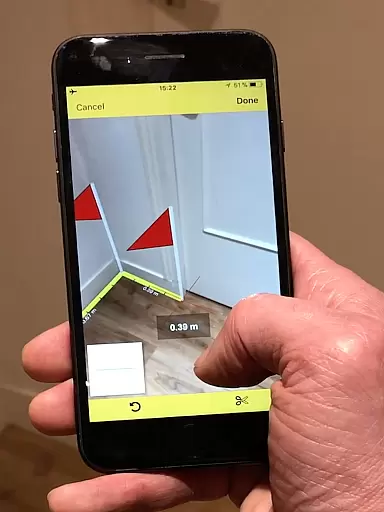
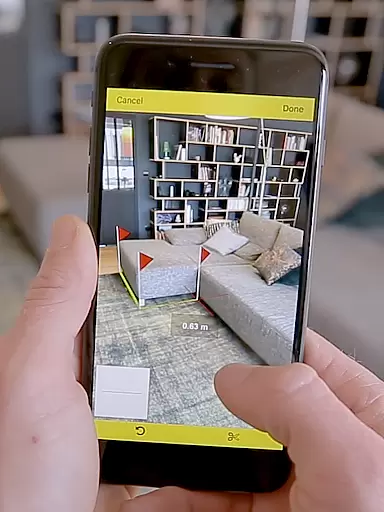
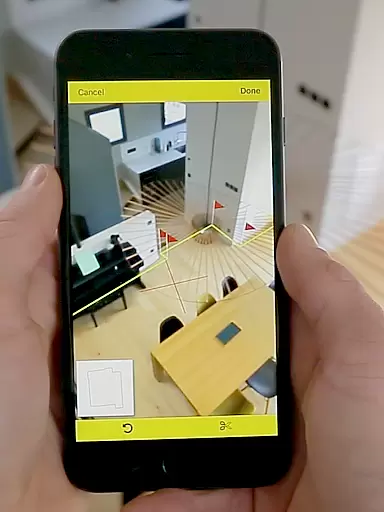
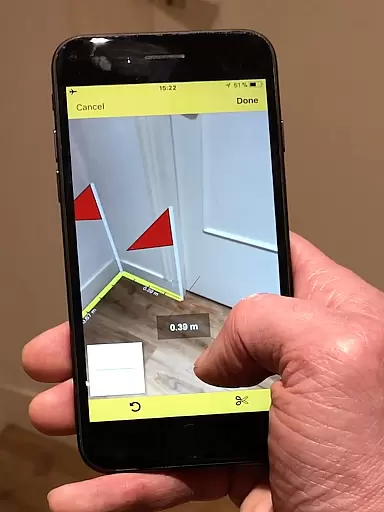
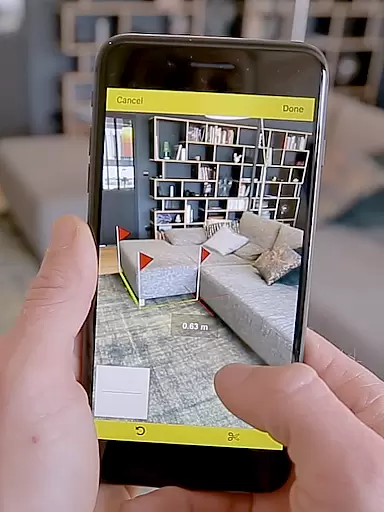
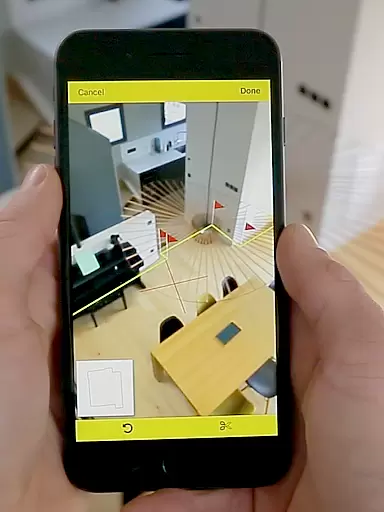
CamToPlan is a revolutionary business application that leverages augmented reality to measure distances and surfaces, as well as draw plans with ease. The app allows users to take measurements both horizontally and vertically using their device's video capabilities, eliminating the need for traditional measuring tools like rulers or laser rangefinders.
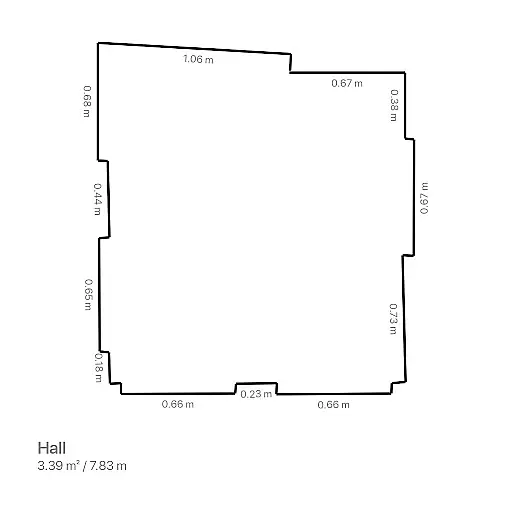
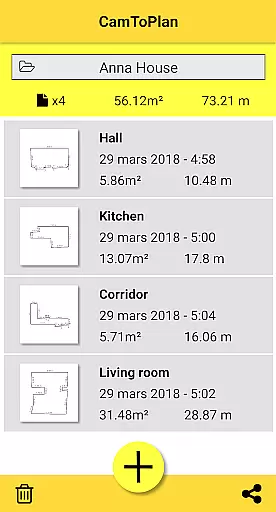
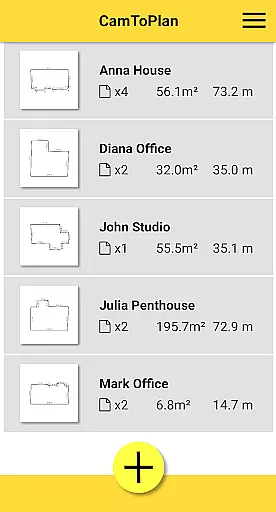
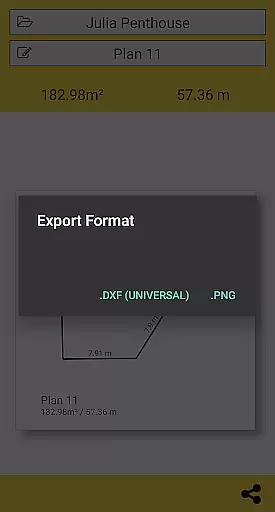
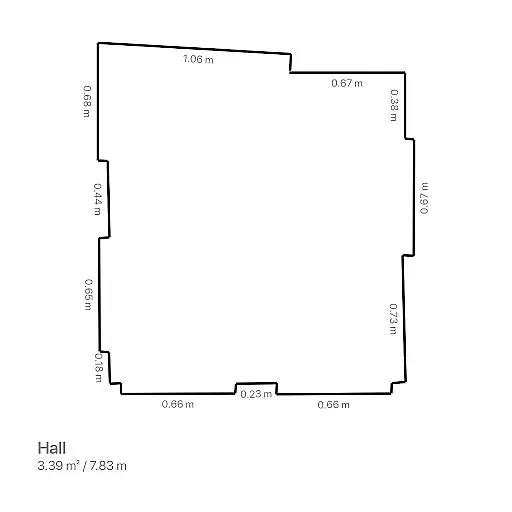
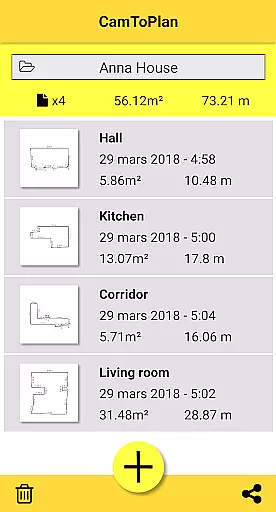
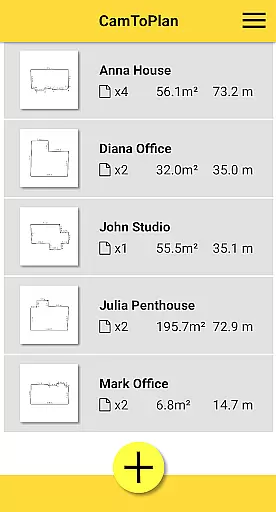
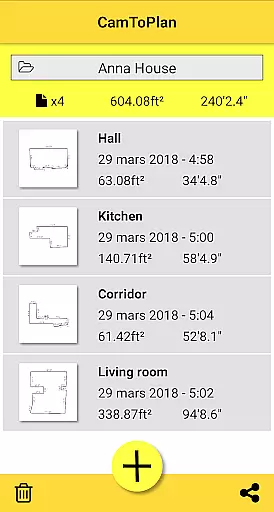
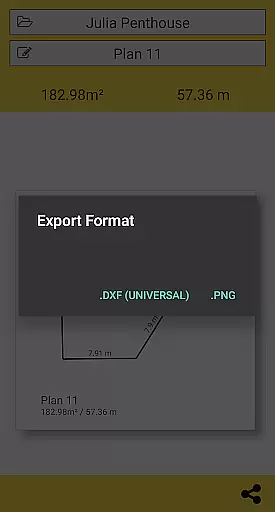
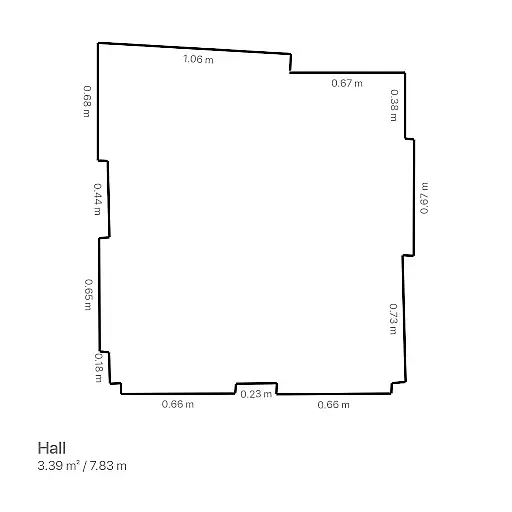
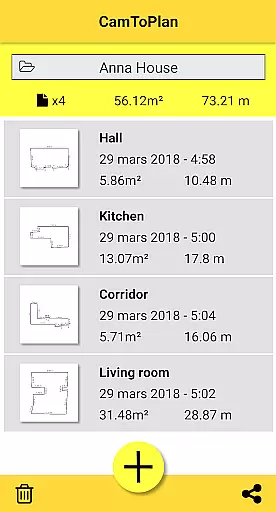
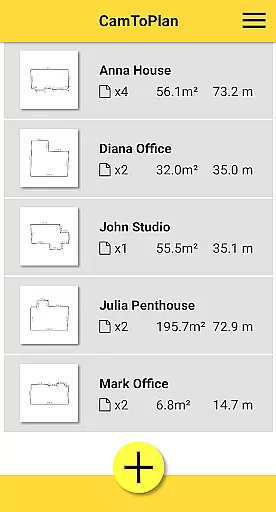
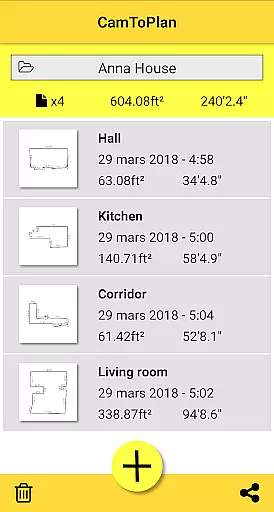
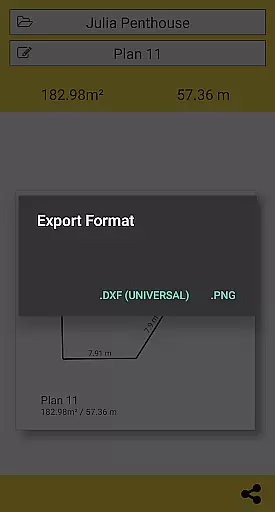
The app is designed for professionals such as architects and decorators, as well as DIY enthusiasts. It offers features like exporting data in PNG or DXF formats and managing folders. CamToPlan automatically calculates room areas and generates plans that can be shared via email, message, or social media with just one click.
Whether you're measuring baseboards, walls, or furniture dimensions, CamToPlan provides an innovative solution that saves time and effort. Its ability to work around furniture and determine intersection points on the floor makes it a versatile tool for various measurement needs.
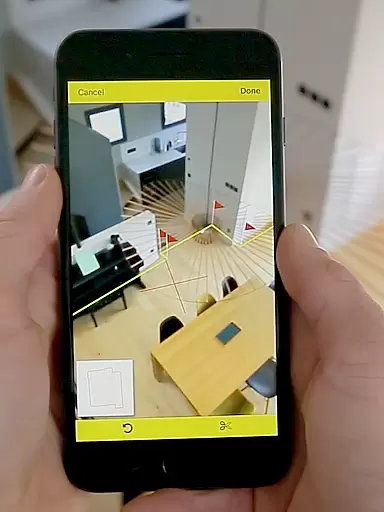
CamToPlan stands out with its advanced augmented reality technology that places a virtual tape measure on your screen, making it appear as if it's held in 3D space. This feature allows effortless measurements of distances and surfaces without the need to kneel or manually mark points.
The app supports both Metric and Imperial units, catering to a global audience. It also offers the unique ability to measure vertically, which is not commonly found in similar apps. Users can safely move while taking measurements, allowing them to get closer to target points for maximum precision.
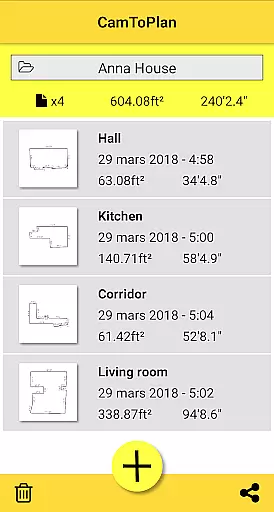
Additional features include the automatic calculation of areas in square meters or feet, drawing room plans with all measured dimensions, and easy sharing options. These capabilities make CamToPlan an essential tool for professionals who require accurate and quick measurements in their projects.
Collaborative work features are essential for modern business applications, enabling teams to work together efficiently regardless of location. CamToPlan excels in this area by providing tools that allow users to share plans instantly via email, message, or social media with just one click.
The app supports seamless collaboration through its innovative augmented reality technology. Users can measure distances, surfaces, and draw plans in seconds, both horizontally and vertically. This functionality ensures that all team members have access to accurate and up-to-date information, enhancing productivity and decision-making.
Moreover, CamToPlan's ability to export data in PNG or DXF formats facilitates easy integration with other professional tools. This feature is particularly beneficial for architects and decorators who need to incorporate measurements into larger projects or presentations.
By offering these robust collaborative work features, CamToPlan empowers professionals to streamline their workflows, reduce errors, and improve overall project outcomes. The app's intuitive design and powerful capabilities make it an indispensable tool for any team looking to enhance their collaborative efforts.
Effective task management is crucial for maintaining productivity and ensuring that projects are completed on time. CamToPlan offers a comprehensive suite of task management features designed to help users organize and prioritize their work efficiently.
One of the standout features of CamToPlan is its ability to calculate areas and draw room plans with all measured dimensions instantly. This functionality allows users to manage their tasks more effectively by providing clear visual representations of spaces, which can be easily shared with team members or clients.
In addition, CamToPlan supports both Metric and Imperial units, catering to a global audience. The app's flexibility in measuring distances horizontally and vertically ensures that users can tackle a wide range of tasks, from baseboards and walls to furniture dimensions and carpets.
Furthermore, CamToPlan's innovative augmented reality technology simplifies the measurement process, eliminating the need to kneel on the ground or remove furniture from the room. This not only saves time but also enhances accuracy, allowing users to focus on completing their tasks rather than struggling with cumbersome tools. Overall, CamToPlan's task management capabilities make it an invaluable asset for professionals seeking to optimize their workflows.
User-friendly interface
Augmented reality integration
Vertical and horizontal measurements
Automatic area calculations
Easy sharing options
Requires good lighting conditions
Accuracy depends on floor texture
No guaranteed precision
Limited to visual details on images
Potential issues with certain floor tiles

viewing and sharing of PDFs
 3.60
3.60
The All-in-One File Manager for Phone, TV, Watch, Cars, XR / VR, Chromebook
4.10
Your employer must have UKG Ready software configured for Mobile.
4.60
Get instant construction estimates: accurate home repair & material calculator.
4.70
A secure, all-in-one team collaboration app
4.30
Deliver and earn money
4.30
All your team communication in one place
4.70
ADP Mobile Solutions is an employee self service app
4.50
Make money as a delivery driver with DoorDash and work when you want as a Dasher
4.30
Employee Management Made Easy
4.80
The MyWalmart App is available for all associates in stores.
4.70
We help people get jobs
4.70
AI-powered document scanner with auto enhance for perfect PDFs.
4.60
Ask Accio anything about business. Alibaba-backed, built by experts, not just AI
4.60
Earn money with the driver & delivery partner app for Uber, UberEats & Postmates
4.60
FX Plus adds media, networking, and cloud capabilities to FX File Explorer.
4.10
Roadie connects people with stuff to send with drivers already going that way.
3.50
Access All PDF Files
3.40
Completed Course Lectures on how to use IBM Maximo in Maintenance issues
4.1

User Reviews