

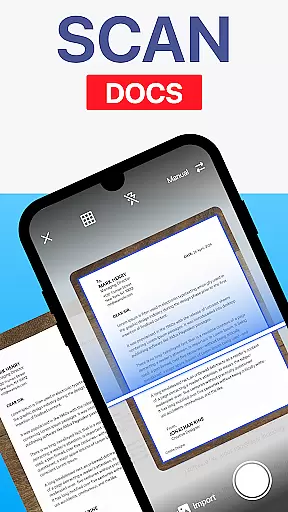
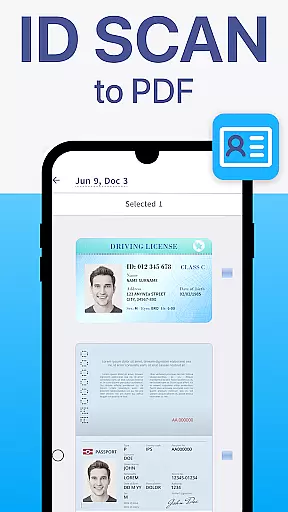
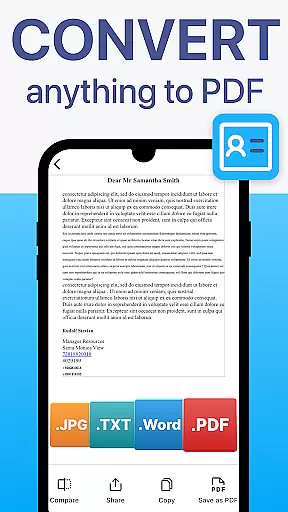
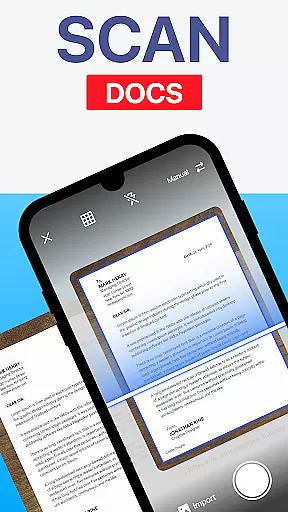
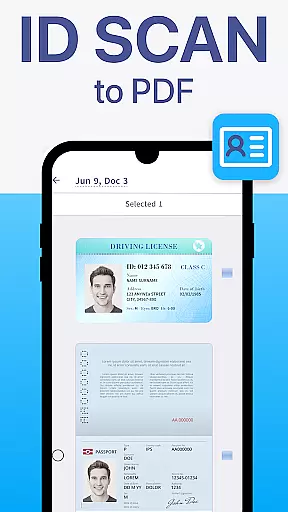
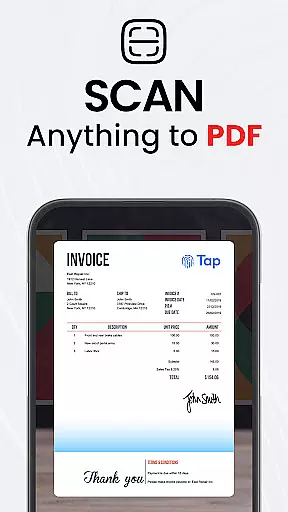
TapScanner is a powerful mobile application that transforms your device into a professional-grade document scanner and comprehensive PDF management tool. Trusted by millions globally, this app allows users to effortlessly capture, edit, organize, and share various types of documents.
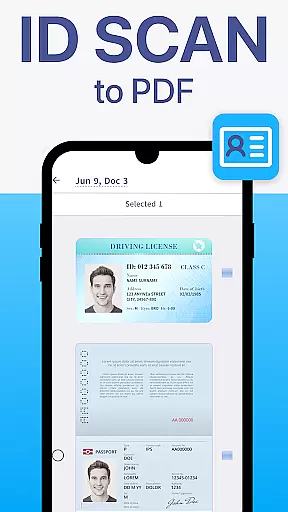
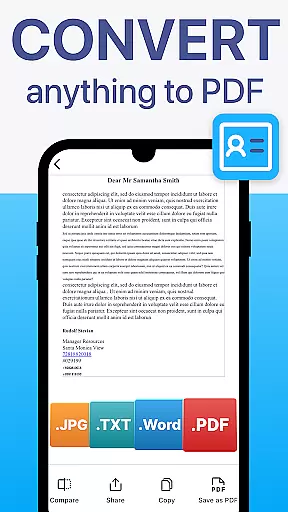
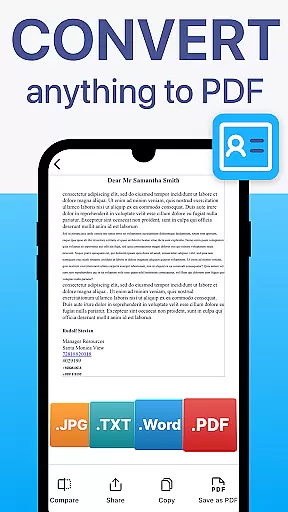
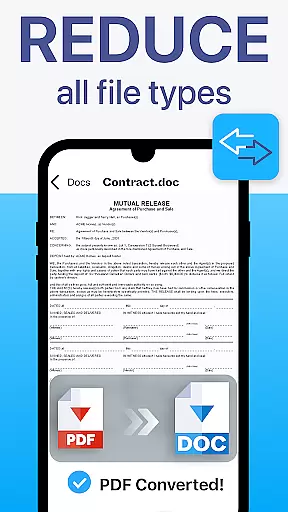
The app's standout features include automatic edge detection, smart image correction, and advanced PDF manipulation capabilities such as merging, splitting, reordering, signing, and annotating files. Additionally, TapScanner incorporates OCR technology supporting over 110 languages, making scanned documents searchable and editable. With its user-friendly interface and robust functionality, the app caters to professionals, students, and anyone needing efficient document management solutions.
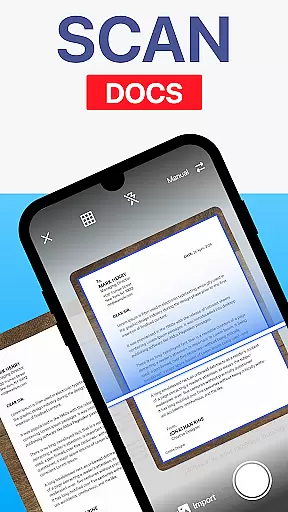
TapScanner offers an impressive array of features designed to enhance productivity and streamline document management. The app's scanning capabilities are exceptional, with automatic edge detection and image correction tools that ensure professional-quality scans every time. Users can adjust brightness, contrast, and apply filters to optimize scan results.
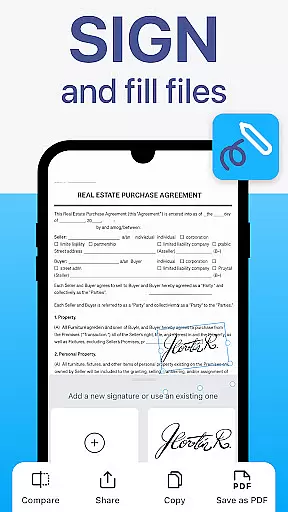
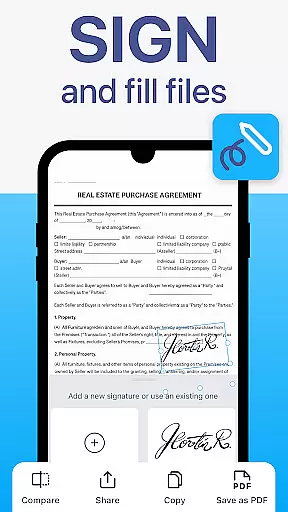
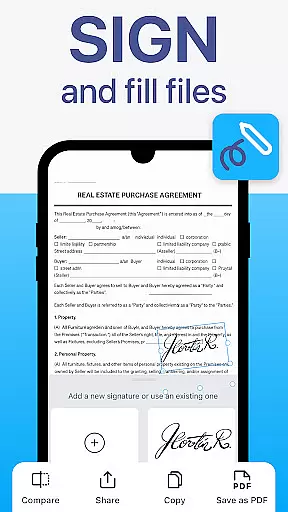
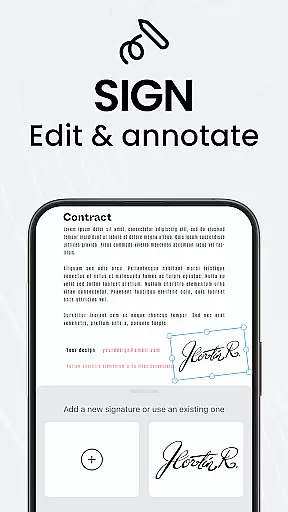
For PDF management, TapScanner provides a complete workspace solution. Users can merge multiple files, split documents, reorder pages, add signatures, and create annotations directly within the app. The multi-page support feature allows for compiling numerous scans into a single, organized PDF file. Furthermore, the app supports secure cloud backup through integration with popular services like Google Drive, Dropbox, and OneDrive, while offering password protection for sensitive documents.
TapScanner offers a comprehensive set of collaborative work features that make it an ideal choice for teams and professionals who need to handle documents collectively. The app allows multiple users to access, edit, and manage PDFs from different locations, ensuring seamless teamwork.
One of the standout collaborative features is the ability to merge, split, reorder, sign, and annotate PDFs directly within the app. This means team members can make necessary adjustments and provide feedback without needing to switch between different software tools, thus maintaining workflow efficiency.
Furthermore, TapScanner supports secure cloud backup options, enabling users to sync their scans with services like Google Drive, Dropbox, and OneDrive. This ensures that all team members have access to the latest document versions and can collaborate in real-time, regardless of their physical location.
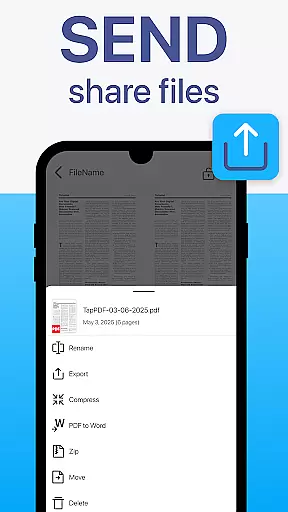
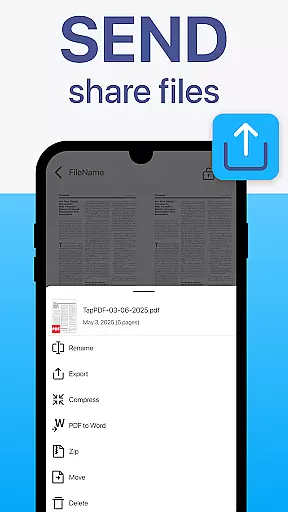
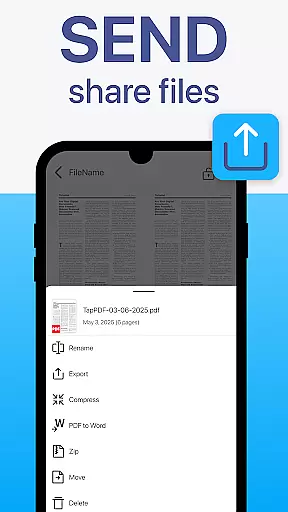
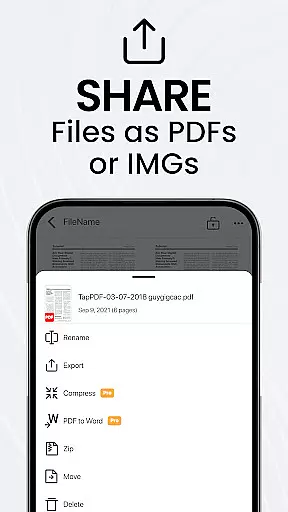
The app also includes instant sharing capabilities, allowing users to send scans via email or messaging apps quickly. This feature facilitates swift communication and decision-making processes within teams, making TapScanner not just a document scanner but a complete collaborative workspace solution.
Effective task management is crucial for productivity, and TapScanner excels in this area by providing tools that help users organize and prioritize their document-related tasks efficiently. With features like batch scanning and one-tap renaming, users can save considerable time when handling multiple documents.
The app's multi-page support is another significant advantage for task management. Users can scan dozens of pages and compile them into a single, neatly ordered PDF, which simplifies the process of managing extensive paperwork. This feature is particularly beneficial for projects that involve large volumes of documents, as it keeps everything organized in one place.
TapScanner also offers automated file organization, which helps maintain a structured digital workspace. By automatically categorizing and storing documents, users can easily locate specific files when needed, reducing the time spent on searching and increasing overall productivity.
In addition to these features, TapScanner provides image enhancements such as brightness and contrast adjustment, shadow removal, and filter application. These tools ensure that every scanned document meets high-quality standards, contributing to more professional and reliable task outputs.
User-friendly interface
Advanced PDF editing tools
Multi-language OCR support
Secure cloud integration
Professional-quality scans
Subscription required for full features
Limited free trial period
Some advanced tools locked behind paywall
Occasional minor bugs reported
Internet needed for cloud features

Formerly Facebook Ads Manager. Manage and create ads on the go.
 4.20
4.20
Quickly open and manage PDF files on your device.
3.80
Manage work life on the go
4.50
Take the stress out of storage with the all-in-one app to manage your space.
3.70
Get instant construction estimates: accurate home repair & material calculator.
4.70
Recover what matters — quickly and easily.
4.70
view, manage, and share every PDF file you have
3.60
Shop, deliver, and earn with the Spark Driver™ App
4.10
Ship, Track, Find a Location or Get a Quote with UPS. Anytime. Anywhere.
4.60
BuildCalc - the easiest AND the most advanced construction calculator app.
4.80
TurboScan turns your phone into a full-featured PDF document scanner.
4.80
Start earning fast. Apply Today.
4.80
The MyWalmart App is available for all associates in stores.
4.70
Earn free swag, G-Cards & food • Enter sweepstakes • Find stores • So much more.
4.70
Drive and earn extra money
4.50
The app that lets you deliver with Amazon.
4.50
All-in-one Mobile solutions for employees & managers to succeed at work
4.30
Simple, Fast & Lightweight
3.90
Convert Your Lovable.dev Website into a Mobile App Instantly!
4.0

User Reviews