

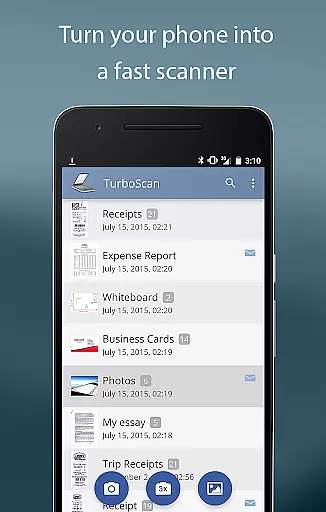
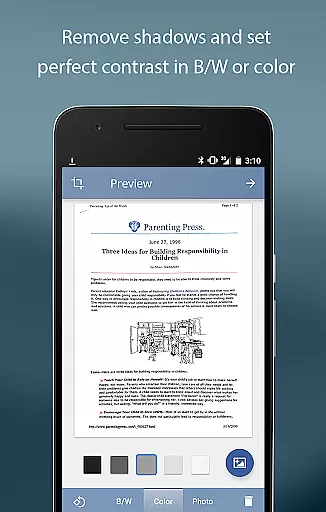
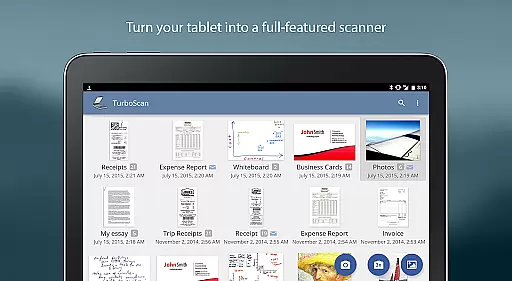
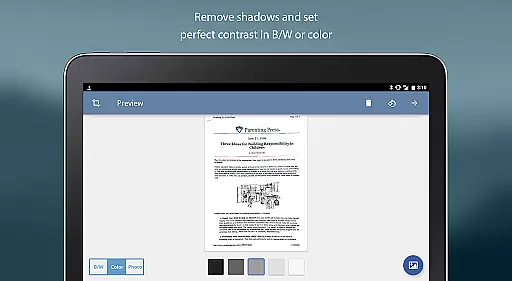
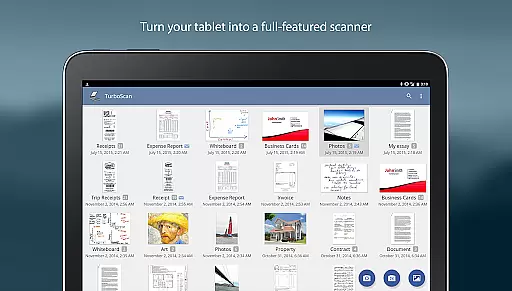
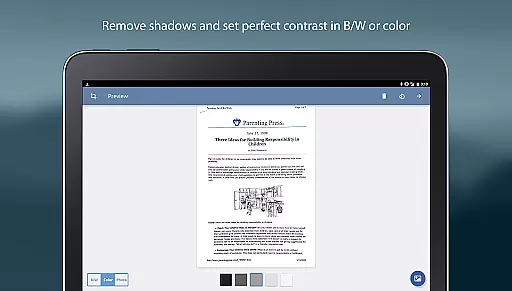
TurboScan Pro is a premier mobile scanning solution that transforms your smartphone into a versatile document scanner. Designed for business professionals and individuals alike, this app allows you to scan documents, receipts, notes, whiteboards, and photos with exceptional clarity. Utilizing advanced algorithms, TurboScan Pro detects document edges, corrects perspective, and enhances image quality by eliminating shadows and adjusting contrast.
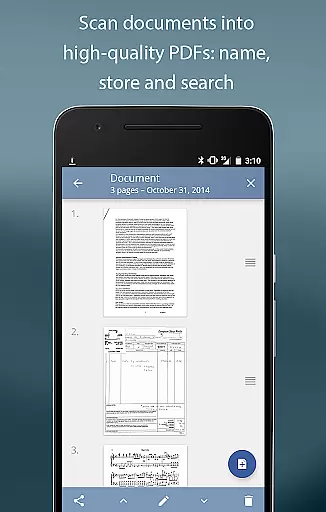
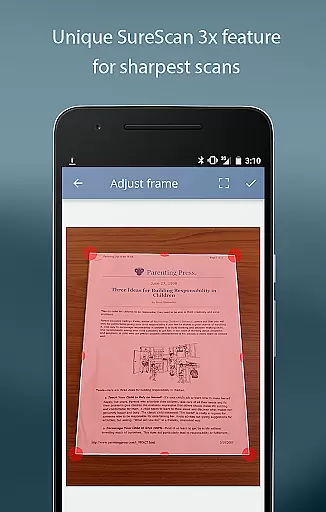
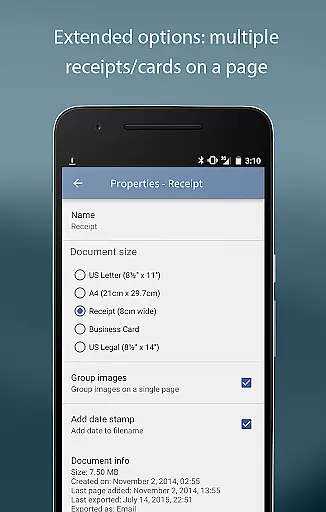
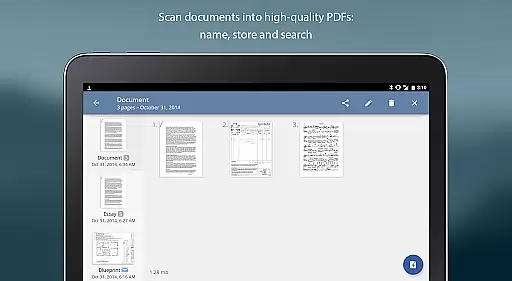
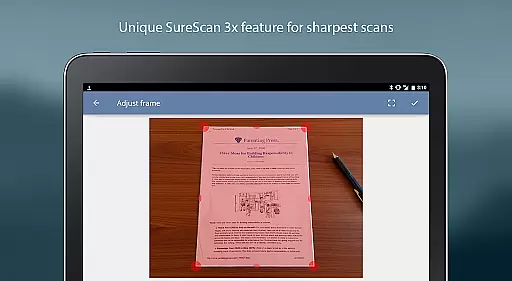
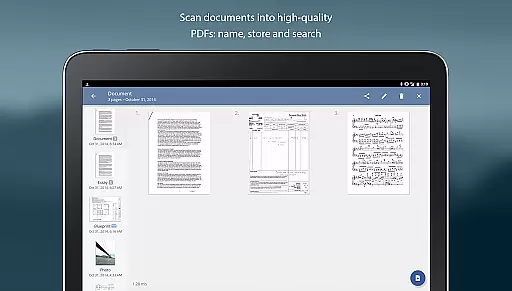
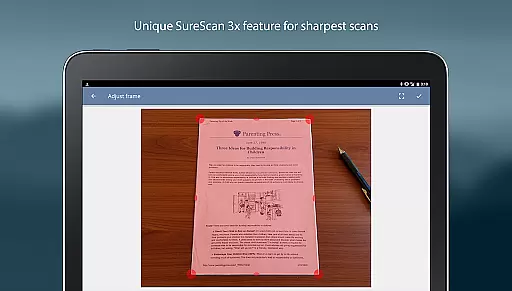
What sets TurboScan Pro apart is its SureScan mode, which ensures sharp scans even in low-light conditions by capturing three images of the same document. With ultra-fast processing speeds of under 3 seconds per page, users can efficiently create multipage PDF or JPEG files. The app also offers robust features such as document naming, storage, search functionality, and the ability to copy pages between scans, making it an indispensable tool for organizing and sharing professional documents.
TurboScan Pro boasts an array of powerful features designed to streamline document management. One standout capability is its automatic document edge detection and perspective correction, ensuring every scan is perfectly aligned and formatted. The app's SureScan mode takes document clarity to the next level, especially useful when scanning in challenging lighting environments. Additionally, TurboScan Pro provides instant one-tap controls for brightness, rotation, and color adjustments, all accessible from a single intuitive interface.
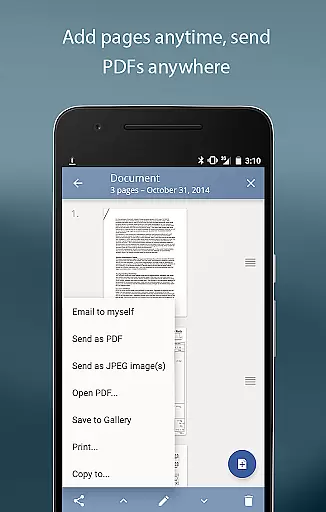
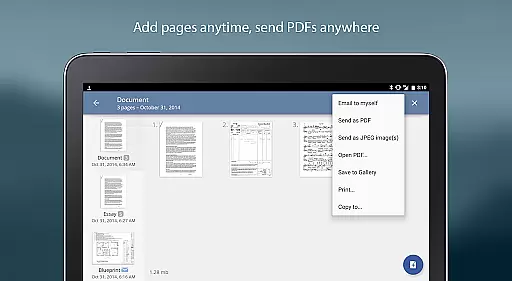
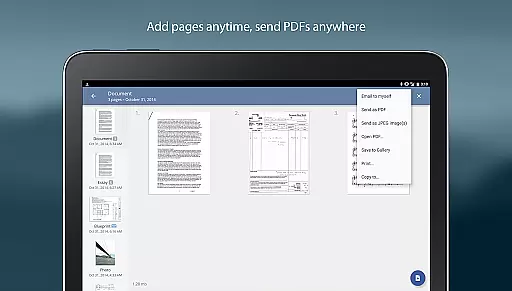
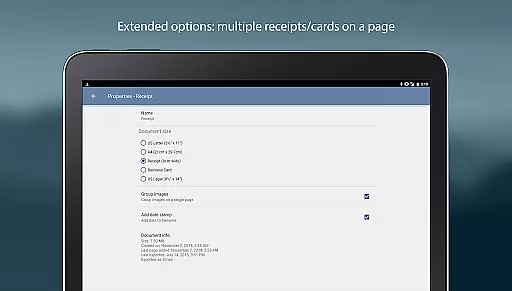
The app supports multipage editing, allowing users to add, reorder, and delete pages effortlessly. Its "Email to myself" feature simplifies document sharing by enabling users to send files to predefined email addresses or upload them directly to cloud services like Evernote. TurboScan Pro also excels in exporting options, offering PDF, JPEG, and PNG formats while providing compact attachments with adjustable sizes. These features collectively ensure that users can manage, edit, and share their scanned documents with unparalleled ease and efficiency.
Advanced scanning algorithms
Fast processing speed
User-friendly interface
Versatile file export options
Secure offline processing
Premium version costs
Occasional flash issues
Limited free features
Requires good lighting
No OCR functionality

Find jobs and make money fast with JobStack.
 4.60
4.60
Ask Accio anything about business. Alibaba-backed, built by experts, not just AI
4.60
Find flexible, hourly jobs hiring near you in restaurant, retail & hospitality!
4.00
ANDROID'S TOP MOBILE OFFICE - Word, Excel, PowerPoint and PDF at your fingertips
4.50
viewing and sharing PDFs and other files—anytime, anywhere!
4.5
enjoy effortless PDF reading anytime, anywhere
3.90
All your team communication in one place
4.70
Earn money with the driver & delivery partner app for Uber, UberEats & Postmates
4.60
Chat, meet, and collaborate to achieve more together, all in one place on Teams
4.60 4.70
4.70
The MyWalmart App is available for all associates in stores.
4.70
Manage Your Shop
4.70
We help people get jobs
4.70
From Gone to Back Again — In Just a Few Taps
4.50
One marketplace. Hundreds of services. Unlimited possibilities. All on Fiverr.
4.40
FX Plus adds media, networking, and cloud capabilities to FX File Explorer.
4.10
Work happy with AI Companion
4.10
Get your benefits on-the-go.
3.80
Access All PDF Files
3.40
User Reviews