

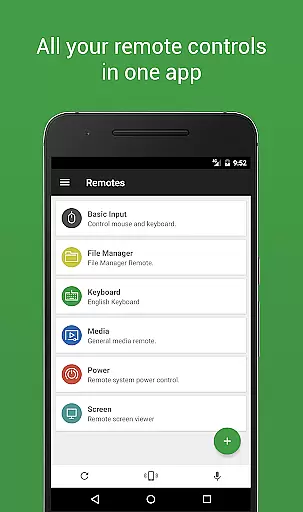
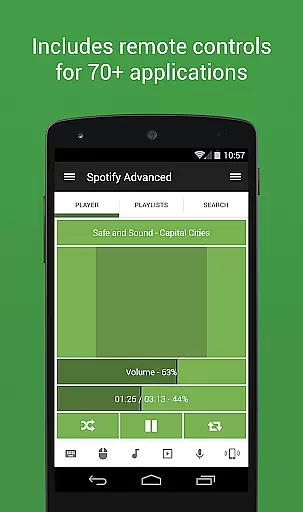
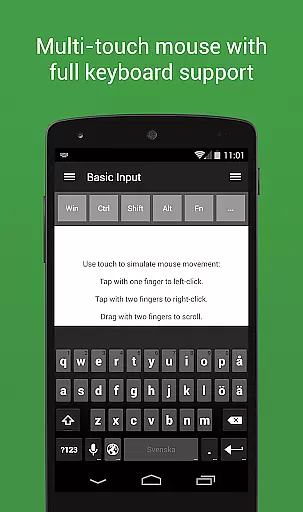
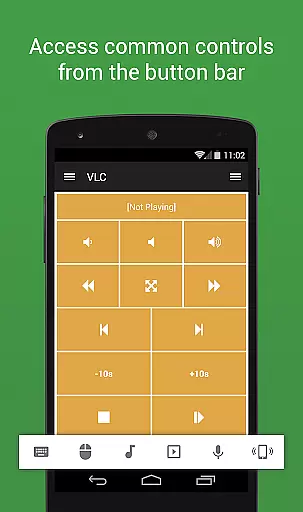
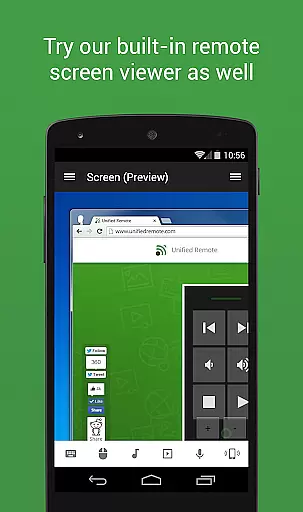
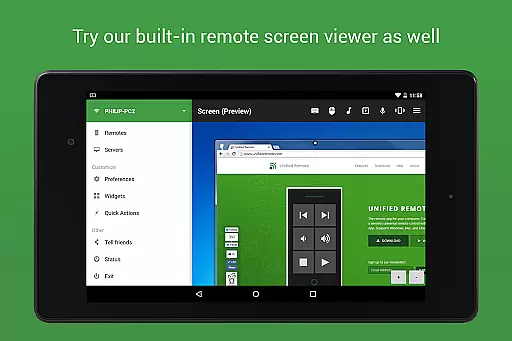
Unified Remote Full is the ultimate remote control solution for your computer, turning your mobile device into a versatile WiFi or Bluetooth universal remote. Compatible with Windows PC, Mac, and Linux systems, this app offers an impressive range of functionalities that cater to various needs. With support for over 90 programs, it allows you to control everything from mouse and keyboard functions to media players, presentations, screen mirroring, power controls, file management, terminal operations, and much more.
The app's standout feature is its ability to simplify complex tasks through easy server and app setup, automatic server detection, and enhanced security measures like password protection and encryption. Whether you're looking to manage your smart home devices, control multimedia applications, or streamline productivity, Unified Remote Full provides a comprehensive suite of tools designed to make your life easier and more efficient.
Unified Remote Full boasts an extensive array of features that set it apart from other remote control apps. The app supports single and multi-touch mouse control, Wake On LAN functionality, and includes both light and dark color themes for user comfort. It also extends its compatibility beyond computers to include devices such as Raspberry Pi and Arduino Yún, making it a versatile tool for tech enthusiasts.
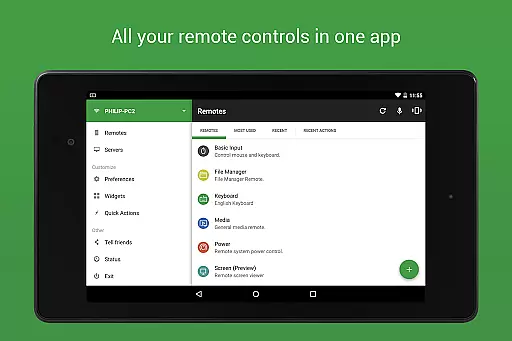
In addition to the 18 free remotes, the full version unlocks access to over 90 remotes, floating remotes for multitasking, custom remotes tailored to specific needs, widgets, quick actions, voice commands, IR and NFC actions, and Android Wear support. These features collectively enhance user experience by providing seamless control over a wide variety of devices and applications, ensuring that users can customize their interactions according to personal preferences and requirements.
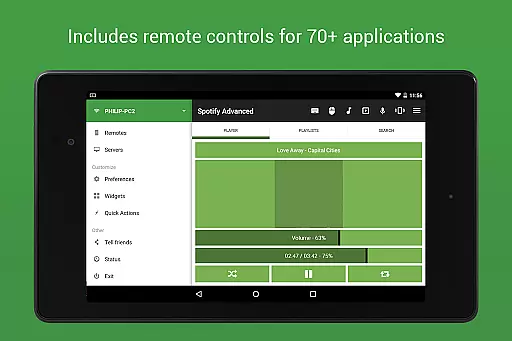
Unified Remote Full excels in providing accurate and effective core functions that transform your device into a universal remote control for computers. The app supports 90+ programs, including essential tools like mouse and keyboard control, media players, and presentations.
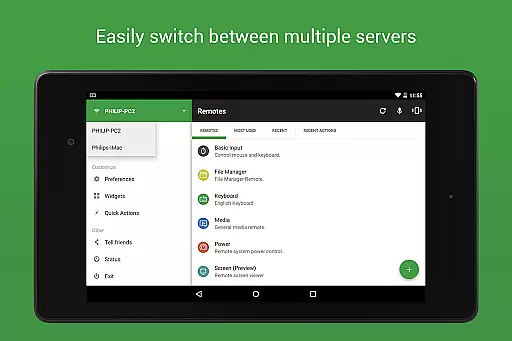
The app's automatic server detection and easy setup ensure that users can quickly find servers on their network and start controlling with minimal hassle. Security features such as server password protection and encryption add an extra layer of safety, making certain that your connection remains private and secure.
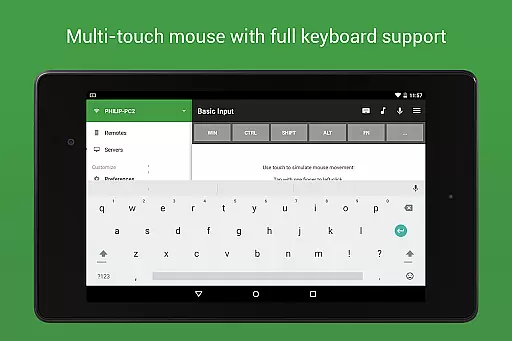
With support for both single and multi-touch mouse control, Unified Remote Full offers versatile control options. Users can also take advantage of Wake On LAN to easily start their server, ensuring that the remote is functional whenever needed.
This application stands out by offering light and dark color themes, catering to user preferences and environmental conditions. Its compatibility extends across Windows, Mac, Linux, Raspberry Pi, and Arduino Yu00fan, allowing for broad device control and enhancing its utility for various tech setups.
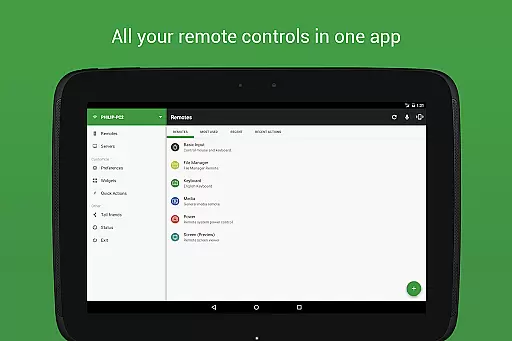
The interface of Unified Remote Full is designed to be simple and intuitive, ensuring that even novice users can navigate and utilize its features effectively. With preloaded support for over 90 programs, users have immediate access to controls for essentials like mouse and keyboard, media players, and more without a steep learning curve.
One of the key highlights is the automatic server detection feature, which simplifies the process of finding servers on your network. This ease of use is complemented by the appu2019s security measures, such as password protection and encryption, which are straightforward to enable yet robust in safeguarding your connection.
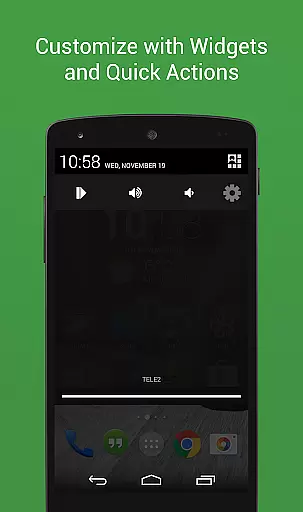
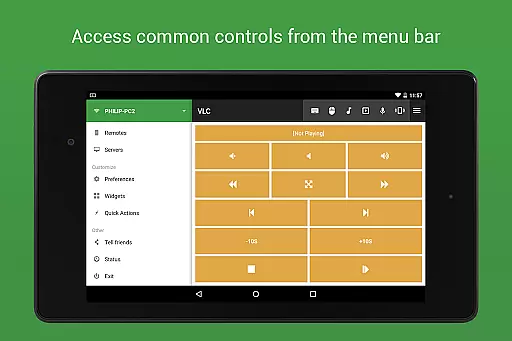
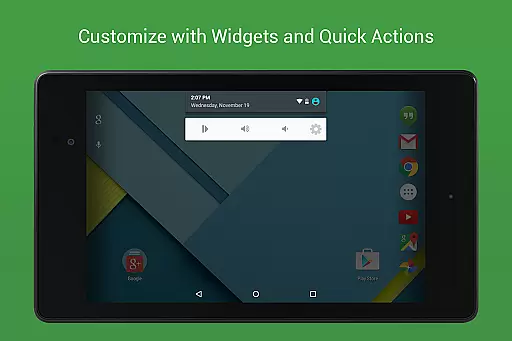
Unified Remote Full includes floating remotes, custom remotes, widgets, and quick actions, all contributing to a seamless user experience. These features allow users to overlay controls on other apps or create personalized shortcuts, enhancing accessibility and convenience.
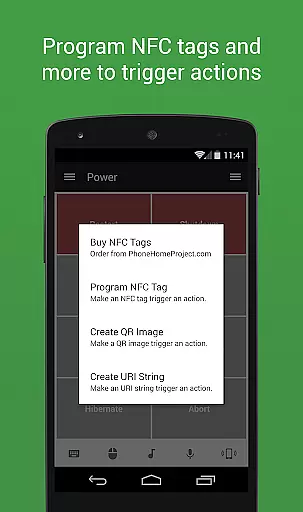
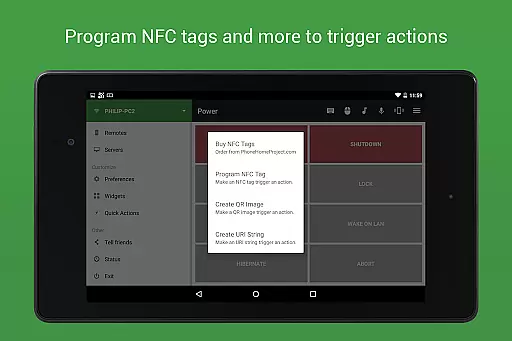
In addition to its functional design, the app provides voice commands, NFC actions, and Android Wear support, integrating cutting-edge technology in an easy-to-use format. Such innovations not only simplify interactions but also offer users advanced control options through familiar interfaces like voice and touch.
User-friendly interface
Wide device compatibility
Comprehensive feature set
Enhanced security options
Versatile customization capabilities
Paid version required for full features
Setup may require technical knowledge
Limited free remote options
Occasional connectivity issues
Some features platform-specific


Just one-tap to easy translate in any language after calls within seconds.
 4.20
4.20
Extremely fast, secure, and protects your privacy
4.80
Clean the junk files on your device
3.40
Optimize your WiFi network, turn your phone into Wifi Analyzer
4.70
Keep track of your Palia friendships, tasks, and inventory with Palia Notebook
4.60
Planner and Tracker for Stardew Valley
4.60
Introducing Smart Printer, your ultimate destination for printing solutions!
4.00
Protect your device with antivirus, storage cleanup, and system monitoring
4.70
A clean app.
4.50
Unit and currency converter with easy and simple UI.
4.80
Small and simple app to Verify Root Access and BusyBox Install!
4.70
NFC Tools can read and write NFC tags.
4.70
Head tracking for PC sim games such as MSFS 2024 or Elite:Dangerous. No headset!
4.50
Universal TV remote control all TVs, Roku, LG, Samsung, Fire, Vizio, Sony, TCL.
4.40
Pro Emulator is an easy to use game console emulator for a range of consoles.
4.40
An easy-to-use calculator designed to save time calculating and bending conduit
4.30
App that Recover your pictures, videos or files after you delete them.
4.20
VESC Tool can monitor and configure VESC-compatible devices over BLE and Wifi
4.20
Create your own custom widget with endless possibilities
3.90

User Reviews