

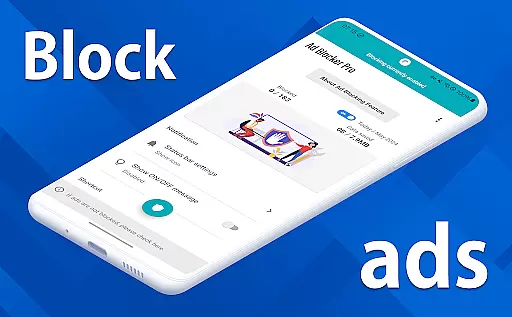
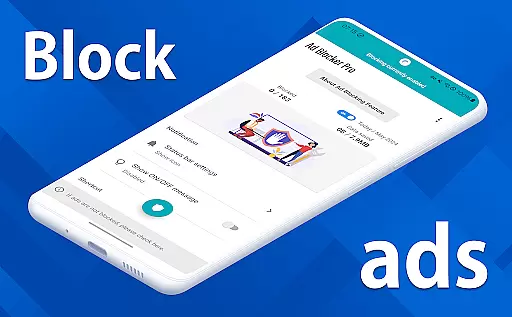
Ad Blocker Pro is a powerful ad-blocking application designed to enhance the browsing experience on Android devices. The app's core functionality revolves around blocking unwanted advertisements, malware, and trackers across all browser apps, ensuring faster webpage loading and improved security. With its unique features like the one-tap ON/OFF switch, Auto Switch for specific apps, and real-time block count display, users can enjoy seamless control over their browsing environment.
The app is particularly beneficial for users who prioritize speed, security, and data savings. By preventing unnecessary ad data from loading, Ad Blocker Pro reduces overall data consumption while simplifying website layouts for a more intuitive user experience. Whether you're visiting ad-heavy websites or simply seeking a cleaner browsing interface, this tool ensures a smoother and safer online journey.
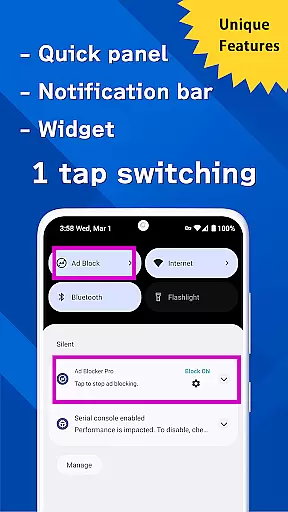
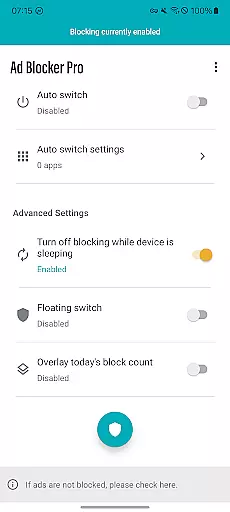
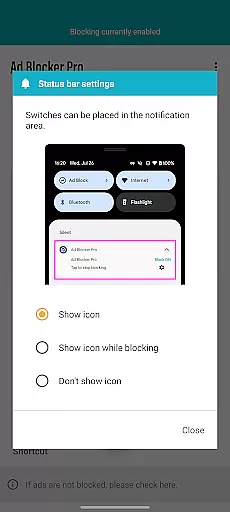
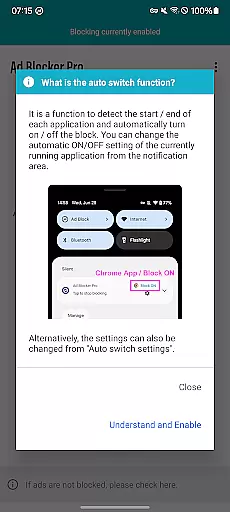
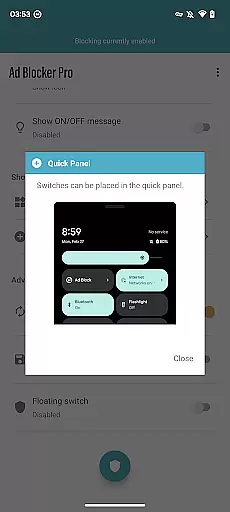
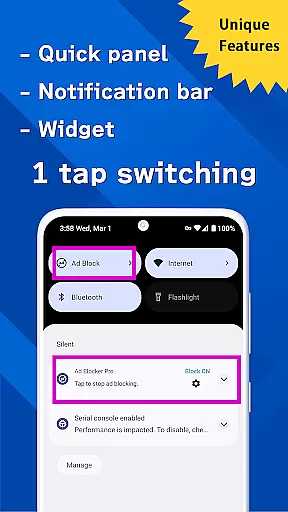
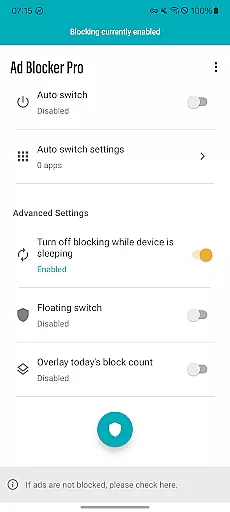
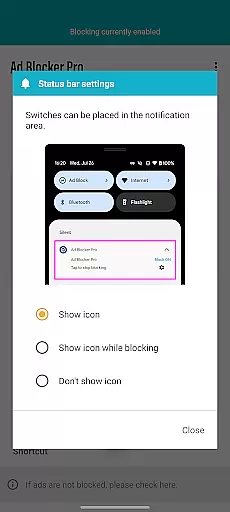
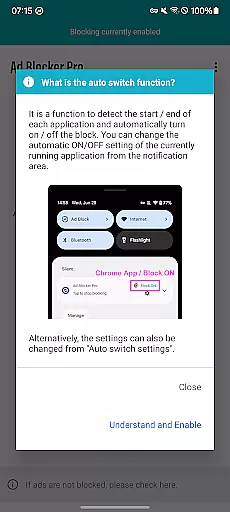
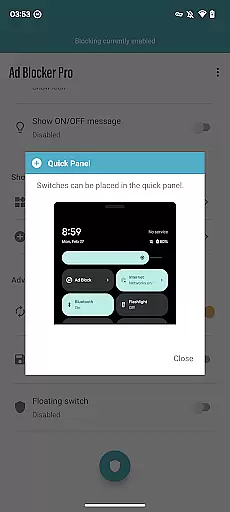
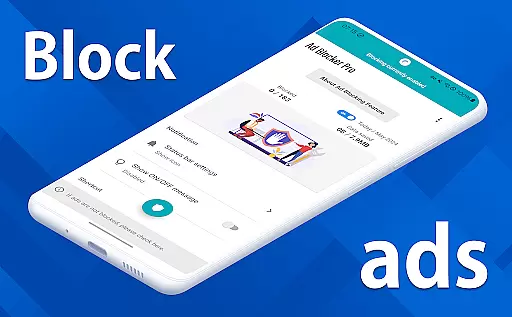
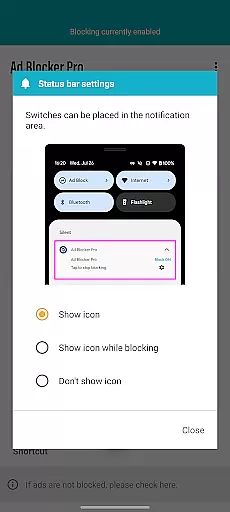
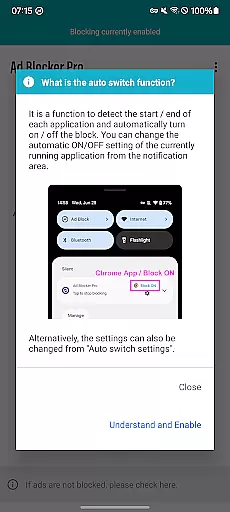
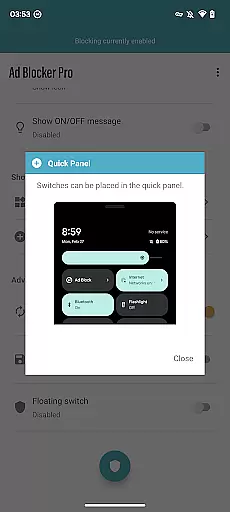
Ad Blocker Pro offers an array of innovative features that set it apart in the realm of ad-blocking tools. One standout feature is the one-tap ON/OFF switch, which allows users to enable or disable ad blocking effortlessly through various access points such as the notification area, quick panel, widget, or floating switch. Additionally, the Auto Switch function intelligently detects when specific apps are launched or terminated, automatically toggling ad blocking accordingly.
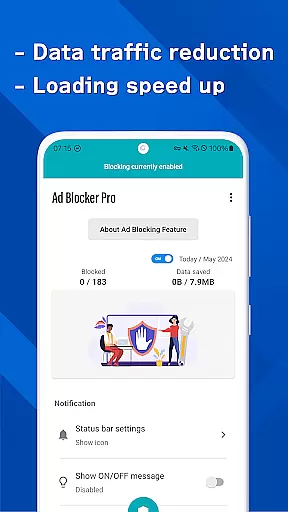
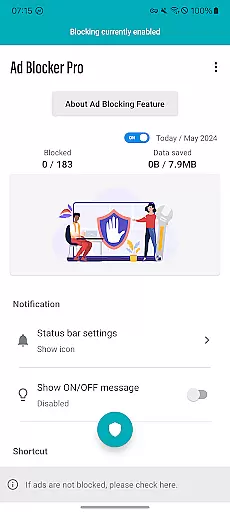
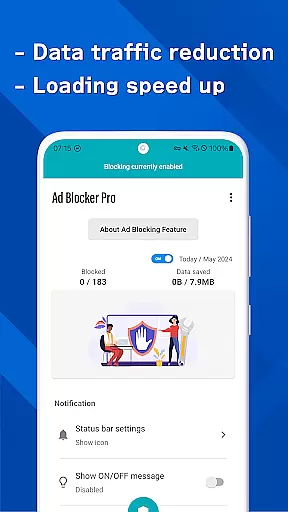
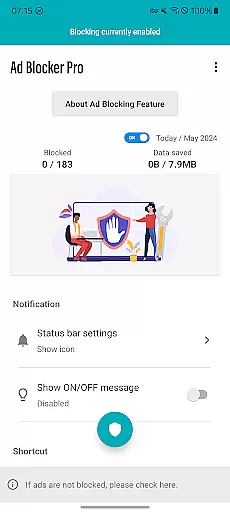
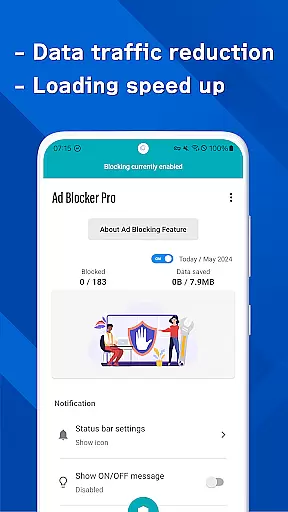
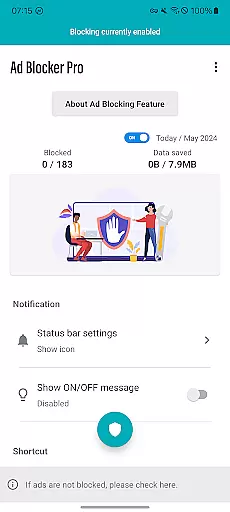
Another remarkable aspect is the overlay display showing today's block count, providing users with real-time insights into how many ads and trackers have been blocked. This not only enhances transparency but also gives users a clear understanding of the app's effectiveness. Furthermore, Ad Blocker Pro works seamlessly with all browser apps, delivering faster browsing speeds, enhanced design simplicity, and increased protection against malware and trackers.
Ad Blocker Pro exemplifies core function accuracy through its robust ad-blocking capabilities. The app employs advanced algorithms to detect and block ads across all browser apps, ensuring a seamless browsing experience. This precision in identifying ad sources without affecting other content showcases the app's functional effectiveness.
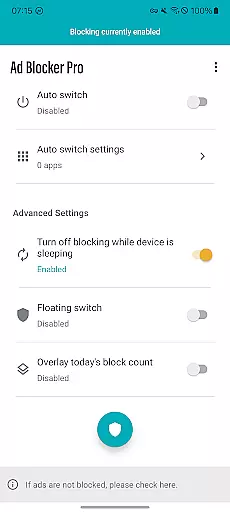
The unique Auto Switch feature demonstrates the app's intelligent design. By enabling ad blocking only within specific apps, it prevents interference with essential background processes. This selective approach ensures that critical app functions remain uninterrupted while still providing an ad-free environment where needed most.
Users benefit from significantly improved browsing speed and reduced data consumption. The app achieves this by preventing unnecessary ad content from loading, which streamlines web page rendering. This efficiency translates into tangible savings on mobile data plans while enhancing overall device performance.
The real-time block count display provides transparency in the app's operations. This feature not only confirms the app's effectiveness but also educates users about their exposure to ads and trackers. Such visibility builds trust in the app's core functionality while promoting better digital hygiene practices among users.
Ad Blocker Pro excels in interface simplicity through its thoughtfully designed control mechanisms. The one-tap ON/OFF switch, accessible from multiple touchpoints including the notification area and floating switch, demonstrates intuitive user interaction principles. These controls enable users to manage ad blocking with minimal effort, regardless of their technical expertise.
The app's Auto Switch feature represents another layer of intuitive design. By automatically detecting app launches and terminations, it removes the need for manual intervention while maintaining optimal performance. This automation reflects an understanding of user behavior patterns and streamlines the ad-blocking process accordingly.
During device sleep mode, the app intelligently suspends ad blocking to prevent interference with essential background operations. This thoughtful implementation shows how the interface anticipates user needs while maintaining system stability. Such considerations enhance the overall user experience without requiring active management.
The widget and quick panel integration further simplify user interaction. These visual elements provide immediate status updates and control options, making the app's state always visible at a glance. This transparent approach to interface design ensures users can maintain awareness and control over their ad-blocking preferences effortlessly.
Blocks ads effectively
Easy-to-use interface
Real-time block count
Auto Switch functionality
Enhances browsing speed
Limited to browsers
Some ads cannot be blocked
No iOS version available
Initial cost required
Requires manual updates


Save any video in HD - paste the link, download fast and watch offline.
 4.2
4.2
Clean the junk files on your device
3.40
Family Locator, Share location, StayConnect with your family in real time
3.90
Small and simple app to Verify Root Access and BusyBox Install!
4.70
Create your own live wallpaper or check out thousands already made presets
3.90
Support Fossify apps with a warm thank you!
5.00
Screen Mirroring for Roku Sticks, Roku TCL TV and Roku Hisense TV
4.50
Enjoy a smooth mobile reading experience!
3.60
The ideal app to be the digital eye of your family
3.40
Keep track of your Palia friendships, tasks, and inventory with Palia Notebook
4.60
Connect instantly to a fast, encrypted VPN with one tap
4.60 4.50
4.50
eXtended Permission Manager - a small app to manage permissions and AppOps
4.50
Universal TV remote control all TVs, Roku, LG, Samsung, Fire, Vizio, Sony, TCL.
4.40
Pro Emulator is an easy to use game console emulator for a range of consoles.
4.40
PC precision for mobile gaming: dominate with keyboard and mouse!
4.30
Carry a FTP server in your pocket and avoid USB cables for file transfer
4.20
Transfer Files, APK from Phone to Watch & Install.
4.0
Download any file easily and quickly with Downloader
4.5

User Reviews