

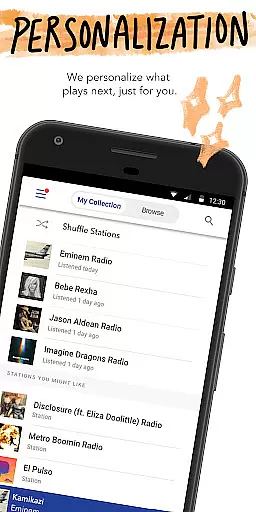
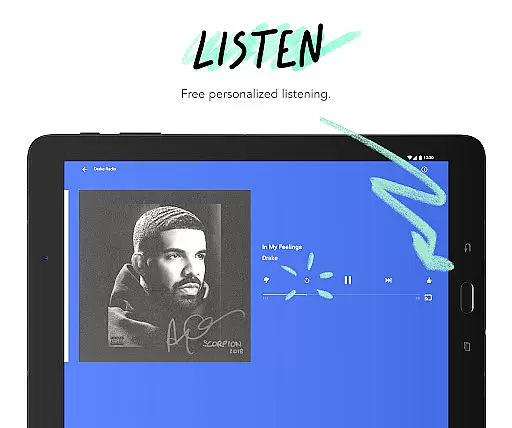
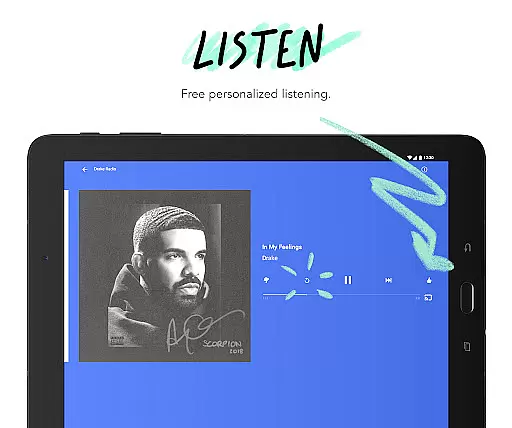
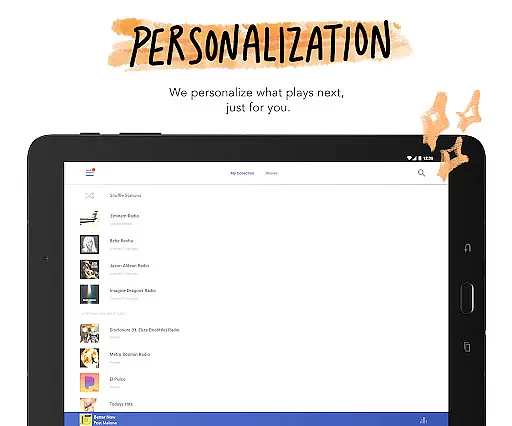
Pandora is a leading music streaming service that offers users a personalized listening experience across multiple devices. The app allows you to create custom radio stations based on your favorite songs, artists, or genres, and continually adapts to your evolving tastes. Available on Android Wear, Android Auto, and mobile devices, Pandora ensures you can enjoy your music anywhere, anytime.
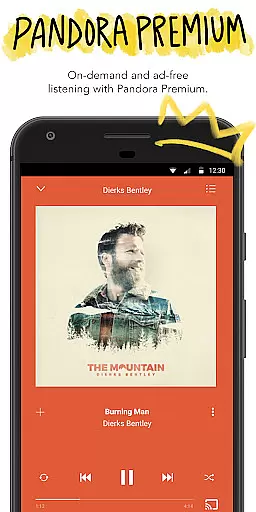
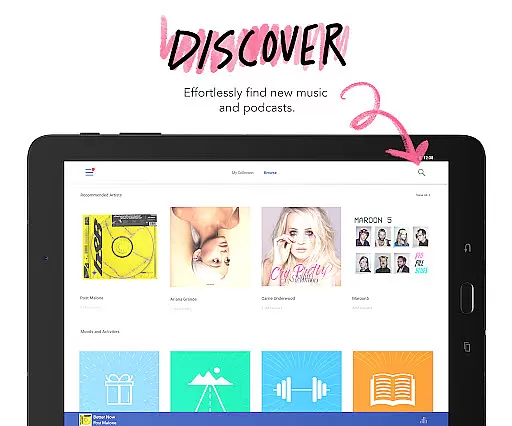
With innovative features like Podcasts, Pandora Modes, and voice controls, the app caters to diverse listening preferences. Whether you're commuting, working out, or relaxing at home, Pandora provides instant access to your favorite artists, podcasts, and new releases. Its subscription options, Pandora Plus and Pandora Premium, offer enhanced experiences with ad-free listening, offline downloads, and higher audio quality.
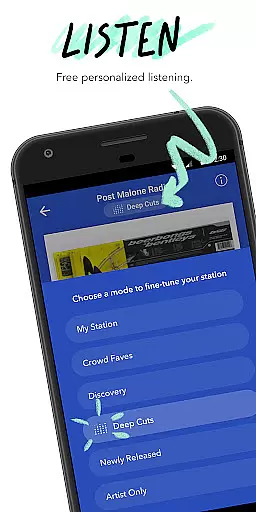
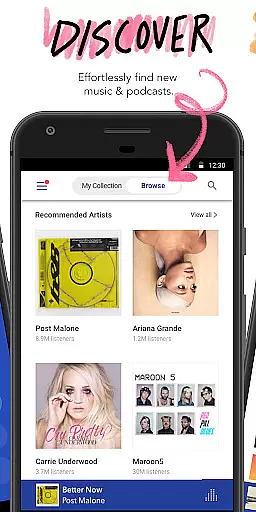
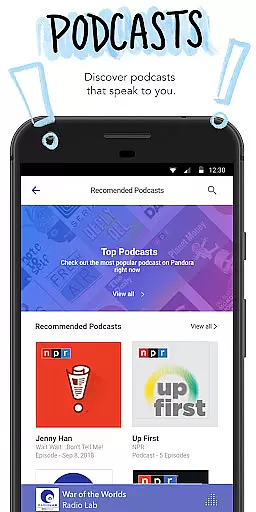
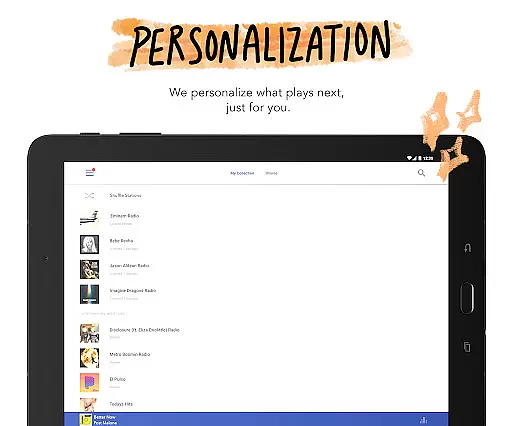
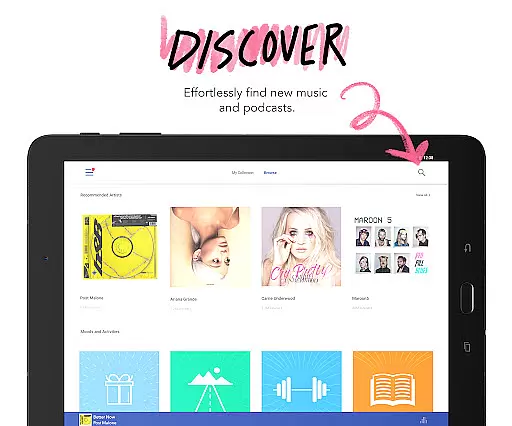
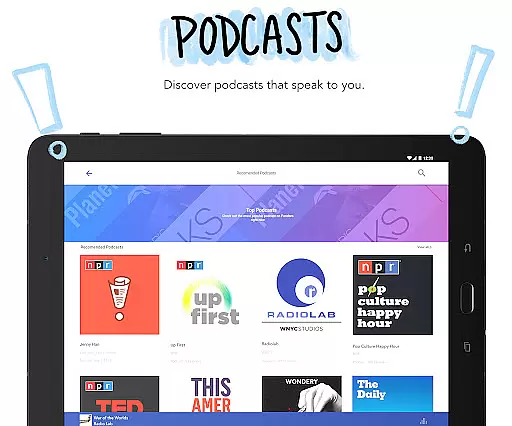
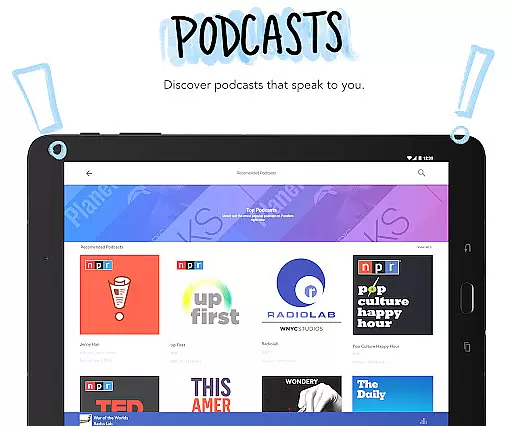
Pandora stands out with its advanced personalization capabilities and seamless integration across platforms. The app's station creation feature lets you build custom playlists from a single song, artist, or genre, while Pandora Modes allow you to refine your listening experience further. For podcast enthusiasts, Pandora offers curated recommendations and easy discovery of new content.
The app also supports cutting-edge voice commands for hands-free control, making it ideal for use in cars via Android Auto. With Wear OS compatibility, you can stream music directly from your smartwatch without needing your phone. Subscription tiers like Pandora Plus and Premium enhance the experience by offering features such as unlimited skips, offline listening, and high-quality audio streams.
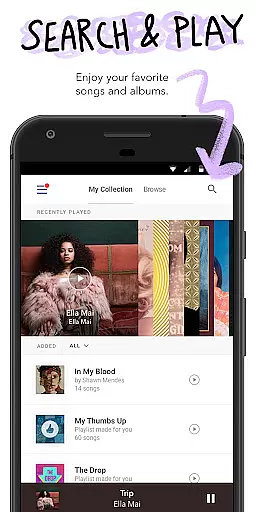
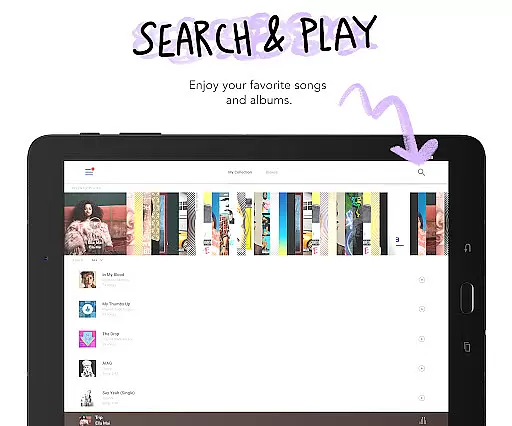
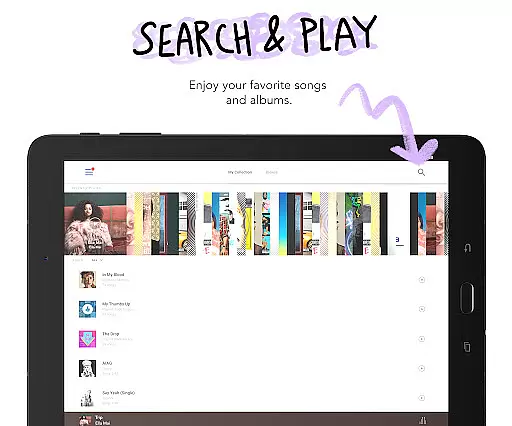
Additionally, Pandora's vast music library includes global hits and niche genres, ensuring there's something for everyone. The app's intuitive interface makes navigation effortless, whether you're searching for specific tracks or exploring new recommendations. These features collectively make Pandora a versatile choice for both casual listeners and dedicated audiophiles.
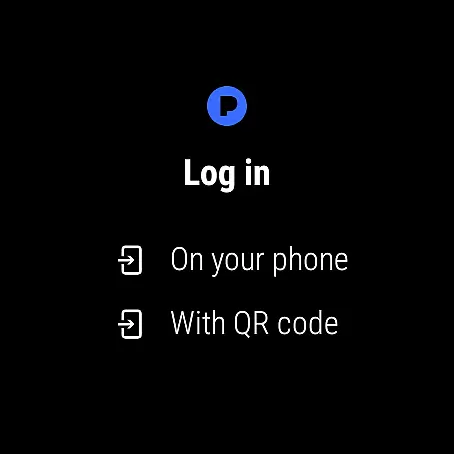
Companion app integration is essential for wearable devices as it ensures seamless synchronization between the main application and its wearable counterpart. Pandora excels in this area by offering a robust connection between its mobile app and Wear OS devices.
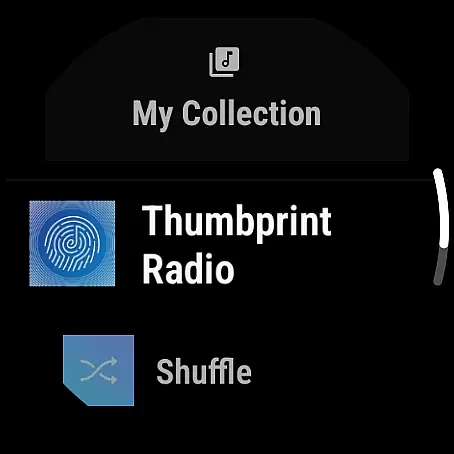
The integration allows users to control their music or podcasts directly from their smartwatch without needing to access their phone. This includes key functionalities such as play, pause, skip, and even adjusting the volume, all manageable through simple voice commands or touch interactions on the watch interface.
For users who are always on the move, this feature provides unmatched convenience. Whether you're jogging, commuting, or simply away from your phone, you can still enjoy uninterrupted access to your favorite stations and playlists.
This level of integration not only enhances user experience but also expands the accessibility of Pandora's services, making it easier for users to enjoy personalized music experiences anytime, anywhere.
Device compatibility is crucial for applications targeting wearable technology. Pandora demonstrates strong compatibility with Wear OS, ensuring that users can enjoy a wide range of features directly from their smartwatches.
The app supports various Wear OS devices, allowing users to stream music over Wi-Fi or cellular connections even when they don't have their phones nearby. This flexibility is particularly beneficial during activities like workouts, walks, or travel, where carrying a phone might be inconvenient.
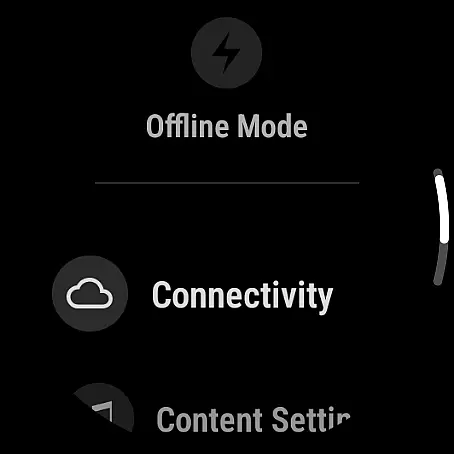
Pandora's compatibility extends beyond just basic playback controls. It includes advanced functionalities such as downloading stations for offline listening and using voice commands to interact with the app, providing a comprehensive and user-friendly experience.
By prioritizing Wear OS compatibility, Pandora ensures that its users can take full advantage of their smartwatches, enhancing both functionality and convenience while maintaining a high standard of performance across different devices.
Personalized music stations
Voice command support
Podcast recommendations
Offline listening
Cross-device sync
Limited free skips
US-only availability
Ads in free version
Data usage concerns
Subscription cost






Calming & relaxing sounds for sleeping and stress relief. Stay focused all day!
 4.20
4.20
Deck out your Wear OS Watch face with a beautifully decorated pine wreath!
4.50
3 Complications. All shadow on/off. 30 Themes color palette...
4.2
Authentic military-tactical design with ZULU time! Realistic and functional!
3.80
sleep, alarm, snoring, stress, healing, focus, sound therapy, circadian rhythm
4.10
Your second brain for organizing your life: to-do, calendar, reminder.
4.70
The #1 source of faces for your smartwatch!
4.00
Retro digital watch face with customizable colors and a unique lighting effect
4.60
A digital watch face that celebrates Christmas.
4.00
Rose gold watch face with festive lights & customizable features.
4.60
Real-time results, stats, schedules and player profiles for all leagues
4.60
Ideal for surviving in the wasteland left after nuclear fallout
4.50
A white realistic classic analog watch face with many customization options.
4.40
Christmas watch face. For Wear OS devices.
4.30
Elegant animated Christmas tree with multiple customization options
4.20
A full-featured Amazon Alexa voice assistant that can show you things.
3.70
Stay in touch with your friends and family using LINE!
3.40
Precision analog watch face with 7 complications and style options
4.3
Simple Analog-Digital Watchface For Wear OS 3.0 and Up Smartwatches
4.1


User Reviews