
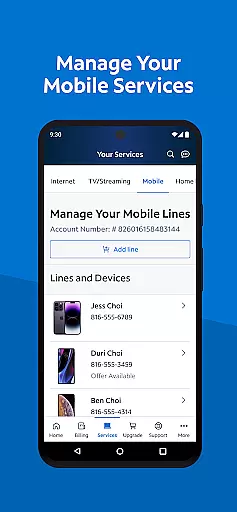
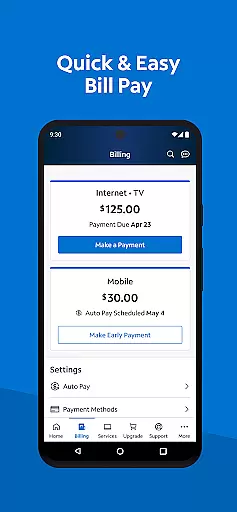
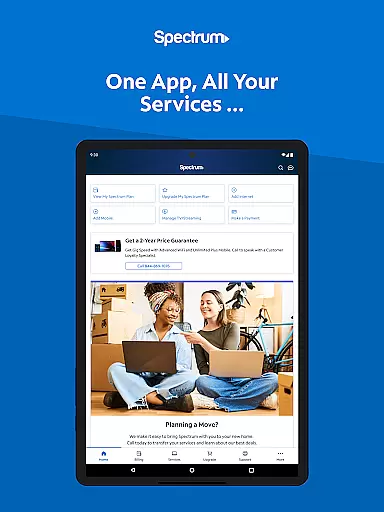
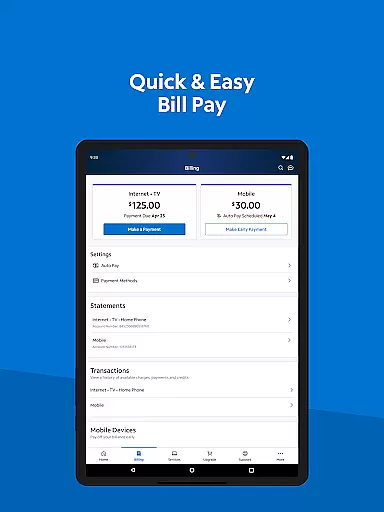
My Spectrum is a comprehensive tool app designed for residential customers to manage all their Spectrum services in one place. The app allows users to handle billing for Spectrum Mobile, Internet, TV, and Home Phone services with features like Auto Pay, paperless billing, and statement reviews.
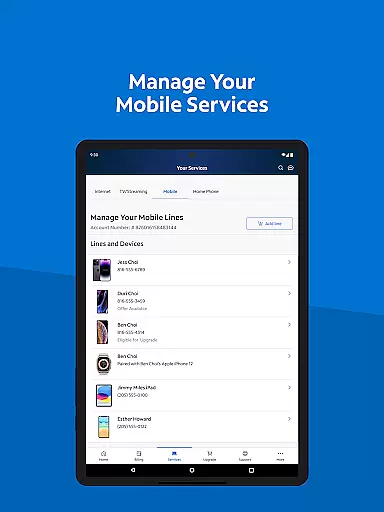
In addition to bill management, My Spectrum provides robust tools for monitoring mobile data usage, activating new lines, and managing plans. Users can also troubleshoot WiFi issues, explore TV channel lineups, and customize streaming experiences. With added functionalities such as live customer support chat, technician tracking, and nationwide WiFi access, the app ensures users stay connected and informed at all times.
This app is particularly useful for households that subscribe to multiple Spectrum services, offering a centralized platform to control various aspects of their accounts while providing timely notifications and support options.
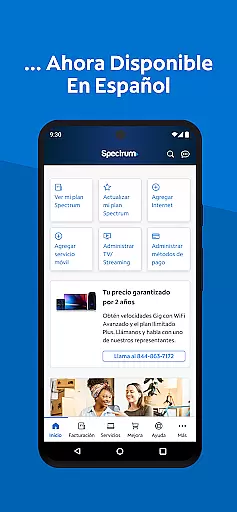
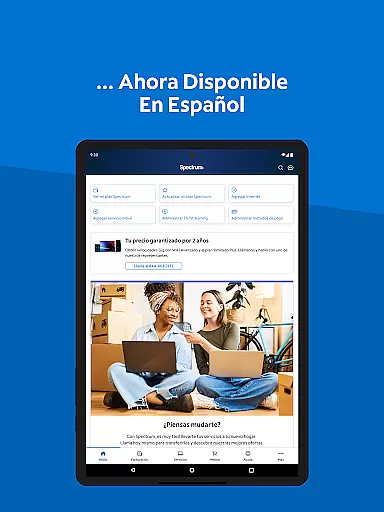
My Spectrum stands out with its extensive range of features tailored to simplify service management. One key feature is the ability to toggle language preferences between English and Spanish, catering to bilingual users. This inclusivity enhances accessibility and user experience significantly.
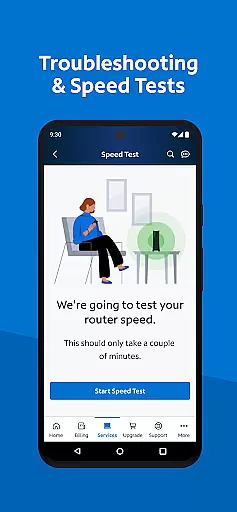
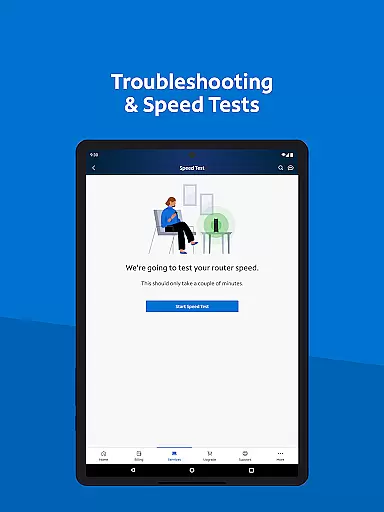
The app offers advanced tools for managing mobile services, including data usage tracking and plan adjustments. It also includes innovative solutions like an enhanced dual Speed Test for troubleshooting internet connections and options to upgrade to Advanced WiFi for better security. Furthermore, users can conveniently locate nearby Spectrum Stores or connect to nationwide WiFi hotspots, ensuring uninterrupted service wherever they go.
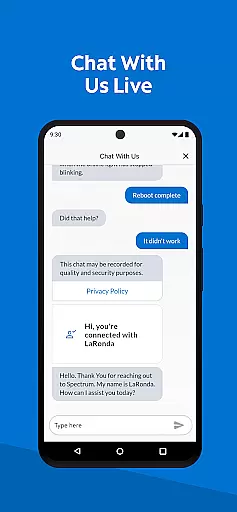
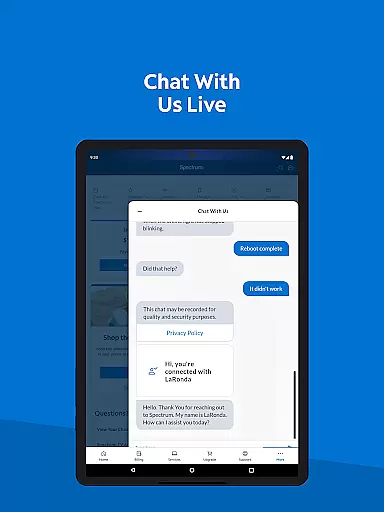
Another notable feature is the simplified support system, which allows self-installation of devices, live chat support, and real-time technician tracking. These capabilities empower users to resolve issues independently or seek professional help efficiently, making My Spectrum a versatile and indispensable tool for modern households.
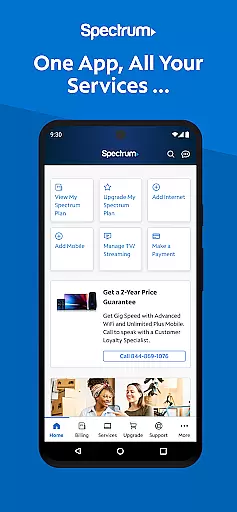
When it comes to managing your Spectrum services, the My Spectrum App excels in providing accurate and effective core functionalities. This app allows residential customers to handle their Spectrum Mobile, Internet, TV, and Home Phone services with precision. You can pay your bills, check mobile data usage, manage plans, and even add new mobile lines effortlessly.
The app ensures that every transaction or management task is executed accurately. For instance, users can enroll in Auto Pay to avoid missing due dates, schedule one-time payments, and sign up for paperless billing. These features are designed to give users control over their financial transactions while ensuring they never miss a payment deadline.
Moreover, the app offers advanced tools like an enhanced dual Speed Test for troubleshooting WiFi and internet connections. This feature helps users maintain optimal connectivity by diagnosing issues effectively. Additionally, users can find their nearest Spectrum Store and connect to nationwide Spectrum WiFi access points, enhancing both convenience and reliability.
The My Spectrum App stands out for its simple and intuitive interface, making it accessible for all users regardless of technical expertise. The design prioritizes ease of use, ensuring that even those who may not be tech-savvy can navigate through the app effortlessly. Key functions such as bill payment, service management, and support are just a few taps away.
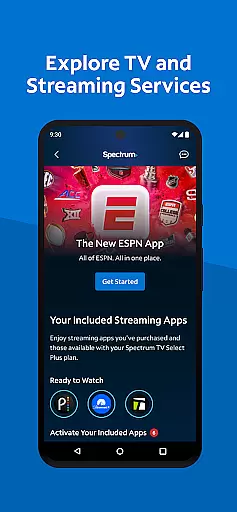
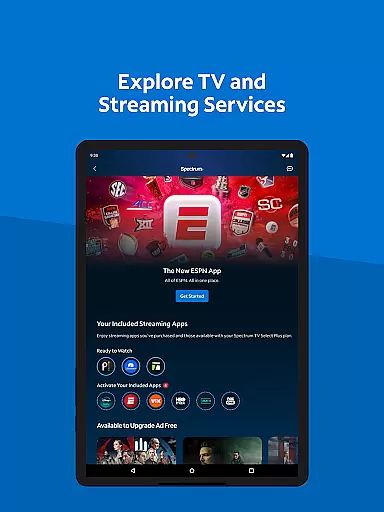
One notable aspect is the ability to toggle language preferences between English and Spanish directly within the app. This inclusivity enhances user experience by catering to a broader audience. Furthermore, the app consolidates various services into one platform, allowing users to manage streaming subscriptions, view channel lineups, and customize their viewing experience without switching between multiple apps.
For customer support, the app provides simplified options including live chat with Spectrum customer service and tracking technicians' arrivals. These features ensure that help is readily available whenever needed. Overall, the My Spectrum App combines essential functionalities with an easy-to-use interface, delivering a seamless user experience.
User-friendly interface
Comprehensive service management
Bilingual support
Advanced troubleshooting tools
Live customer support
Limited to Spectrum customers
Occasional bugs reported
Requires stable internet
No offline functionality
Some features need subscription

 4.50
4.50
Remote for Roku, Fire TV, Samsung TV, LG TV, Android TV, Chromecast and VIZIO TV
4.20
Use your phone as a webcam on your computer over WiFi or USB.
4.40
Unlock your Essential Key. Create custom shortcuts to your favorite apps!
4.4
Amateur Radio app for APRS: Track friends, exchange messages, get tactical info.
3.90
Monitor car performance in real time and troubleshoot malfunctions.
4.80
Undelete and recover your lost or deleted files with DiskDigger!
3.40
Download any file easily and quickly with Downloader
4.4
Creation, Learning, Entertainment & More — The All-in-One AI Search Engine
4.70
Enjoy smooth gameplay with Game Booster
4.90
The ultimate tool for network analysis, wifi scanning and problem detection.
4.90
Small and simple app to Verify Root Access and BusyBox Install!
4.70
HD Camera captures every special moment.
4.60
Canon PRINT is a companion app for your Canon printer.
4.60
Quickly switch to an encrypted DNS server on Android TV
4.50
Screen Mirroring for Roku Sticks, Roku TCL TV and Roku Hisense TV
4.50
PC precision for mobile gaming: dominate with keyboard and mouse!
4.30
1-Click close all background apps on Android TV
3.90
Clean the junk files on your device
3.40


User Reviews