
iControl is a versatile personalization app designed to enhance your Android experience through customizable themes and functional widgets. The app offers a comprehensive suite of tools that allow users to personalize their device's appearance while providing practical utility features.
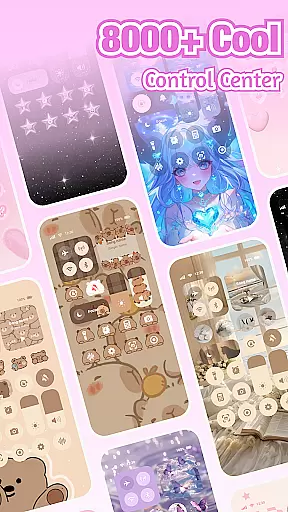
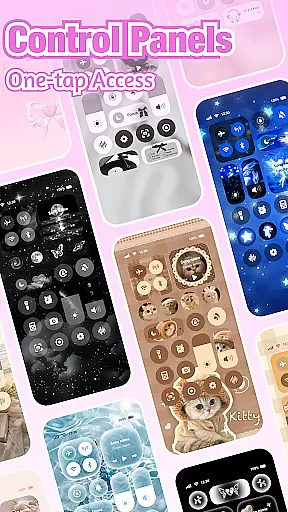
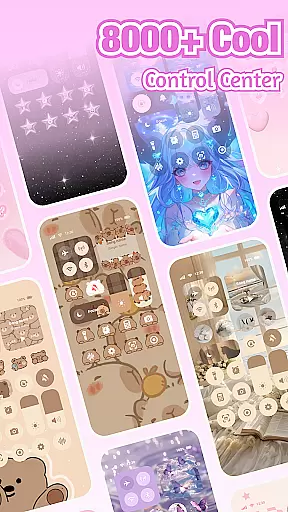
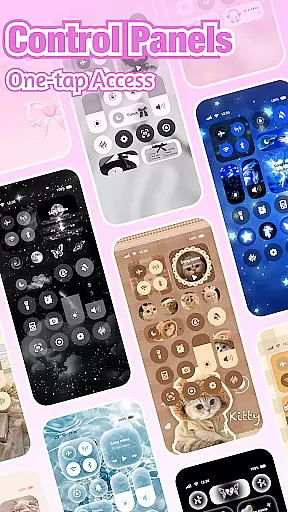
At its core, iControl enables users to create unique home screen designs with aesthetic control packs and keyboard themes. Whether you prefer minimalist styles or vibrant looks, the app provides numerous options to express individuality. Additionally, it includes a Control Center with essential functions like brightness adjustment, dark mode switching, and connectivity controls for Wi-Fi and Bluetooth.
The app's value extends beyond aesthetics by incorporating productivity-enhancing features such as fast typing tools, multi-language support, and privacy-conscious design elements. These capabilities make iControl particularly useful for users seeking both style and substance in their mobile experience.
iControl distinguishes itself through an impressive array of customization options and practical features. The app's Control Center serves as a command hub, offering quick access to essential functions including brightness control, volume adjustment, and network management tools.
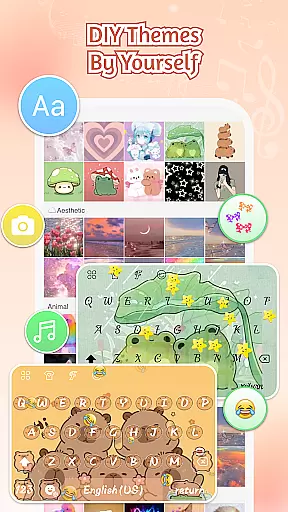
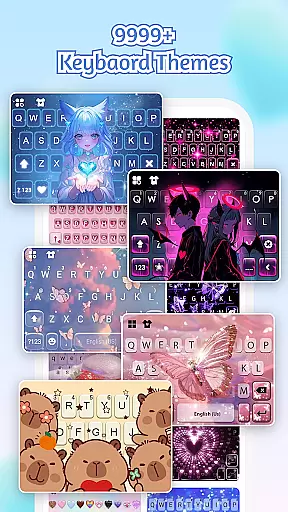
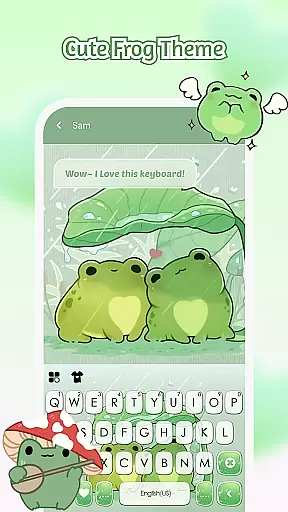
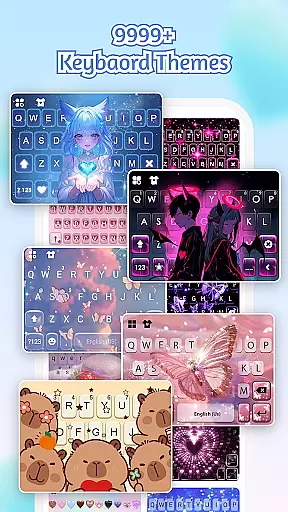
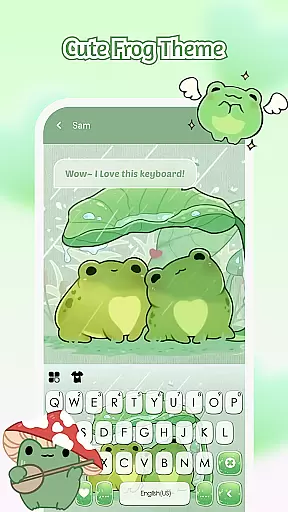
One of the standout features is the customizable keyboard system, which allows users to create exclusive keyboard themes with personalized colors, backgrounds, and sound effects. The app supports over 150 languages and incorporates advanced typing technologies such as contextual prediction and cloud-based suggestions.
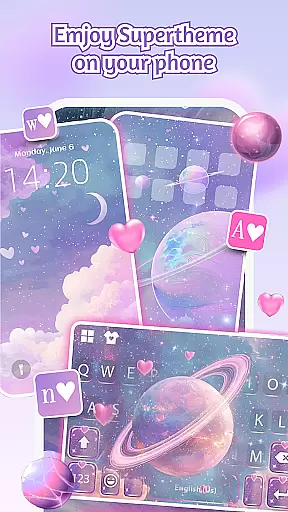
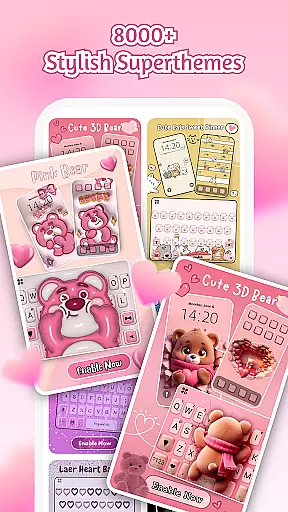
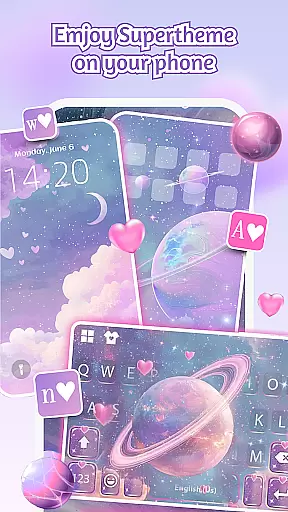
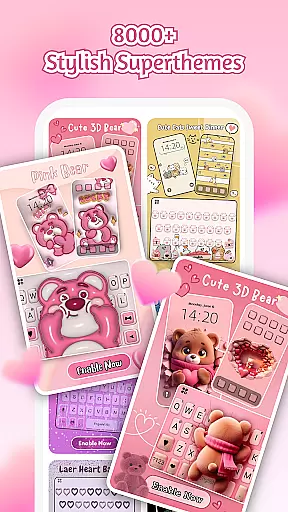
Additional notable features include the SuperTheme system for unified aesthetics across devices, zero-skill DIY design tools, and robust privacy protection measures. These elements work together to provide users with comprehensive control over both their device's appearance and functionality while maintaining security standards.
Customization is at the heart of iControl, allowing users to tailor their Android devices to reflect personal style and preference. With a vast array of control packs, keyboard themes, and aesthetic widgets, this app transforms your phone into a personalized gadget.
The app offers extensive customization features such as adjusting brightness and volume with simple sliders, toggling dark mode to reduce eye strain, and managing connectivity options like Wi-Fi and Bluetooth effortlessly. These elements ensure that every user can design a home screen that's not only visually appealing but also practical for daily use.
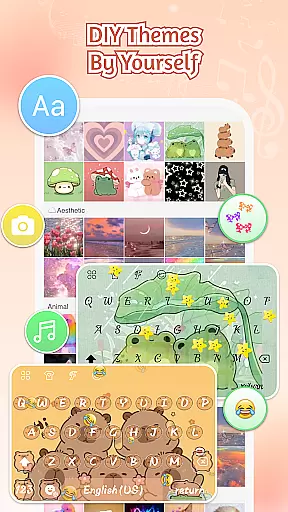
Moreover, iControl provides advanced keyboard customization, enabling users to choose from different colors, backgrounds, sounds, effects, fonts, and layouts. This level of personalization extends to creating exclusive photo keyboards, making each typing experience unique.
By integrating these comprehensive customization options, iControl empowers users to express their individuality without compromising on functionality or aesthetics, ensuring an engaging and tailored smartphone experience.
iControl excels in theme compatibility, ensuring that all personalized designs are not only visually stunning but also fully functional across various device models and screen sizes. The app supports over 150 languages, catering to a global audience while maintaining consistent performance standards.
With its SuperTheme feature, iControl unifies aesthetics by offering designer templates that blend seamlessly with different themes. Whether itu2019s galaxy-inspired keyboards or nature-themed backgrounds, each element is crafted to enhance visual harmony and user interaction.
The Zero-Skill DIY aspect further simplifies theme creation, allowing users to reshape keys, adjust transparency, and add touch effects or sounds without any prior design knowledge. AI-generated art aids in achieving professional-level designs effortlessly.
This commitment to theme compatibility ensures that every customization looks polished and operates smoothly, providing users with a cohesive and delightful interface regardless of their chosen style or language preference.
User-friendly interface
Extensive customization options
Advanced typing features
Multi-language support
Privacy-focused design
May consume additional resources
Some features require accessibility permissions
Premium themes might be costly
Occasional compatibility issues
Learning curve for advanced features



Beautiful realistic hybrid watch face with numerous customization options.
 4.50
4.50
Sparkle your screen with Glitter Wallpapers For Girls and Cute Backgrounds!
4.80
Adult video chat, dating, making friends, random matching
4.20
Unique Android Launcher
4.60
Dark icon pack based on One 8
4.80
Run multiple accounts of the same app on a single device
4.10 4.50
4.50
Create unique, fun emojis with Funny Emoji Maker! Unlimited creativity!
4.00
Transform your phone with stylish zipper lock themes and 4D live wallpaper
4.10
Gun Chase - Let the chase begin.
4.80
Classic analogue watch face. For wear os devices.
4.60
Customize your home screen with stunning themes, blur, widgets & icons.
4.60
Embrace the Night. Unleash the power of darkness with Raven Dark Icon Pack
4.60
Stylish Pink Cute Hippo keyboard with 10000+ customized keyboard themes!
4.60
Color phone with cool effects for call screen, flash alert & ringtones music
4.50
Yandex Browser — stylish and secure, with voice search and data compression
4.40
Your go to Weather App & Home Screen. Get your weather at a swipe of a finger!
3.80
Turn your lock screen into fun with smile live wallpapers & animated wallpapers!
2.50
Custom edge gestures for volume control, brightness, apps, and shortcuts.
4.5

User Reviews