

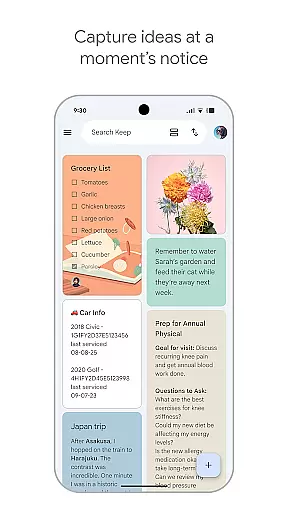
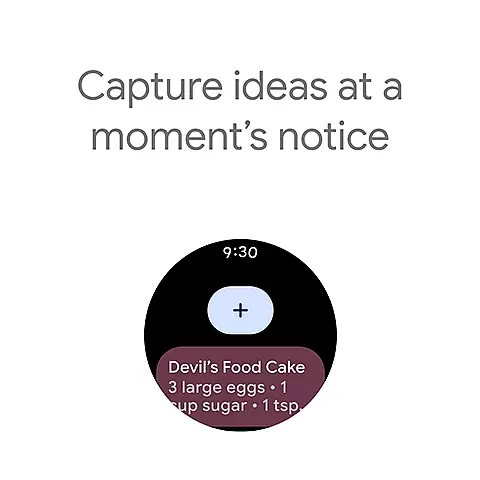
Google Keep is a versatile note-taking application designed specifically for Android Wear and other Android devices. It allows users to quickly capture thoughts, manage to-do lists, and stay organized through various means such as text notes, voice memos, and photos. The app's seamless integration with widgets on phones, tablets, and complications on Wear OS devices ensures that ideas can be captured instantly wherever you are.
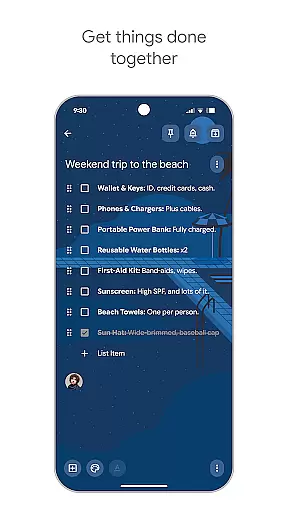
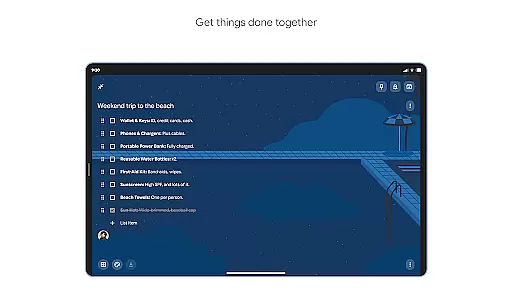
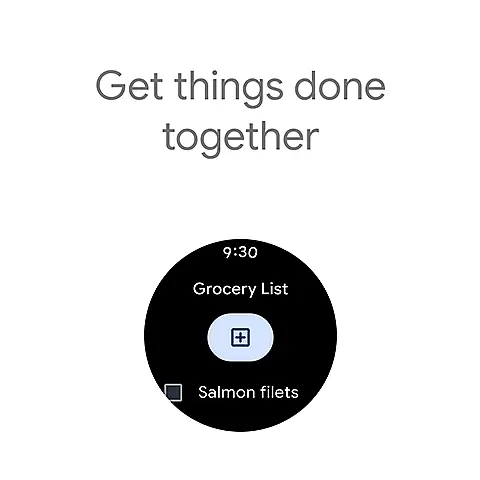
Beyond basic note-taking, Google Keep offers advanced security and privacy measures to protect your information. Its collaborative features enable users to share notes with friends and family, making it ideal for managing shared tasks like grocery lists or planning trips. With functionalities like color-coding, labeling, and pinning notes to the home screen, Google Keep helps users find what they need quickly and efficiently.
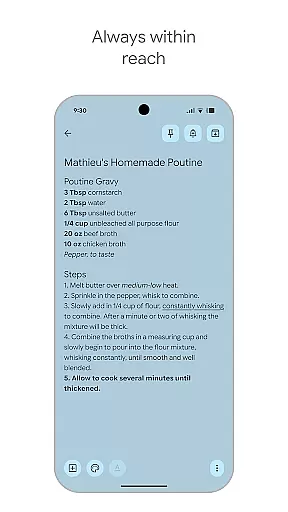
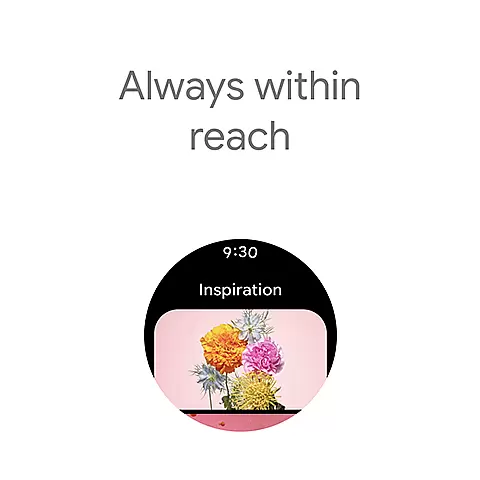
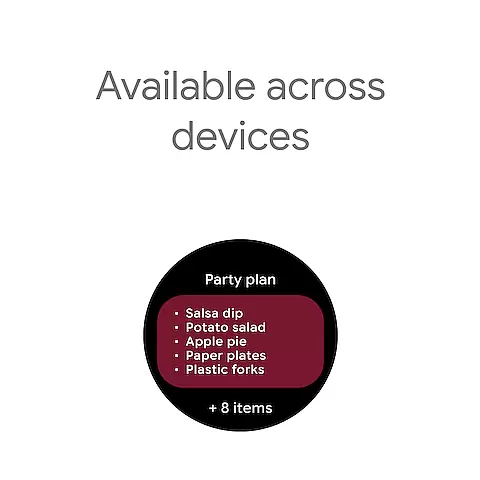
The app's reminder system ensures you never forget important tasks by alerting you at the right time and place. Available across multiple platforms including phones, tablets, computers, and Wear OS devices, Google Keep keeps your notes synced and accessible everywhere, ensuring your thoughts are always within reach.
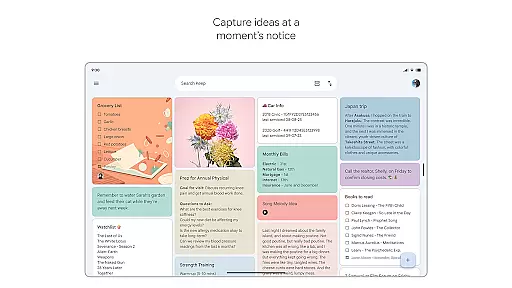
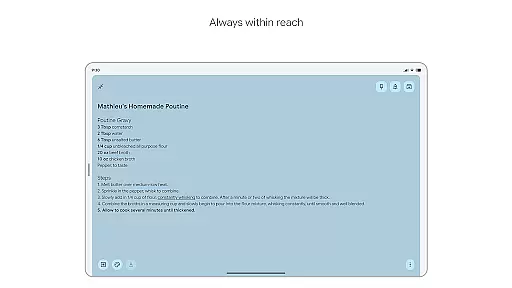
Google Keep stands out with its comprehensive feature set tailored for productivity and organization. One of its key features is the ability to capture notes in multiple formats - text, voice memos, and photos, catering to different user preferences and situations. This flexibility ensures that inspiration can be recorded in the most convenient way possible, whether you're at home, in the office, or on the move.
The app's integration with Android devices is another highlight. Users can take advantage of widgets on their phones and tablets for quick access, while Wear OS users can add tiles and complications to capture thoughts directly from their smartwatches. Google Keep also excels in collaboration, allowing users to share notes and lists with others, which is particularly useful for group projects or family tasks.
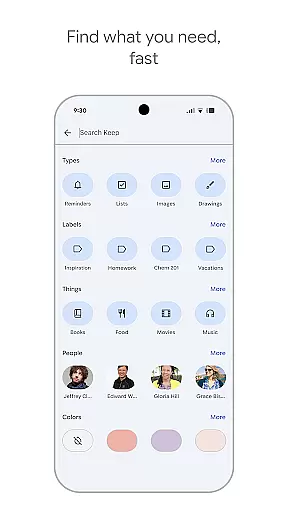
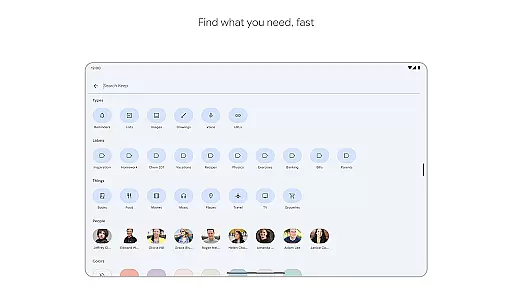
Organization and search capabilities are robust, with options to color-code, label, and pin notes for easy retrieval. The powerful search function and timely reminders ensure that users can find their notes quickly and receive alerts when needed. These features collectively enhance productivity and make Google Keep an indispensable tool for managing daily tasks and information across all your devices.
Companion app integration is essential for users who rely on multiple devices throughout their day. Google Keep offers seamless synchronization across smartphones, tablets, computers, and Wear OS devices. This ensures that your notes, lists, and reminders are always up-to-date regardless of the device you're using.
The app's advanced security measures protect your information while it syncs, providing peace of mind when accessing your data from different platforms. With widgets available for phones and tablets, and tiles for Wear OS, capturing thoughts or checking off to-dos has never been easier.
Google Keep's companion app integration allows you to quickly capture ideas through various input methods such as typing a note, snapping a photo, or recording a voice memo. These features ensure that whether you're at home or on the go, your notes will be there when you need them most.
For users with Wear OS devices, compatibility is key to maintaining productivity and organization. Google Keep excels in this area by offering tailored functionalities specifically designed for wearable technology. By adding tiles and complications to your Wear OS device, you can access your notes instantly without having to reach for your phone.
The ability to pin notes directly onto your Wear OS homescreen provides quick access to important information at a glance. This feature enhances efficiency by allowing users to interact with their notes hands-free, which is particularly useful during activities like workouts or commutes.
Moreover, Google Keep's support extends beyond just viewing notes; it includes creating new ones too. Speak a voice memo on the go, and it will appear across all synced devices shortly after. Such comprehensive Wear OS/device compatibility makes staying organized effortless no matter where life takes you.
User-friendly interface
Voice and photo notes
Cross-device syncing
Robust reminder system
Collaborative sharing
Limited formatting options
No end-to-end encryption
Basic drawing tools
Occasional sync delays
Limited offline functionality

Diet tracker for weight loss - track calories, food and macros. Simple and easy!
 4.70
4.70
A customizable Christmas watch face for Wear OS with a countdown.
4.20
A heartwarming Christmas scene featuring a cute image of Santa and Rudolf
4.0
Beautiful artistic animated digital watch face, with a customizable layout!
4.40
Be an elegant and classy secret agent, with this carefully detailed watch face
4.70
Hybrid watch face for Wear OS with customizable complications by Matteo Dini MD
4.70
Daily Weather forecast with 15 weather images for Day & Night plus Big Bold time
4.10
Control your Samsung Smart TVs, appliances, and SmartThings-compatible devices
4.60
Toyota app currently supports 2010 or newer vehicles (2018 or newer for Hawaii).
4.50
Period, ovulation & pregnancy tracker. Fertility insights & menstrual calendar.
4.90
Monitor health with the stress test and pulse checker in the heart rate app.
4.60
MyNISSAN® lets you remotely control your car from your phone.*
4.50
Embrace the holiday spirit with this magical animated watch face!
4.40
Your music, your playlists, and more—offline and unlimited.
4.20
Snowflake Rose Gold Watch Face - Digital, modern, & sleek with GYRO effect.
4.10
Your local weather forecast, storm tracker, radar maps & live weather news
3.40
Watch face designed for Thanksgiving Day. 7 Background Styles included.
3.20
Simple Analog-Digital Watchface For Wear OS 3.0 and Up Smartwatches
4.0
Minimalistic design modern digital watch face.
4.1


User Reviews