

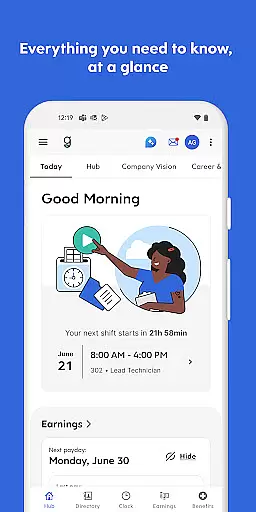
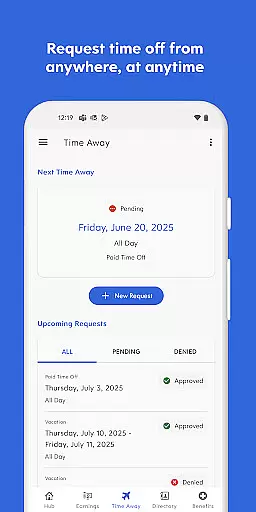
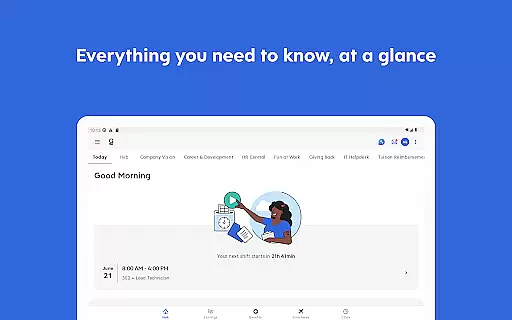
Dayforce is a comprehensive business management app designed to streamline workplace operations and empower employees with greater control over their schedules, tasks, and finances. The app enables users to clock in and out, request time off, swap shifts, and review benefits directly from their mobile devices.
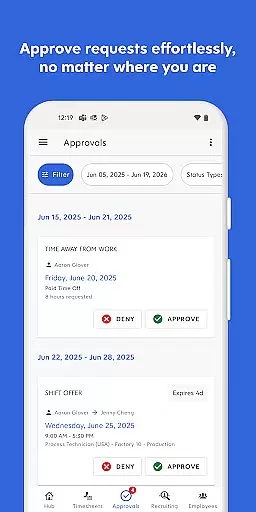
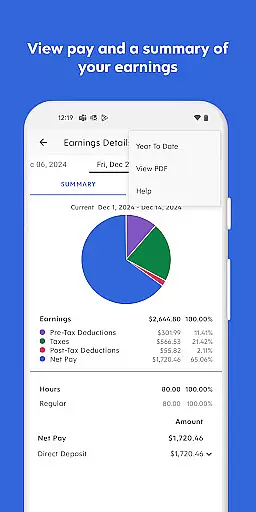
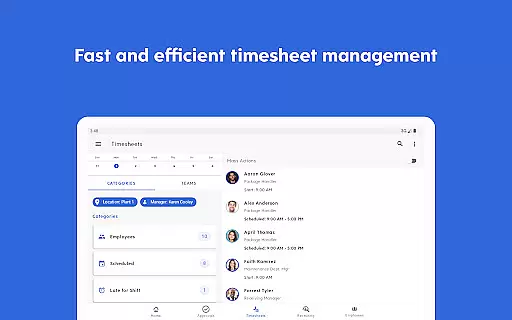
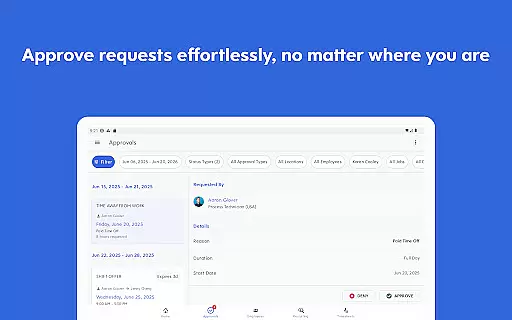
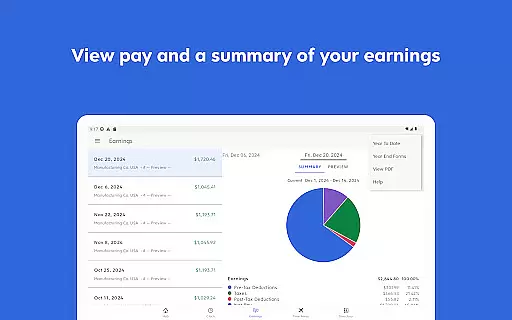
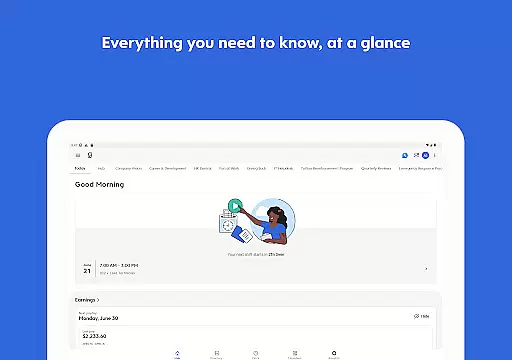
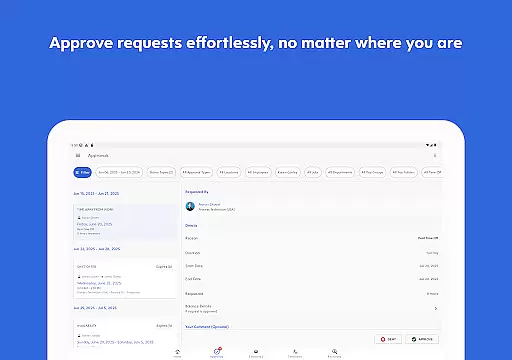
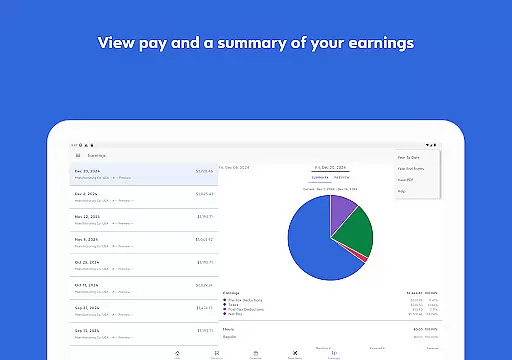
One of the standout features of Dayforce is its real-time earnings tracking, which allows employees to access their pay before payday. This feature provides increased financial flexibility when it's needed most. Additionally, for managers and team leaders, the app offers essential tools that can be handled on-the-go, such as approving timesheets and responding to requests, thus enhancing overall productivity.
The app is particularly useful for businesses that require flexible employee management solutions. By eliminating paperwork and enabling efficient task management across multiple devices, Dayforce ensures that both employees and managers stay connected and in control at all times.
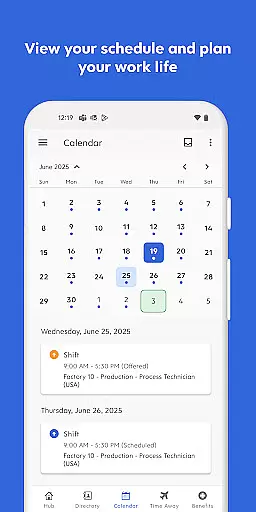
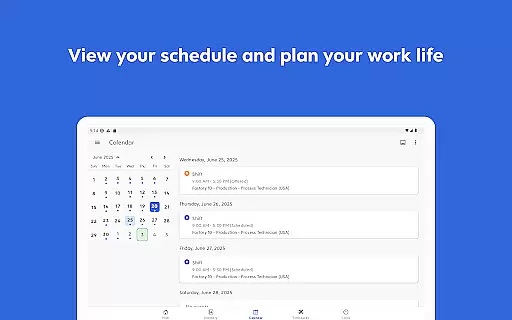
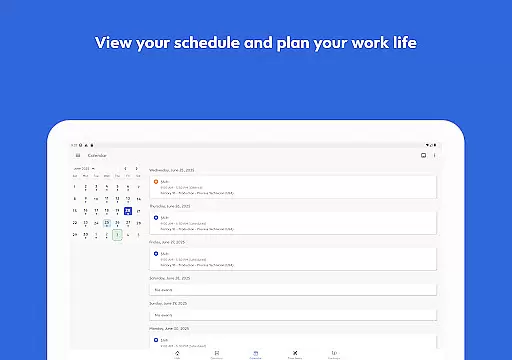
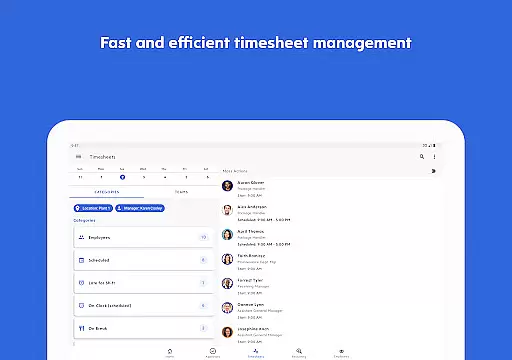
Dayforce boasts an array of robust features tailored to meet the needs of modern businesses. One key feature is its ability to facilitate seamless time management through functionalities like clocking in and out, shift swapping, and scheduling. These capabilities ensure that employees can manage their work hours efficiently without the need for cumbersome paperwork.
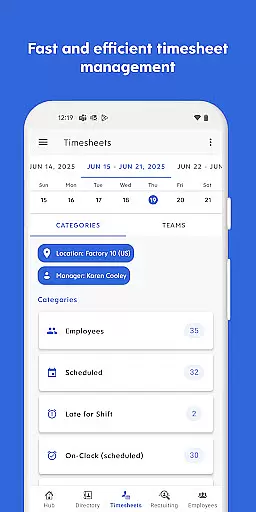
Another significant aspect of Dayforce is its financial management tools. Users can track their real-time earnings and even access their pay before payday, providing them with enhanced financial control. For people leaders, the app includes essential manager tools that allow them to approve timesheets, respond to requests, and handle other managerial tasks while on the move.
Furthermore, Dayforce supports integration across various devices, ensuring that users can stay connected regardless of their location. However, it's important to note that the availability of certain features depends on the employer’s setup, and not all functionalities may be accessible to every user. Overall, these features collectively contribute to a more agile and responsive work environment.
In today's fast-paced business environment, collaborative work features are essential for maintaining productivity and ensuring seamless communication. The Dayforce app excels in this area by providing tools that enable employees and managers to stay connected and handle tasks efficiently from any location.
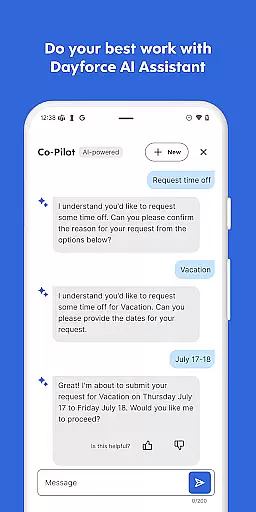
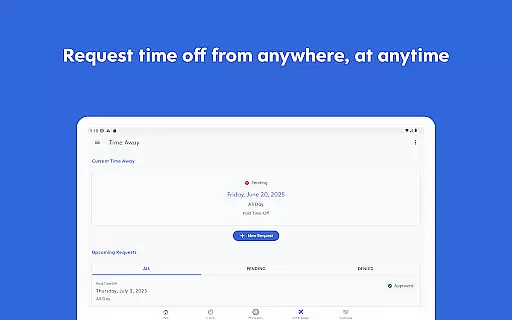
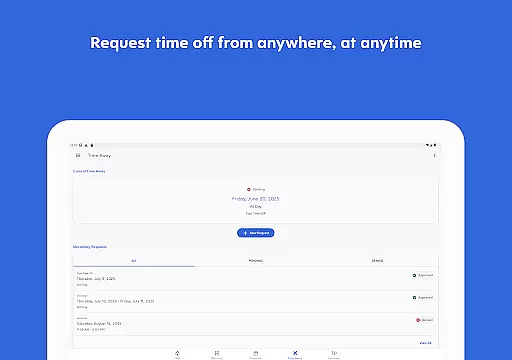
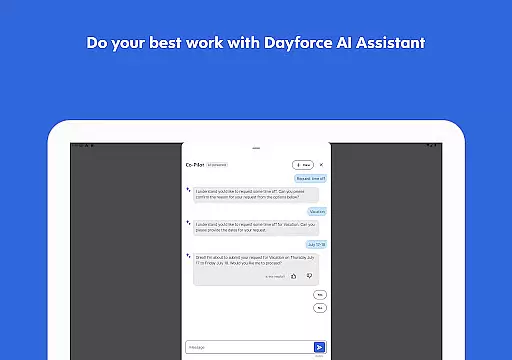
Dayforce offers a comprehensive suite of features designed to facilitate collaboration. Employees can clock in and out, swap shifts, and request time off, all within the app. For people leaders, essential management tools are readily accessible, allowing them to approve timesheets, respond to requests, and manage their teams on the go.
The real-time nature of these collaborative features ensures that all team members have access to the most current information, which is crucial for making informed decisions quickly. This immediacy not only enhances productivity but also fosters a more agile work environment where employees can better balance their professional and personal lives.
By integrating these capabilities into a single platform, Dayforce empowers businesses to create a more engaged and responsive workforce. The ability to perform these tasks across devices further underscores the app's commitment to accessibility and convenience, ultimately leading to improved operational efficiency and employee satisfaction.
Effective task management is pivotal for both individual productivity and overall business success. The Dayforce app addresses this need by offering robust task management features that allow users to take control of their schedules and responsibilities with ease.
With Dayforce, users can efficiently manage their day-to-day tasks such as checking schedules, planning time off, and reviewing benefits. The app's intuitive interface simplifies these processes, eliminating the need for cumbersome paperwork and enabling employees to focus on their core responsibilities.
One standout feature is the ability to track real-time earnings and access pay before payday. This functionality provides employees with greater financial flexibility and control, addressing a critical aspect of personal task management. Additionally, the app supports shift swapping and time-off requests, streamlining coordination among team members.
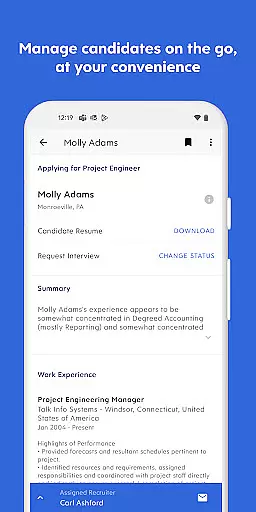
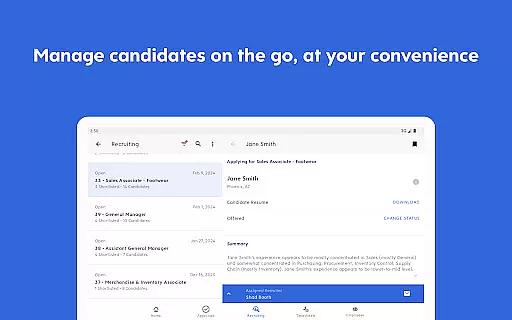
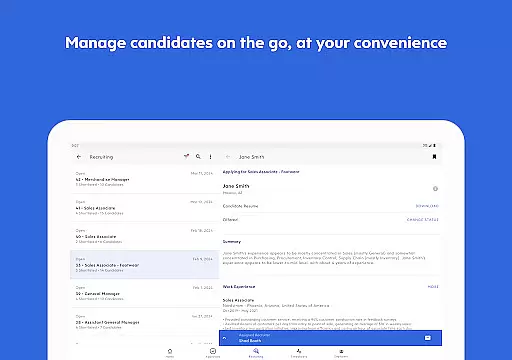
For managers, Dayforce offers essential tools that simplify task delegation and oversight. These features ensure that managerial duties such as approving timesheets and responding to requests are handled promptly and efficiently. By centralizing these functions, Dayforce enhances task visibility and accountability, driving better performance and organizational alignment.
User-friendly interface
Real-time earnings tracking
Seamless shift management
Accessible across devices
Comprehensive manager tools
Limited by employer setup
Some features not available
Dependent on organizational enablement
Potential pay cycle restrictions
Requires employer subscription

Find jobs and make money fast with JobStack.
 4.60
4.60
FX Plus adds media, networking, and cloud capabilities to FX File Explorer.
4.10
Earn crypto with secure cloud mining. Monitor, track & withdraw easily
4.40
Windows App allows you to connect to remote PCs and virtual apps.
3.70
Employee Management Made Easy
4.80
Access All PDF Files
3.40
Permission Guard is a security app that helps you manage app permissions.
4.80
Ship, Track, Find a Location or Get a Quote with UPS. Anytime. Anywhere.
4.60
The app that lets you deliver with Amazon.
4.50
Manage Your Shop
4.70
We help people get jobs
4.70
Paychex Flex - Save Time and Stay Connected
4.60
Chat, meet, and collaborate to achieve more together, all in one place on Teams
4.60
Drive and earn extra money
4.50
Find jobs near you and temp work in minutes, from your phone.
4.50
Build a store in minutes with our full suite of AI tools. Start for free!
4.20
Smarter career moves start here. AI job alerts, insights & the right tools.
4.20
VSD Viewer - Visio Drawings Viewer for Android Preview VSD, VDX, VSDX drawings
4.10
Delivery Track App - Tracking with Fedex, USPS, UPS, DHL. Monitor your Orders.
3.20


User Reviews