

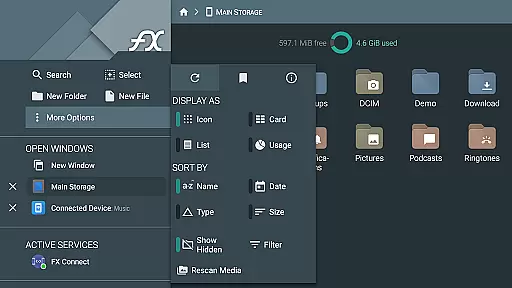
FX File Explorer is a comprehensive file management application tailored for business users who require advanced capabilities in media, networking, and cloud storage. The app offers AES-encrypted zip file creation and extraction, allowing secure browsing without decryption. It also provides extensive network support including Windows networking, FTP, SSH FTP, and WebDAV protocols.
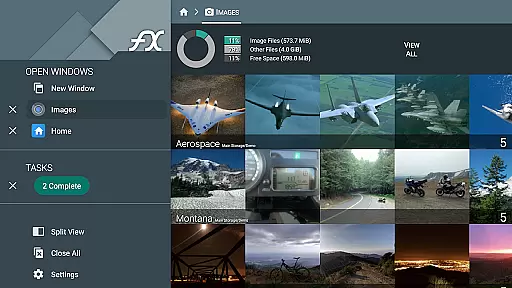
In addition to its robust file management features, FX File Explorer enables seamless integration with cloud services such as Google Drive, Dropbox, and more. Users can stream media files directly from these services to their mobile device's media player. With added Bluetooth capabilities and the ability to manage installed applications, image collections, and audio playlists, this app is an all-in-one solution for efficient business operations.
FX File Explorer stands out with its advanced encryption capabilities, supporting both AES-128 and AES-256 encrypted zip files. This ensures that users can securely manage sensitive data without compromising on accessibility, as the app allows browsing of file contents and viewing of images or media without full decryption.
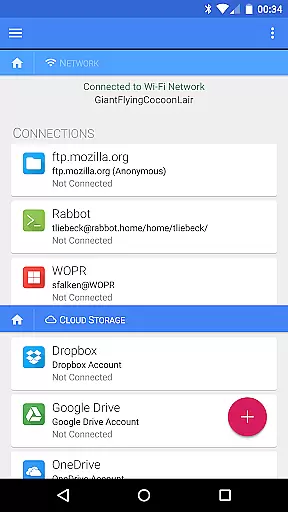
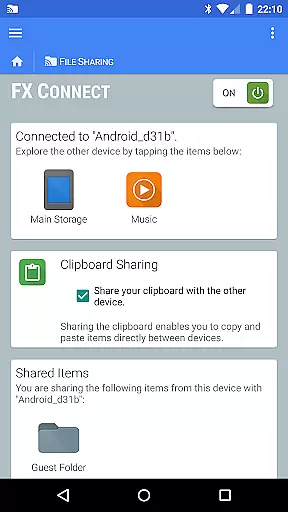
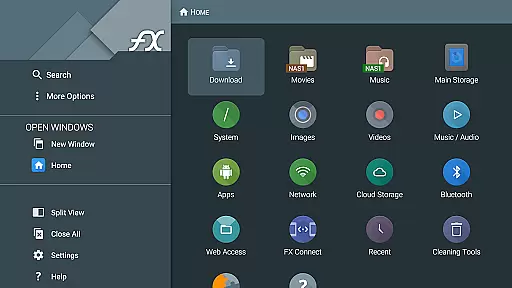
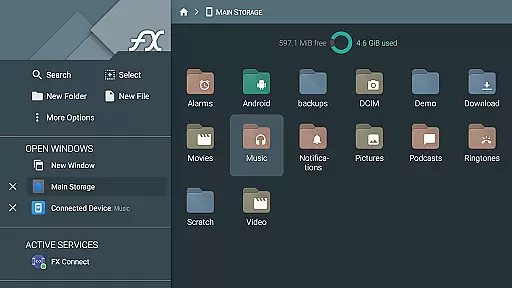
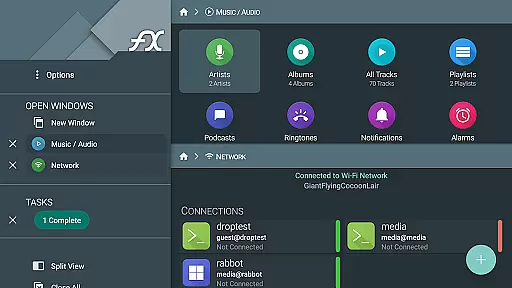
The app's networking features are equally impressive, offering direct file transfers between devices using FX Connect, and remote management through FX Web Access. Support for various protocols like SMB, FTP, SSH, and WebDAV makes it versatile for different business environments. Additionally, its cloud service integrations provide flexibility in file storage and sharing, while the encrypted keyring adds an extra layer of security for managing sensitive passwords.
FX File Explorer offers robust collaborative work features that are essential for team environments. The application supports network and cloud capabilities, allowing users to transfer files between devices directly using FX Connect or manage files via a computer's web browser through FX Web Access.
With support for various protocols such as Windows networking (SMB), FTP, SSH FTP, and WebDAV, teams can easily access shared resources on the local network or cloud storage services like Google Drive and Dropbox. This facilitates seamless collaboration by ensuring that all team members have access to the necessary files and media from any location.
Furthermore, the encrypted keyring feature adds an extra layer of security, which is vital when working in teams. It prevents unauthorized access to sensitive information, especially when devices are used in public or in case of theft. This ensures that collaborative efforts are not only efficient but also secure, protecting both the team's work and privacy.
Task management within FX File Explorer is comprehensive, providing users with tools to efficiently organize and handle their digital content. The app allows for the creation and extraction of AES-128 and AES-256 encrypted zip files, enabling users to manage large volumes of data without compromising on security.
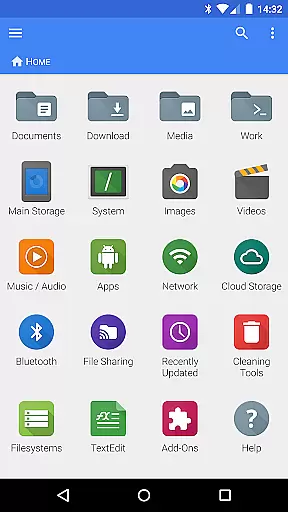
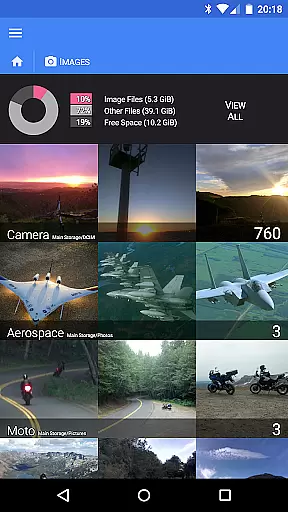
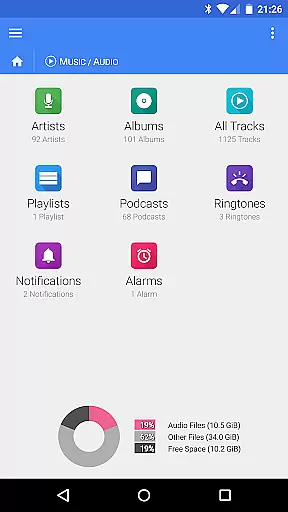
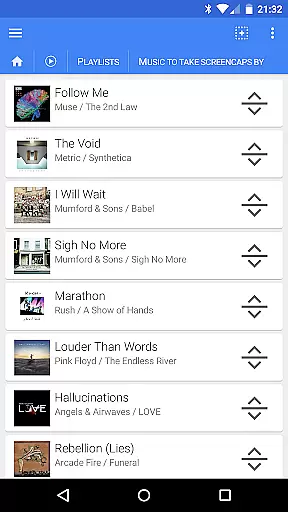
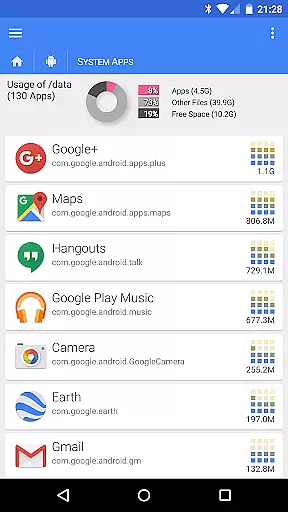
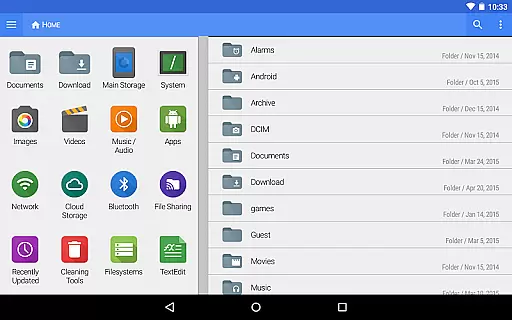
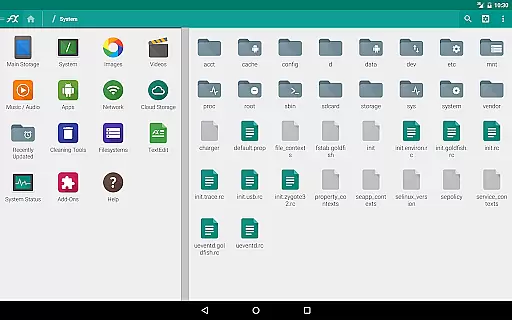
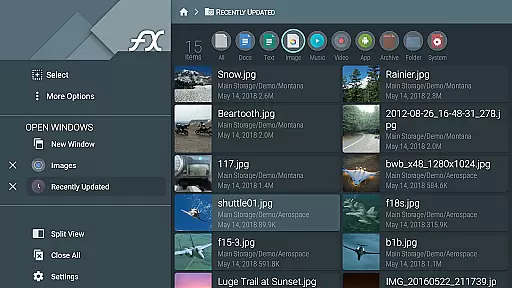
Beyond file management, FX File Explorer extends into media and application management. Users can browse and manage installed applications, rearrange playlists with drag-and-drop functionality, and view media collections. These features contribute to a streamlined task management experience, where users can maintain control over their digital environment with ease.
The inclusion of network and cloud capabilities further enhances task management by integrating services like Google Drive and Dropbox. This means users can streamline workflows by accessing cloud-stored files directly within the app, thus centralizing their task management processes and improving overall productivity.
User-friendly interface
Advanced encryption options
Wide range of network protocols
Comprehensive cloud service support
Efficient media management
Paid license required
Complex for beginners
Separate installation needed
Limited standalone functionality
Occasional connectivity issues



Scan Business Cards & Conference Badges - Capture Leads at Events & Tradeshows
 4.20
4.20
Windows App allows you to connect to remote PCs and virtual apps.
3.70
The MyWalmart App is available for all associates in stores.
4.70
One marketplace. Hundreds of services. Unlimited possibilities. All on Fiverr.
4.40
Master crypto trading with real-time simulations and exciting challenges!
4.50
Find part-time earning opportunities near you that pay within days.
3.20
Collaborate seamlessly with Google Chat, part of Google Workspace
4.50
All-in-one Mobile solutions for employees & managers to succeed at work
4.30
Say hello to the mobile work experience built to help you thrive at work.
4.30
Employee Management Made Easy
4.80
Recover what matters — quickly and easily.
4.70
Access to Paylocity, empowering employees with information they need 24/7.
4.70
Find jobs near you and temp work in minutes, from your phone.
4.50
From Gone to Back Again — In Just a Few Taps
4.50
Deliver and earn money
4.30
Simple, Fast & Lightweight
3.90
Quickly open and manage PDF files on your device.
3.80
Access All PDF Files
3.40
viewing and sharing PDFs and other files—anytime, anywhere!
4.5

User Reviews