

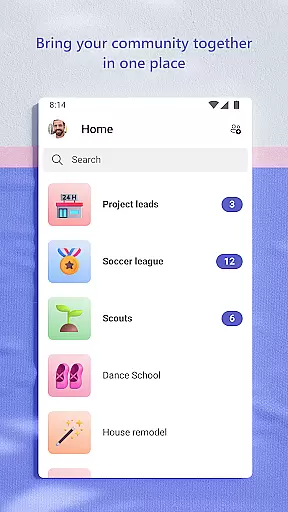
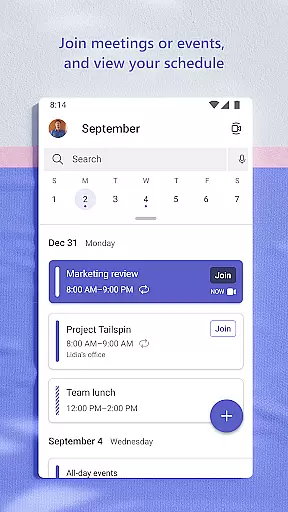
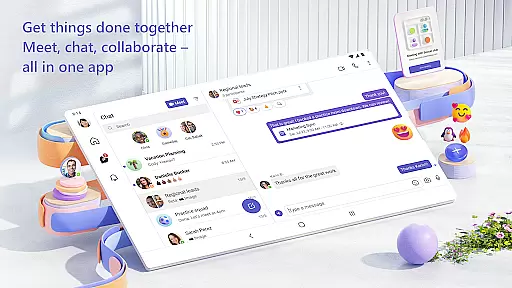
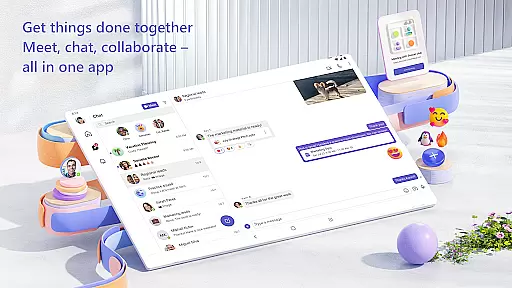
Microsoft Teams is a comprehensive business communication and collaboration platform that integrates communities, events, chats, channels, meetings, storage, tasks, and calendars into a single interface. Designed for both professional and personal use, the app enables users to connect with colleagues, friends, or family members securely while managing access to shared information efficiently. Whether you're organizing team projects, hosting virtual meetings, or collaborating on documents, Microsoft Teams provides all necessary tools in one place.
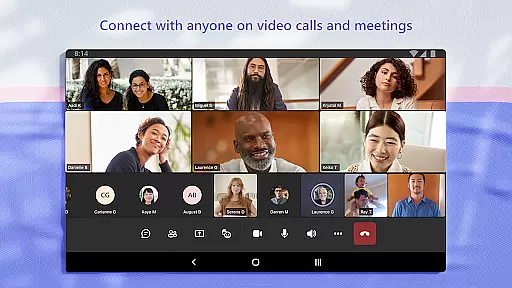
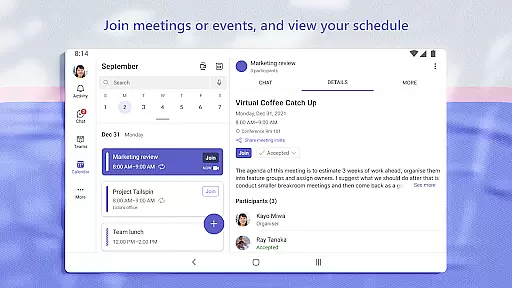
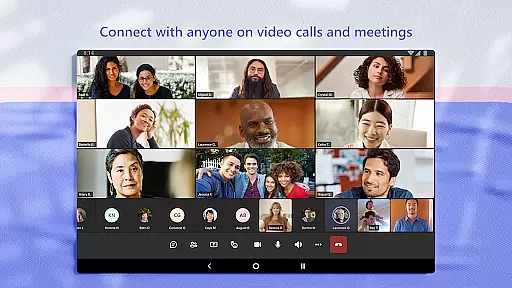
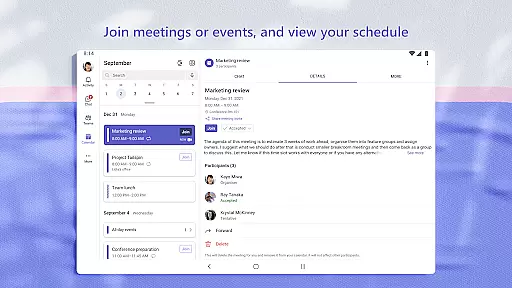
The platform supports seamless audio and video calls, allowing users to meet securely with teammates or loved ones. With features like dedicated communities for specific topics, organized conversations through teams and channels, and built-in cloud storage, it ensures smooth collaboration. Additionally, advanced functionalities such as task lists, screen sharing, whiteboards, and virtual breakout rooms help teams accomplish their goals effectively. The app also emphasizes security, offering enterprise-level protection expected from Microsoft 365.
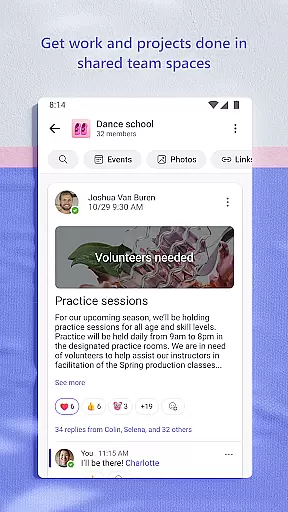
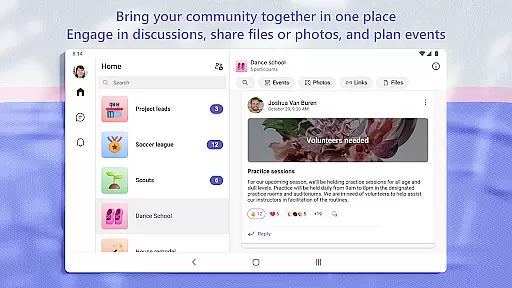
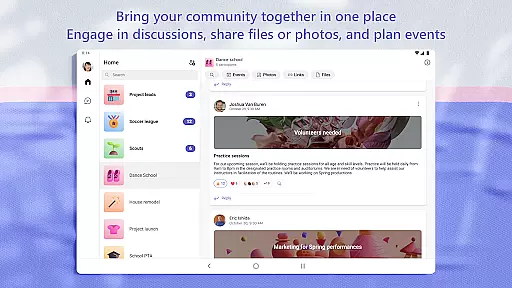
Microsoft Teams stands out due to its rich feature set tailored for efficient collaboration. One of its key strengths is the ability to create dedicated communities where users can discuss specific topics and make plans. These communities are supported by organized chat systems, allowing users to @mention others to grab attention quickly. Furthermore, the app facilitates secure audio and video calls, which can be initiated instantly within group chats or direct messages.
The platform offers robust file management capabilities with built-in cloud storage, enabling users to access shared documents and media on the go. Task management is streamlined through assignable task lists with due dates, ensuring everyone stays aligned. Advanced meeting tools like screen sharing, whiteboards, and virtual breakout rooms enhance productivity during discussions. Moreover, enterprise-level security features ensure data privacy while allowing community owners to maintain control over content and membership, making it suitable for both casual and professional environments.
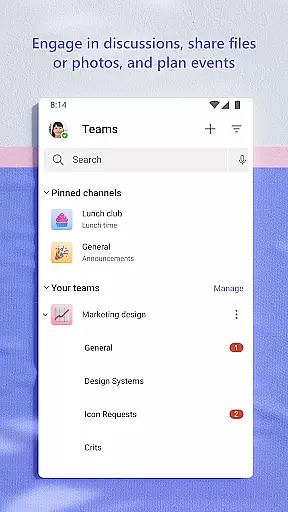
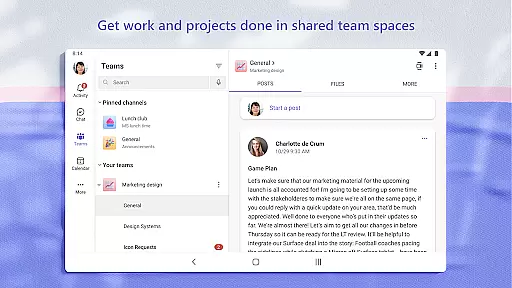
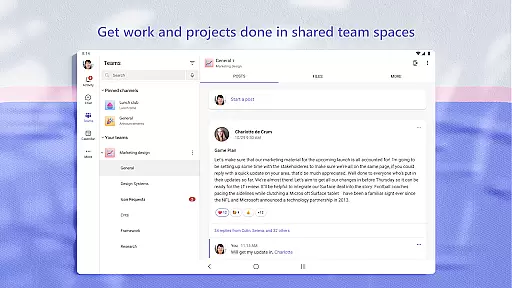
Microsoft Teams stands out in the Business category by offering robust collaborative work features that are essential for modern teamwork. The platform allows users to create teams and channels dedicated to specific projects or topics, ensuring that conversations remain organized and relevant.
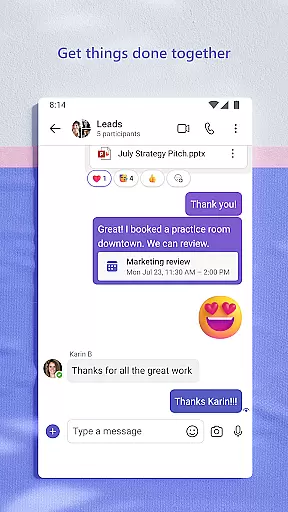
The app integrates various communication methods including text chats, audio calls, and video conferencing, all within a secure environment. Users can seamlessly transition from a group chat to a call, making real-time collaboration intuitive and efficient. Additionally, the ability to @mention individuals ensures important messages do not go unnoticed.
One of the key benefits is the ability to collaborate on documents directly within the app. This feature eliminates the need for switching between different platforms, thus streamlining workflows. With built-in cloud storage, team members can access shared files from anywhere, enhancing productivity and flexibility.
Overall, these collaborative features ensure that whether you're working with teammates on a project or connecting with your community, Microsoft Teams provides the tools necessary to keep everyone aligned and engaged.
In the realm of task management, Microsoft Teams excels by providing comprehensive tools that help teams stay organized and productive. The app includes task lists that allow users to assign tasks, set due dates, and track progress, ensuring that everyone is on the same page.
Tasks can be easily managed within the context of specific channels or projects, allowing for clear delineation and responsibility tracking. This structured approach helps prevent tasks from falling through the cracks and ensures accountability across team members.
Moreover, the integration with other Microsoft 365 apps enhances its task management capabilities. Users can manage access to information dynamically, even as team compositions change, ensuring that only the right people have access to specific tasks and related documents.
By combining task management with communication and collaboration tools, Microsoft Teams offers an all-in-one solution that empowers teams to accomplish their goals efficiently while maintaining high levels of organization and transparency.
User-friendly interface
Integrated toolset
Secure collaboration
Cloud storage included
Customizable settings
Paid features required
Complex setup process
High resource usage
Limited free version
Occasional bugs




 4.70
4.70
GoTo Mobile is a simple & secure calling, messaging & meetings solution
4.80
Find jobs and make money fast with JobStack.
4.60
Find flexible, hourly jobs hiring near you in restaurant, retail & hospitality!
4.00
Create curriculum vitae, a professional cover letter creator and resume designer
4.80
enjoy effortless PDF reading anytime, anywhere
3.90
All document reader, pdf viewer app, read docs & excel files
3.80
Find part-time earning opportunities near you that pay within days.
3.20
Permission Guard is a security app that helps you manage app permissions.
4.80
Employee Management Made Easy
4.80
Earn free swag, G-Cards & food • Enter sweepstakes • Find stores • So much more.
4.70
Make invoices, bills, receipts & estimates on the go with Invoice Generator.
4.70
ANDROID'S TOP MOBILE OFFICE - Word, Excel, PowerPoint and PDF at your fingertips
4.50
The app that lets you deliver with Amazon.
4.50
Make money as a delivery driver with DoorDash and work when you want as a Dasher
4.30
Formerly Facebook Ads Manager. Manage and create ads on the go.
4.20
Scan Business Cards & Conference Badges - Capture Leads at Events & Tradeshows
4.20
Take the stress out of storage with the all-in-one app to manage your space.
3.70
viewing and sharing PDFs and other files—anytime, anywhere!
4.1


User Reviews