

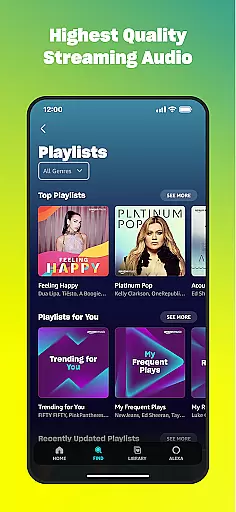
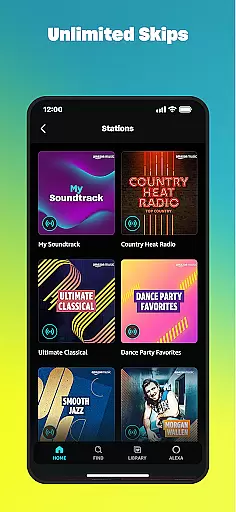
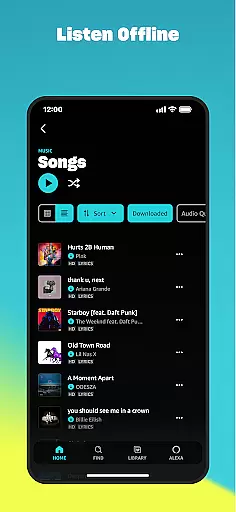
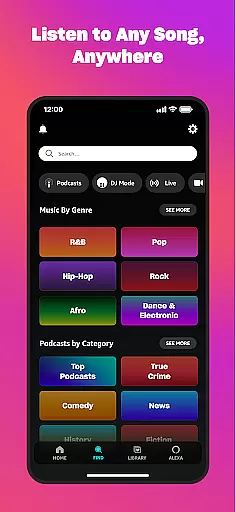
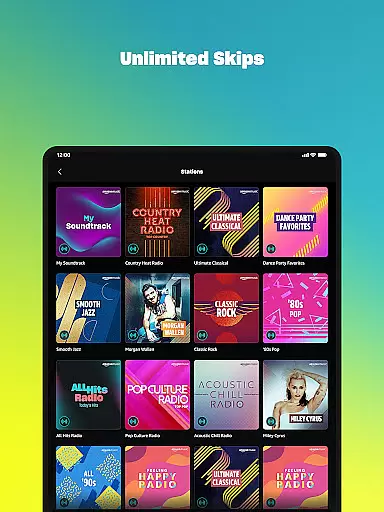
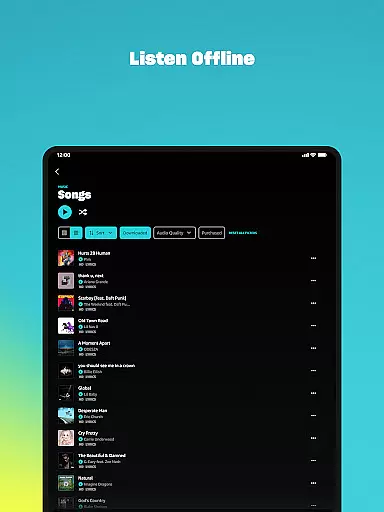
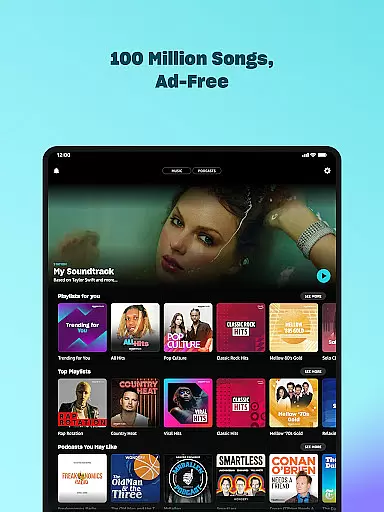
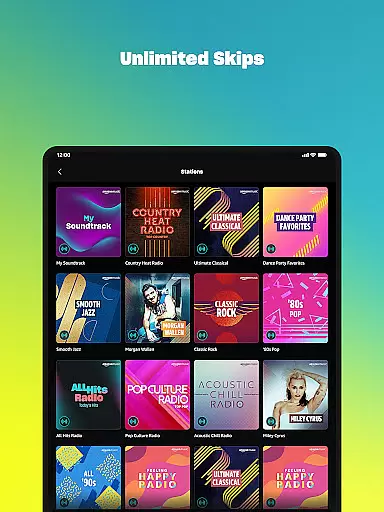
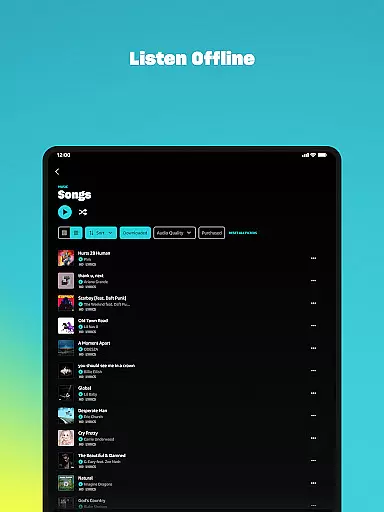
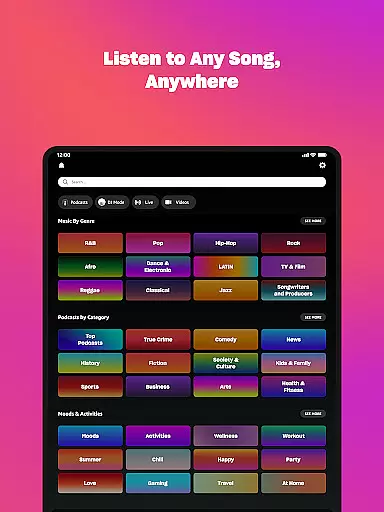
Amazon Music is a comprehensive music streaming service that redefines how users discover and enjoy their favorite audio content. The app offers free access to thousands of stations, millions of podcast episodes, and personalized recommendations based on user preferences, all without requiring a credit card. For Prime members, the service provides an ad-free experience with unlimited skips and offline listening.
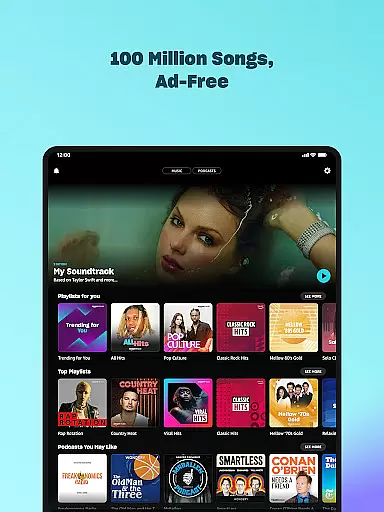
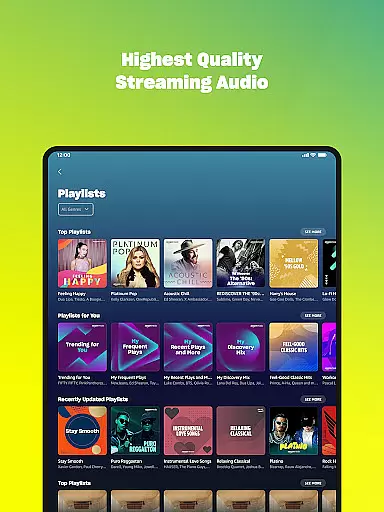
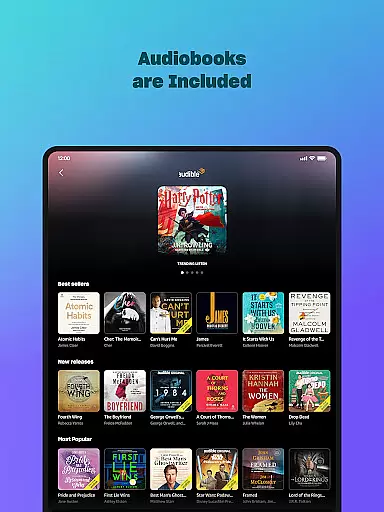
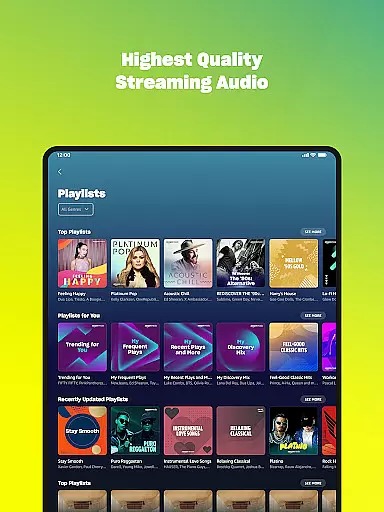
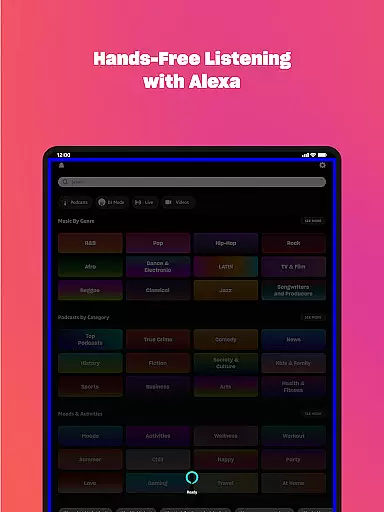
The app also features Amazon Music Unlimited, which grants access to 100 million songs, top podcasts, and audiobooks in high-quality audio formats. With Wear OS support, users can control playback directly from their smartwatches, download playlists for offline use, and even cast to compatible devices. Whether you're looking for curated playlists or spatial audio experiences, Amazon Music delivers a versatile and immersive audio platform.
Amazon Music stands out with its multi-tiered offerings tailored to different user needs. Free users can enjoy thousands of stations and podcasts while benefiting from personalized recommendations based on their listening habits. Prime members receive additional perks such as ad-free playback, shuffle play options, and access to the largest catalog of ad-free podcasts.
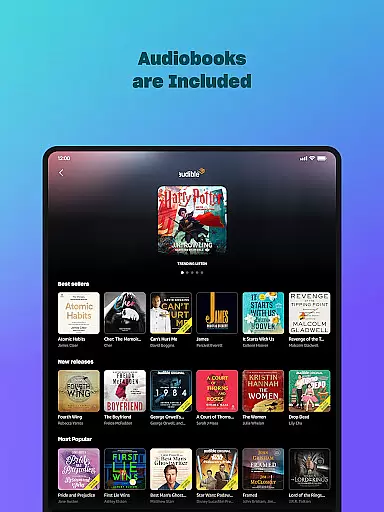
For those seeking premium benefits, Amazon Music Unlimited provides on-demand access to over 100 million songs, exclusive spatial audio tracks, and a vast library of audiobooks. The app's integration with Wear OS enhances convenience by allowing users to manage playback from their wrists, download content for offline use, and control compatible devices via smartwatch. Additionally, playlist imports from other platforms make transitioning seamless, ensuring users retain their existing libraries while exploring new content.
Companion app integration is essential for a seamless experience between mobile devices and wearables. Amazon Music ensures that your favorite playlists, albums, and personalized recommendations are effortlessly synchronized across your smartphone and Wear OS device.
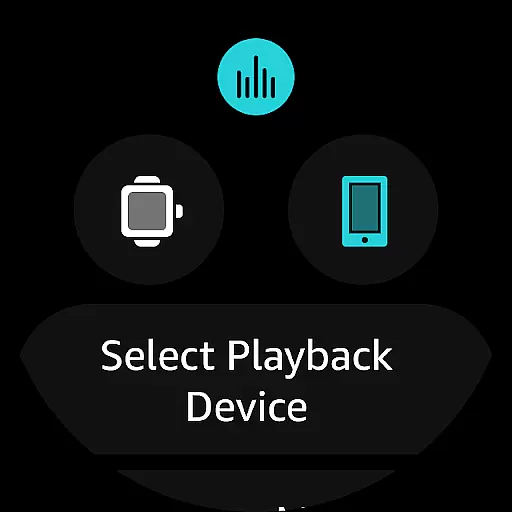
The application provides real-time data sharing, allowing users to access their music library directly from their wrist. This feature enables swift playback control and the ability to cast music to compatible devices without needing to reach for the phone.
Users benefit from the convenience of managing their music experience on-the-go. Whether you're jogging, commuting, or simply away from your phone, the integration ensures uninterrupted access to your favorite tunes.
This synchronization enhances user engagement by providing a fluid transition between devices, making it easier than ever to enjoy music anytime, anywhere.
Device compatibility is crucial for ensuring that applications run smoothly across various hardware. Amazon Music offers extensive support for Wear OS, guaranteeing that users can enjoy high-quality audio streaming directly from their smartwatches.
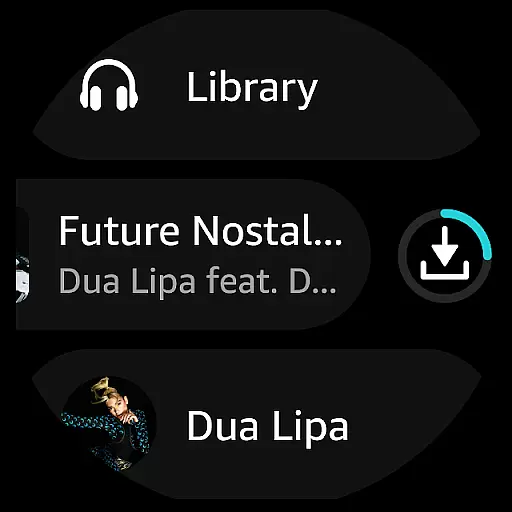
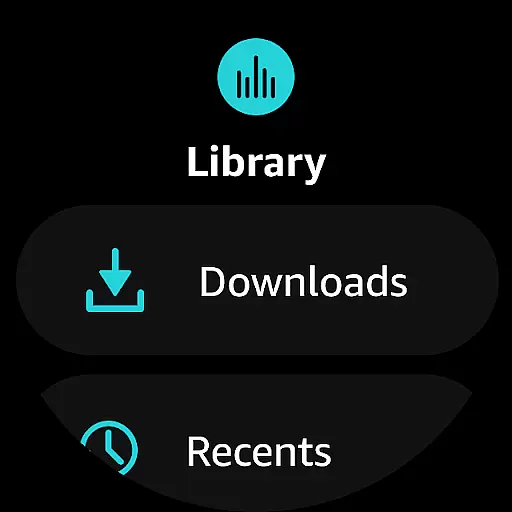
The app is optimized to work seamlessly with a range of Wear OS devices, offering features like offline mode, where playlists and albums can be downloaded directly onto the watch. This allows users to listen to music without carrying their phones, ideal for workouts or travel.
By focusing on system compatibility, Amazon Music delivers an intuitive interface tailored for smaller screens, enhancing usability. The dedicated Wear OS features ensure that navigation remains straightforward and responsive.
Ultimately, this compatibility empowers users to make the most out of their wearable technology, enjoying a rich and engaging music experience that complements their active lifestyle.
Extensive music library
Ad-free listening
Offline playback
Personalized recommendations
Wear OS compatibility
Limited free features
Requires subscription
Ads in free version
Complex pricing tiers
Device compatibility issues









"PER27 Galaxy Digital" is a digital Wear OS watch face designed by PERSONA
 4.10
4.10
an Analog Watch Face for winter season with freeze winter background for Wear OS
4.1
A heartwarming Christmas scene featuring a cute image of Santa and Rudolf
4.2
Stunning modern digital watch face with 7 complications and strong contrast
4.2
Wear Os Watch Face - Animated Snow Effect & Magic Spark - 6 Scenes
4.10
Simple Analog-Digital Watchface For Wear OS 3.0 and Up Smartwatches
4.1
3 Complications. All shadow on/off. 30 Themes color palette...
4.1
Locate your family members by GPS phone location tracker everywhere and anytime
4.30
Hybrid watch face for Wear OS with customizable complications by Matteo Dini MD
4.70
Beautiful, colorful and practical watch face. For Wear OS devices.
5.00
The Chevron App allows you to pay for fuel from the comfort of your car!
4.80
Rose gold watch face with festive lights & customizable features.
4.60
Fast and smart typing with Emojis, GIFs, and more
4.50
Bold weather Digital watchface with forecast & optional animated background
4.40
The ultimate destination for kids ages 3-8 to explore the Marvel Universe!
4.30
A customizable Christmas watch face for Wear OS with a countdown.
4.20
Elegant animated Christmas tree with multiple customization options
4.20
sleep, alarm, snoring, stress, healing, focus, sound therapy, circadian rhythm
4.10
Contemporary digital watch face with five complications
4.3


User Reviews