
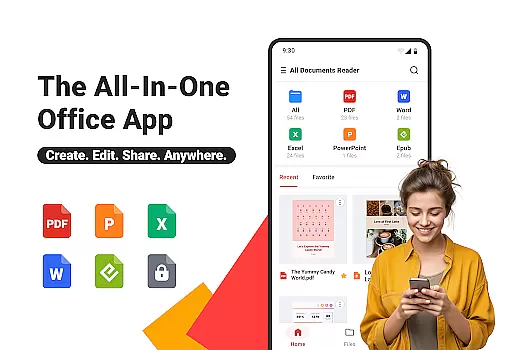
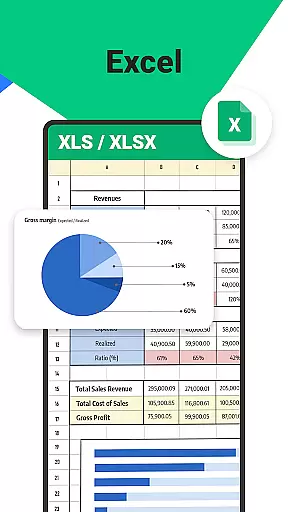
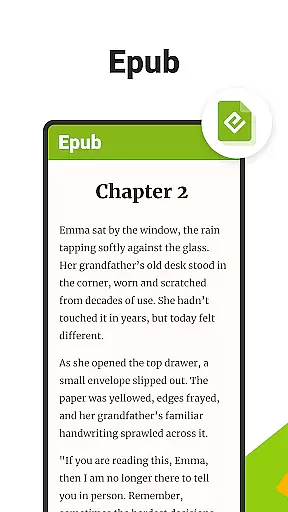
All Documents Reader is a versatile document management tool designed to streamline how you view, edit, and organize digital files. Supporting multiple formats including PDF, Word, Excel, PowerPoint, and EPUB, this app serves as your all-in-one solution for document handling.
With features like smart search, automatic categorization, and AI-powered summarization, the app ensures maximum productivity. Whether you're managing office tasks, studying, or reading for leisure, All Documents Reader provides an optimized experience tailored to various needs.
The app's offline functionality and privacy-focused design make it ideal for users who require secure and reliable access to their documents anytime, anywhere.
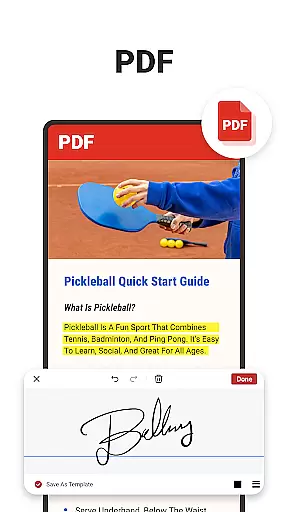
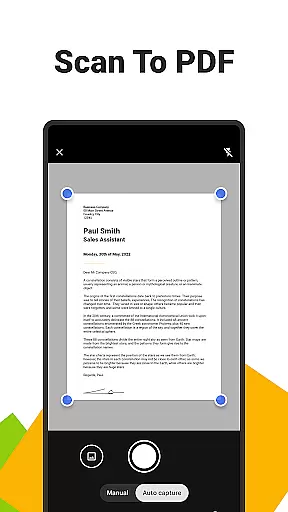
All Documents Reader stands out with its comprehensive PDF tools that allow users to read, annotate, merge, split, fill forms, and sign documents effortlessly. The built-in PDF scanner converts images into high-quality PDFs, while flexible management options enable merging, splitting, and encrypting files.
Organization is made simple through intuitive navigation and automatic file categorization by format. Users can quickly locate documents using the smart search feature and return to recently viewed files instantly.
The app also offers an enhanced reading experience with customizable viewing modes, making it suitable for both detailed reports and casual reading. Its support for multiple formats and seamless integration with daily workflows makes it indispensable for work, study, and personal use.
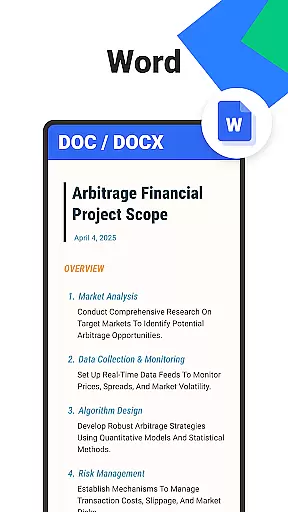
In the realm of document management, the precision and efficacy of an application's core functions are paramount. Ora All Documents Reader excels in this area by offering a comprehensive suite of tools that cater to every document handling need. With support for multiple formats including PDF, Word, Excel, PowerPoint, and EPUB, it ensures that users can view, edit, and organize their files with remarkable accuracy.
The app's capabilities extend beyond mere viewing. It provides advanced features such as AI-driven summarization, which distills complex documents into digestible key points, and seamless format conversion between PDFs and images. This positions Ora as not just a viewer but a versatile companion for both professional and personal use.
For those who require robust PDF management, Ora delivers with functionalities like merging, splitting, form filling, and encryption. These tools empower users to handle sensitive information securely while maintaining high levels of productivity. The inclusion of a built-in scanner further enhances its utility by allowing quick conversion of physical documents into digital formats.
Ultimately, the effectiveness of Ora All Documents Reader lies in its ability to streamline workflows without compromising on quality or security. Whether you're managing business reports or enjoying leisure reading, this tool guarantees an efficient and reliable experience that keeps your data safe and accessible at all times.
A user-friendly interface is crucial for ensuring that users can navigate an application effortlessly. Ora All Documents Reader achieves this through an intuitive design that prioritizes ease of access and operation. Upon launching the app, users are greeted with a centralized dashboard where all their files are organized neatly by format, making it simple to locate any document within seconds.
The navigation system is crafted to enhance usability further. Users can switch between horizontal and vertical viewing modes depending on their preference, whether they're scrutinizing detailed PDF reports or immersing themselves in an EPUB novel. This flexibility ensures that each reading session is comfortable and tailored to individual needs.
Ora also incorporates smart search functionality, enabling users to find specific documents quickly without sifting through cluttered folders manually. Additionally, automatic categorization helps maintain order across various file types, reducing the cognitive load on users when managing extensive collections of digital content.
By focusing on these aspects of interface design, Ora All Documents Reader transforms what could be a daunting tasku2014managing numerous file formatsu2014into an enjoyable and stress-free activity. Its commitment to simplicity does not detract from its powerful feature set; instead, it complements them perfectly, creating a harmonious balance between capability and accessibility.
User-friendly interface
Multi-format support
Offline functionality
AI-powered tools
Secure data handling
Limited cloud features
No collaboration tools
Premium feature costs
Occasional bugs
Heavy on storage


Quickly switch to an encrypted DNS server on Android TV
 4.50
4.50
Extremely fast, secure, and protects your privacy
4.80
Head tracking for PC sim games such as MSFS 2024 or Elite:Dangerous. No headset!
4.50
Save any video in HD - paste the link, download fast and watch offline.
4.4
Keep track of your Palia friendships, tasks, and inventory with Palia Notebook
4.60
Amateur Radio app for APRS: Track friends, exchange messages, get tactical info.
3.90
Screen Mirroring for Roku Sticks, Roku TCL TV and Roku Hisense TV
4.50
The Ultimate Flex Drivers Utility App - Convenient Tapping & Block Filters
4.70
Fun lie-detection pranks for friends and parties.
3.80
Connect wirelessly to your computer to watch movies, browse the web, play games
5.00
Unit and currency converter with easy and simple UI.
4.80
The one-and-only remote control for PC, Mac, and Linux
4.70
HD Video player and downloader for all formats, fast & smooth 4K video playback.
4.60
Play your X-Box games remotely in 1080p with any controller and zero latency
4.60
Button mapper, mouse toggle, sleep timer and a lot of another features
4.50
Fluid navigation gestures for all of us!
4.30
Effortlessly run ADB commands directly on your device without a PC.
4.20
Undelete and recover your lost or deleted files with DiskDigger!
3.40
Download any file easily and quickly with Downloader
4.0

User Reviews