

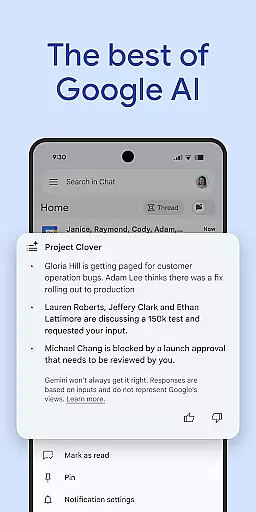
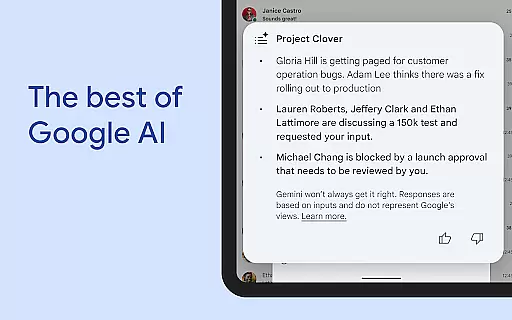
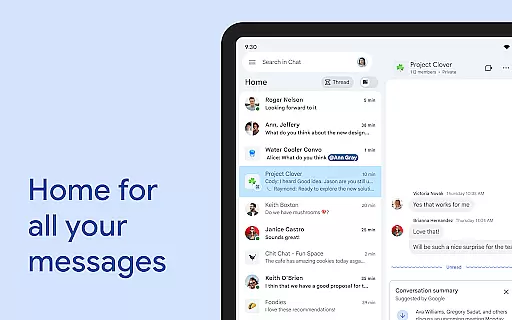
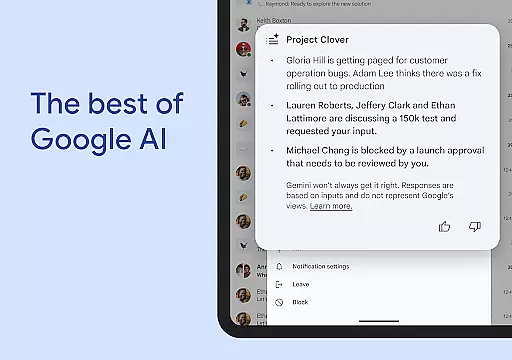
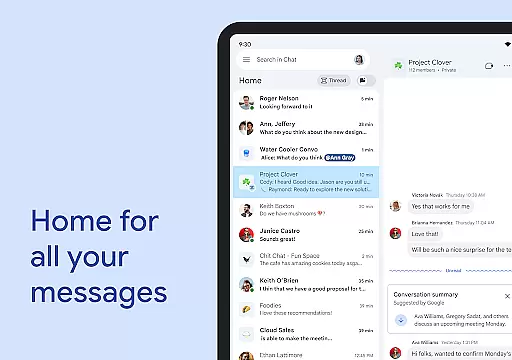
Google Chat is a robust communication and collaboration tool designed specifically for teams using Google Workspace. This AI-first messaging platform, enhanced by Gemini, offers features like automatic translation across 120 languages, AI-powered search, and conversation summaries to keep users informed and efficient. It integrates seamlessly with other Workspace apps such as Gmail, Calendar, and Drive, creating a unified ecosystem for productivity.
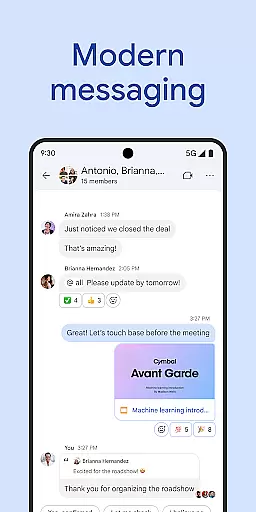
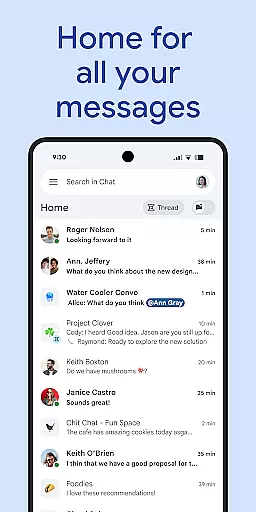
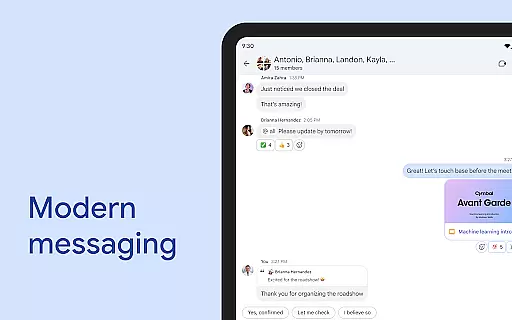
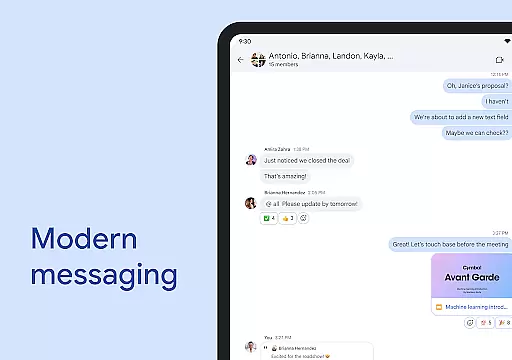
The app provides various ways for teams to stay connected and work together effectively. Users can initiate chats with individuals or groups, share updates through audio and video messages, and engage in real-time discussions with huddles. With smart chips integration, teams can easily link files, people, and spaces, streamlining workflows and ensuring everyone stays on the same page.
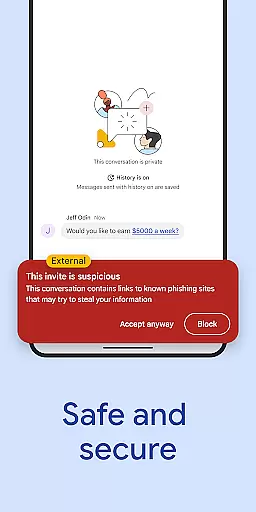
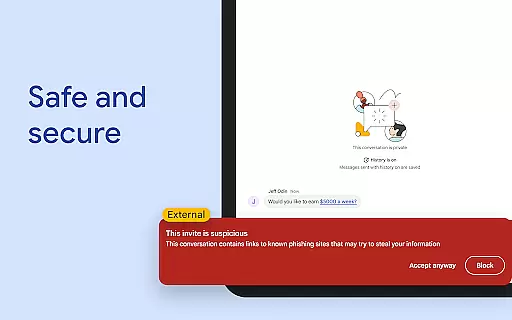
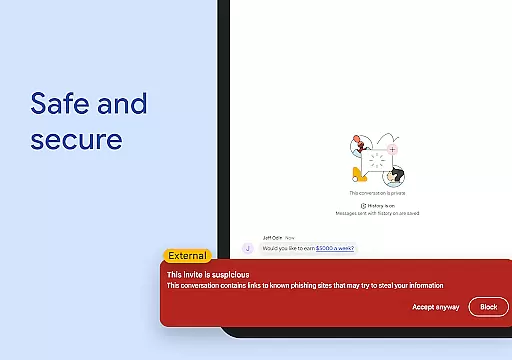
Security is a top priority, with Google's cloud-native, zero-trust architecture safeguarding data. The platform employs AI-powered data loss prevention (DLP) and detects phishing and malware threats, making it a secure choice for businesses looking to move away from legacy systems. Available for consumers, educational institutions, and businesses, Google Chat is an essential tool for modern teamwork.
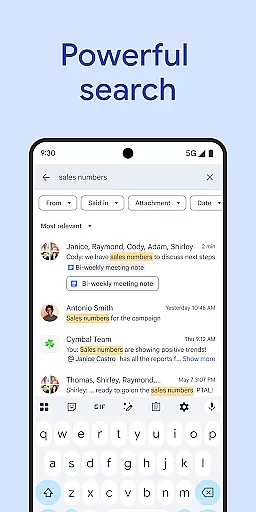
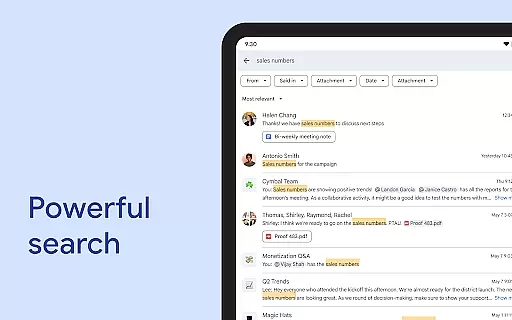
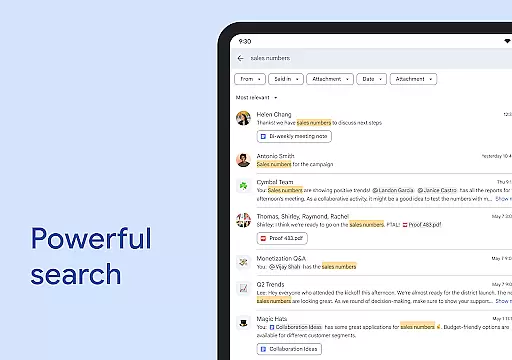
Google Chat boasts an array of features that cater to diverse team collaboration needs. One standout feature is its AI-driven capabilities, including automatic message translation in over 120 languages and AI-powered search functionality, which helps users quickly find relevant information within conversations. These tools ensure that language barriers do not hinder global team interactions and that important details are always at hand.
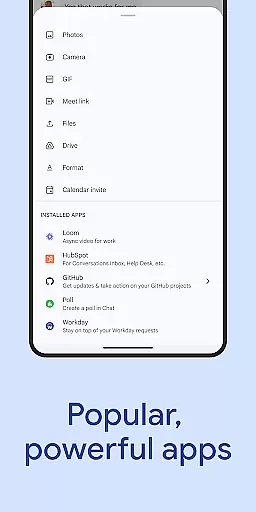
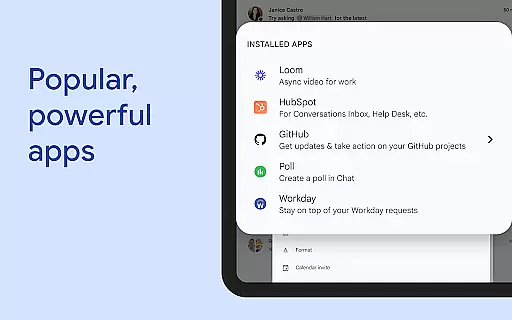
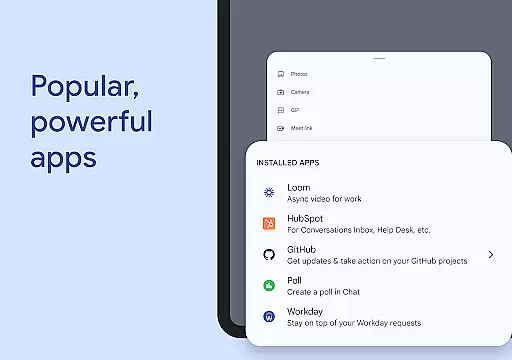
In addition to its AI enhancements, Google Chat offers practical utilities for daily use. Users can set personalized status updates to inform colleagues about their availability, send detailed audio and video messages, and participate in real-time huddles for instant communication. Integration with popular third-party applications like PagerDuty, Jira, GitHub, and Workday extends its functionality, allowing teams to manage projects and tasks without leaving the chat environment.
For developers and IT professionals, Google Chat provides APIs to build custom, no-code, low-code, and pro-code applications, enhancing workflow automation and customization possibilities. Its security measures, powered by Google’s advanced technology, include data loss prevention and threat detection, ensuring sensitive information remains protected while facilitating smooth transitions from outdated platforms.
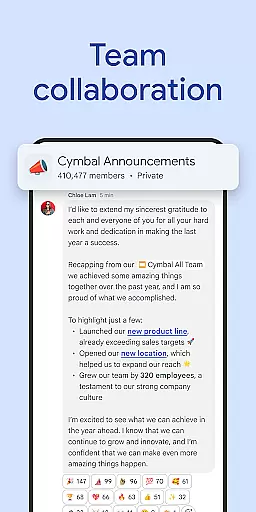
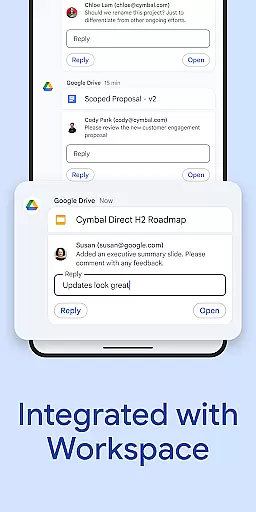
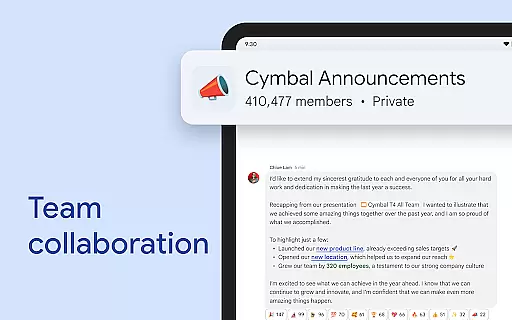
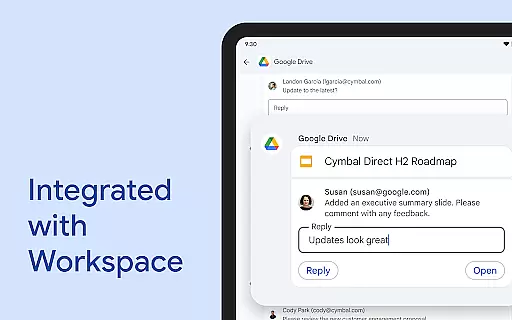
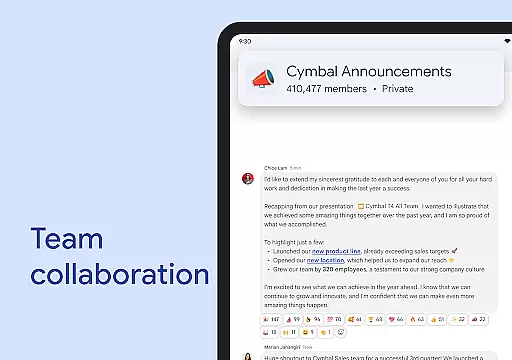
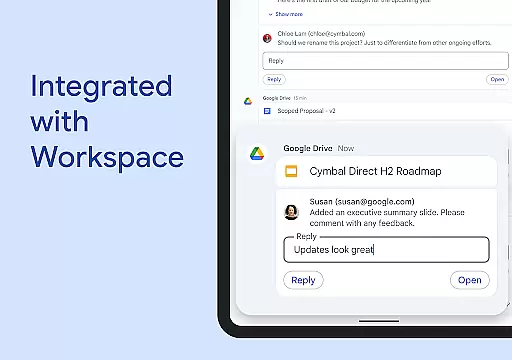
Google Chat revolutionizes team collaboration by integrating seamlessly with Workspace apps like Gmail, Calendar, and Drive. This integration allows teams to connect and collaborate efficiently without switching between multiple platforms.
The app offers smart chips that link files, people, and spaces, streamlining teamwork and ensuring everyone is on the same page. These smart chips help in organizing resources and maintaining context within conversations, which enhances productivity.
Real-time communication is made possible through huddles, enabling instant connections anytime. Teams can also share detailed updates using audio and video messages, making interactions more personal and engaging.
With AI-powered features such as conversation summaries and automatic translations across more than 120 languages, Google Chat ensures that all team members stay informed and can participate regardless of language barriers.
Task management in Google Chat is transformed with integrated tools like Google Drive and Tasks, allowing teams to stay on top of requests, comments, and approvals directly within the chat interface. This keeps all relevant information organized and accessible.
Users can capture action items during conversations, ensuring that the whole team is aligned and aware of their responsibilities. This feature helps in maintaining clarity and accountability within projects.
Additionally, popular Chat apps like PagerDuty, Jira, GitHub, and Workday can be installed to further enhance task management capabilities. These integrations provide powerful tools for tracking progress and managing workflows efficiently.
For those looking to build custom solutions, Chat APIs offer no-code, low-code, and pro-code options, empowering teams to create tailored applications that fit their specific needs and improve overall task management effectiveness.
Seamless Workspace Integration
Advanced AI Capabilities
Robust Security Features
Real-Time Collaboration Tools
Wide Language Support
Premium Features Locked
Requires Workspace Subscription
Limited Offline Functionality
Steep Learning Curve
Dependent on Internet Connectivity

Ask Accio anything about business. Alibaba-backed, built by experts, not just AI
 4.60
4.60
BuildCalc - the easiest AND the most advanced construction calculator app.
4.80
viewing and sharing PDFs and other files—anytime, anywhere!
4.3
Drive and earn extra money
4.50
Build a store in minutes with our full suite of AI tools. Start for free!
4.20
USPS Mobile®Access USPS.com’s most popular tools on-the-go.
4.70
All-in-one Mobile solutions for employees & managers to succeed at work
4.30
Shop, deliver, and earn with the Spark Driver™ App
4.10
On the go? Take FedEx with you.
4.00
Paychex Flex - Save Time and Stay Connected
4.60
No more passwords, easier sign-in, and greater protection for your accounts.
4.60
Earn crypto with secure cloud mining. Monitor, track & withdraw easily
4.40
A secure, all-in-one team collaboration app
4.30
Simple, Fast & Lightweight
3.90
All document reader, pdf viewer app, read docs & excel files
3.80
Take the stress out of storage with the all-in-one app to manage your space.
3.70
Delivery Track App - Tracking with Fedex, USPS, UPS, DHL. Monitor your Orders.
3.20
Find part-time earning opportunities near you that pay within days.
3.20
Convert Your Lovable.dev Website into a Mobile App Instantly!
4.4


User Reviews