

Voice Recorder is a versatile audio recording application designed for users who need to capture high-quality sound recordings on their mobile devices. This app allows you to reliably record meetings, personal notes, speeches, lectures, and even songs without any time restrictions. With its simple user interface and powerful features, it stands out as an excellent choice for both personal and professional use.
The application supports various functionalities including MP3 encoding with adjustable sample rates, live audio spectrum analysis, and background recording. Whether you're recording a business meeting, lecture, or interview, Voice Recorder ensures your audio is captured with exceptional clarity and quality. Its comprehensive feature set makes it suitable for students, professionals, and anyone in need of a reliable audio recording tool.
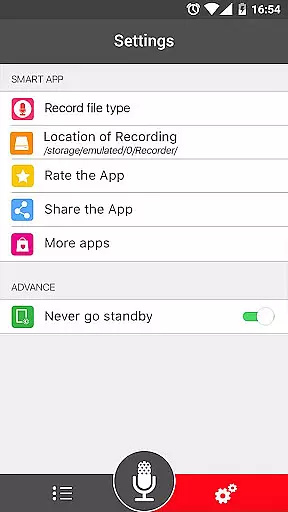
Voice Recorder offers an impressive range of features that cater to different recording needs. The app records voice with high quality, ensuring every detail is captured clearly. It supports multiple file formats such as MP3 and OGG, providing flexibility in how you store and share your recordings.
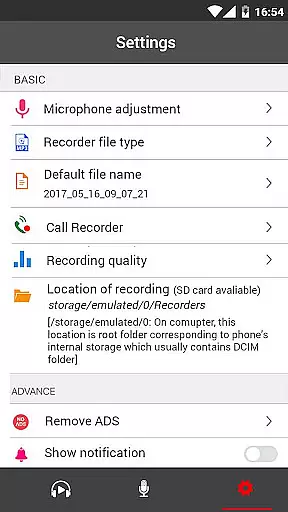
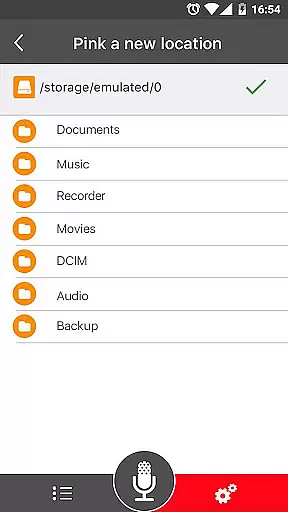
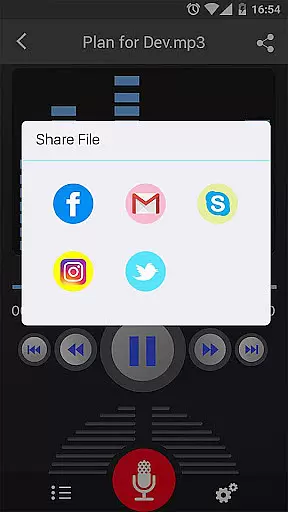
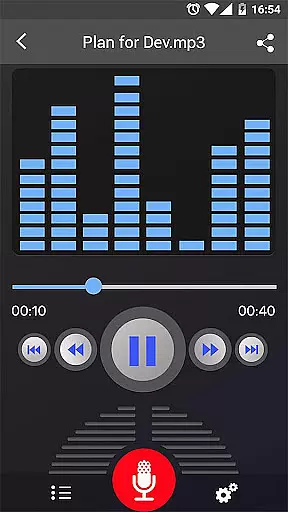
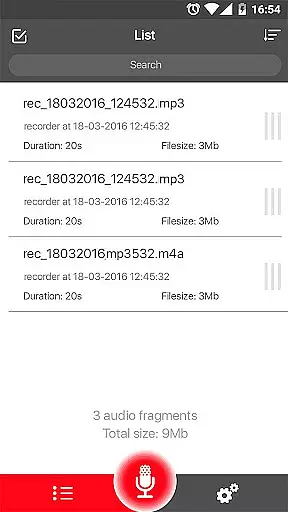
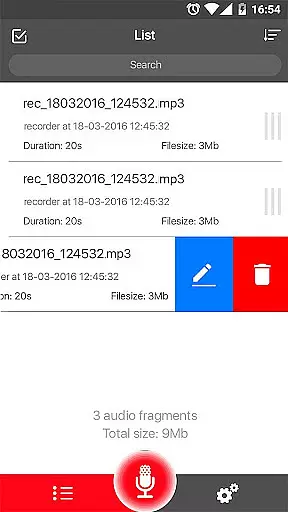
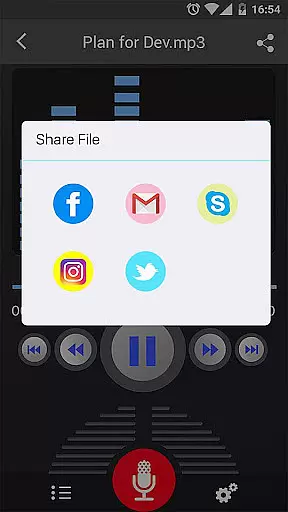
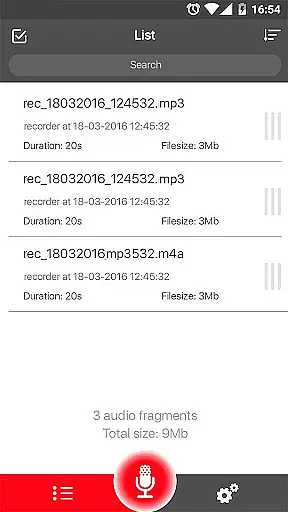
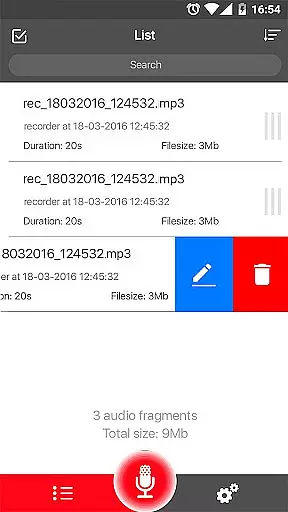
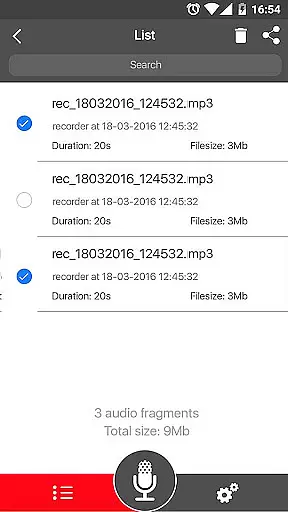
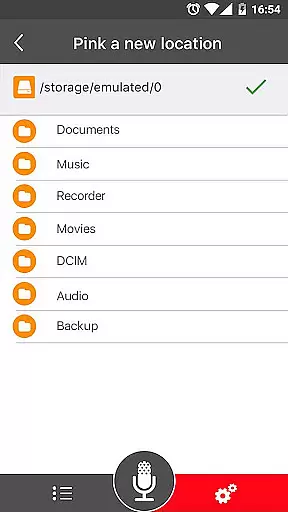
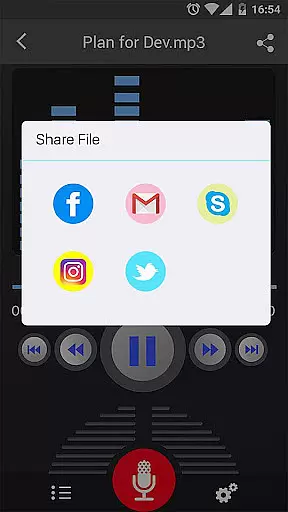
One standout feature is the ability to record in the background, even when the display is off, allowing for uninterrupted recording sessions. The app also includes a microphone gain calibration tool and provides controls to save, pause, resume, or cancel the recording process. Additionally, users can easily manage their recordings through a user-friendly interface that allows them to play, pause, stop, delete, and share audio files via email, SMS, social media platforms, and cloud services like Dropbox.
Voice Recorder offers a comprehensive set of features that cater to the needs of both casual and professional users. The app allows for high-quality audio recording without any time restrictions, making it an ideal choice for capturing lectures, meetings, or musical performances.
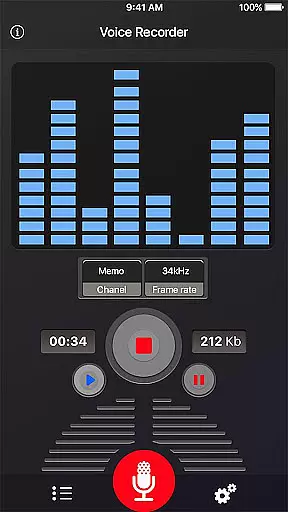
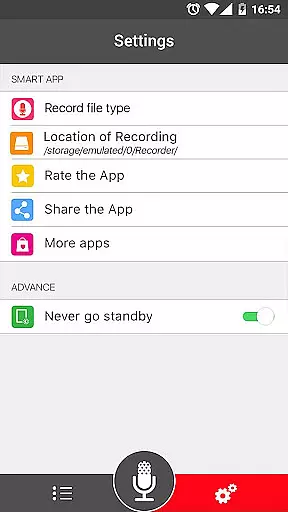
With support for multiple file formats such as MP3 and OGG, users can enjoy flexibility in managing their recordings. The ability to encode in MP3 with adjustable sample rates ranging from 8 to 44 kHz ensures that the audio quality can be tailored to the user's preference, balancing between file size and sound fidelity.
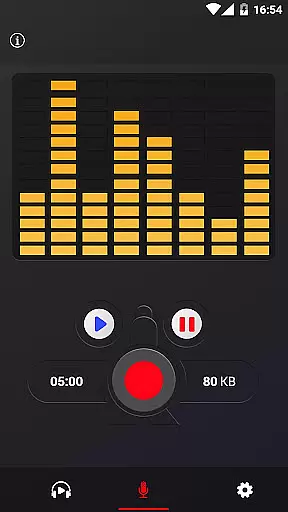
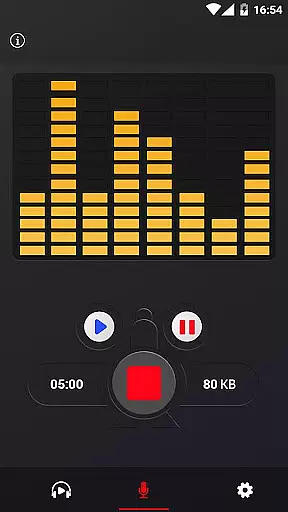
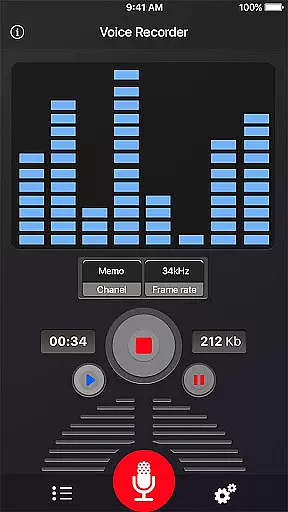
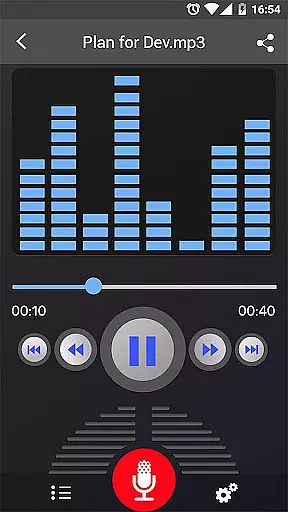
The app also includes practical functionalities like a live audio spectrum analyzer and microphone gain calibration, which are essential for achieving professional-grade recordings. These tools help users fine-tune their recording setup to capture the best possible sound.
Moreover, Voice Recorder provides seamless integration with various sharing platforms, allowing users to easily distribute their recordings via email, social media, or cloud services. This combination of versatile recording options and convenient sharing capabilities underscores the app's commitment to delivering a robust and user-friendly audio recording experience.
One of the standout features of Voice Recorder is its emphasis on delivering superior audio quality options. The app supports high-quality recording, ensuring that every nuance of sound is captured with clarity and precision. This makes it particularly suitable for scenarios where audio fidelity is paramount, such as recording music or detailed interviews.
In addition to supporting standard formats like MP3 and OGG, Voice Recorder allows users to adjust the sample rate during the encoding process. This feature enables users to optimize their recordings based on their specific needs, whether they prioritize smaller file sizes for easier sharing or higher bitrates for archival purposes.
The inclusion of advanced tools such as a live audio spectrum analyzer and microphone gain calibration further enhances the recording experience. These features empower users to monitor and adjust their audio input in real-time, resulting in recordings that meet professional standards.
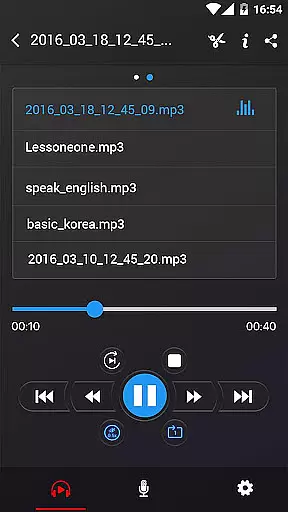
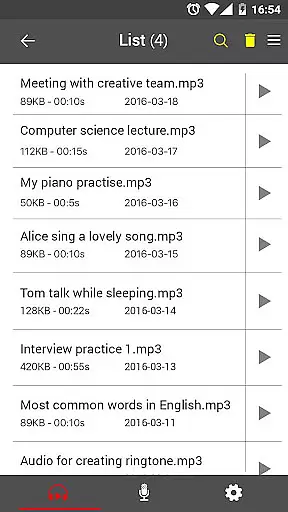
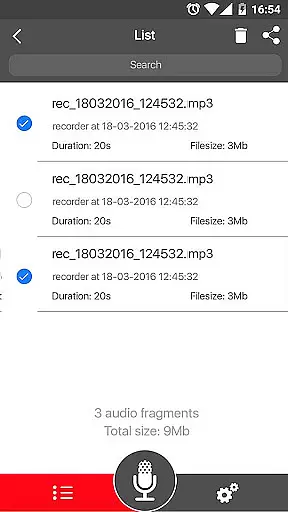
Furthermore, the app facilitates a smooth workflow by offering straightforward playback controls and easy access to a recordings list. Users can effortlessly manage their files, from pausing and resuming recordings to sharing them across different platforms. This focus on both quality and usability positions Voice Recorder as a top choice for anyone seeking reliable audio recording solutions.
User-friendly interface
High-quality recordings
Flexible file formats
Background recording
Comprehensive sharing options
No call recording support
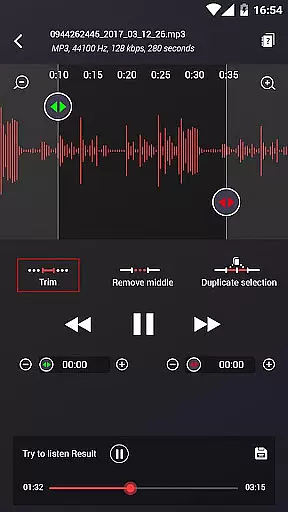
Limited advanced editing tools
Occasional bugs reported
Ads may appear
Basic UI design


Time Guru will strengthen your internal sense of musical time via random muting.
 4.30
4.30
Most Advanced AI Song Generator and Music Creator. Rap, Pop, Rock, Gospel & more
4.70
Powerful beat maker & DJ mixer to remix tracks, make music, & perform DJ mix
3.70
Walkout Song DJ is the most intuitive app to manage your sports music.
4.70
Save hundreds of dollars for a physical strobe tuner and instead use this app.
4.50
Enjoy singing any song, no matter how high or low it is
4.30
Powerful 10-Band equalizer pro with sound booster improves Android audio quality
4.30
Master Salsa Rhythm quickly and with a lot of fun!
4.30
Ringtone Maker is free app create ringtone from music files or your recording.
4.40
Offline Music Player & MP3 Player.Powerful equalizer, Lyrics, Themes, Tag Editor
4.80
Your song collections with lyrics and chords on Android smartphones and tablets.
4.80
Recording studio w/ 10k beats, pro vocal FX and a network of 20M rappers & fans!
4.60
Fun & Easy Voice Changer – Record, Edit & Add Hilarious Effects!
4.50
Manage your Sonos system directly from your home-screen!
4.40
The Music Journey in Your Hands
4.30
Next generation modular control surface
4.10
Sing, record, and create music together — enhanced by smart voice tools.
4.00
Offline Tunes, Unlimited Vibes
3.90
The Skullcandy App Experience
3.20

User Reviews