

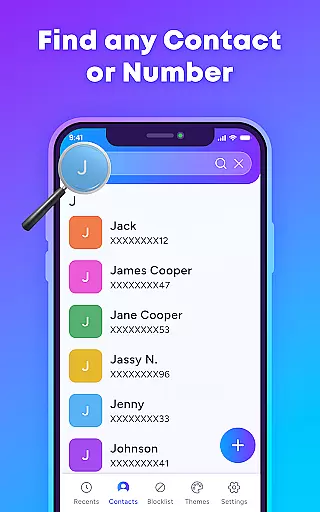
TrustContact is a comprehensive communication app designed to enhance call management and protect users from unwanted calls. The app's core functionality revolves around real-time caller ID, spam call blocking, and personalized call themes. With its robust features, TrustContact allows users to identify unknown callers instantly, block spam and scam calls automatically, and organize their contact lists efficiently.
Beyond basic call management, TrustContact offers advanced tools such as reverse number lookup and customizable blacklists or whitelists, ensuring that users never miss important calls while avoiding unnecessary disturbances. Its offline functionality ensures that even without an internet connection, users can still manage their calls effectively. Whether you're looking to block annoying robocalls or simply personalize your call screen, TrustContact provides a complete solution for modern phone users.
This app is particularly useful for individuals who frequently receive spam calls or wish to maintain a high level of privacy and control over their communications. By leveraging an extensive spam number database and real-time detection algorithms, TrustContact delivers both safety and convenience, making it an essential tool for anyone seeking stress-free calling experiences.
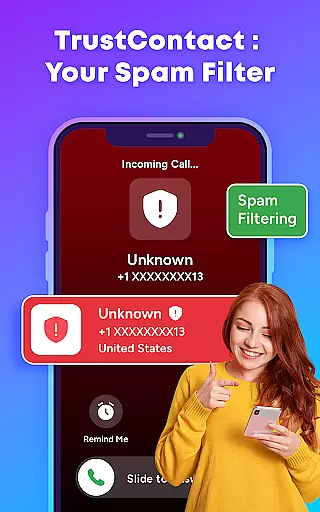
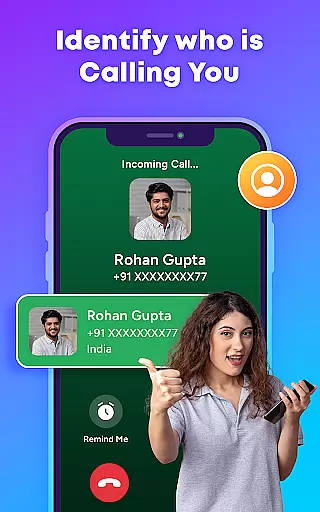
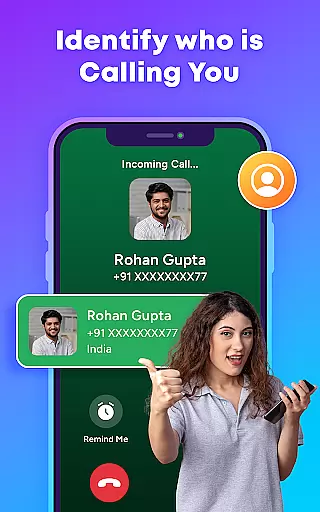
TrustContact stands out with its diverse range of features tailored to improve call management and user experience. One of the key highlights is its Real-Time Caller ID, which identifies incoming calls from unknown numbers, businesses, or telemarketers instantly. This feature alone significantly reduces the hassle of dealing with unwanted calls by providing immediate clarity on who is calling.
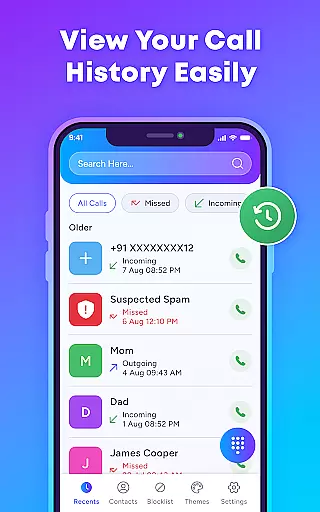
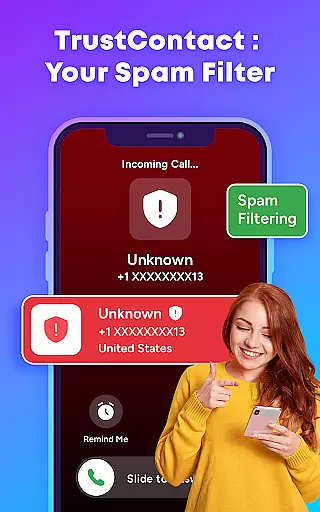
In addition to caller ID, TrustContact offers a powerful Spam Call Blocker that auto-detects and blocks spam, robocalls, scam calls, and fraud attempts. Users can also create custom blacklists and whitelists, allowing them to tailor their call management preferences precisely. The Smart Contact Manager further enhances organization by detecting suspicious entries and keeping contacts neatly arranged.
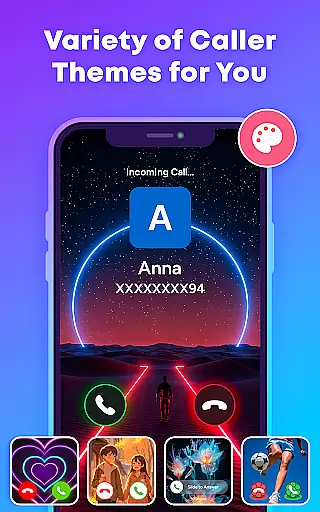
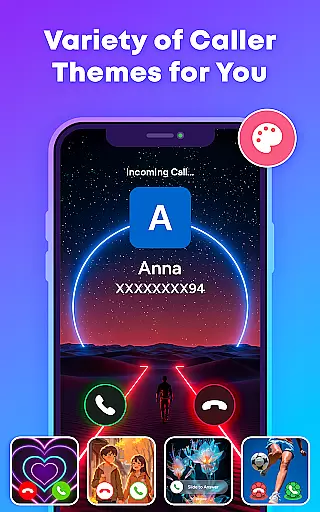
For those looking to add a personal touch, TrustContact provides Stylish Call Themes that allow users to customize their call screens with dynamic and colorful designs. Privacy Protection is another crucial aspect, ensuring that user data remains secure and private. These features collectively offer a seamless blend of functionality, security, and personalization, setting TrustContact apart in the realm of communication apps.
In today's fast-paced world, the speed and reliability of real-time messaging are crucial for effective communication. TrustContact ensures that every call notification reaches you instantly, allowing you to manage your communications without delay.
With advanced algorithms and a robust infrastructure, TrustContact provides real-time caller ID and spam detection. This means you're always one step ahead, knowing exactly who is calling and whether it's a legitimate call or an unwanted interruption.
The app's reliable performance guarantees that you won't miss important calls due to technical glitches or delays. Whether you're at home, in the office, or on the go, TrustContact keeps you connected with uninterrupted service.
Users benefit from enhanced productivity and peace of mind, as they can focus on their conversations without worrying about the platform's dependability. TrustContact's commitment to speed and reliability makes it an indispensable tool for anyone looking to streamline their calling experience.
TrustContact goes beyond traditional calling features by offering comprehensive media sharing support. In a digital age where multimedia communication is key, this functionality allows users to share various types of content seamlessly during calls.
Whether it's images, documents, or other file formats, TrustContact ensures compatibility and ease of use. The app supports a wide range of file types, making it versatile for both personal and professional needs.
By integrating media sharing into the calling experience, TrustContact enhances user engagement and interaction. This feature is particularly beneficial for businesses that require quick exchanges of information without switching between applications.
Ultimately, TrustContact's media sharing capabilities contribute to a more dynamic and efficient communication process. Users can enjoy a richer interaction experience, knowing they have the tools to share media effortlessly and reliably.
Real-time caller ID
Spam call blocker
Customizable themes
Offline functionality
Privacy protection
Limited SMS features
Premium version costs
Occasional bugs
Heavy on storage
Ads in free version

Manage your data, talk & text - affordable phone plans & data usage made simple
 4.30
4.30
Secure Messaging App to Enhance Messenger Texting Experience and Organize SMS.
3.50
Our Black Friday sale is here. Unlock special discounts on Proton Mail now.
4.30
Quickly and easily identify and block unknown callers
3.70
Manage and Fund Calling Accounts and Schedule and Join Video Sessions
3.60
Smart and simple anti-wiring application - IMSI-catchers catcher
4.40
Comprehensive and powerful scan tool app with enhanced functions
3.00
Manage Phone Calls, call history, and contacts easily with Phone Pro.
4.3
Get through your inbox faster with the mail app designed to simplify your life.
4.40
Adblock & VPN Browser: Blocks banners, pop-ups and video ads, fast downloader!
4.60
Say “hello” to privacy.
4.60
An agentic AI browser for Android, built by Perplexity
4.50
Phone Dialer with Caller ID, Address Book & Contacts Manager.
4.30
2nd Phone Number Line for Anonymous Texting, Calling, and Picture Messages
4.30
SMS Messenger is a lightning-fast messaging app.
4.20
A customizable phone number in the cloud
4.20
Send SMS and chat messages easily with a fast text messaging app for Android.
4.10
Tether to Windows, OS X, Linux PCs or Android tablets. No root. No tether fees.
3.90
A Browser with powerful ad blocker to help focus on what really matters.
3.00

User Reviews