

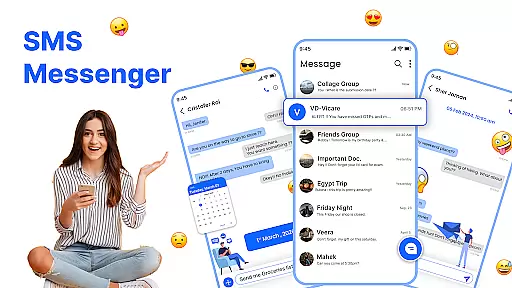
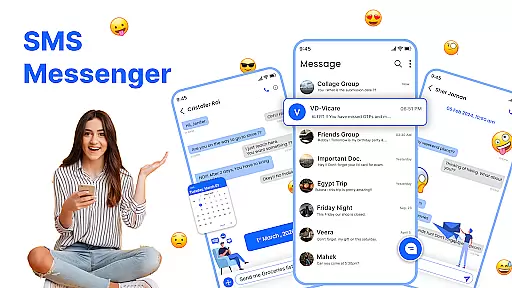
Messenger: SMS Home is a feature-rich communication app designed to enhance your texting experience on Android devices. This app allows users to stay connected with friends and family while offering advanced tools for organizing and customizing SMS conversations.
Key functionalities include smart launcher access, scheduled messaging, spam blocking, and intuitive swipe actions. These features ensure that users can manage their messages efficiently while maintaining a personalized interface that suits their preferences.
Ideal for individuals seeking a reliable and customizable texting solution, Messenger: SMS Home combines powerful performance with user-friendly design. Whether you need to schedule important reminders or block unwanted messages, this app provides the tools necessary to streamline your communication.
Messenger: SMS Home stands out with its comprehensive set of communication features tailored for modern smartphone users. The app's Smart Launcher provides quick access to essential functions, allowing users to organize their home screen and control messaging with ease.
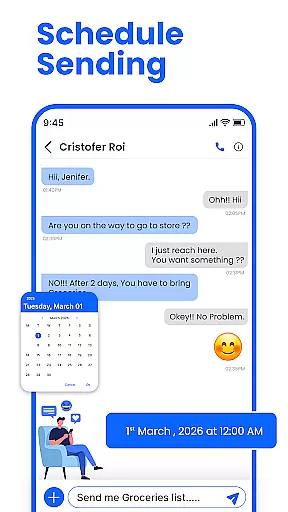
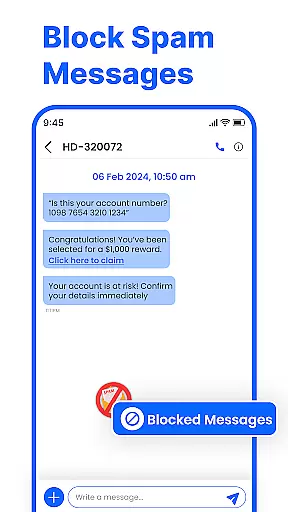
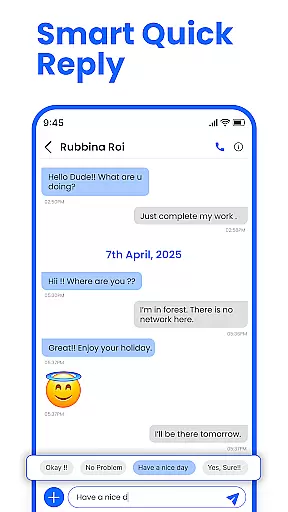
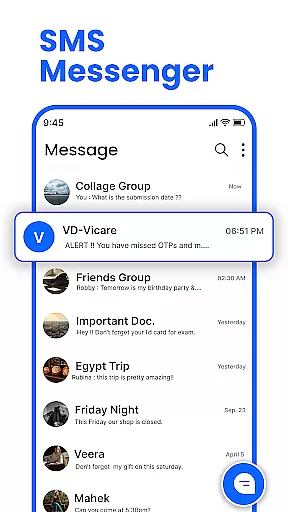
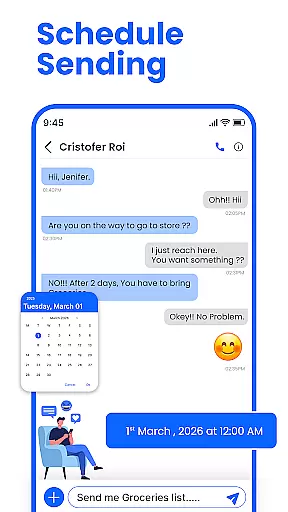
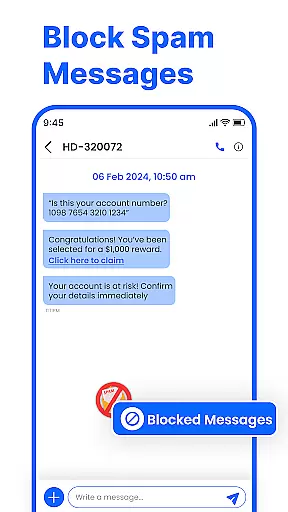
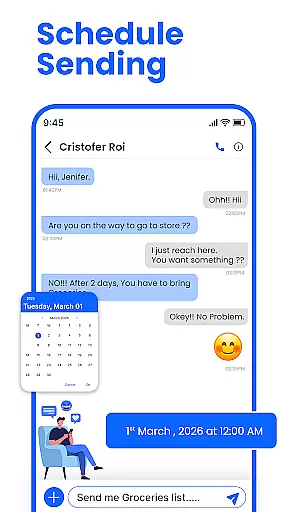
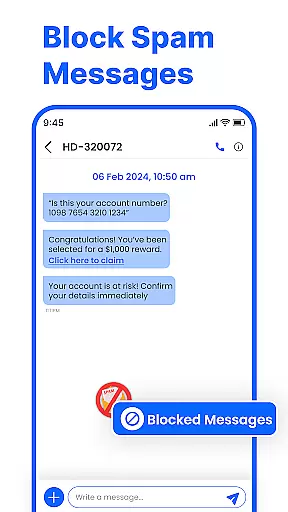
Scheduled messaging is another standout feature, enabling users to compose texts in advance and have them delivered at specific times. Combined with robust spam-blocking capabilities, this ensures an uninterrupted and secure messaging experience. Additionally, swipe actions allow for effortless inbox management by letting users archive, delete, or mark messages with simple gestures.
The app also emphasizes reliability and compatibility, working seamlessly across various Android devices including Samsung, Google Pixel, and Motorola models. With its sleek interface and practical tools, Messenger: SMS Home delivers both convenience and functionality for all types of users.
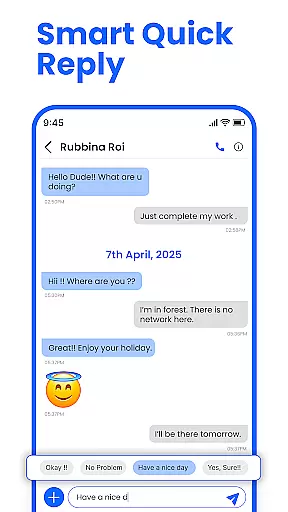
Real-time messaging speed and reliability are crucial for maintaining seamless communication in any messaging app. Messenger: SMS Home ensures that messages are delivered instantly, allowing users to stay connected without delays.
The app employs advanced synchronization techniques to ensure message delivery even under fluctuating network conditions. This means you can send and receive messages without worrying about connectivity issues interrupting your conversations.
With its compatibility across all Android devices, including Samsung, Google Pixel, and Motorola, the app guarantees a consistent performance level. Users benefit from a fast, secure, and intuitive interface that supports reliable text messaging.
Ultimately, the real-time messaging capabilities of Messenger: SMS Home enhance user engagement by providing a dependable platform for instant communication, making it easier than ever to connect with friends and family.
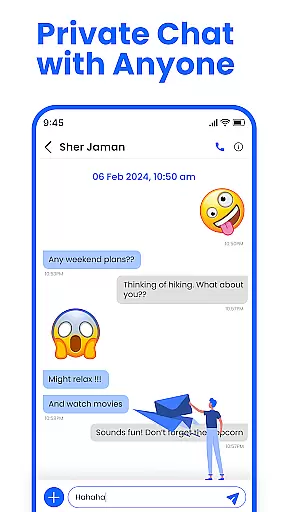
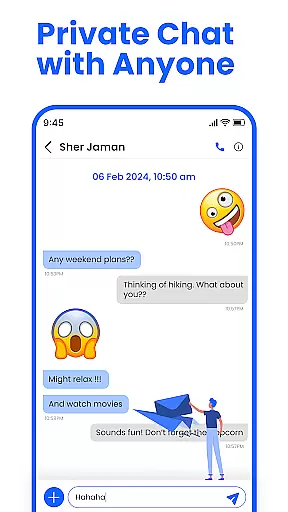
Media sharing support is an essential feature for modern messaging apps, enabling users to share photos, videos, and other files effortlessly. Messenger: SMS Home offers robust media sharing capabilities that allow users to enrich their conversations with various content types.
The app supports multiple file formats, ensuring that users can share images, videos, audio files, and documents without compatibility issues. This versatility enhances the messaging experience by allowing more expressive and engaging interactions.
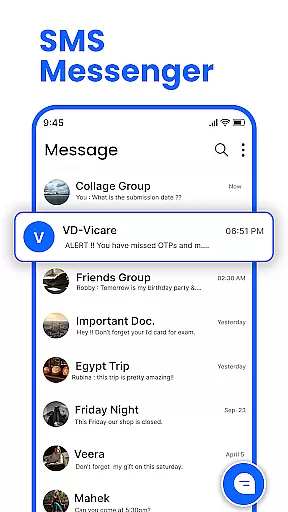
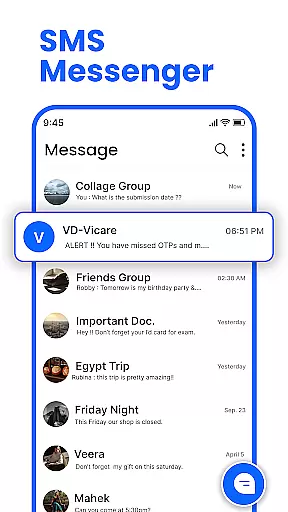
In addition to basic media sharing, Messenger: SMS Home includes features like swipe actions, which help organize your inbox efficiently. These actions enable users to manage their media-rich conversations easily, enhancing productivity and convenience.
By integrating powerful media sharing support, Messenger: SMS Home not only meets but exceeds user expectations, offering a comprehensive toolset for dynamic and interactive communication.
User-friendly interface
Advanced scheduling options
Effective spam blocking
Customizable home layout
Cross-device compatibility
Limited iOS support
Occasional bugs reported
Ads in free version
Requires permissions
Learning curve for new users

Manage your data, talk & text - affordable phone plans & data usage made simple
 4.30
4.30
BiP is a fast, secure, free messaging and HD video calling app!
4.10
Radio communication simulator for gaming communities
4.0
A web browser that respects your privacy.
4.30
Messenger for SMS - texting message app, faster, simpler & safer, for you.
4.70
Phone Dialer with Caller ID, Address Book & Contacts Manager.
4.30
Official NDI app: turn your phone into a professional live-streaming IP camera.
3.20
Send SMS and chat messages easily with a fast text messaging app for Android.
4.10
Stay in touch with the people who matter most.
4.60
Fast internet with AI, Adblock & VPN. Browse on a safe, incognito web browser.
4.70
Browse fast on Opera Mini, with Data Saving, News, Football Scores, and Download
4.60
FolderSync enables easy sync of files between cloud storage and Android devices.
4.60
Say “hello” to privacy.
4.60
Manage your mobile phone plan, check unlimited 5g data usage and track rewards
4.50
SMS & MMS Messaging App to easily send messages or schedule SMS on Chat
4.10
Threema is the messenger with the most consistent focus on security and privacy.
4.00
Comprehensive and powerful scan tool app with enhanced functions
3.00
Chat on the Jabber network (XMPP protocol); support for SMS and other gateways
2.10
Watchgram for Telegram: Experience seamless Telegram messaging on your watch
1.80

User Reviews