

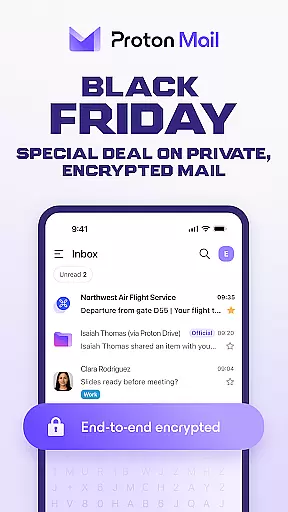
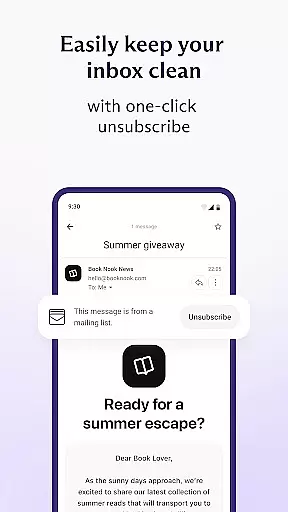
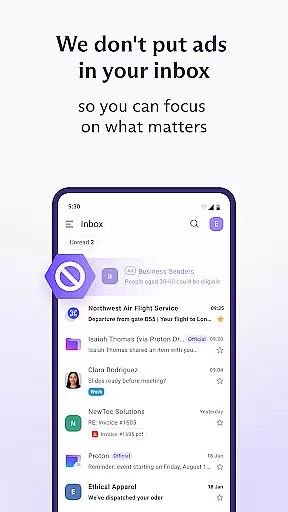
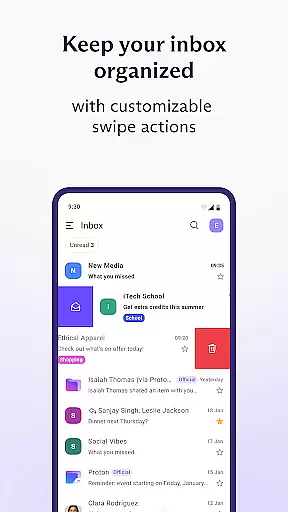
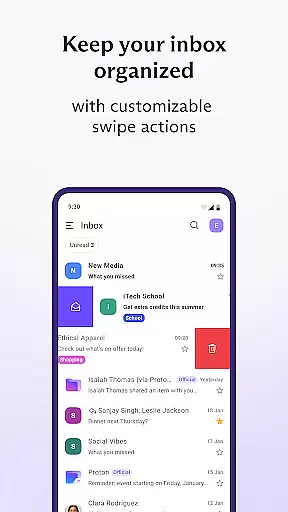
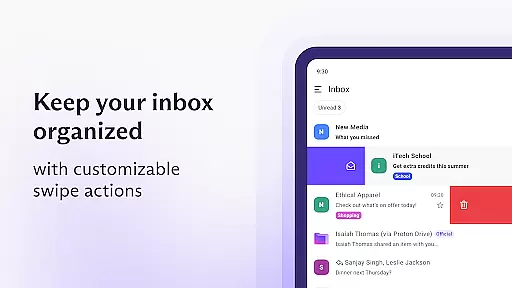
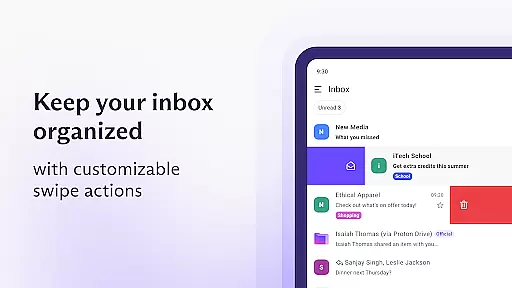
Proton Mail is a secure email application that offers end-to-end encryption to protect your communications. It allows users to create encrypted email addresses, send password-protected emails, and manage multiple accounts with ease. The app features an intuitive interface with dark mode support, folders, labels, and swipe gestures for efficient inbox management.
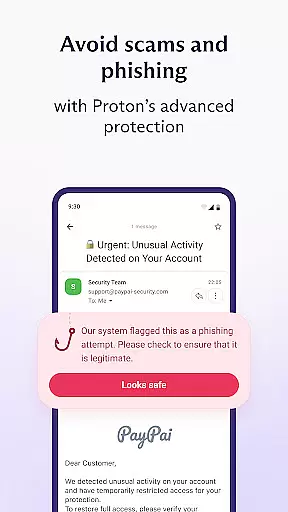
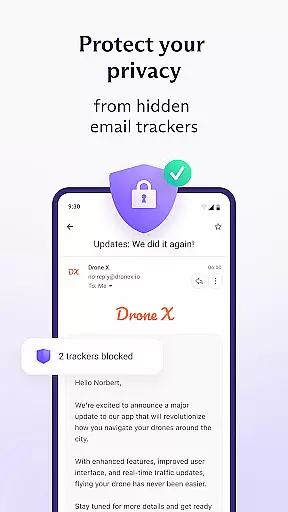
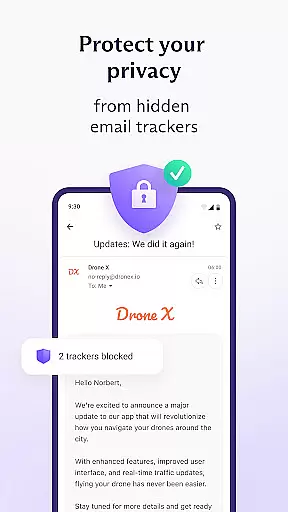
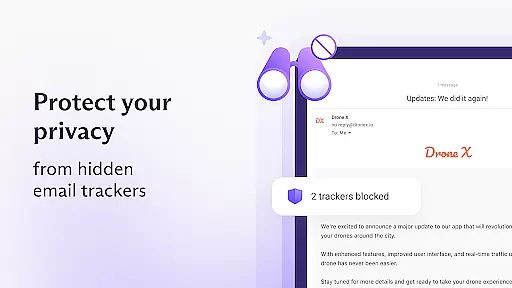
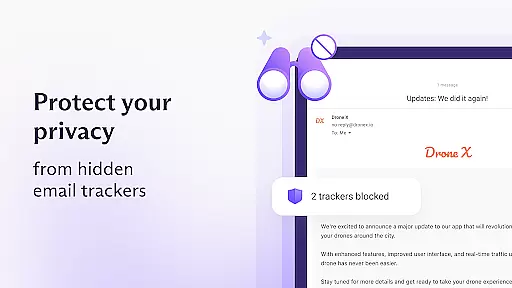
This communication tool is designed for individuals who prioritize privacy and security. With Proton Mail, your data remains private as it employs zero-access architecture, ensuring that only you can decrypt your messages. Whether you're looking to switch from other email services or seeking stronger protection against phishing and spam, Proton Mail provides a robust solution.
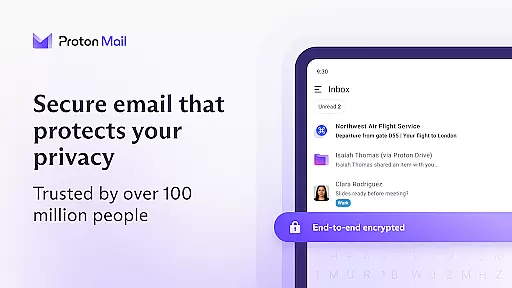
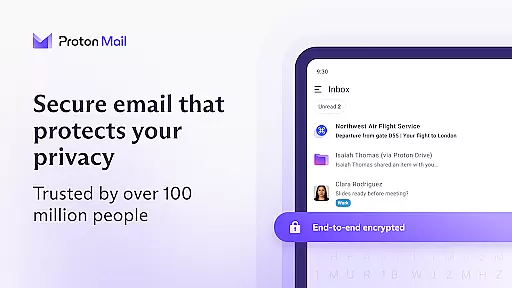
Proton Mail stands out with its industry-leading security features. It uses end-to-end encryption and zero-access architecture, meaning not even Proton can access your emails. The app supports open-source cryptography, using AES, RSA, and OpenPGP to ensure the highest levels of protection.
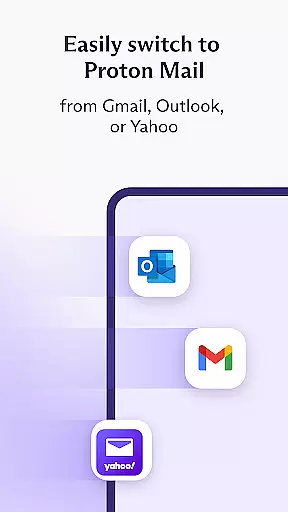
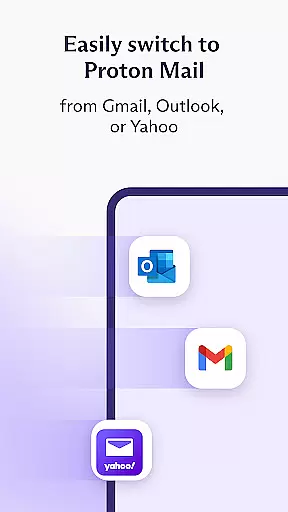
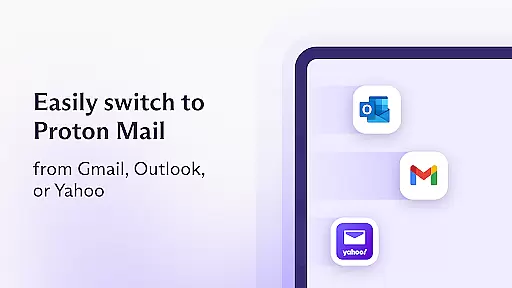
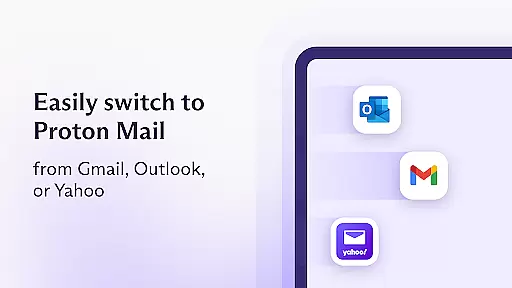
Beyond security, Proton Mail offers convenience with Proton Easy Switch, allowing seamless migration from Gmail, Outlook, and others. You can also enable auto-forwarding from Gmail accounts. These features combine to offer a secure yet user-friendly experience, making it easy to transition to a more private email service without sacrificing functionality.
Real-time messaging speed and reliability are crucial for effective communication. Proton Mail ensures that your messages are delivered instantly while maintaining the highest security standards. The app uses advanced encryption protocols to protect your communications without compromising on speed.
The application's architecture is designed to provide fast message delivery even when using end-to-end encryption. This means you can send and receive encrypted emails and attachments with ease, knowing that your data remains secure during transmission. The robust infrastructure guarantees minimal delay in message delivery, making your communication as swift as it is safe.
Proton Mail also offers features like multiple account switching and new email notifications, which enhance the real-time experience. These functionalities ensure that users can manage their inboxes efficiently and never miss an important message. With reliable notification systems, staying updated with your correspondence has never been easier or more secure.
Media sharing support is essential for modern communication apps, allowing users to exchange various types of content seamlessly. Proton Mail facilitates this by enabling users to send and receive encrypted attachments effortlessly. Whether you need to share documents, images, or other files, the app ensures they are protected with rigorous encryption standards.
The platform supports a wide range of file formats, ensuring compatibility and convenience for its users. By integrating zero-access architecture, Proton Mail guarantees that your shared media remains private and inaccessible to unauthorized parties. This approach not only secures your data but also maintains the integrity and confidentiality of the shared content.
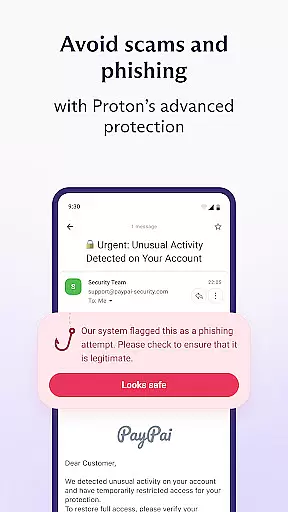
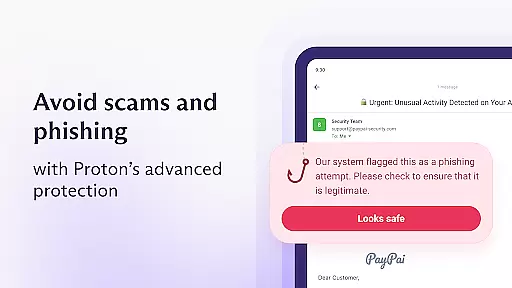
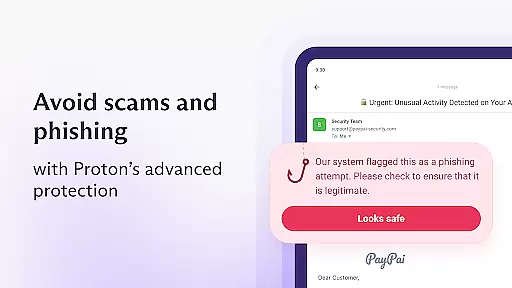
In addition to traditional attachments, Proton Mail provides options for sending password-protected emails, adding another layer of security to media sharing. Users can enjoy peace of mind knowing that their sensitive information is safeguarded against phishing, spam, and spying attempts. Such comprehensive protection makes Proton Mail a trusted choice for secure media exchange.
End-to-end encryption
Zero-access architecture
User-friendly interface
Open-source cryptography
Easy account migration
Limited free storage
Paid advanced features
Occasional sync issues
No live chat support
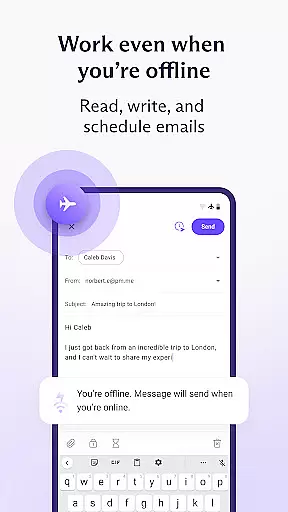
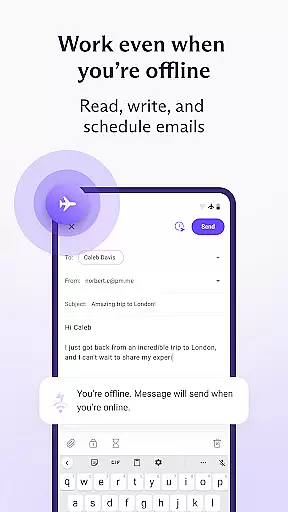
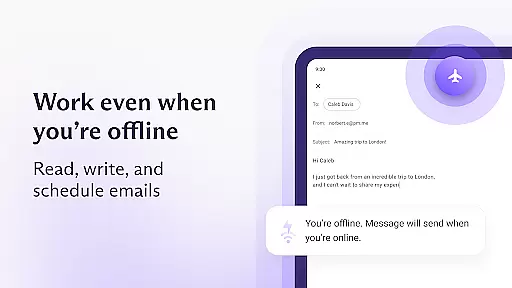
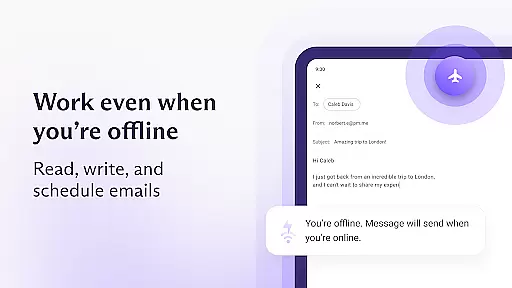
Restricted offline access


BiP is a fast, secure, free messaging and HD video calling app!
 4.10
4.10
We’re taking the yada yada out of wireless—now we’ve taken it out of your app.
4.70
A web browser that respects your privacy.
4.30
Save 10% automatically on your first international mobile top up.
4.60
Manage BoostMobile Account
4.60
Block spam calls & scam - no more annoying calls with the call blocker function
4.30
Chat on the Jabber network (XMPP protocol); support for SMS and other gateways
2.10
Message and video call your family and friends in HD!
3.80
Watchgram for Telegram: Experience seamless Telegram messaging on your watch
1.80
Read OBD2 data and DTCs Create custom dashboards Enhanced diagnostics available
4.70
Simplify texting with Messages SMS, offline messaging, themes & smart tools!
4.30
SMS Messenger is a lightning-fast messaging app.
4.20
Telegram is a messaging app with a focus on speed and security.
4.00
This app enables the phone to receive and send FT8 traffic!
3.80
Manage and Fund Calling Accounts and Schedule and Join Video Sessions
3.60
Call & Text Anywhere With A Canadian Number.
3.60
A softphone app with seamless SIP calling and an intuitive VoIP dialer
3.50
Radio communication simulator for gaming communities
4.0
Bringing the functionality of Winlink to your Android device
4.0


User Reviews