

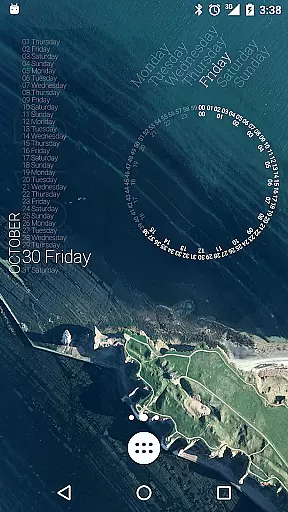
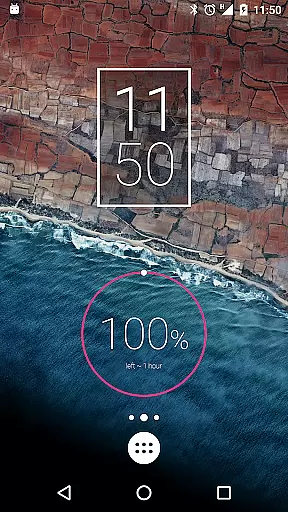
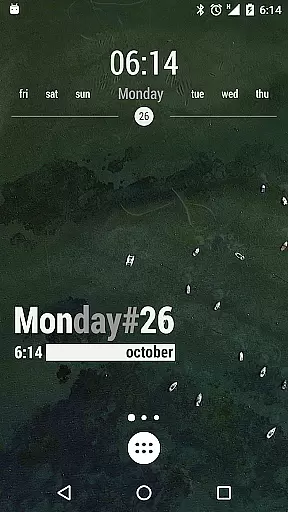
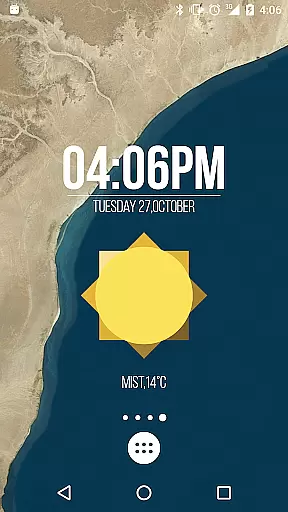
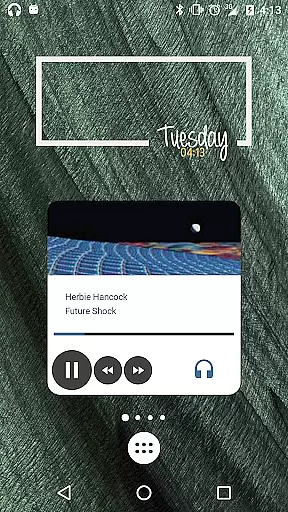
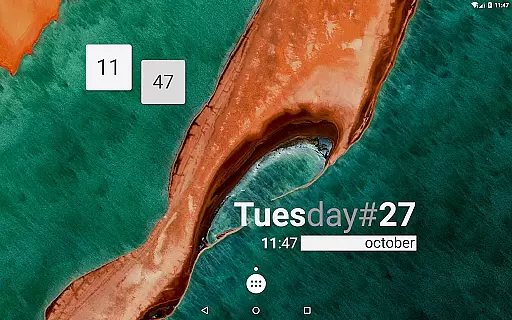
KWGT Kustom Widget Maker is the ultimate tool for personalizing your Android home screen. This powerful widget maker allows users to design custom widgets with complete creative freedom, offering a WYSIWYG editor that makes it easy to build any layout imaginable.
The application supports creation of various widget types including aesthetic photo widgets, data-rich weather displays, sophisticated system monitors, and personalized music players. With advanced features like complex logic programming, dynamic data integration, and Tasker support, KWGT caters to both casual users and power users seeking deep customization capabilities.
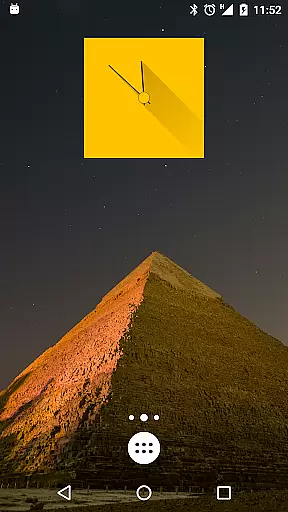
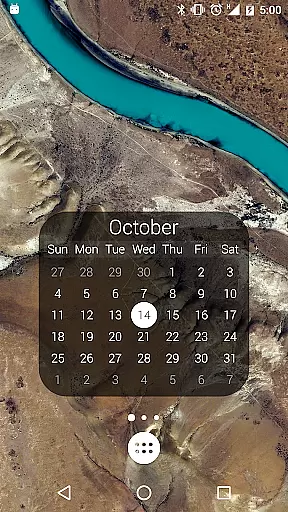
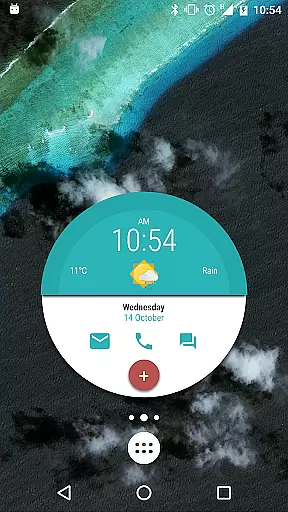
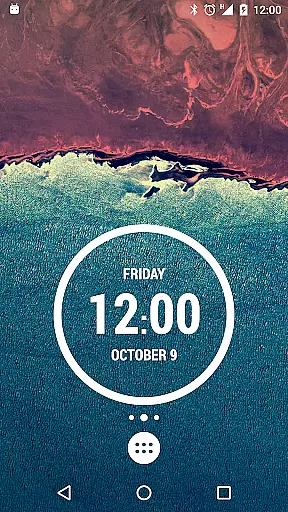
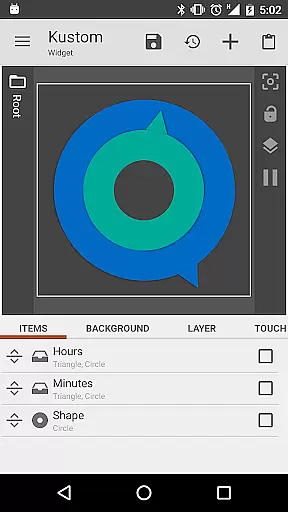
KWGT stands out with its comprehensive set of design tools and customization options. The WYSIWYG editor provides total control over text formatting, shapes, images, and layer effects, allowing users to create professional-looking designs without any coding knowledge.
Beyond basic widget creation, KWGT offers advanced functionality such as interactive widget elements, complex logic implementation, and dynamic data fetching through HTTP requests and XML parsing. The app integrates seamlessly with Tasker, enabling sophisticated automation scenarios and making it an essential tool for Android power users.
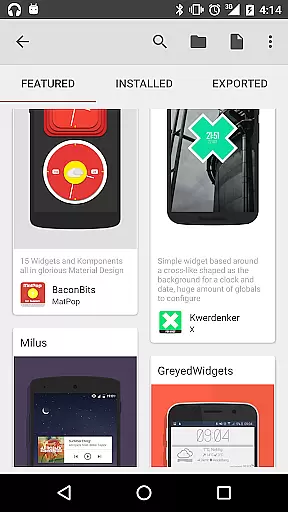
Additional notable features include support for multiple data sources, customizable display options for system information, and extensive theming capabilities. The Pro version unlocks even more potential by removing ads, enabling SD card imports, and providing access to external skins and presets.
Customization is at the heart of KWGT Kustom Widget Maker, allowing users to break free from the monotony of preset widgets. With this powerful tool, you can design your own custom widgets that reflect your personal style and display exactly the data you need.
The What You See Is What You Get (WYSIWYG) editor provides total control over every aspect of widget creation. Whether it's choosing from a plethora of fonts, colors, and sizes or applying sophisticated effects like 3D transformations and curved text, KWGT ensures that your creativity is not just encouraged but unleashed.
Users benefit from an extensive array of shapes, images, and scalable vector graphics which offer ultimate flexibility in crafting their ideal home screen. The ability to layer objects with gradients, color filters, and overlay effects such as blur and saturation adds depth to designs, making each widget a unique masterpiece.
This level of customization empowers users to create interactive widgets that are not only visually appealing but also functional, enabling actions like launching apps or toggling settings directly from the widget interface. KWGT turns imagination into reality on your Android home screen.
KWGT Kustom Widget Maker excels in theme compatibility, ensuring that every widget you create can seamlessly integrate with your device's aesthetic. This app allows for the construction of widgets that match any theme, whether you're aiming for minimalist elegance or vibrant complexity.
With support for various image formats including PNG, JPG, WEBP, and SVG, along with advanced text styling options, KWGT makes it simple to align your widgets with your chosen visual style. These features ensure that no matter what theme you choose, your widgets will look native and polished.
The inclusion of complex logic through a full programming language means dynamic themes can be created, adapting to different conditions such as time of day or weather changes. This adaptability enhances user experience by keeping the home screen fresh and relevant.
By upgrading to KWGT Pro, users unlock even more potential for theme integration, including importing presets from SD cards and external skins. This guarantees unlimited possibilities for personalization while maintaining visual consistency across all elements of the Android home screen.
User-friendly interface
Extensive customization options
Powerful logic programming
Versatile widget types
Active community support
Steeper learning curve
Requires device space
Paid pro features
Complex for beginners
Performance impact

Customizable flower power digital watch face for Wear OS watches.
 4.00
4.00
Realistic animated snow on your wrist, with 10 images landscapes to choose from
4.00
Make your phone look simple & luxury, like iDevice
4.60
Over 28,000 high quality icons to bring color & homogeneity to your phone.
4.60
Your go to Weather App & Home Screen. Get your weather at a swipe of a finger!
3.80
400+ Beautifully crafted widgets inspired by NOTHING.
4.70
Transform your phone with stunning video wallpapers and a unique, personal touch
3.80
Customize phone with anime themes, 3D icons, aesthetic widgets & wallpapers
4.80
Amazing letter fonts in your messages and social statuses
4.70
One 8 icons glass color version
4.80
Winter's Journey: digital watch face for Galaxy Watch & Wear OS
4.80
Add cute Shimeji pets to screen, interact with them and relax with cute motions
4.60
Embrace the Night. Unleash the power of darkness with Raven Dark Icon Pack
4.60
Icons made of colorful linear lines
4.60
Choose your keyboard with RGB colors effect, themes, fonts, emojis.
4.60
200+ Material Inspired Widgets
4.50
Fingerprint Lock Screen & Live Animations with 4K Wallpapers as Live Wallpaper
4.40
Customize glowing edges, wallpapers, and caller screen with EdgeAura.
3.50
Capture moments that pass like a storm, second by second.
4.1

User Reviews